

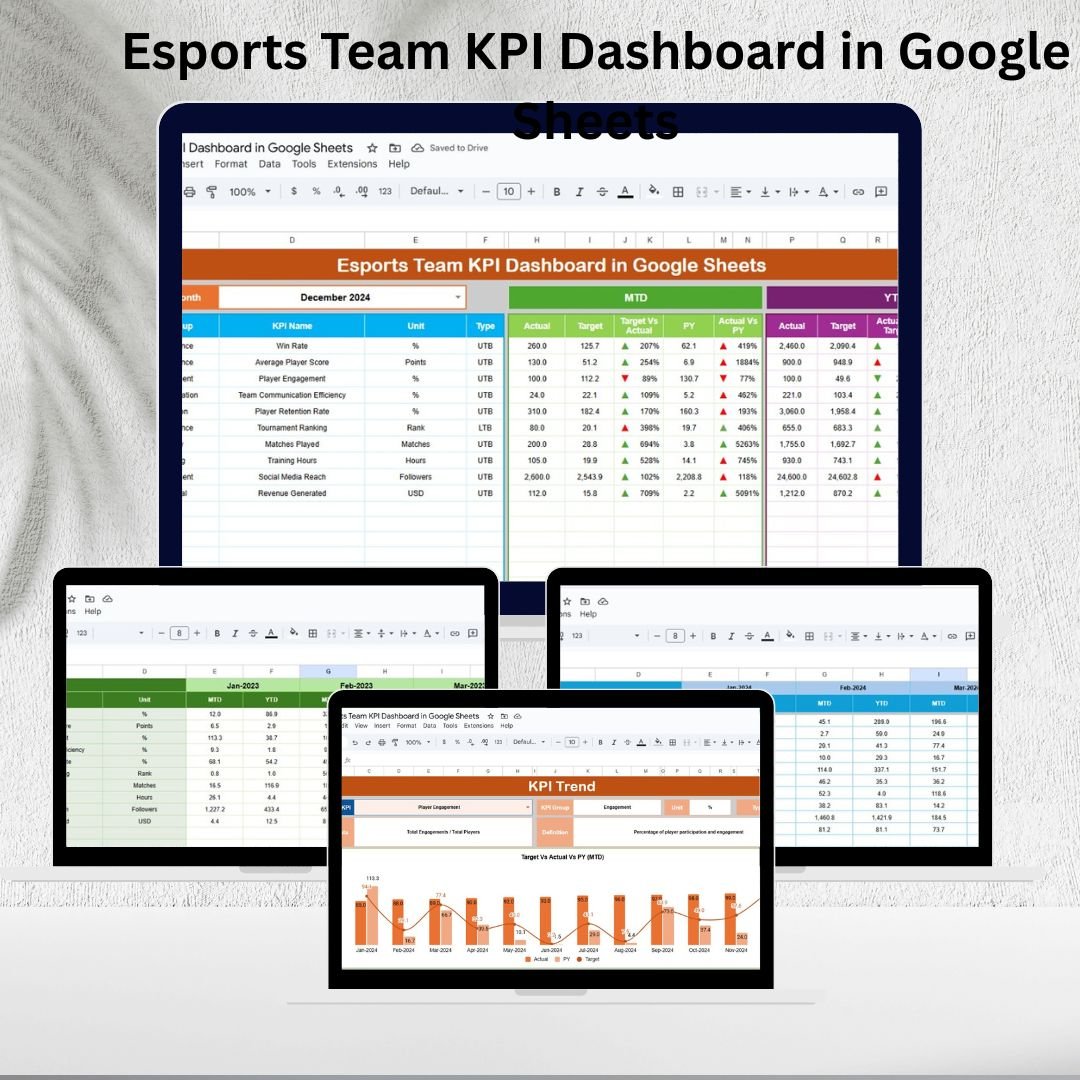
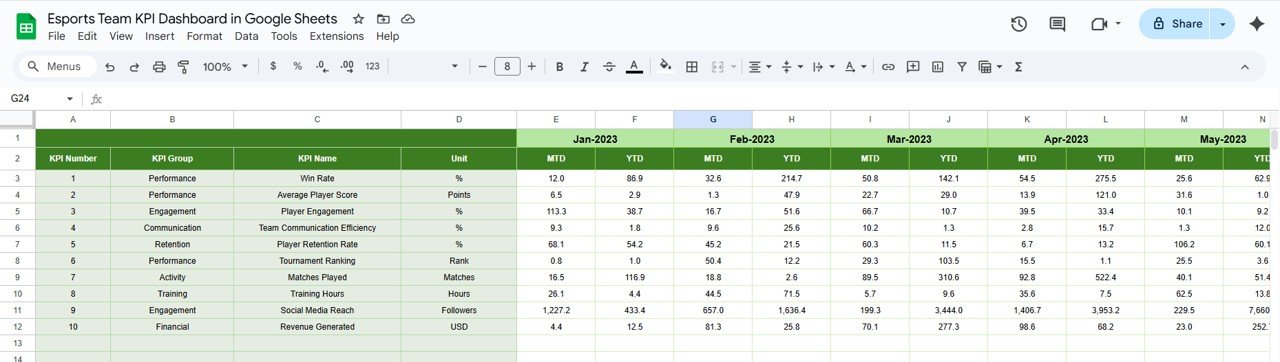

Managing an esports team is not just about playing matches — it’s about analyzing performance, optimizing strategies, and making data-driven decisions. The Esports Team KPI Dashboard in Google Sheets is a ready-to-use, interactive tool designed for coaches, managers, and analysts to track critical KPIs, evaluate trends, and enhance both player and team performance.
This dashboard brings all essential metrics together in one place, helping esports organizations monitor progress Month-to-Date (MTD) and Year-to-Date (YTD), compare against targets, and measure improvements over the previous year. With real-time data tracking and visualizations, it transforms raw stats into actionable insights. 🚀

🔑 Key Features of the Esports Team KPI Dashboard
📋 Dashboard Sheet
Dynamic month selector (updates all metrics instantly)
KPI cards for MTD & YTD performance with visual indicators
Compare Actual vs Target vs Previous Year results
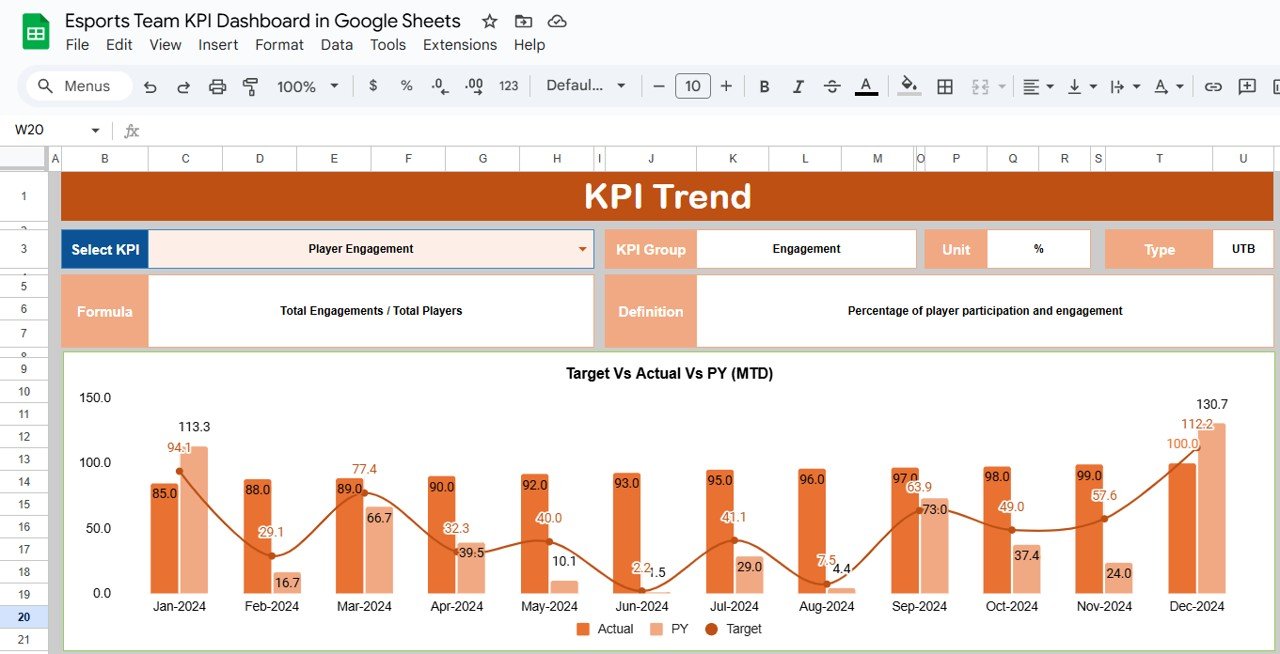
📊 KPI Trend Sheet
Select any KPI from a dropdown to analyze trends
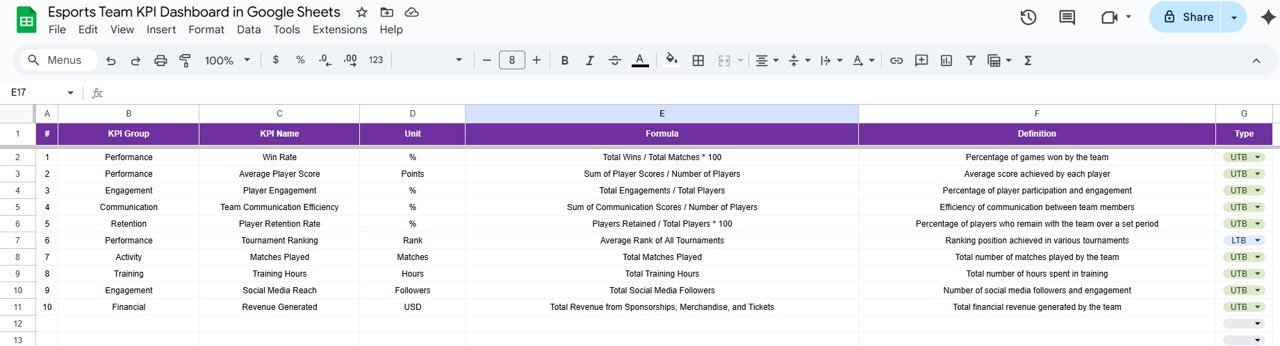
Displays KPI Group, Unit, Formula, and Type (UTB/LTB)
Line charts visualize performance across months
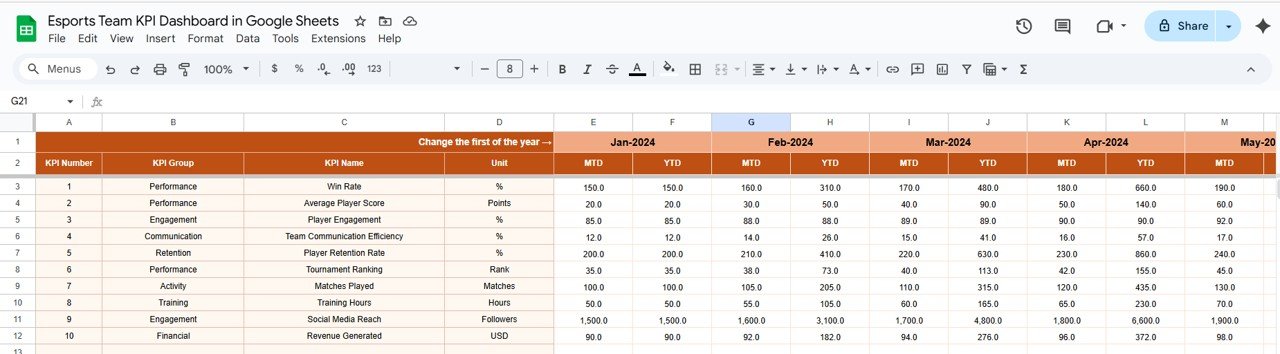
🧾 Actual Numbers Sheet
Record monthly actual performance data
Automatic MTD and YTD calculations
🎯 Target Sheet
Enter planned monthly and yearly targets
Supports goal-setting and performance benchmarking
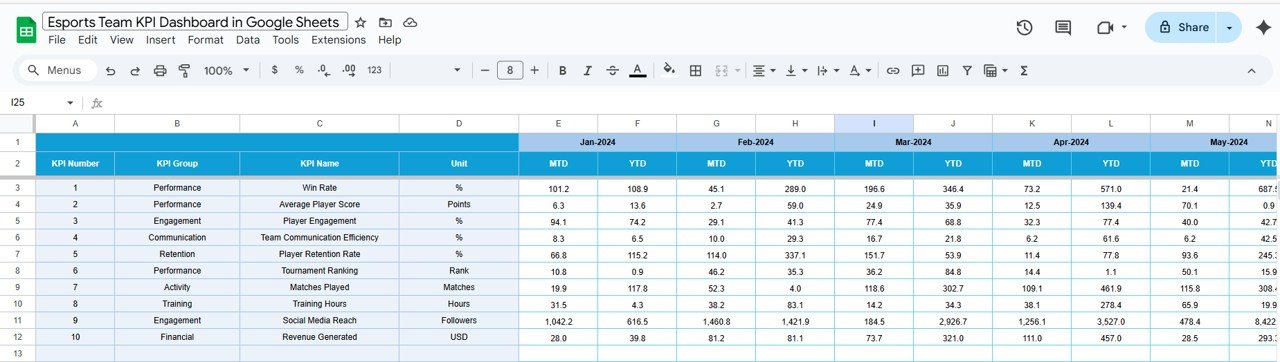
📅 Previous Year Numbers Sheet
Input last year’s performance data
Enables year-over-year comparisons
📖 KPI Definition Sheet
Document each KPI’s name, formula, and definition
Clear guidelines on whether higher (UTB) or lower (LTB) is better
⚔️ Examples of Esports KPIs You Can Track
Matches Played (UTB)
Win Rate % (UTB)
Kill/Death Ratio (K/D) (UTB)
Average Match Duration (mins) (LTB)
Objectives Completed (UTB)
Team Ranking / League Position (LTB)
Fan Engagement Score (UTB)
Each KPI includes unit, formula, and performance type, ensuring clarity in reporting.
📦 What’s Inside the Esports Team KPI Dashboard?
✅ Interactive Dashboard with MTD & YTD KPI tracking
✅ KPI Trend Analysis with dynamic charts
✅ Input Tabs for Actuals, Targets, and Previous Year data
✅ KPI Definition Sheet with clear documentation
✅ Pre-Filled Sample Data for quick setup
✅ Customizable Design to add or remove KPIs as needed
🧑💻 Who Can Benefit from This Dashboard?
🎯 Coaches & Analysts – Track player stats, identify weaknesses, and refine strategies
🎯 Team Managers – Monitor overall performance and ensure target alignment
🎯 Esports Organizations – Improve long-term performance tracking and reporting
🎯 Players – Get transparent feedback on their performance trends
🎯 Sponsors & Investors – Access clear performance insights for ROI tracking
🧪 How to Use the Esports Team KPI Dashboard
Enter Data – Input match stats, objectives, rankings, and engagement data into the Actual Numbers sheet
Set Targets – Add monthly/yearly goals in the Target Sheet
Compare Performance – Review dashboard cards and charts for instant analysis
Track Trends – Use the KPI Trend Sheet to analyze performance improvements or declines
Refine KPIs – Adjust definitions or add new metrics to align with your team’s goals
This plug-and-play Google Sheets template requires no coding and is fully collaborative for team staff.
🌟 Why Choose This Dashboard?
All KPIs centralized in one Google Sheet
Visual comparisons of Actual vs Target vs Previous Year
Dynamic charts & conditional formatting
Customizable for any esports title or league
Accessible & collaborative across devices
The Esports Team KPI Dashboard in Google Sheets helps your team gain the competitive edge by turning stats into actionable strategy. 🎮🏆
🔗 Click here to read the Detailed blog post
🔗 Visit our YouTube channel to learn step-by-step video tutorials
Compatibility and Requirements
- Works in Google Sheets. You need a free Google account and a web browser.
- You pick a month on the Dashboard sheet and a KPI on the KPI Trend sheet from dropdowns. Google explains dropdowns in Create an in-cell dropdown list.
Frequently Asked Questions
Which sheets are included?
Six sheets: Dashboard, KPI Trend, Actual Numbers, Target, Previous Year Numbers and KPI Definition.
Which esports KPIs can I track?
The sample KPIs are Matches Played, Win Rate %, Kill/Death Ratio, Average Match Duration, Objectives Completed, Team Ranking / League Position and Fan Engagement Score. You can add or remove KPIs to match your team.
How do I update the dashboard?
Enter your monthly figures in the Actual Numbers sheet and your goals in the Target sheet. Then select a month on the Dashboard sheet to see MTD and YTD results.
Can I compare this season with last year?
Yes. Add last year’s figures to the Previous Year Numbers sheet and the Dashboard shows them next to your actuals and targets.
Is there an Excel or Power BI version?
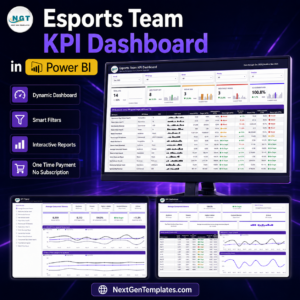
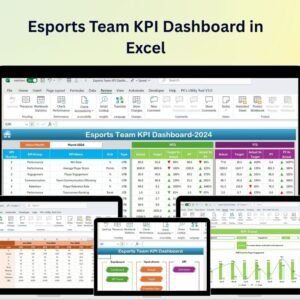
Yes. See the Esports Team KPI Dashboard in Excel and the Esports Team KPI Dashboard in Power BI.
Related Esports and Team Templates
- Esports Team KPI Dashboard in Excel: the same dashboard in Excel
- Esports Team KPI Dashboard in Power BI: the Power BI edition
- Esports Team KPI Scorecard in Excel: a scorecard view of team metrics
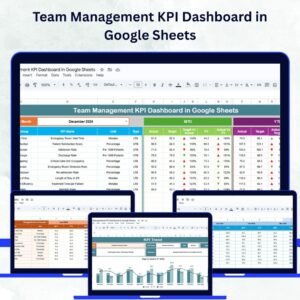
- Team Management KPI Dashboard in Google Sheets: KPI tracking for general teams
- Gaming Esports Dashboard in Excel: a wider gaming and esports view
Browse all Google Sheets KPI dashboards.




















Reviews
There are no reviews yet.