

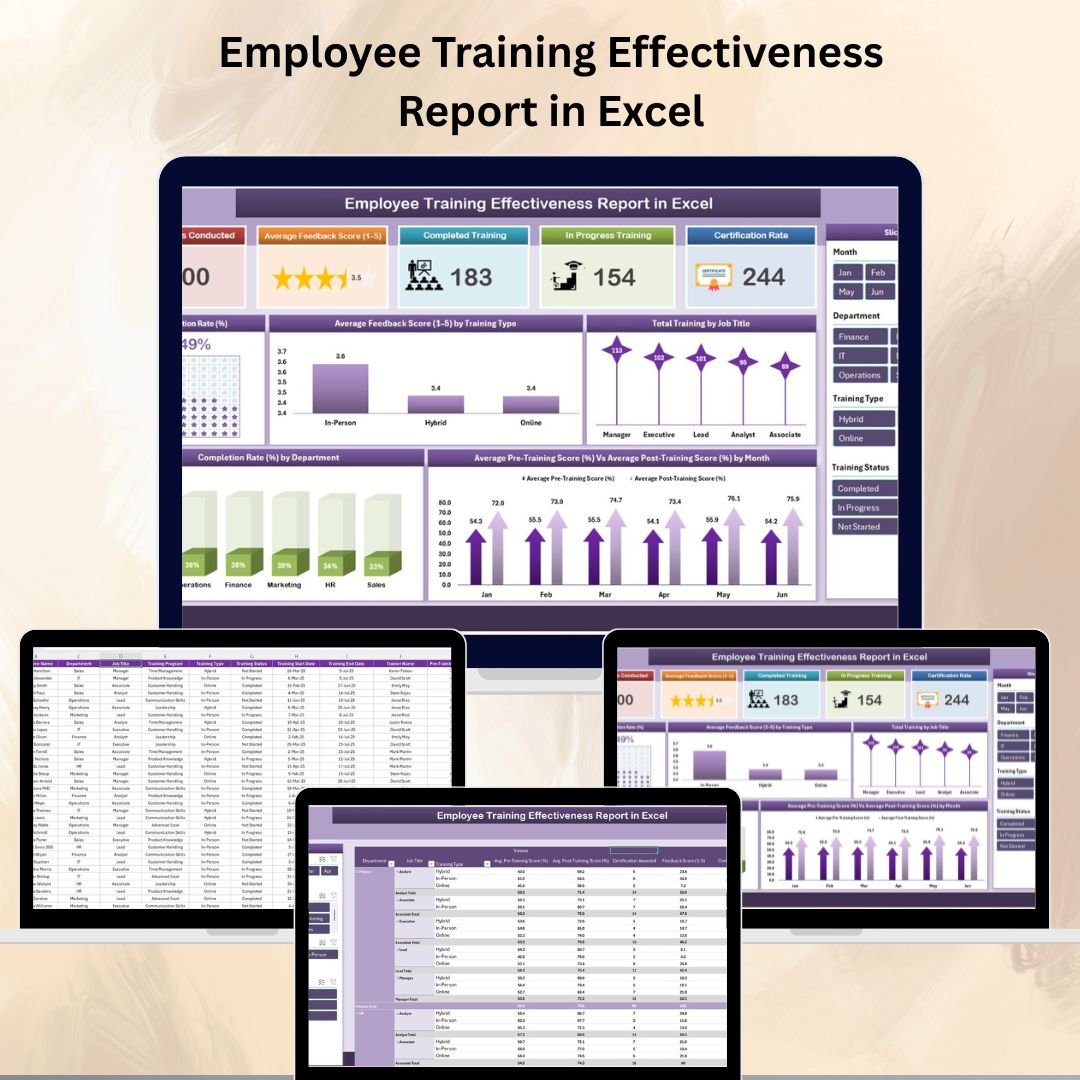

Training your workforce is an investment — but knowing how effective that training is can make all the difference. The Employee Training Effectiveness Report in Excel is a ready-to-use, fully customizable tool designed to measure, monitor, and improve the outcomes of your employee learning programs.
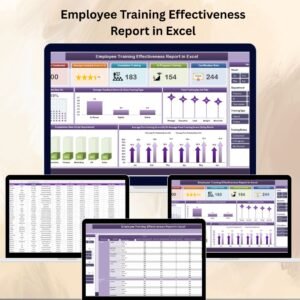
With summary cards, charts, and pivot tables, this Excel report turns raw training data into actionable insights. HR managers, training coordinators, and business leaders can instantly evaluate completion rates, feedback scores, and certification performance — enabling data-driven decisions to boost both employee skills and organizational productivity.
🔑 Key Features of the Employee Training Effectiveness Report
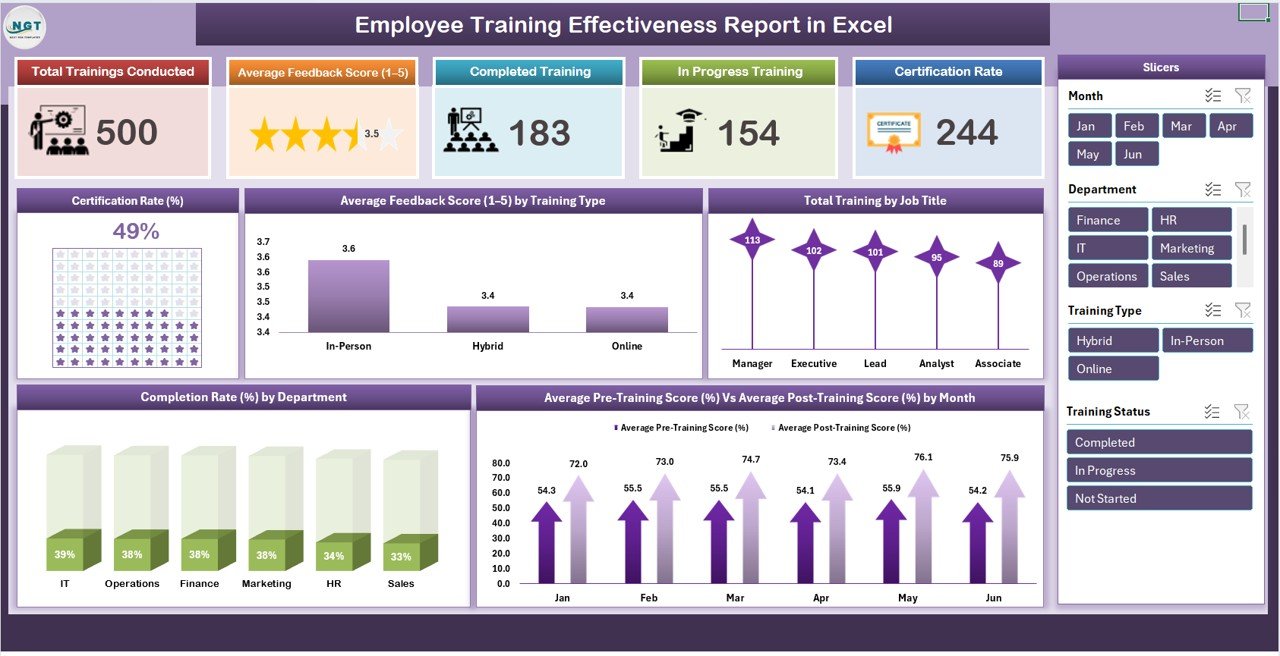
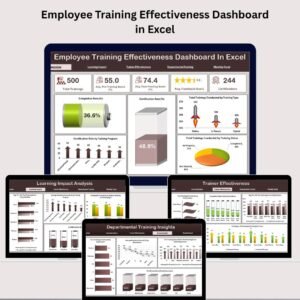
📌 Summary Sheet – High-Level Overview
Cards Display:
Total Trainings Conducted
Average Feedback Score (1–5)
Completed Trainings
In Progress Trainings
Certification Rate (%)
Charts Include:
Certification Rate (%)
Average Feedback Score by Training Type
Total Trainings by Job Title
Average Pre-Training vs Post-Training Scores by Month
Completion Rate by Department
This dashboard offers a visual summary of training performance, allowing you to quickly identify trends and improvement areas.
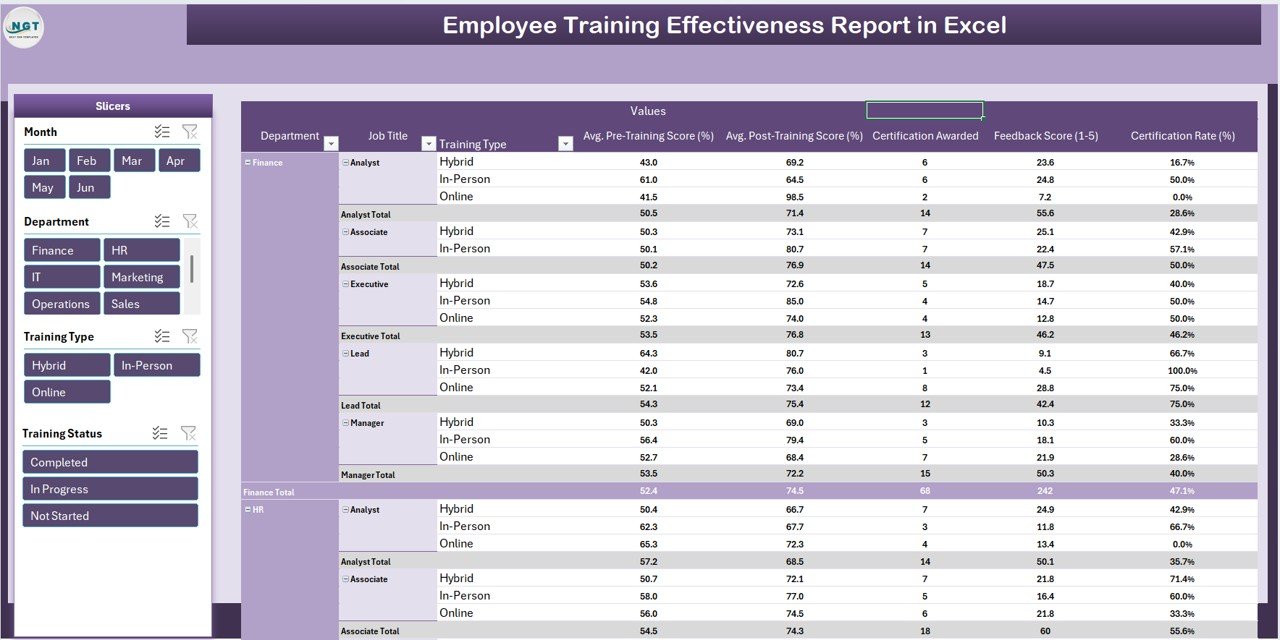
📌 Report Sheet – Pivot Table Analysis
Filter and analyze training data by employee, department, training type, and completion status.
Compare performance metrics across departments or training categories.
Generate customized views for management reporting.
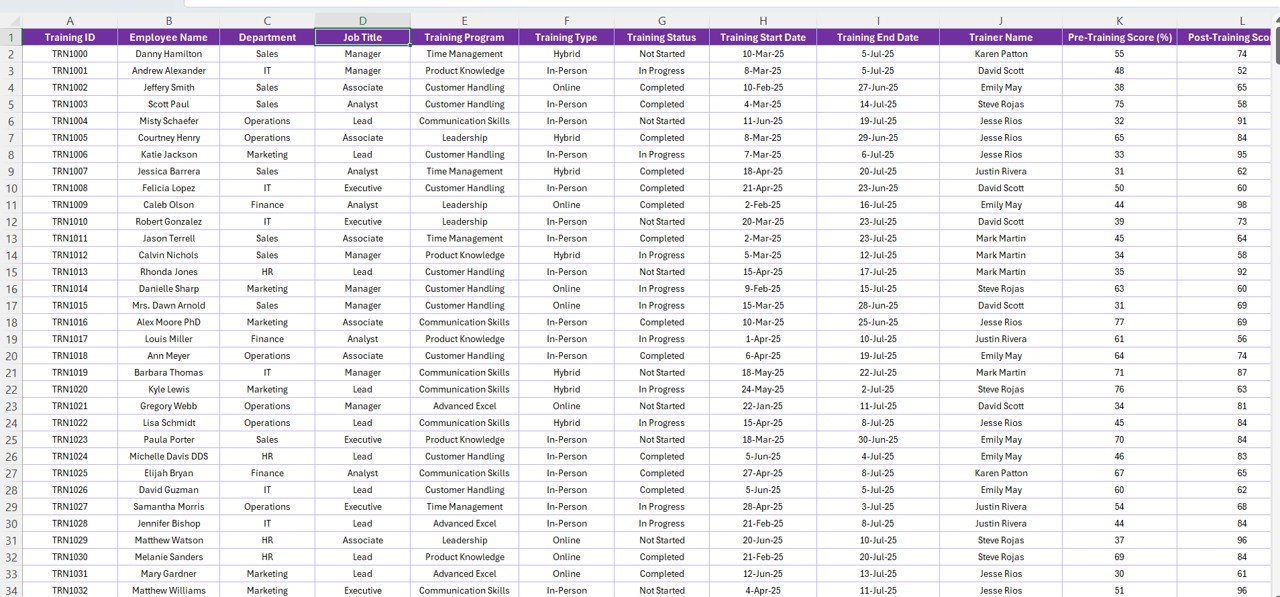
📌 Data Sheet – Centralized Training Records
Input fields include:
Employee Name
Job Title
Training Name & Type
Pre-Training Score & Post-Training Score
Feedback Rating
Completion Status
Certification Status
Department
Automatically feeds into the Summary and Report sheets for real-time updates.
📦 What’s Inside the Employee Training Effectiveness Report?
✅ Summary Sheet – Visual KPI cards and charts
✅ Report Sheet – Dynamic pivot table for deep analysis
✅ Data Sheet – Central database for all training records
✅ Pre-Built Formulas – Automatic calculations for KPIs
✅ Customizable Design – Adapt metrics and visuals to your needs
✅ Sample Data Included – Understand the functionality instantly
🧠 How to Use the Employee Training Effectiveness Report
Open the File in Excel.
Input Training Data in the Data Sheet after each session.
Review KPIs & Charts in the Summary Sheet for quick insights.
Filter & Analyze detailed records in the Report Sheet.
Customize Fields to match your organization’s KPIs and training programs.
👥 Who Can Benefit from This Report?
🏢 HR Departments – Track training completion and impact.
📈 Training Managers – Monitor feedback scores and certification rates.
🎯 Business Leaders – Measure ROI on employee learning initiatives.
🛠 L&D Teams – Identify areas for curriculum improvement.
🔗 Click here to read the Detailed blog post
Watch the step-by-step video Demo:
🔗 Visit our YouTube channel to learn step-by-step video tutorials
Compatibility and Requirements
- Works in Microsoft Excel desktop (Excel 2016 or later, or Microsoft 365).
- The Report sheet is a pivot table. Microsoft explains pivot tables in Create a PivotTable to analyze worksheet data.
Frequently Asked Questions
Which KPI cards are on the Summary sheet?
The cards show Total Trainings Conducted, Average Feedback Score (1 to 5), Completed Trainings, In Progress Trainings and Certification Rate.
Can I compare scores before and after training?
Yes. A chart shows average pre-training and post-training scores by month.
How do I filter the training data?
Use the pivot table in the Report sheet to filter by employee, department, training type and completion status.
What do I enter in the Data sheet?
Enter employee name, job title, training name and type, pre and post scores, feedback rating, completion status, certification status and department.
Does it include sample data?
Yes. Sample data is included so you can see how the report works before adding your own records.
Related Training Templates
- Employee Training Effectiveness Dashboard in Excel: a full dashboard on the same topic
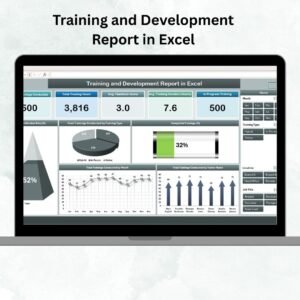
- Training and Development Report in Excel: report on training programs
- Training Completion Certification Tracker in Excel: track completions and certificates
- Employee Training Effectiveness Dashboard in Power BI: the same analysis in Power BI
- HR & Workforce Analytics Bundle: 10 HR templates in one download
Browse all Excel reports or the Excel HR and payroll templates.



Reviews
There are no reviews yet.