Managing employee engagement, training sessions, interviews, and retention activities can quickly become overwhelming when handled through scattered spreadsheets or emails. Organizations need a simple yet powerful system to coordinate employee-related events effectively. That’s where the Employee Retention Scheduling Calendar in Excel becomes a game-changing solution.
This ready-to-use Excel template helps HR teams, managers, and administrators plan and monitor employee retention activities in a structured and organized calendar system. Instead of juggling multiple tools, this template provides annual, monthly, and daily scheduling views within a single Excel workbook.
Because the template is designed with automation and interactive controls, you can easily manage employee events, training schedules, meetings, and engagement programs without complex setup. Whether your organization wants to schedule retention initiatives, track HR events, or maintain a clean record of employee activities, this Excel calendar template offers a reliable and efficient solution.
📊 Key Feature of Employee Retention Scheduling Calendar in Excel
This Excel template is packed with smart features that simplify HR planning and employee event management.
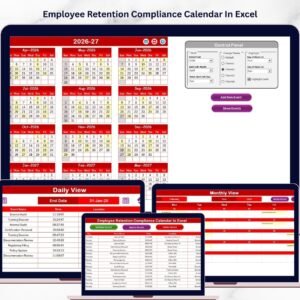
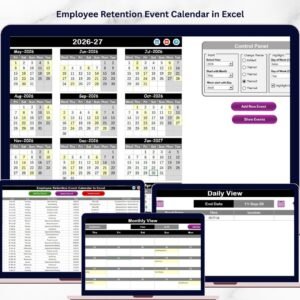
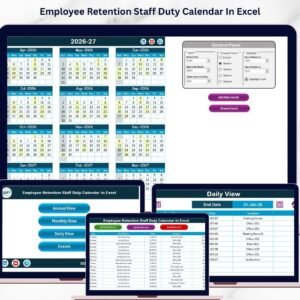
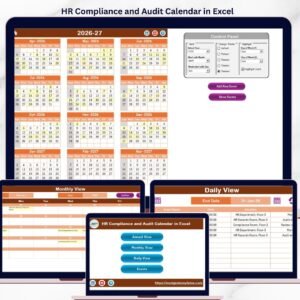
📅 Multiple Calendar Views
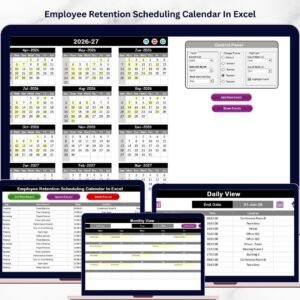
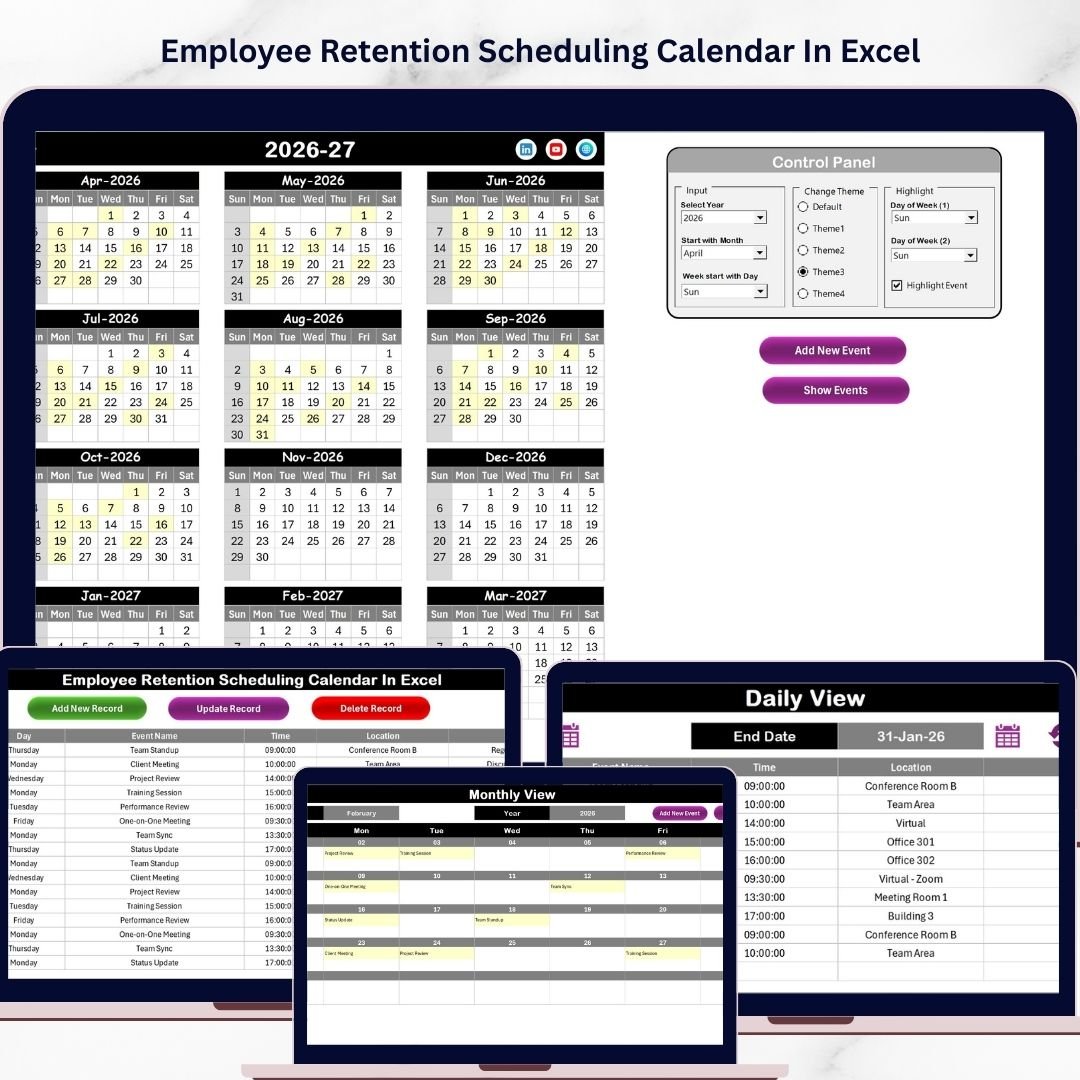
The template includes Annual, Monthly, and Daily views, allowing you to monitor events from different perspectives and easily navigate between timeframes.
🎛 Interactive Control Panel
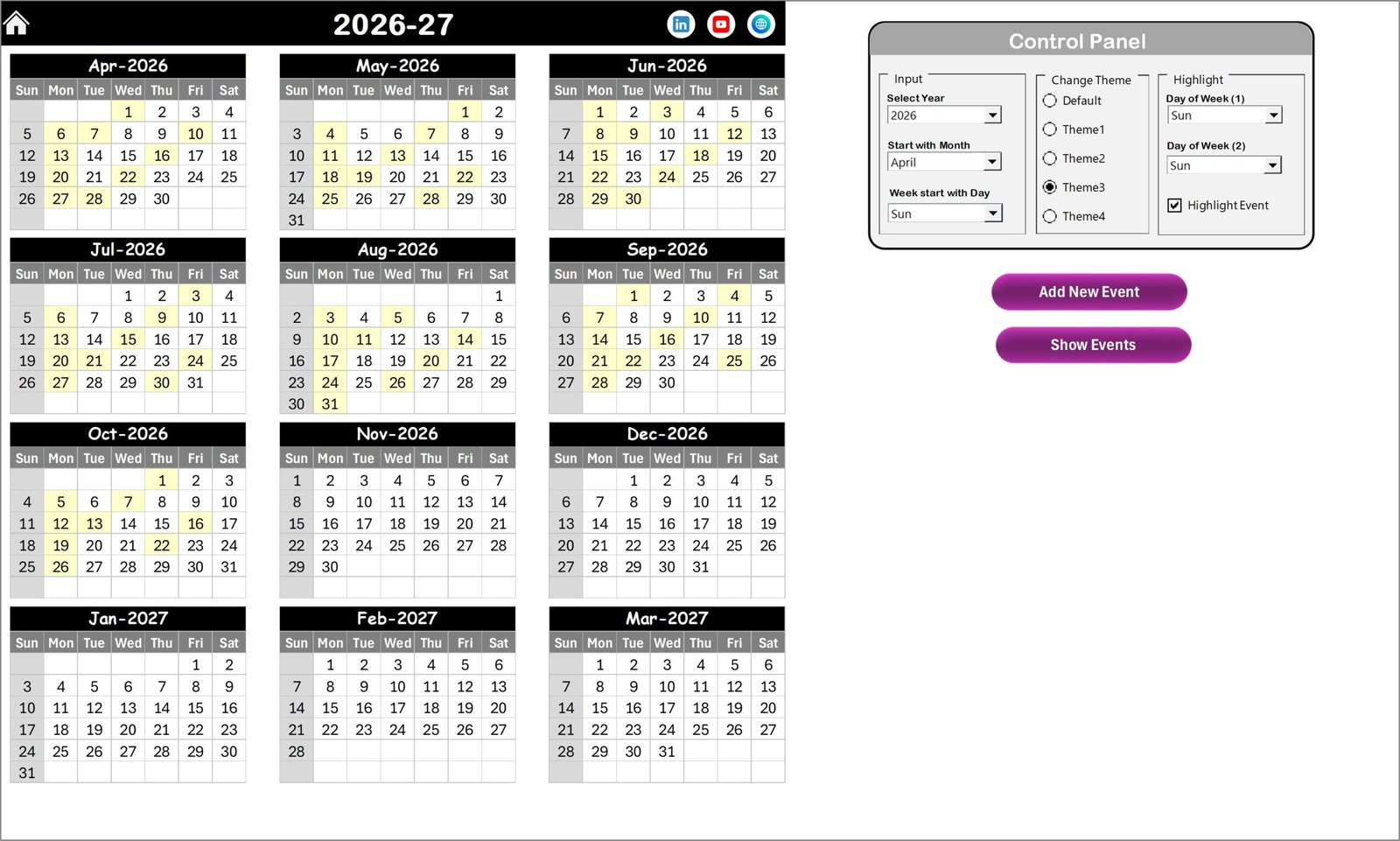
Users can customize the calendar by selecting Year, Starting Month, and Starting Weekday, making it suitable for both regular and fiscal calendars.
🎨 Custom Color Themes
Choose from five prebuilt color themes to personalize the calendar layout according to company branding or personal preference.
🔔 Event Highlighting System
Events can be automatically highlighted in the calendar view, making it easier to identify scheduled activities.
➕ Add, View, Update, and Delete Events
Using simple buttons and forms, you can quickly add new events, update existing records, or remove outdated events.
📂 Structured Event Database
All events are stored in a dedicated Events sheet, which acts as a central database for managing records efficiently.
📑 Printable Layout
The calendar layout is print-friendly, making it easy to share schedules with teams or management.
⚡ Automation Features
The template automatically generates event IDs, day names, and event indicators, reducing manual effort and improving accuracy.
📦 What’s Inside the Employee Retention Scheduling Calendar in Excel
This template contains five structured worksheets designed to simplify event management and scheduling.
🏠 Home Sheet
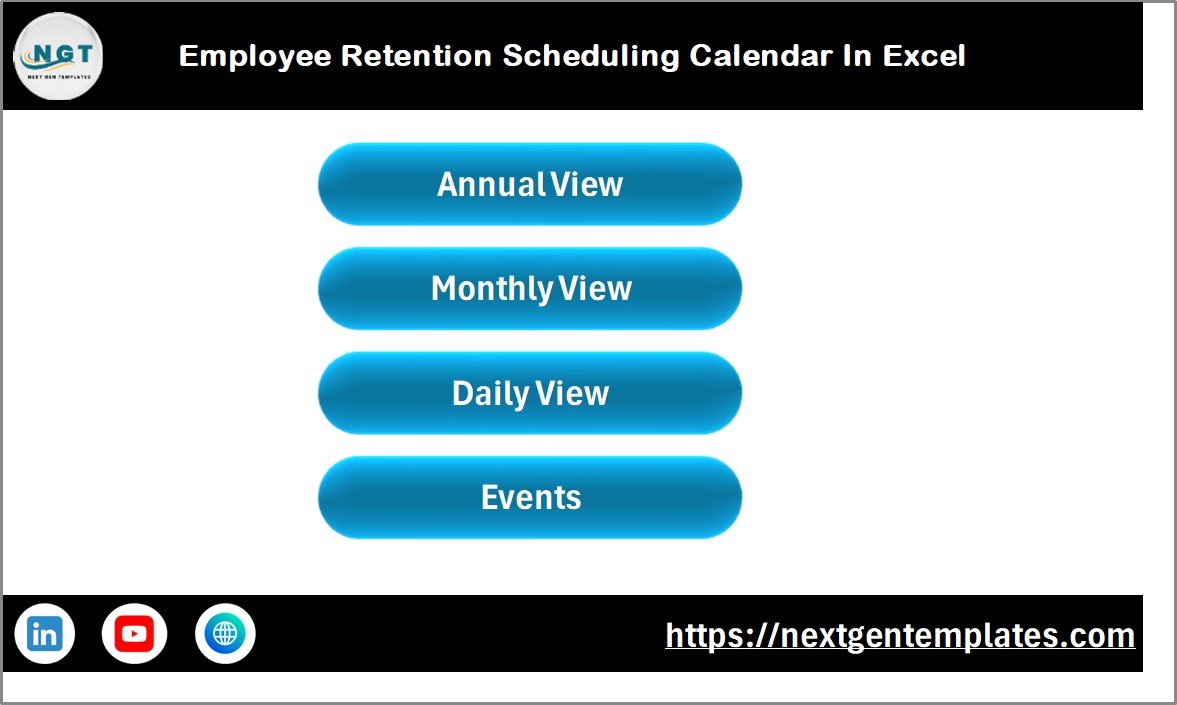
The Home page acts as an index dashboard, allowing users to navigate quickly to different sections of the template.
📅 Annual View Sheet
This page displays the entire year calendar in one view. Users can select the year, customize starting month settings, apply themes, and highlight weekends or special days.
📆 Monthly View Sheet
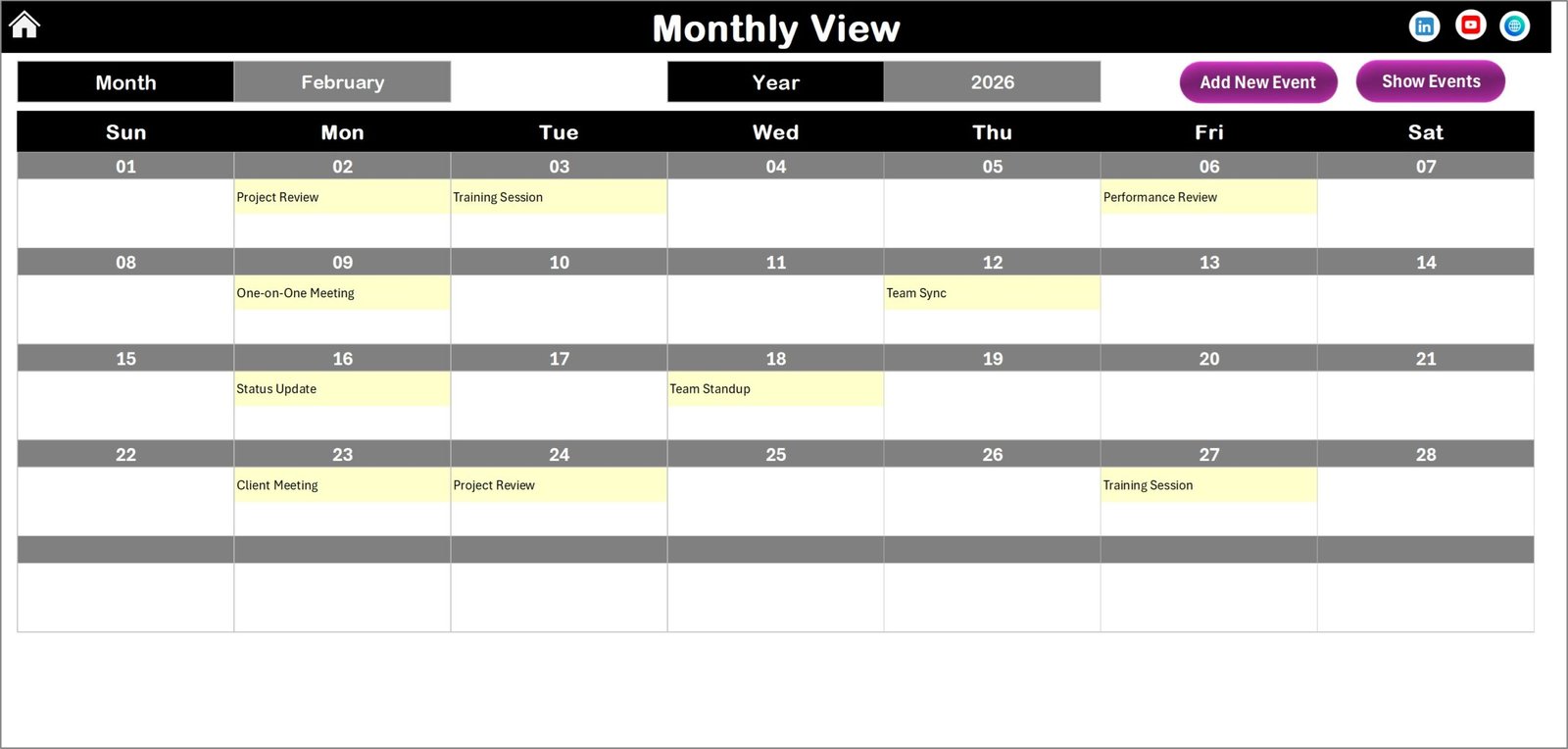
The Monthly view provides a detailed calendar for a single month, with indicators showing whether one or multiple events exist on specific dates.
📋 Daily View Sheet
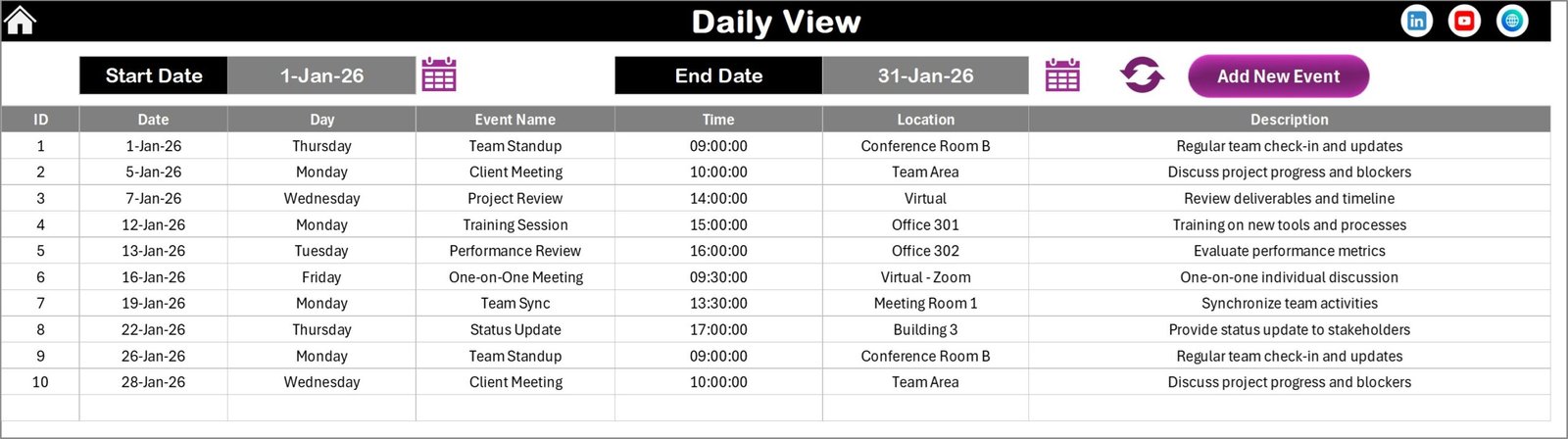
The Daily view allows users to filter events between selected start and end dates, displaying complete event details in an easy-to-read format.
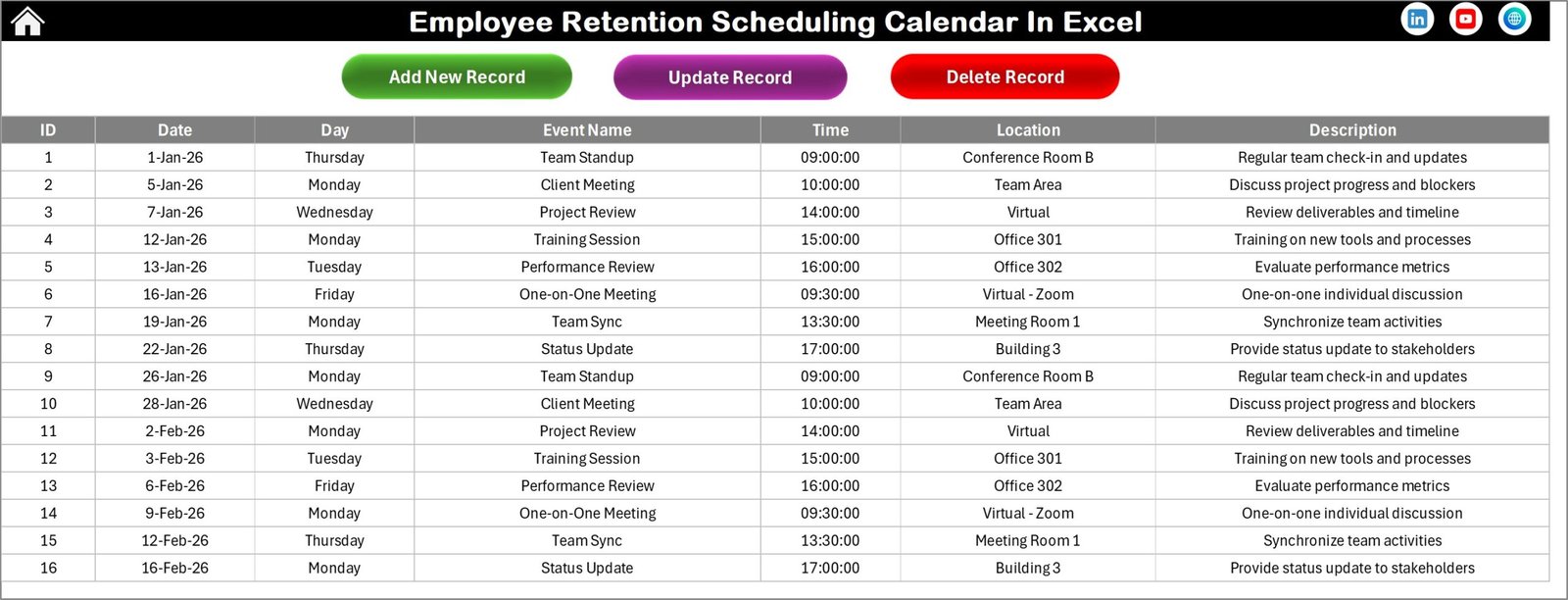
🗂 Events Sheet (Database)
The Events sheet stores all event records with important fields such as:
Event ID
Event Date
Day Name
Event Title
Event Time
Event Location
Event Description
This database structure ensures all event data remains organized, searchable, and easy to manage.
⚙️ How to Use the Employee Retention Scheduling Calendar in Excel
Using this template is extremely simple, even if you are not an advanced Excel user.
1️⃣ Start by opening the home sheet, which provides navigation buttons to all dashboard pages.
2️⃣ Go to the Annual View or Monthly View to explore the calendar layout.
3️⃣ Select the year, month, and weekday settings using the control panel.
4️⃣ Click the Add New Event button, select a date, and fill in the event form.
5️⃣ Save the event, and it will automatically appear in the calendar.
6️⃣ Use the Daily View to analyze events within a specific date range.
7️⃣ Manage existing events using the Update or Delete buttons in the Events sheet.
Within minutes, your HR team can build a fully functional event management system directly inside Excel.
👥 Who Can Benefit from This Employee Retention Scheduling Calendar in Excel
This template is ideal for organizations and professionals who need a reliable scheduling solution.
👨💼 HR Managers — Plan employee engagement programs, interviews, and retention activities.
🏢 Corporate Teams — Schedule training sessions, meetings, and HR initiatives.
📊 HR Analysts — Maintain a structured database of employee events.
🏫 Training Coordinators — Track workshops, onboarding schedules, and internal training sessions.
👩💻 Small Businesses and Startups — Manage staff schedules without expensive HR software.
Because it works inside Microsoft Excel, organizations can implement the template immediately without learning new software.
### Click here to read the Detailed blog post
Visit our YouTube channel to learn step-by-step video tutorials:
https://youtube.com/@PKAnExcelExpert