


Education Logistics AI Implementation Calendar in Excel
Managing educational logistics is no easy task. Schools, colleges, and training centers often deal with hundreds of activities—lectures, exams, workshops, transportation, supplies, and administrative tasks—all happening simultaneously. Without a structured system, overlaps and confusion are inevitable.
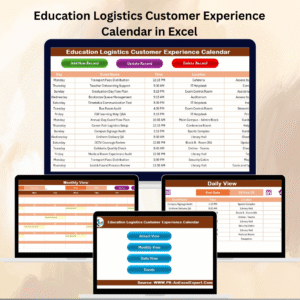
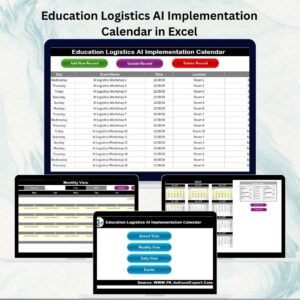
That’s why we built the Education Logistics AI Implementation Calendar in Excel. This ready-to-use calendar combines Excel’s flexibility with AI-powered features to simplify planning, streamline operations, and improve the overall experience for students, teachers, staff, and administrators.
Unlike static planners, this template not only organizes schedules but also provides intelligent conflict detection, predictive insights, and customizable event tracking—ensuring logistics run smoothly every single day.
✨ Key Features of the Calendar
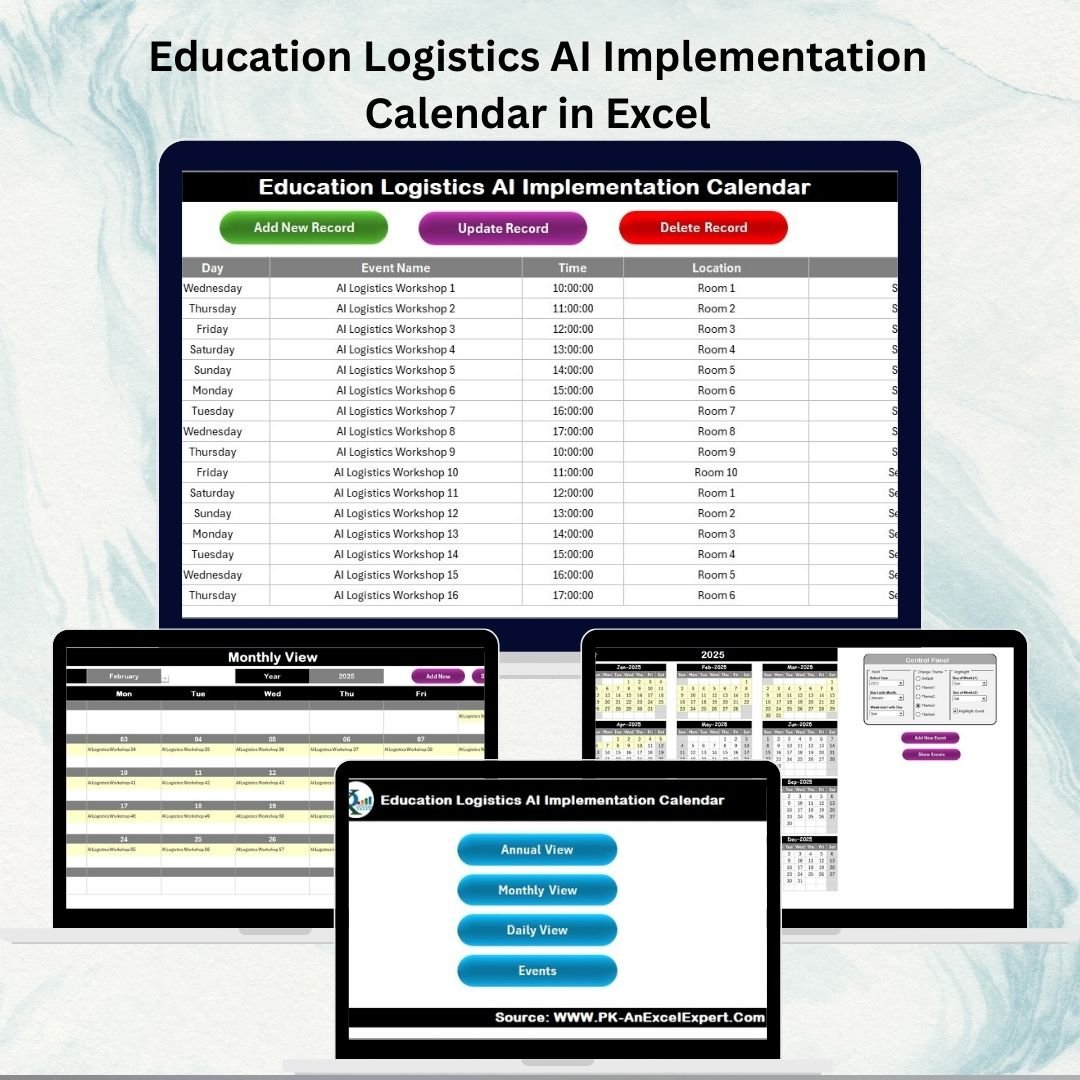
🏠 Home Sheet – The Control Hub
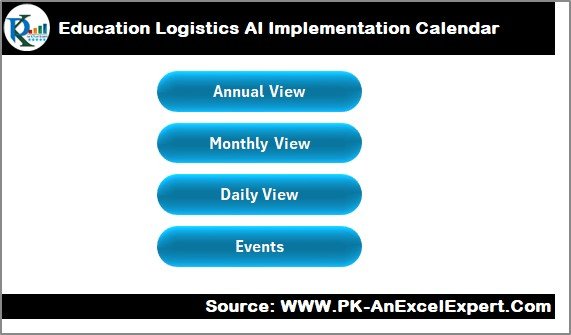
Acts as the index page for navigation.
Quick-access buttons for: Annual View, Monthly View, Daily View, Events.
Saves time and avoids scrolling through multiple sheets.
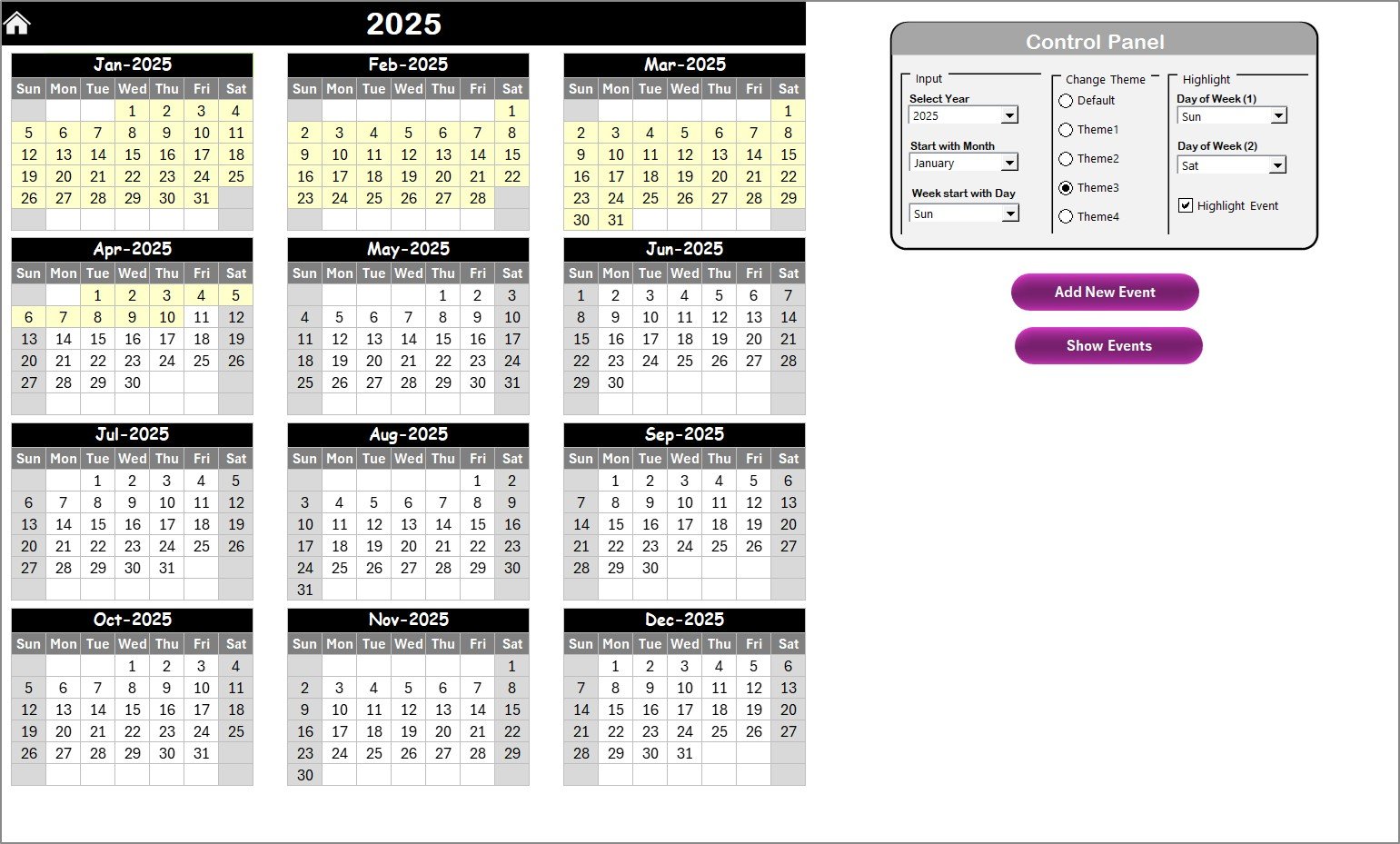
📅 Annual View Sheet – Year at a Glance
Displays all 12 months in a single view.
Control Panel Options:
Select Year, Start Month, and First Day of the Week.
Choose from 5 color themes for institutional branding.
Highlight weekends, holidays, or events automatically.
Smart Event Management:
Add New Event button for quick entries.
Show Event button to review activities for a selected date.
Perfect for administrators who want a big-picture perspective.
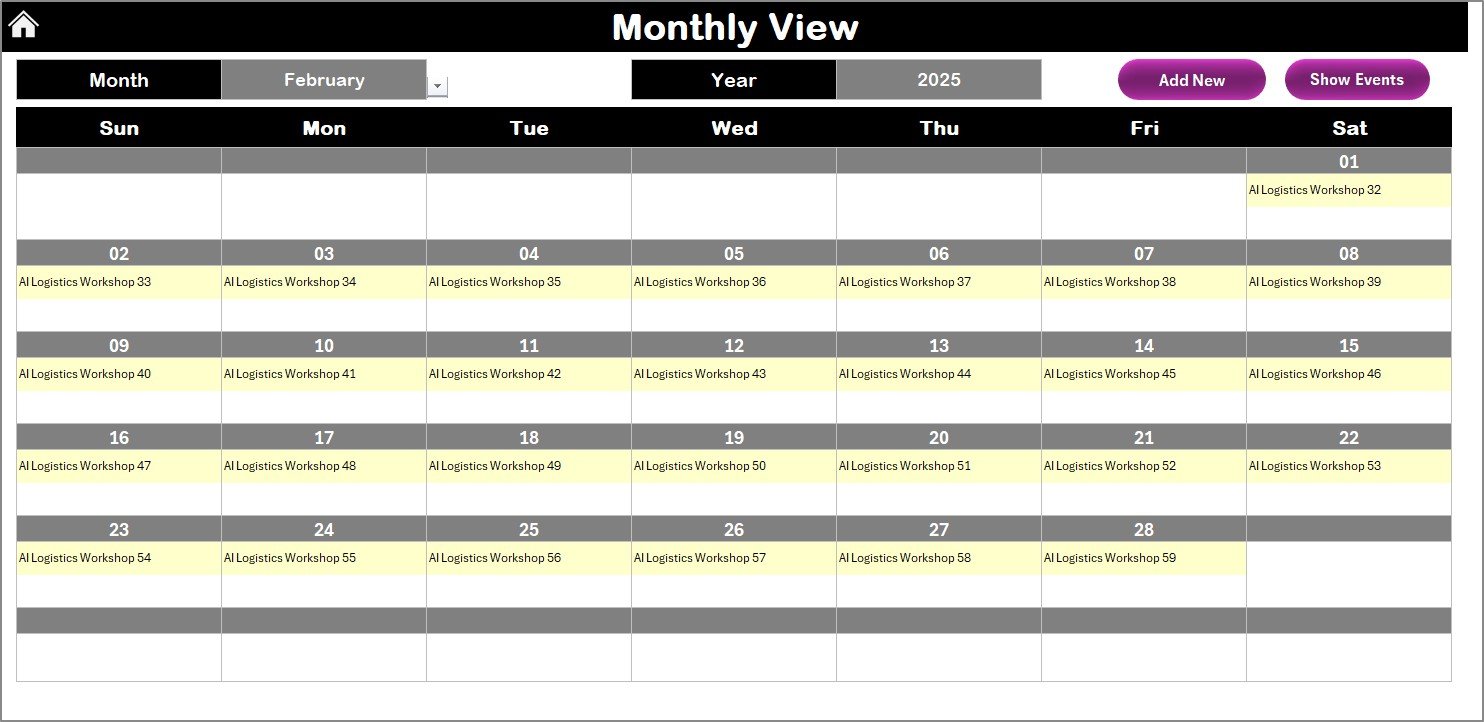
📆 Monthly View Sheet – Detailed Monthly Planning
Choose Month + Year from a dropdown for focused scheduling.
Events displayed directly in the calendar. If multiple events exist, the cell shows “More than 1…”.
Buttons for easy management:
Add New Event
Show Event
Ideal for teachers, coordinators, and managers handling academic or extracurricular schedules.
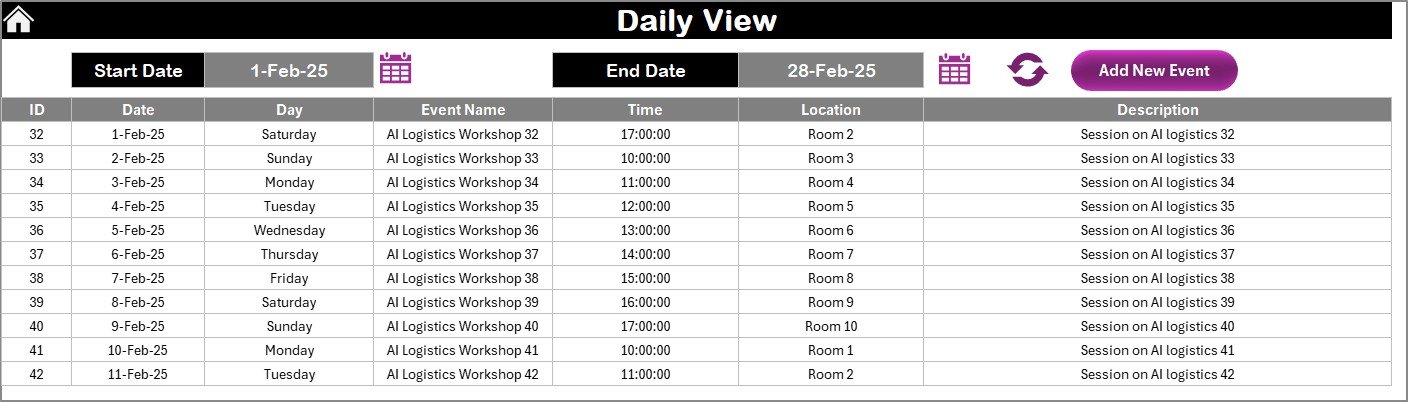
📋 Daily View Sheet – Micro-Level Scheduling
Input Start Date and End Date to filter specific ranges.
Refresh button ensures real-time updates.
Add new events instantly with the Add Event button.
Perfect for day-to-day planning like transport schedules, classroom allocations, or exam logistics.
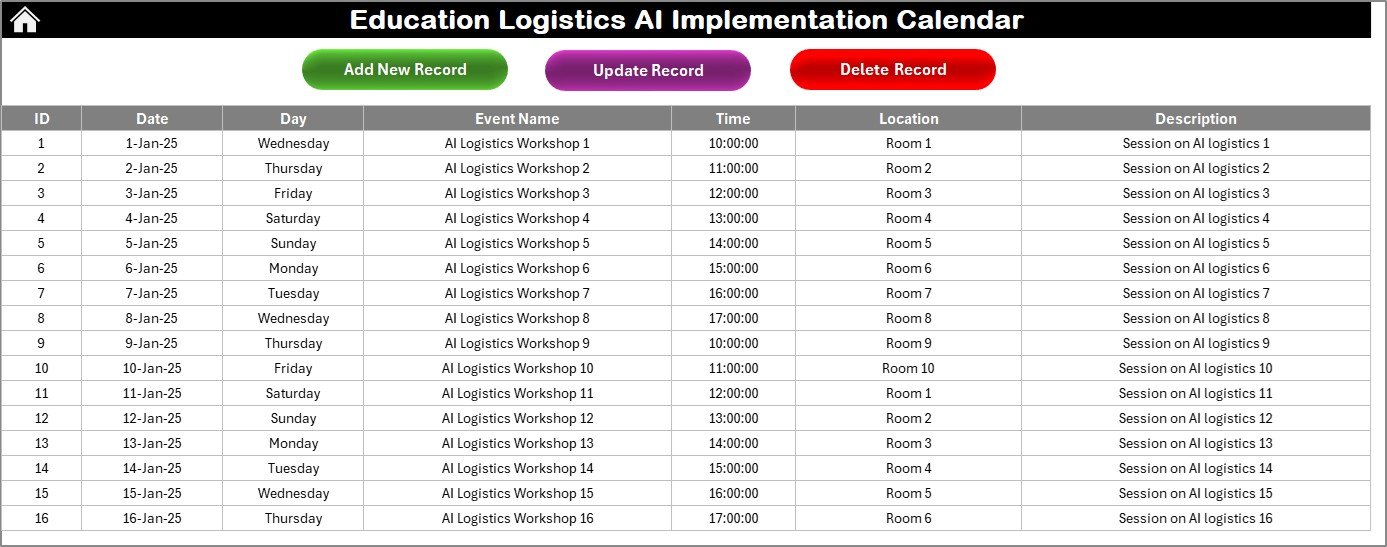
📂 Events Sheet – Central Database
Stores every record in a structured format.
Fields include:
ID (Auto-generated)
Date, Day
Event Name, Time, Location, Description
Action Buttons: Add New Record, Update Record, Delete Record.
Works as the backbone of the entire system.
🤖 Why Use AI in Education Logistics Calendars?
Unlike standard Excel planners, this template integrates AI features to make scheduling smarter:
Predict Busy Periods – e.g., exam weeks or admission cycles.
Detect Conflicts – instantly highlights overlapping schedules.
Provide Alerts – for deadlines or critical events.
Trend Analysis – identify recurring resource bottlenecks.
✅ Advantages of Using This Calendar
Centralized Planning – All events in one place.
Time-Saving – Automated updates reduce manual work.
Customization – Themes, highlights, and flexible views.
Dynamic Navigation – Annual, Monthly, and Daily modes.
AI Assistance – Smart conflict detection and forecasting.
Event Management – Add, edit, or delete in seconds.
Data Insights – Review past activities for better planning.
🔧 Opportunities for Improvement
Integration with Google Calendar or Outlook.
Automated email/SMS reminders.
AI-driven resource forecasting (rooms, buses, staff).
Cloud collaboration via SharePoint/Google Drive.
Role-based access for staff and administrators.
📌 Best Practices for Institutions
Keep event entries updated daily.
Highlight critical dates (exams, holidays, admissions).
Assign staff roles for better accountability.
Backup the database weekly.
Use AI features to avoid scheduling conflicts.
Customize themes for branding consistency.
👥 Who Can Benefit?
Schools – manage timetables, holidays, and parent meetings.
Colleges – schedule lectures, labs, workshops, and exams.
Training Centers – track classes, webinars, and certification tests.
Administrators – gain visibility into all logistics at once.
🚀 Conclusion
The Education Logistics AI Implementation Calendar in Excel is more than a calendar—it’s a smart management system for modern institutions. With annual, monthly, and daily views, combined with event automation and AI-powered conflict detection, this tool ensures smooth operations, reduces confusion, and enhances overall efficiency.
Whether you’re an administrator, teacher, or student, this calendar helps keep everyone aligned and informed.
📖 Click here to read the Detailed Blog Post
🎥 Visit our YouTube channel to learn step-by-step video tutorials
Watch the step-by-step video tutorial:
Compatibility and Requirements
- Works in Microsoft Excel desktop (Excel 2016 or later, or Microsoft 365).
- The Add New Event, Show Event, Refresh, Update Record and Delete Record buttons are macro buttons. Excel explains how to turn macros on in Enable or disable macros in Microsoft 365 files.
Frequently Asked Questions
Which sheets are included?
Five sheets: Home, Annual View, Monthly View, Daily View and Events. The Home sheet has buttons that take you to the other four.
How do I add an event?
Click the Add New Event button on the Annual View, Monthly View or Daily View sheet. You can also add a record directly on the Events sheet with Add New Record.
What details can I store for each event?
The Events sheet has an auto-generated ID, date, day, event name, time, location and description. You can update or delete any record with the buttons on that sheet.
Can I change the year, start month or colors?
Yes. On the Annual View sheet you pick the year, the start month and the first day of the week, and you can choose from 5 color themes.
What happens when two events fall on the same day?
The Monthly View cell shows “More than 1…”. Use the Show Event button to see every activity for that date.
Related Education and Logistics Calendars
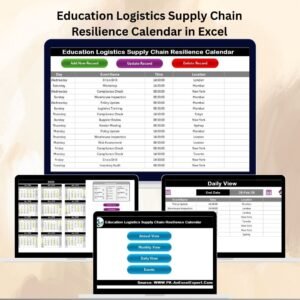
- Education Logistics Supply Chain Resilience Calendar in Excel: another calendar for education logistics teams
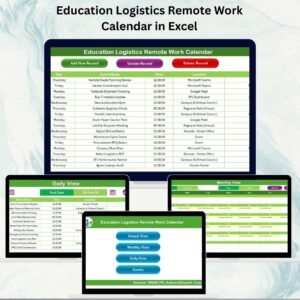
- Education Logistics Remote Work Calendar in Excel: plan remote work days for the same teams
- Education Operations AI Implementation Calendar in Excel: the same calendar layout for education operations
- Logistics AI Implementation Calendar in Excel: the logistics version outside education
Browse all Excel calendar templates and Excel education templates.



























Reviews
There are no reviews yet.