

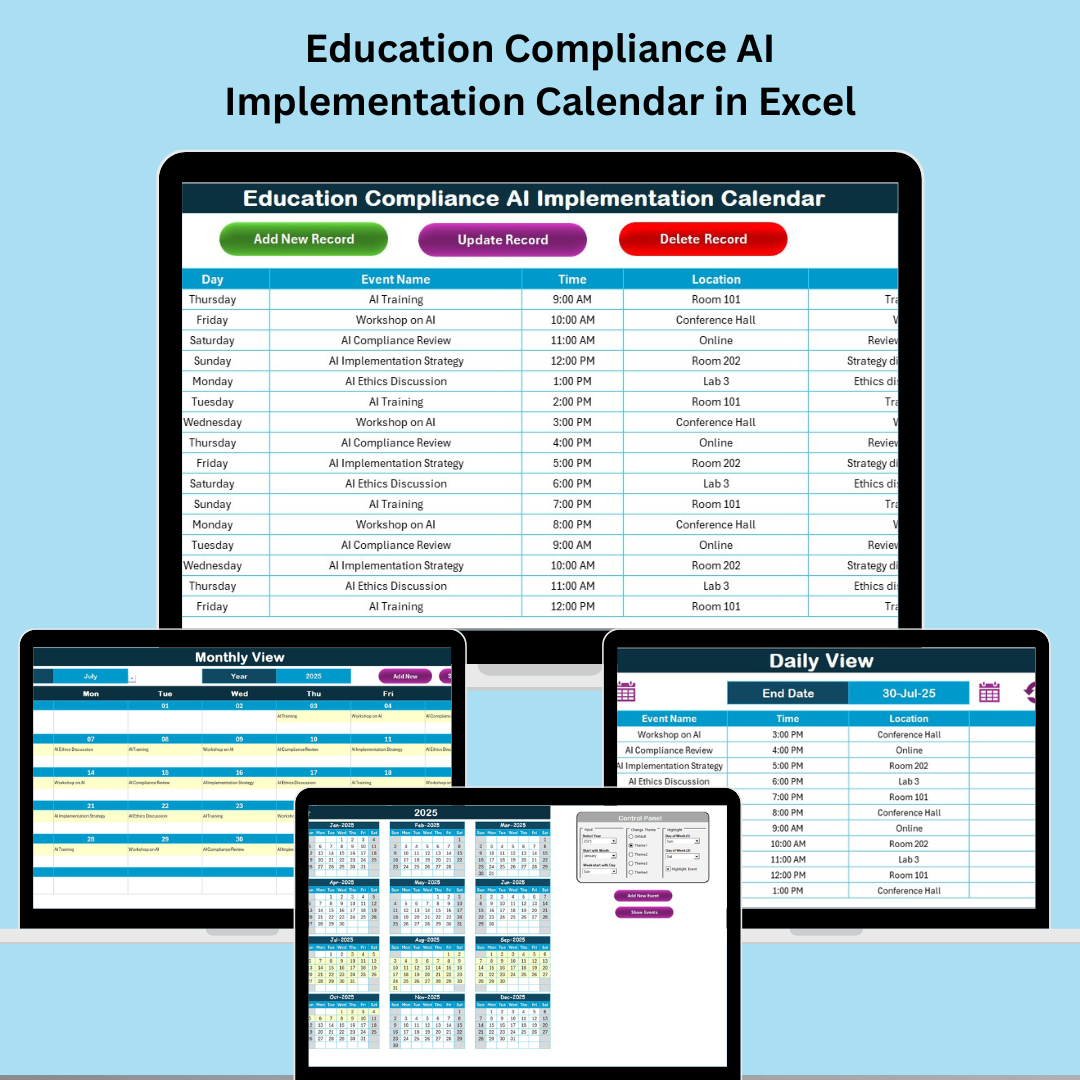

In today’s ever-evolving academic landscape, compliance is not optional—it’s mandatory. From policy adherence to regulatory deadlines, staying ahead of educational compliance requirements is crucial for institutions. That’s why we’ve developed the Education Compliance AI Implementation Calendar in Excel—an intelligent, ready-to-use tool designed to simplify and automate compliance tracking for schools, colleges, and universities.
Whether you’re a compliance officer, school administrator, or department head, this calendar brings everything you need into one centralized platform, without the need for complex software or steep learning curves.
📅 What is the Education Compliance AI Implementation Calendar?
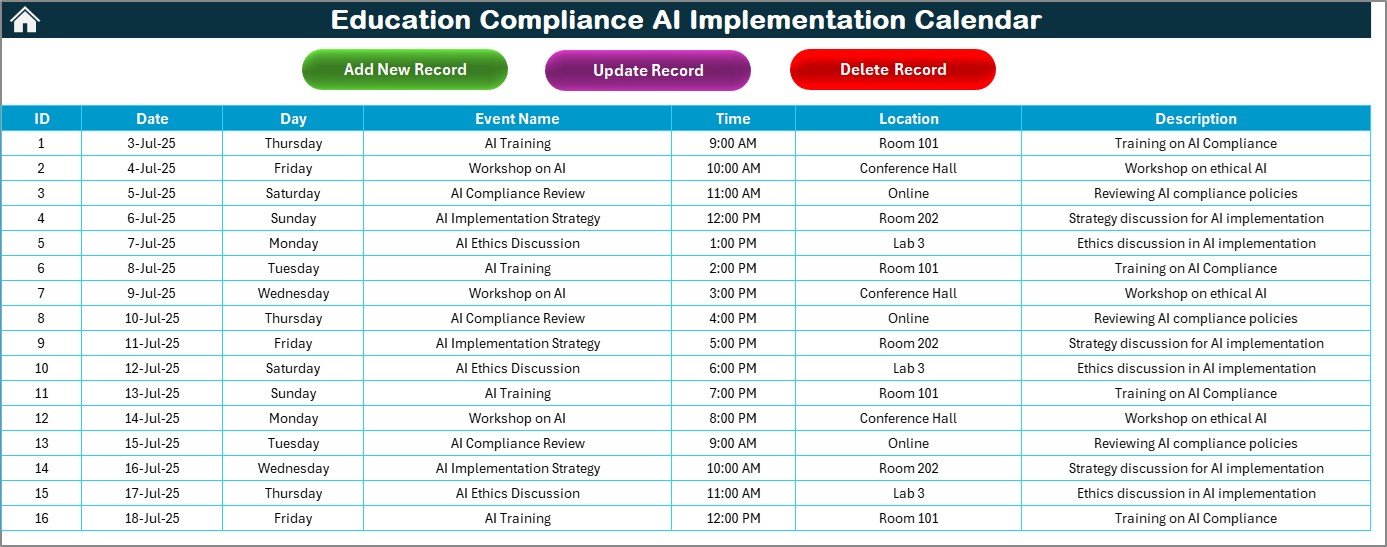
This powerful Excel-based calendar helps track educational compliance events using AI-driven logic and intuitive navigation. Designed for ease-of-use and customization, the calendar features automated data entry, dynamic views (Annual, Monthly, Daily), and an event database to ensure no compliance deadline is missed.
Unlike traditional spreadsheets, this tool integrates AI-based form interactions, highlight automation, and dropdown filters—making it a time-saving and accuracy-boosting solution for compliance tracking.
🚀 Key Features at a Glance
🧭 Home Sheet Navigation
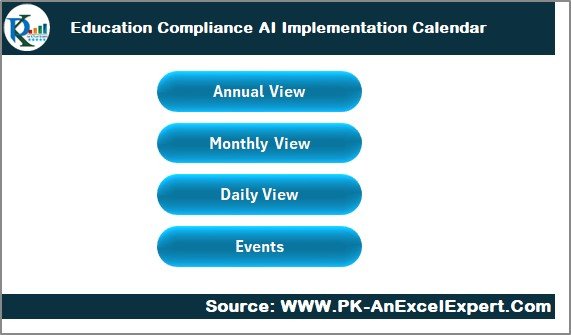
Jump between views—Annual, Monthly, Daily, or Events—with a single click using interactive buttons.
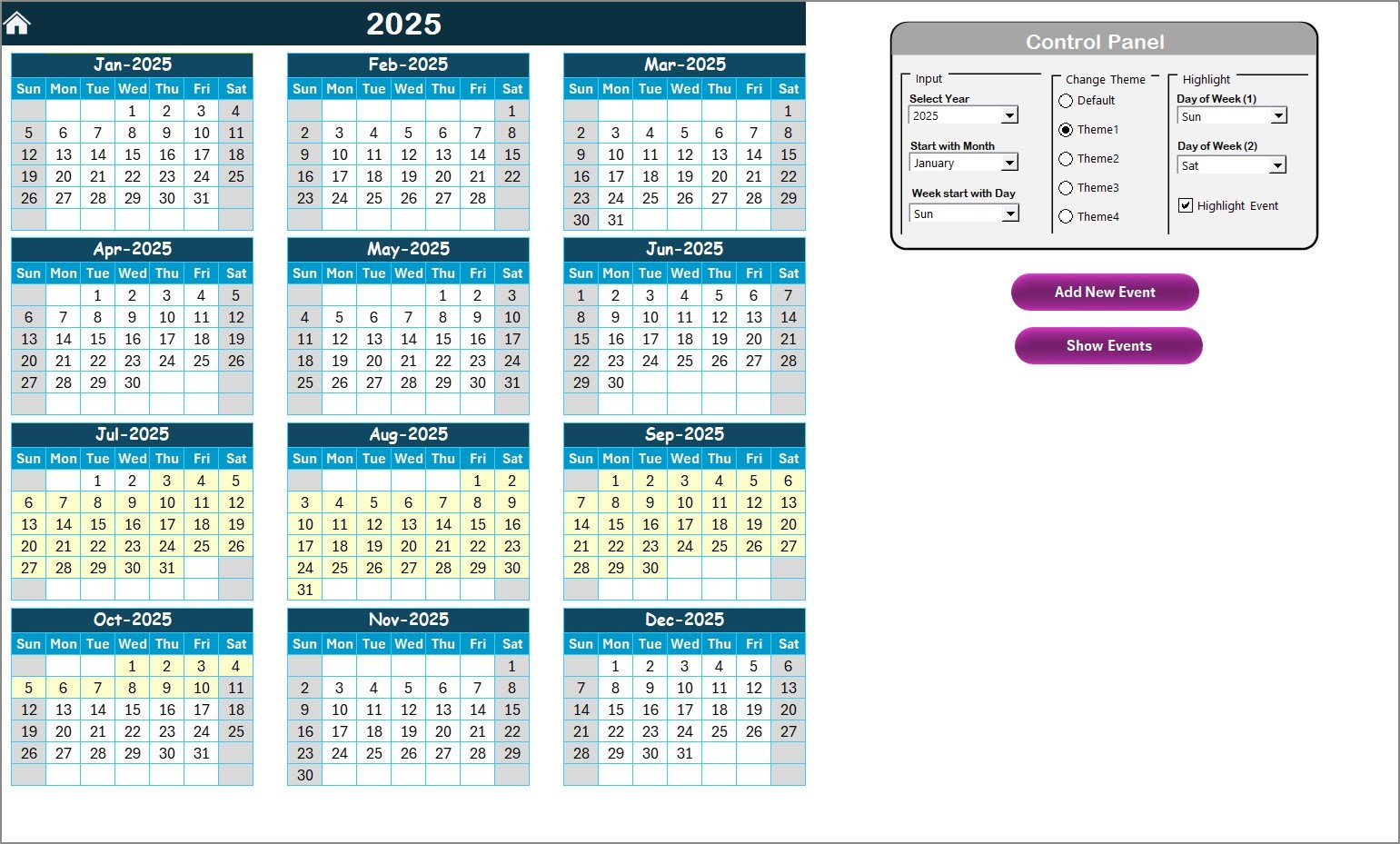
📆 Annual View Calendar
Visualize the entire year with event indicators. Customize the start month, highlight weekends, and pick from 5 color themes.
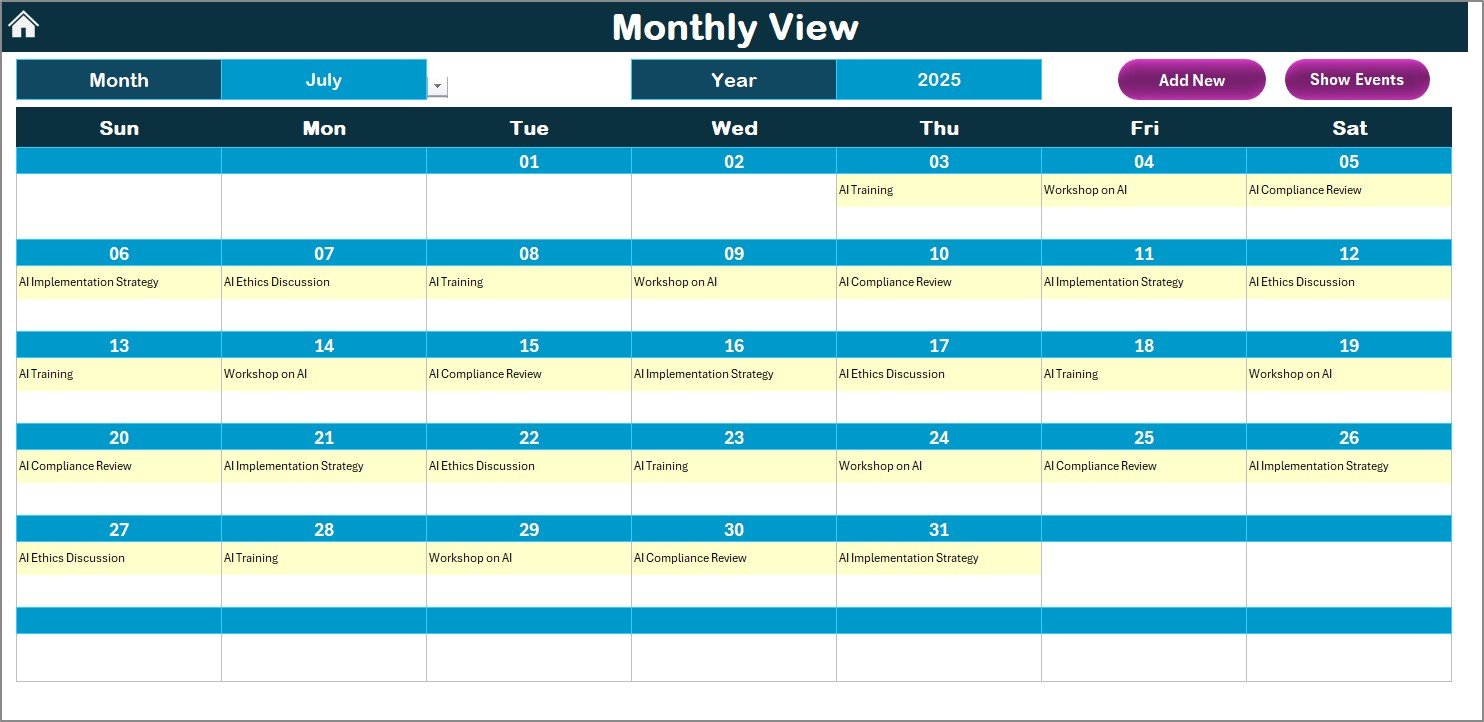
🗓️ Monthly View Sheet
See a zoomed-in version of a specific month. If multiple events fall on the same day, the calendar will alert you with a “more than 1” tag.
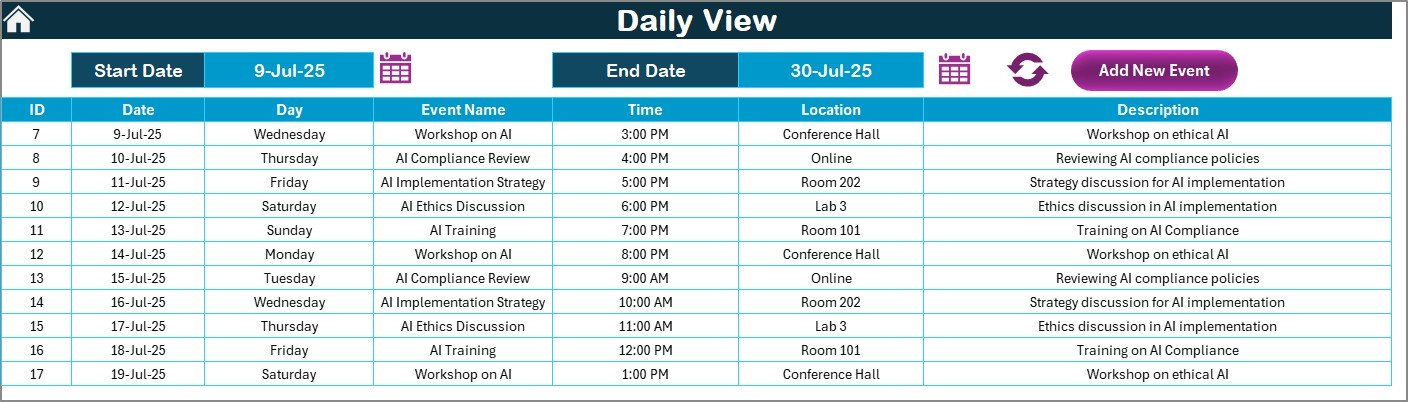
📋 Daily View Sheet
Filter events between two specific dates using smart date selectors and view daily schedules instantly.
🗃️ Events Sheet – The Smart Database
Add, update, and delete compliance events in a structured database that auto-updates all calendar views.
🤖 AI-Driven Controls
Smart form buttons enable seamless data management and minimal manual entry for recurring updates.
🎨 Theme Customization
Switch between 5 pre-built calendar themes. Personalize to match your institution’s branding or user preference.
🎯 Why This Excel Template Stands Out
✅ No Subscriptions or Add-ons Required
✅ Works Offline – No Internet Needed
✅ Zero Learning Curve – Designed for Non-Excel Experts
✅ Fully Customizable Fields & Layouts
✅ Collaborative – Can Be Shared Across Teams
✅ AI Assistance – Smart forms & filters for efficiency
🌱 Perfect for Every Institution
Whether you’re managing compliance at a primary school, higher ed institution, or multi-campus setup, this calendar scales easily and adapts to your workflows. It eliminates chaos, centralizes data, and creates accountability.
💡 Best Practices for Success
🔄 Update regularly – Keep event records current to reflect real-time priorities.
🎨 Use highlight tools – Emphasize key compliance dates and review deadlines.
🛠️ Encourage collaboration – Share the workbook across departments.
📊 Analyze trends – Spot peak activity periods and bottlenecks using Daily View insights.
🎁 What You Get
✅ Excel Workbook (.xlsx) – Fully unlocked
✅ 5 Interactive Sheets (Home, Annual, Monthly, Daily, Events)
✅ AI-Powered Buttons for Event Management
✅ Color Themes, Highlighting Tools & Custom Panels
✅ Lifetime Access & Editable Format
🔧 System Requirements
💻 Microsoft Excel 2016 or later (Windows or Mac)
📥 No Add-ins Required
🌐 Internet Optional (for YouTube tutorials)
📹 Bonus: Step-by-Step YouTube Tutorial Included
Learn how to set up and use the calendar with our in-depth video guide at:
👉 youtube.com/@PKAnExcelExpert
🔐 🔗 Click here to read the Detailed blog post
Watch the step-by-step video tutorial:
Frequently Asked Questions
Which sheets are included?
Five sheets: Home, Annual, Monthly, Daily and Events.
Where do I add compliance events?
Use the Events sheet. It is the event database, and the Annual, Monthly and Daily views update from it. You can add, update and delete events with the buttons on that sheet.
What happens when two events fall on the same day?
The Monthly View shows a “more than 1” tag on that day so you know there are several events.
Can I change the look of the calendar?
Yes. The Annual View lets you pick the start month, highlight weekends and choose from 5 color themes.
Is there a version for another department or topic?
Yes. For example, see the Education Compliance Supply Chain Resilience Calendar in Excel and the Compliance AI Implementation Calendar in Excel.
Related Calendar Templates
- Compliance AI Implementation Calendar in Excel: the same calendar for general compliance teams
- Education Compliance Supply Chain Resilience Calendar in Excel: an education compliance calendar for supply chain events
- Education Compliance Remote Work Calendar in Excel: tracks remote work compliance events at schools
- Education HR AI Implementation Calendar in Excel: the same calendar for HR teams in education
- Legal Compliance Calendar in Excel: a calendar for legal compliance deadlines
Browse all Excel calendar templates.

































Reviews
There are no reviews yet.