

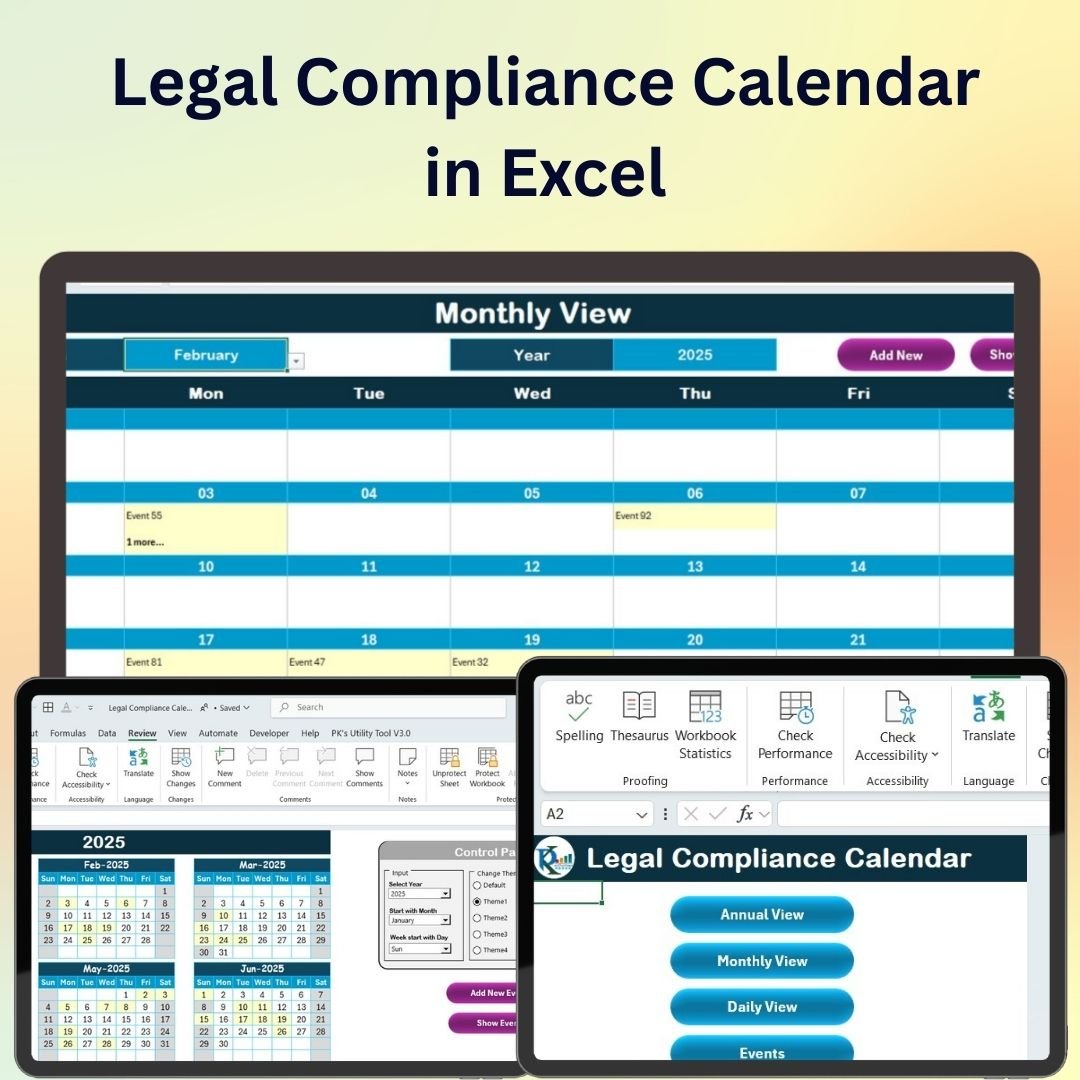
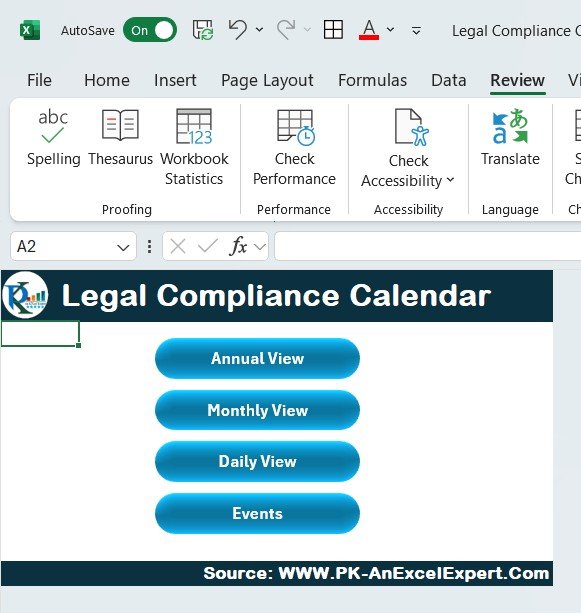
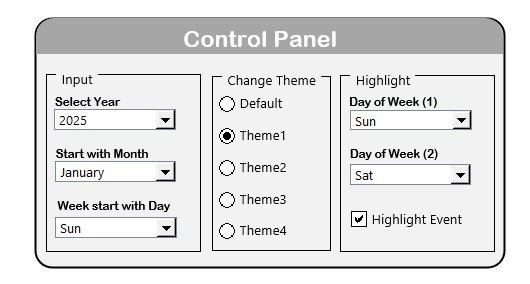
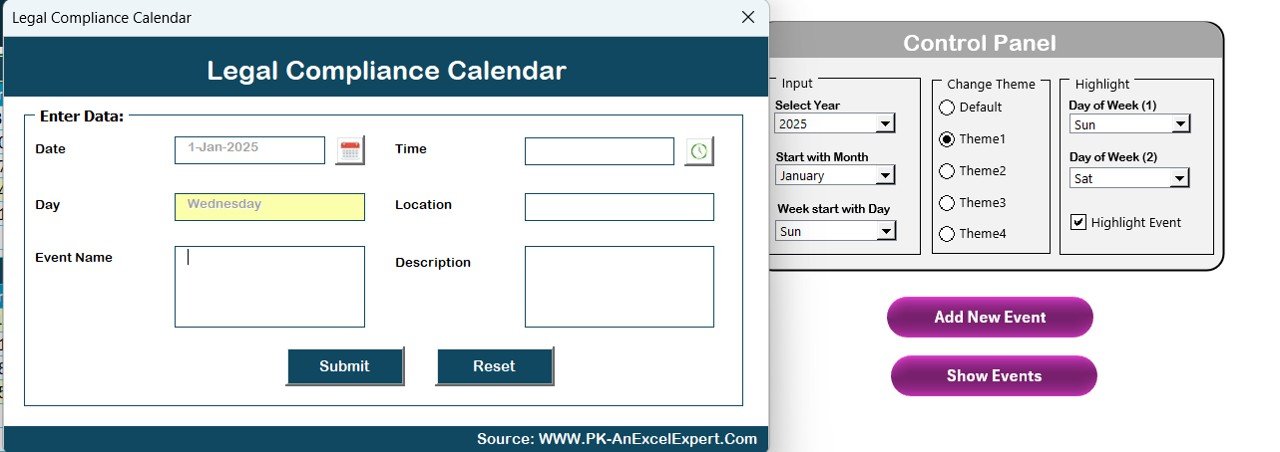
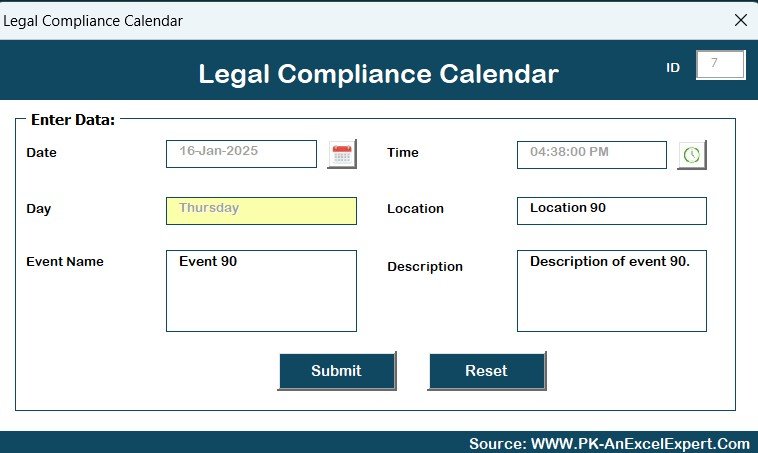

The Legal Compliance Calendar in Excel is a highly efficient and easy-to-use tool designed to help businesses track and manage legal compliance requirements in a timely and organized manner. This Excel-based calendar helps organizations stay on top of important deadlines, legal filings, and regulatory requirements to ensure they remain compliant with local, state, and federal regulations.
Whether you’re managing compliance for a small business, a department, or a large enterprise, this template offers a clear, structured format to track all your critical compliance dates and obligations. With automated reminders, customizable categories, and an intuitive layout, the Legal Compliance Calendar will keep your business organized and compliant.
Key Features of the Legal Compliance Calendar in Excel
📌 Comprehensive Compliance Tracking
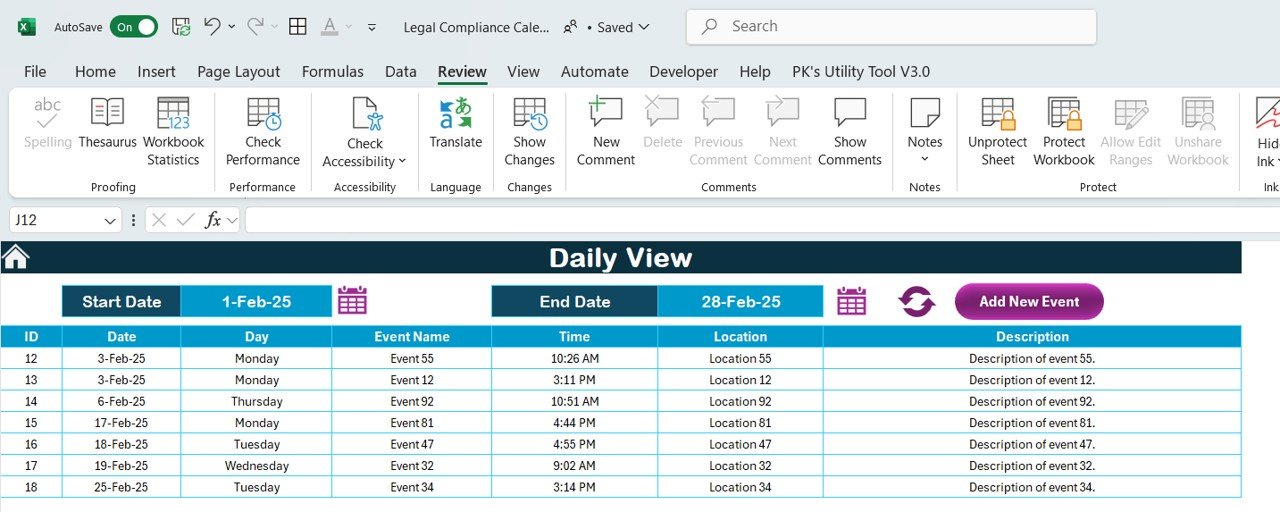
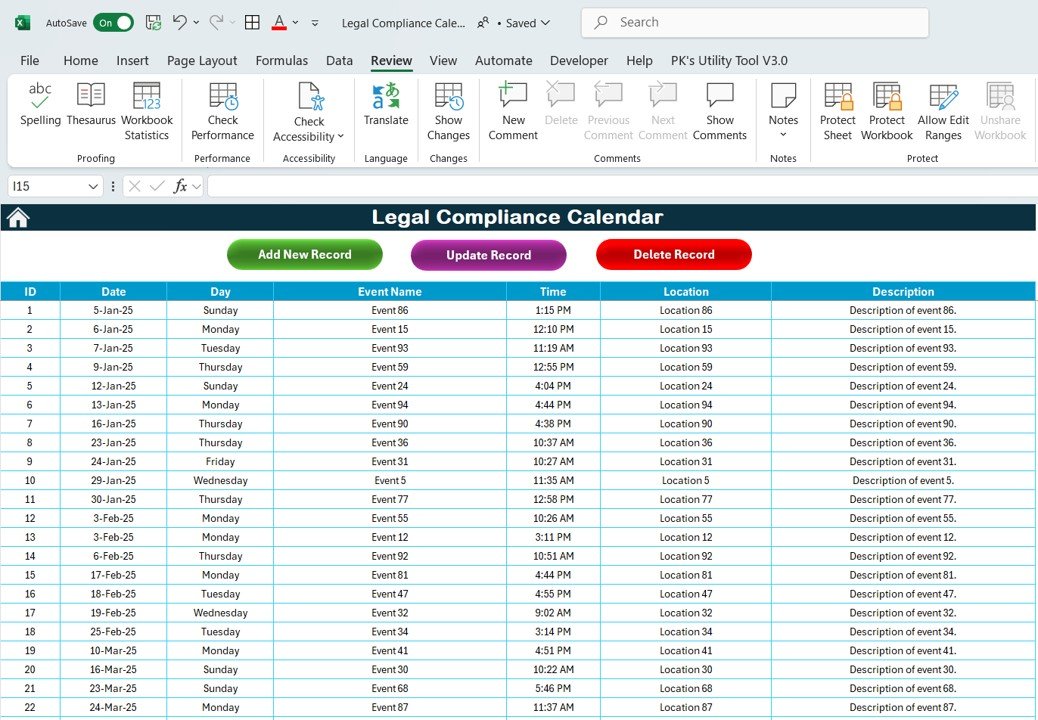
This calendar allows you to track a variety of compliance obligations, including filing dates, reporting deadlines, regulatory checks, and other legal requirements. It gives you a centralized view of all deadlines and actions needed to ensure full compliance.
🛠 Customizable Categories
Easily adjust the calendar to fit your business’s unique compliance needs. Categorize deadlines by department, type of compliance, or priority level, allowing you to focus on the most pressing obligations first.
💡 Automated Reminders
Set automated reminders for compliance deadlines to ensure you never miss an important date. The calendar will automatically alert you when a deadline is approaching, making it easier to stay on top of your legal obligations.
🔢 Real-Time Updates
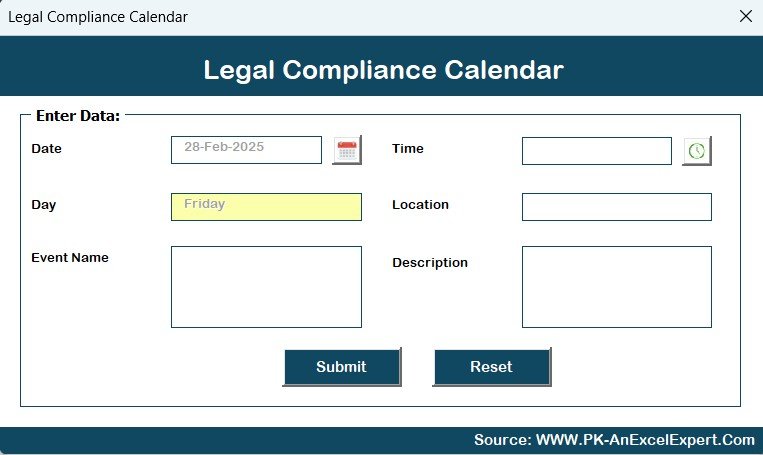
As you enter new compliance dates, the calendar updates in real-time, ensuring that your data is always up-to-date and relevant. This feature helps you manage compliance efficiently over time.
🚀 Multiple Use Cases
The calendar is adaptable to any industry or regulatory framework. Whether you’re dealing with tax filings, employee benefits, environmental compliance, or other legal requirements, this tool works for all areas of compliance management.
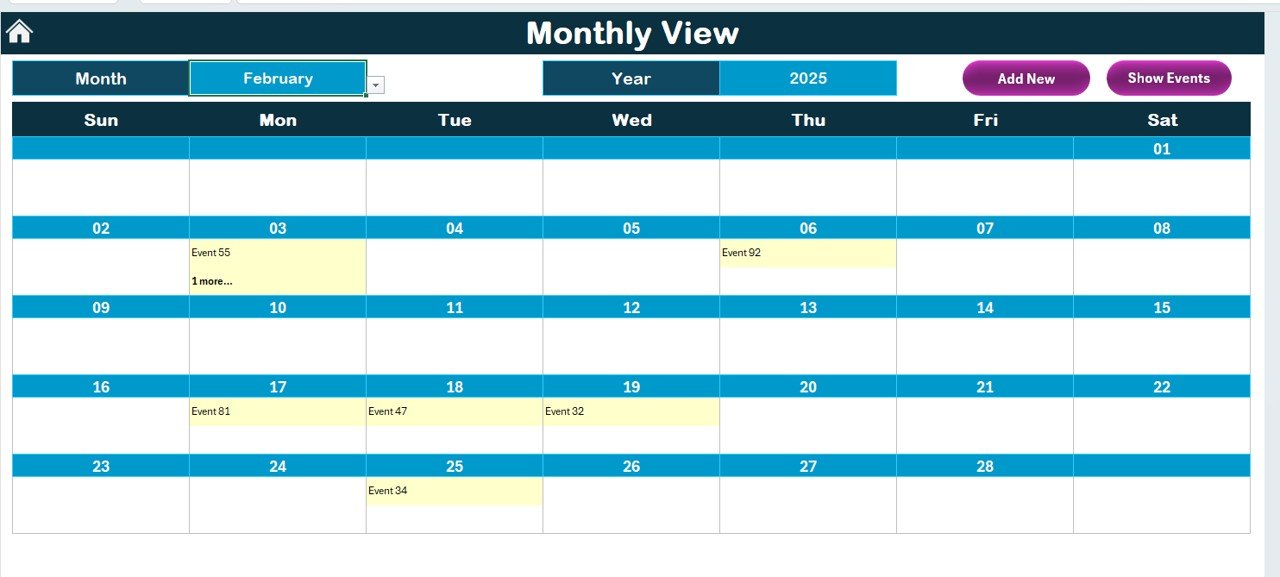
📊 Clear Visual Layout
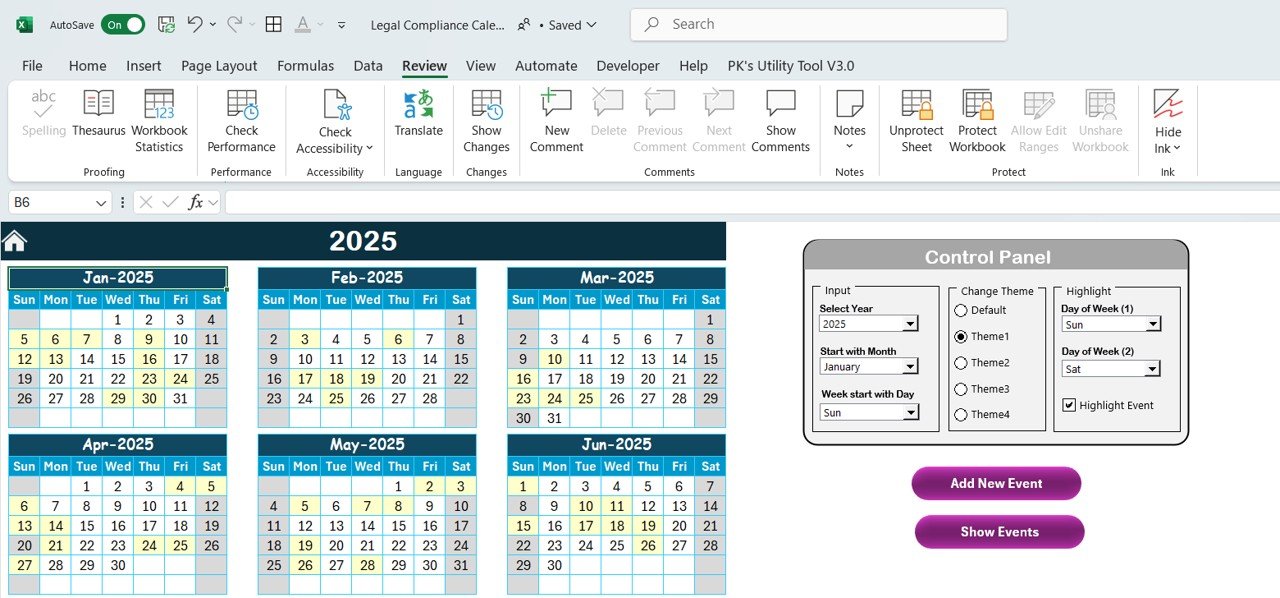
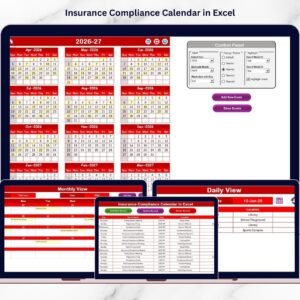
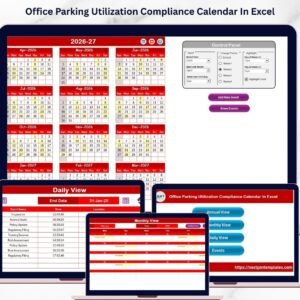
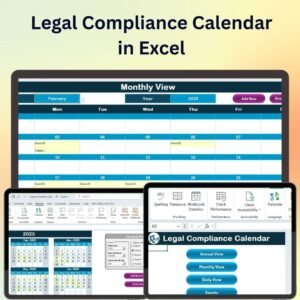
With a clean and straightforward layout, the calendar is easy to navigate and use. Track deadlines month-by-month, quarter-by-quarter, or year-by-year with an easy-to-understand format that helps you stay on top of your legal obligations.
⚙ User-Friendly Setup
The template is easy to set up and does not require advanced Excel skills. It comes with clear instructions on how to customize the calendar for your specific needs, so you can start using it immediately.
🚀 Why You’ll Love the Legal Compliance Calendar in Excel
✅ Comprehensive and Organized – Track all your compliance obligations in one place. ✅ Customizable and Flexible – Adapt the calendar to fit your business’s needs. ✅ Automated Reminders – Never miss an important deadline with automatic alerts. ✅ Easy to Use – Simple setup and intuitive layout. ✅ Real-Time Updates – Keep your calendar current with automatic updates.
📂 What’s Inside the Legal Compliance Calendar in Excel?
- Compliance Deadlines: Track all deadlines, filings, and required reports.
- Customizable Categories: Organize your deadlines by department or type.
- Automated Reminders: Set up alerts for upcoming compliance dates.
- Clear Layout: An easy-to-read format that allows for quick data entry and reference.
- User Instructions: Clear, easy-to-follow instructions for setup and customization.
🔍 How to Use the Legal Compliance Calendar in Excel
1️⃣ Download the Template – Get immediate access to the Excel file upon purchase. 2️⃣ Input Compliance Dates – Enter important filing and reporting dates for your business. 3️⃣ Set Reminders – Automatically set up reminders for each compliance task. 4️⃣ Track Deadlines – Use the calendar to monitor upcoming deadlines and stay on track. 5️⃣ Stay Compliant – Easily manage and stay on top of your business’s legal obligations.
🎯 Who Can Benefit from the Legal Compliance Calendar in Excel? 🔹 Business Owners 🔹 Compliance Officers 🔹 HR Managers 🔹 Legal Teams 🔹 Finance Teams 🔹 Anyone responsible for managing legal and regulatory compliance
Stay organized and compliant with the Legal Compliance Calendar in Excel. Whether you’re tracking tax filings, legal reports, or regulatory deadlines, this calendar helps you ensure that you never miss an important date.
Click here to read the Detailed blog post
https://www.pk-anexcelexpert.com/legal-compliance-calendar-in-excel/
Visit our YouTube channel to learn step-by-step video tutorials
Compatibility and Requirements
- Works in Microsoft Excel desktop (Excel 2016 or later, or Microsoft 365).
- To add your own categories as a pick list, Microsoft explains how to create a drop-down list.
Frequently Asked Questions
What compliance dates can I track?
Filing dates, reporting deadlines, regulatory checks and other legal requirements, such as tax filings, employee benefits or environmental compliance.
Can I group deadlines by department?
Yes. Deadlines can be categorized by department, type of compliance or priority level, so the most pressing items stand out.
How do the reminders work?
Each compliance date you enter is flagged as the deadline gets close, so upcoming filings are easy to spot.
Can I view the year at a glance?
Yes. You can follow deadlines month by month, quarter by quarter or across the whole year.
Related Compliance Templates
- Health & Safety Compliance Calendar in Excel: a compliance calendar for safety dates
- Legal Compliance Audit Checklist in Excel: check each requirement during an audit
- Compliance Audit Tracker in Excel: track audit findings and follow-ups
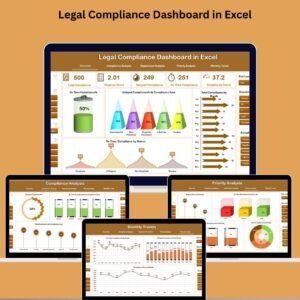
- Legal Compliance Dashboard in Excel: report compliance status in charts
- Calendar & Planner Pack: 12 Excel and Google Sheets calendars and planners
Browse all Excel calendar templates or the Excel checklist templates.


























Reviews
There are no reviews yet.