

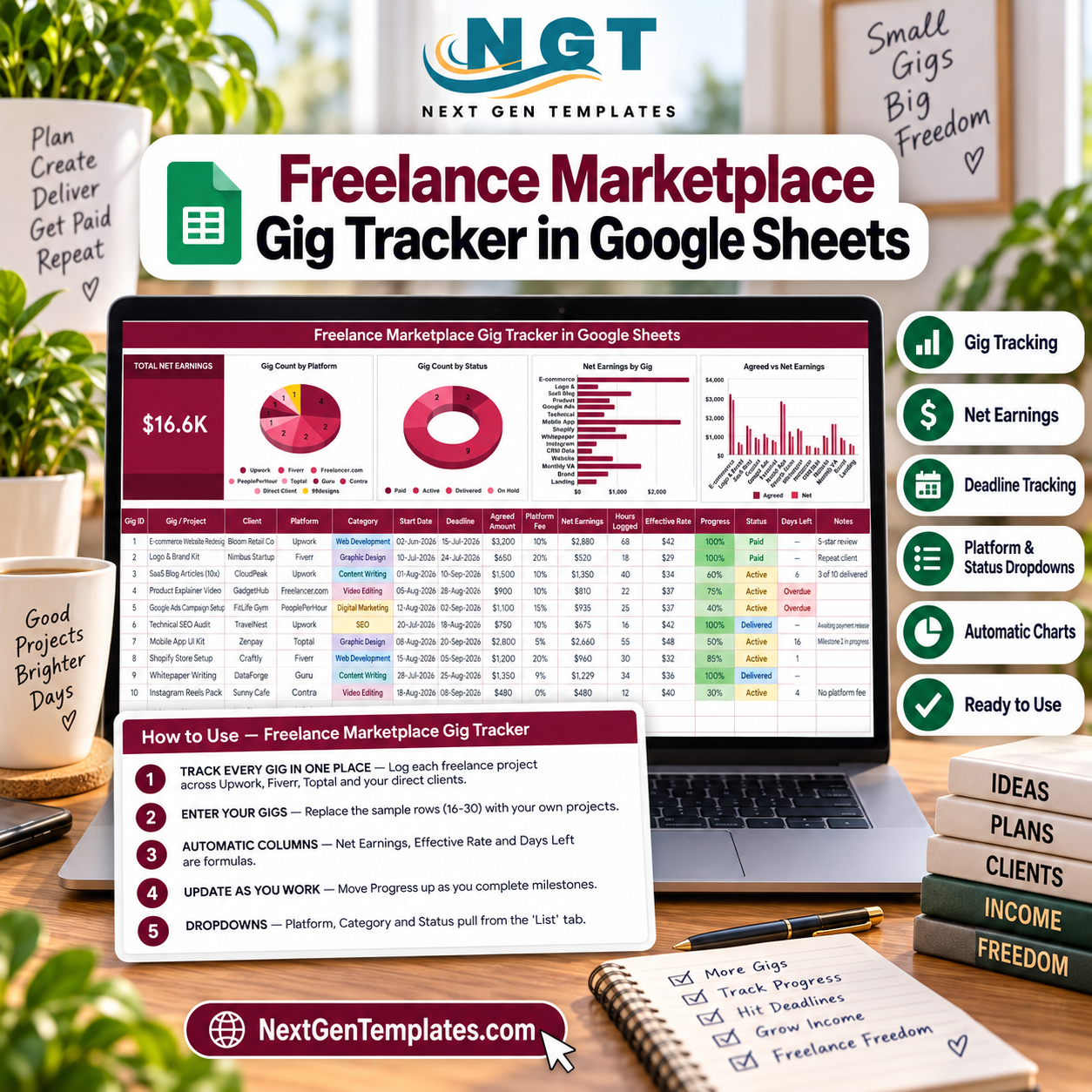

Track 15 sample gigs across nine marketplaces and direct clients in one view. The Freelance Marketplace Gig Tracker in Google Sheets calculates net earnings after platform fees, effective hourly rate, deadline status, and days left while four charts summarize the work. The included sample shows $16.6K in net earnings across Paid, Active, Delivered, and On Hold gigs, giving buyers a concrete starting point without a subscription. Replace the demo rows with your own work, adjust the dropdown lists, and keep control of the file in your Google Drive.
Key Features of Freelance Marketplace Gig Tracker in Google Sheets
- One-row gig log: record the project, client, platform, category, start date, deadline, agreed amount, fee, hours, progress, status, days left, and notes.
- Net earnings formula: agreed amount minus the selected platform fee gives a practical take-home figure for every gig.
- Effective rate: net earnings divided by hours logged helps compare work with different fees and time requirements.
- Deadline tracking: Days Left counts down, flags overdue work, and clears completed Paid or Delivered rows.
- Platform and status dropdowns: maintain reusable values on the List tab for consistent entry.
- Four automatic charts: review gig count by platform, gig count by status, net earnings by gig, and agreed versus net earnings.
- Shareable Google Sheets format: keep a private file or share it with selected collaborators using Google Drive permissions.
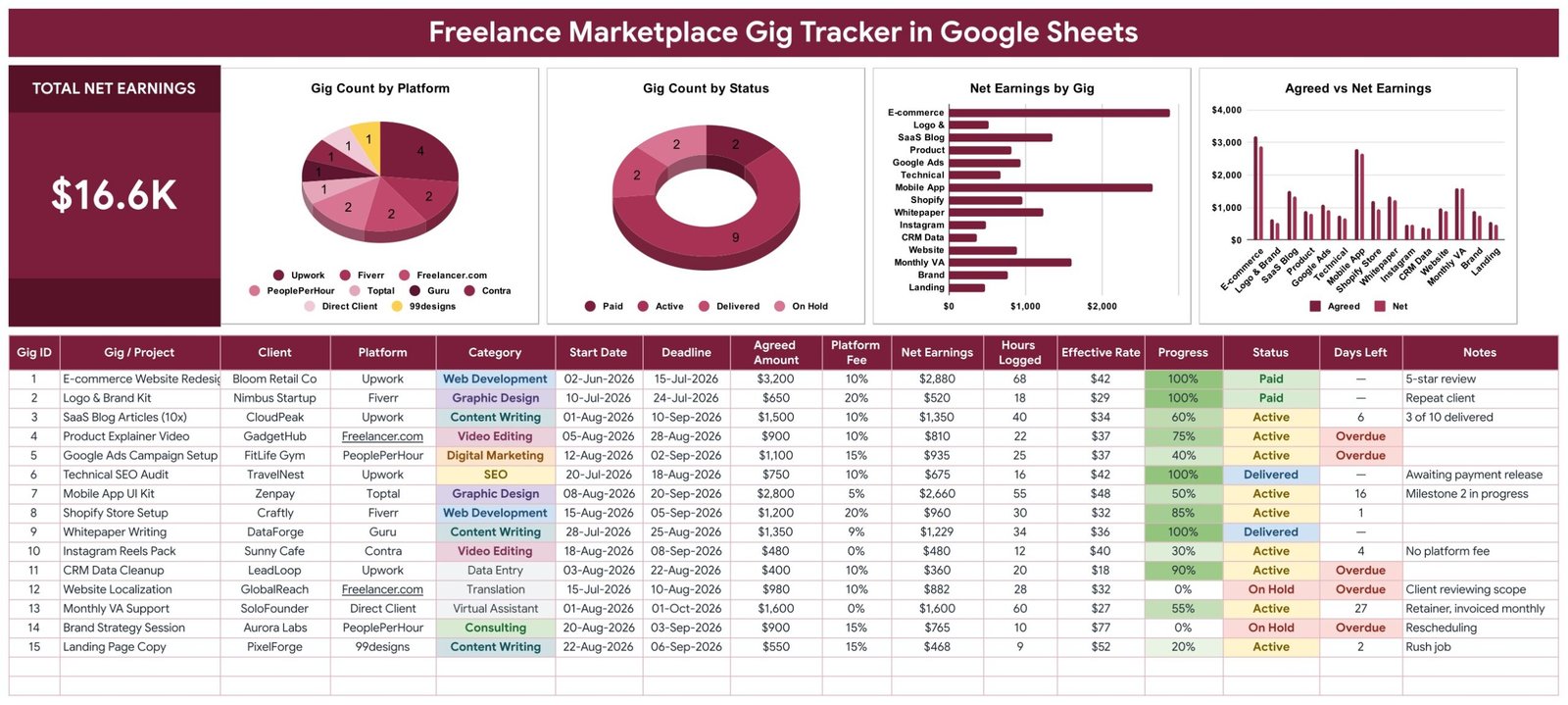
Dashboard with earnings, gig status, platform mix, deadlines, and project details.
What’s Inside This Google Sheets Gig Tracker
Tracker and dashboard sheet
The main sheet combines the entry table and dashboard. The sample contains 15 projects from Upwork, Fiverr, Freelancer.com, PeoplePerHour, Toptal, Guru, Contra, 99designs, and direct clients. Status examples include nine Active, two Paid, two Delivered, and two On Hold gigs. The visual summary updates as rows are replaced or extended.
How to Use guidance
The instructions explain which columns are typed, which are formulas, how deadline flags work, and how to change dropdown values. They also explain the one-time Google Sheets step for displaying dropdowns as coloured chips.
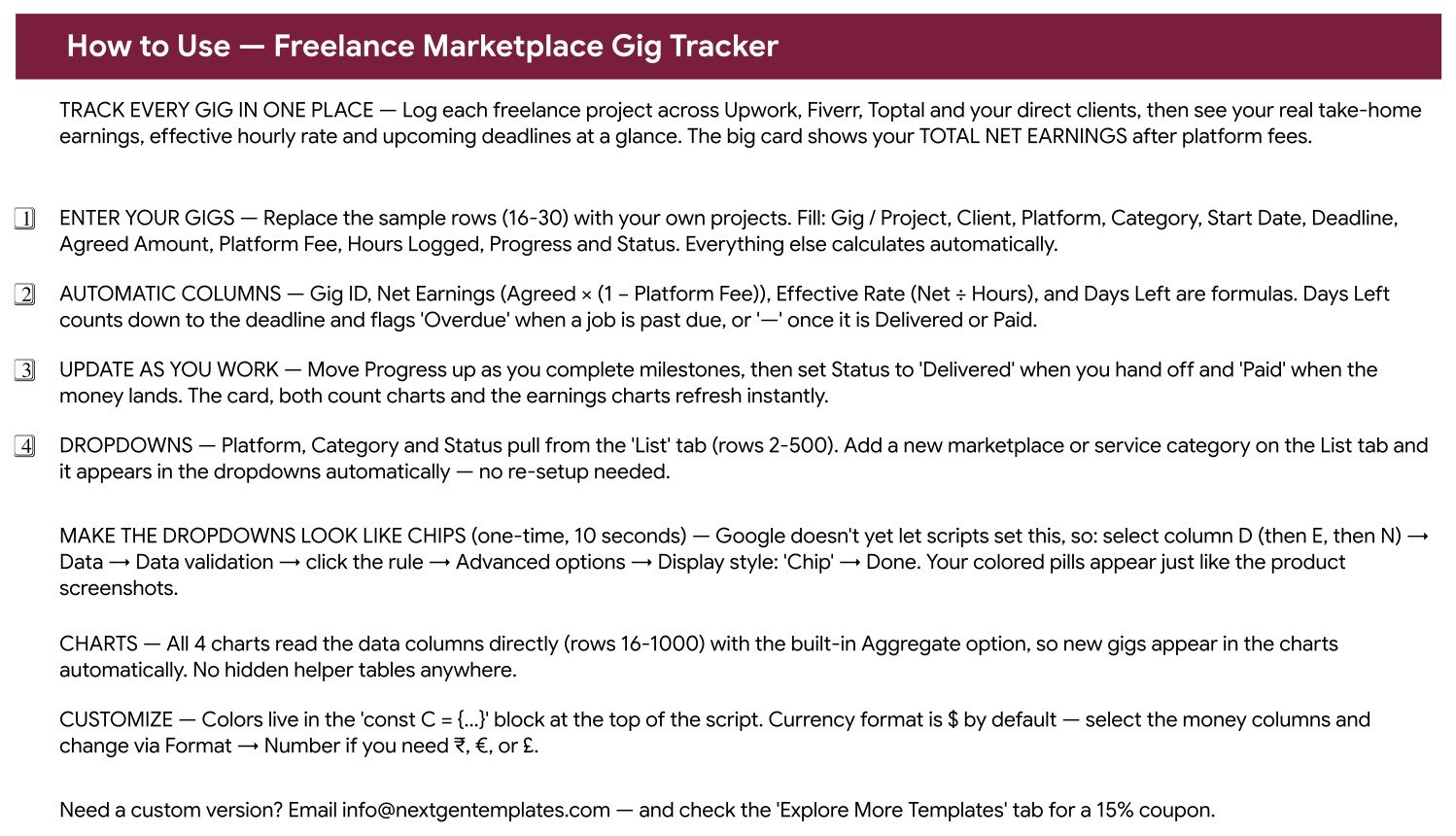
Built-in setup and usage instructions.
List and recommended-template resources
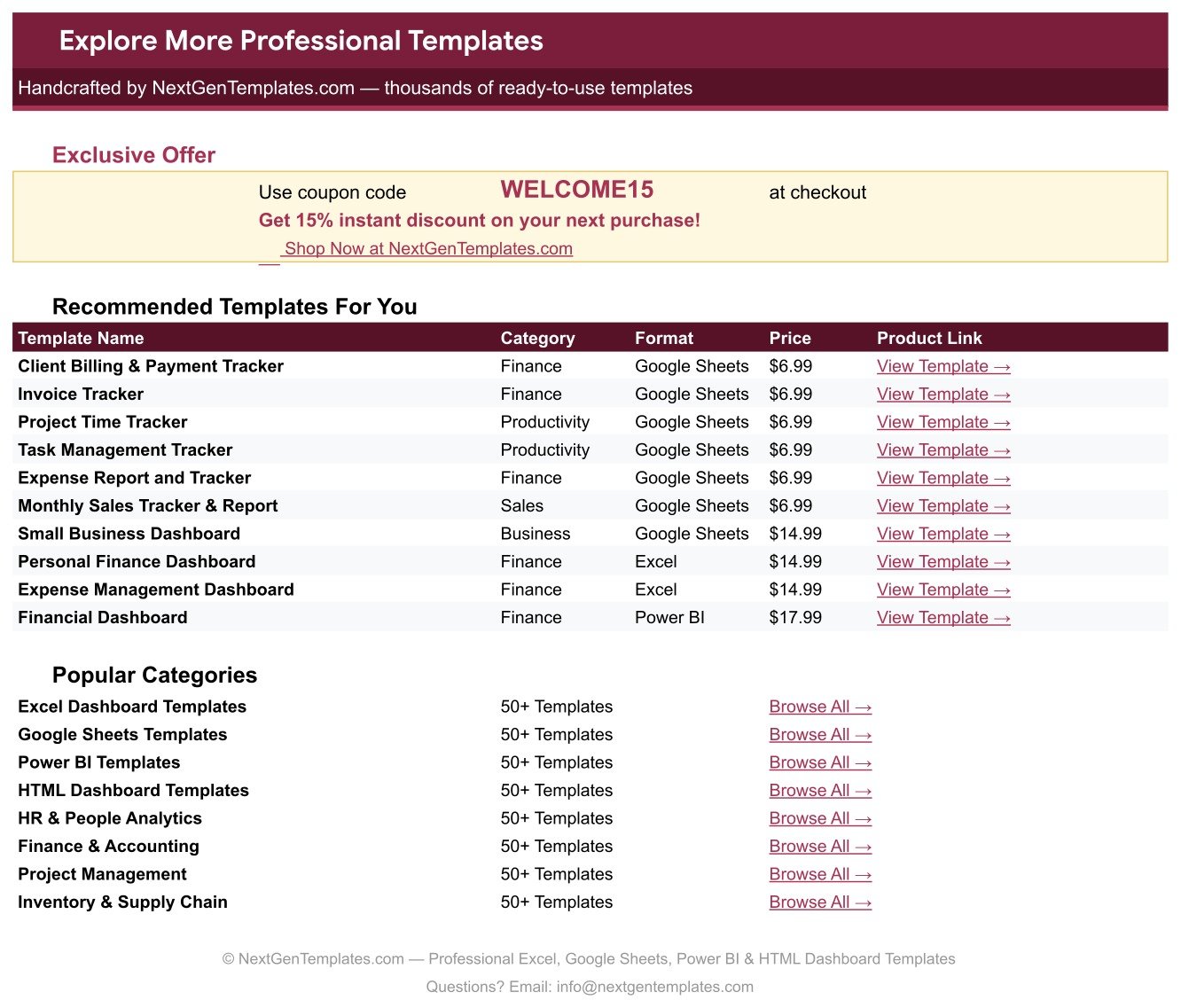
The List tab holds Platform, Category, and Status values used by dropdowns. An Explore More Templates sheet provides links to complementary tools; it does not change the tracker calculations.
This Google Sheets Gig Tracker vs. Excel vs. Paid CRM/SaaS – Where It Fits
| Area | This Google Sheets tracker | Excel workbook | Paid freelance CRM/SaaS |
|---|---|---|---|
| Cost | One-time template purchase | One-time file | Usually recurring subscription |
| Setup | Copy to Drive and replace sample rows | Download and open locally | Account, configuration, and onboarding |
| Collaboration | Native link sharing and permissions | Depends on storage and Excel version | Usually built in |
| Customization | Edit columns, lists, colours, and formulas | Edit workbook structure | Limited by plan and configuration |
| Gig economics | Fees, net earnings, hours, and effective rate | Possible with workbook formulas | Varies by product |
| Client operations | Lightweight project tracking only | Lightweight project tracking | May add contracts, invoicing, CRM, and automation |
Who This Template Is For – and Who It’s Not For
This freelance gig tracker suits solo freelancers, creators, consultants, and small agencies that need a clear project-and-earnings overview. It is useful when work arrives from several marketplaces and each platform charges a different fee. It is not an invoicing system, accounting ledger, tax calculator, proposal tool, client portal, or full CRM. It does not send reminders or messages, and it should not replace professional accounting advice or marketplace records.
How to Use This Google Sheets Gig Tracker
- Open the supplied PDF and use its verified copy link to create your editable Google Sheet.
- Review the sample rows, then replace rows 16-30 with your gigs and clients.
- Enter agreed amounts, platform fees, hours, progress, and status; leave calculated fields intact.
- Add or edit Platform, Category, and Status options on the List tab.
- Check the four charts and overdue flags during a weekly review.
- Set Drive sharing permissions deliberately before inviting collaborators.
Real-World Use Cases
A multi-platform designer
Compare fees and effective rates for design work booked through Fiverr, Upwork, and direct referrals.
A freelance developer
Watch deadlines and progress across fixed-price builds while separating agreed revenue from net earnings.
A small content studio
Keep a simple shared view of active, delivered, and paid assignments without adopting a full agency platform.
Frequently Asked Questions
Does the tracker calculate net earnings?
Yes. Net Earnings uses the agreed amount and platform-fee percentage entered for each gig.
Does it calculate an hourly rate?
Yes. Effective Rate divides net earnings by Hours Logged, so the result depends on accurate time entry.
Will new gigs appear in the charts?
Yes. The charts read the configured data range and update when valid rows are added.
Can I change the platforms and categories?
Yes. Edit the List tab values used by the Platform, Category, and Status dropdowns.
Does it include invoices, proposals, or client messaging?
No. It is a focused tracking template, not an invoicing, proposal, CRM, or communication system.
Can I use another currency?
Yes. Change the money-column number format in Google Sheets; the sample is formatted in dollars.
About the Author
Built by PK – Microsoft Certified Professional with 15+ years of Excel, Google Sheets, and Power BI experience. Founder of NextGenTemplates, reaching 300K+ subscribers across YouTube channels. Every template is hand-built and tested before release.
Explore Related Templates
Pair this tracker with the Freelance Gig & Deadline Tracker, Billable Hours & Time Tracker, Retainer & Recurring Client Tracker, or Proposal & Quote Tracker. Browse more Google Sheets trackers.
Ready to replace scattered notes with one practical view? Add this tracker to your toolkit, create your private copy, and begin with the included examples. Read the complete walkthrough.
Watch the step-by-step video Demo:
Last updated: September 11, 2026.
Compatibility and Requirements
- Works in Google Sheets. You need a free Google account and a web browser.
- Platform, Category and Status are dropdowns fed by the List tab. Google explains dropdowns in Create an in-cell dropdown list.
































Reviews
There are no reviews yet.