


Organize. Assign. Complete. Your Step-by-Step Asset Planning Checklist is Here.
Managing your organization’s assets without structure can lead to delays, missed responsibilities, and costly oversights. That’s why the Asset Management Preparation Guide in Excel is your go-to checklist tool for streamlined, accountable, and deadline-driven asset planning.
Whether you’re setting up a new office, rolling out IT hardware, or prepping for a facility move, this Excel-based guide helps you stay ready—without investing in expensive software.
📂 What’s Included in the Template?
This ready-to-use Excel tool includes two professionally designed sheets:
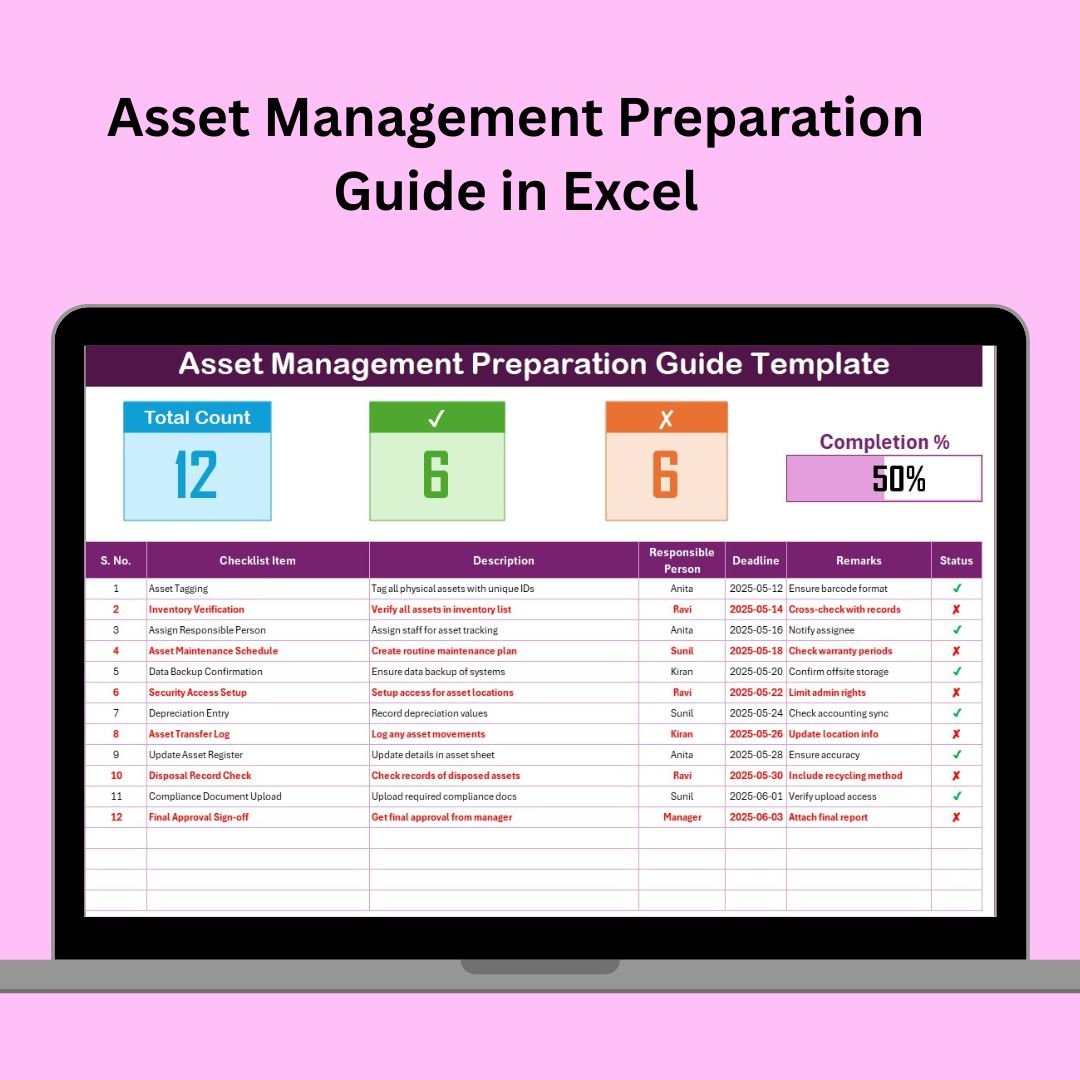
1️⃣ Checklist Sheet Tab – Your Action Tracker
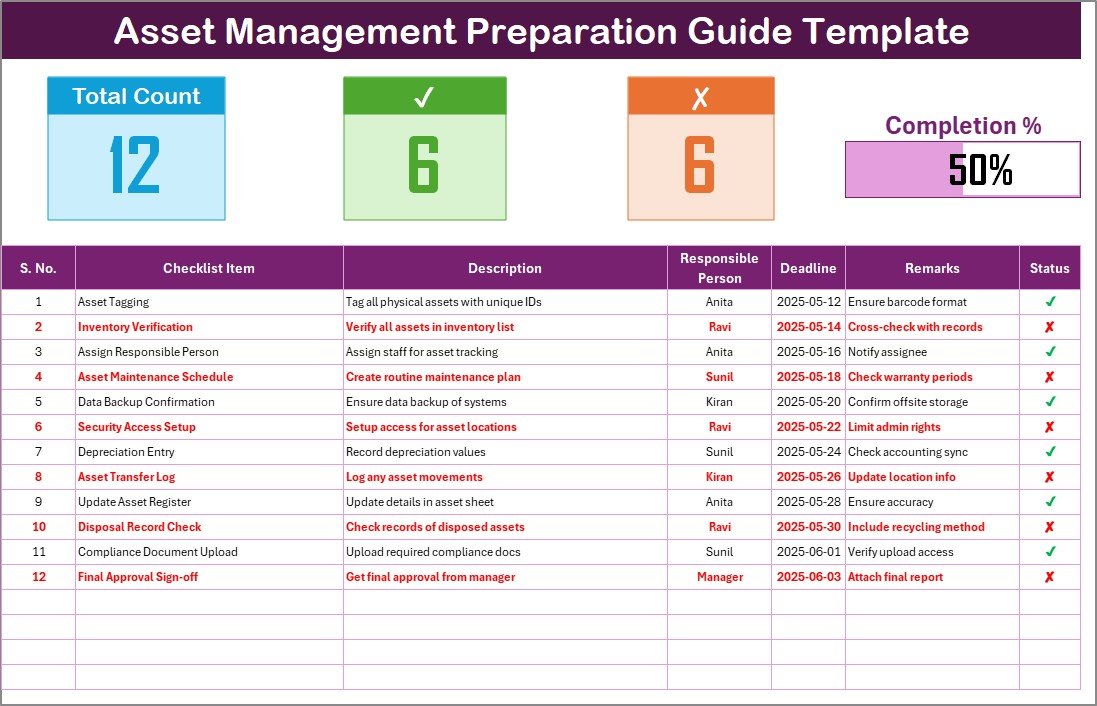
Track every preparation task using this interactive table with the following columns:
Serial No.
Checklist Item
Description
Responsible Person (dropdown-based)
Deadline
Remarks
Status (✔ = completed, ✘ = pending)
Top Cards Include:
✅ Total Task Count
✅ Completed (✔) Count
❌ Incomplete (✘) Count
📊 Progress Bar that updates in real-time
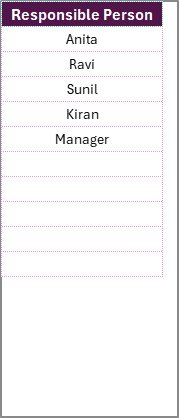
2️⃣ List Sheet Tab – Smart Drop-Down Control
Maintain a unique list of responsible persons
Automatically feeds drop-downs in the main checklist
Prevents typos and duplicate names
🚀 Why This Excel Template Is a Game-Changer
🧠 Simple Yet Smart
No need for complex tools—just open Excel and start planning.
✅ Visual Task Progress
The dynamic progress bar keeps your team focused and motivated.
📅 Deadline Clarity
Always stay ahead of your deadlines with a structured layout.
👥 Improves Accountability
Assign tasks clearly and avoid missed ownership.
🔧 Customizable
Add columns like Priority, Budget, Asset Category, and more.
📦 Offline + Secure
Use it even without internet access. Your data stays with you.
📌 Ideal Use Cases
🖥️ IT Rollouts (laptops, routers, software licenses)
🏢 Office Setup & Equipment Tracking
🏗️ Facility Moves or Construction Site Prep
🧰 Maintenance Pre-Checks
📚 Educational Institutions Asset Planning
🏫 School Lab Equipment Setup
📈 Best Practices for Success
✅ Update weekly or after each project milestone
✅ Use clear naming for checklist items
✅ Assign varied responsibilities to avoid overload
✅ Monitor progress regularly through the dashboard cards
✅ Backup your file before major changes
🛠 Tips for Customization
Add Conditional Formatting to highlight overdue tasks
Insert a Priority dropdown (High, Medium, Low)
Use filters to sort by team member or due date
Connect with Google Sheets for team collaboration
Apply Data Validation to restrict entry types
💬 Frequently Asked Questions (FAQs)
Q1. Can I add new columns like Cost or Status Notes?
Absolutely. The sheet is fully editable.
Q2. What if I delete a row by accident?
Use Excel’s Undo (Ctrl+Z) or keep a backup version for safety.
Q3. Is this useful for teams or just individuals?
It works for both. You can assign tasks to multiple team members using the dropdowns.
Q4. Can this integrate with Google Sheets?
Yes. Upload the file to Google Drive and most functions will still work (except some advanced formatting).
Q5. Is this beginner-friendly?
Yes! No coding or Excel expertise required. Just basic knowledge of data entry.
Visit our YouTube channel to learn step-by-step video tutorials
🔗 Click here to read the Detailed blog post
Watch the step-by-step video tutorial:
Compatibility and Requirements
- Works in Microsoft Excel desktop (Excel 2016 or later, or Microsoft 365).
- The Responsible Person column uses a dropdown fed by the List sheet. Microsoft explains dropdowns in Create a drop-down list.
More Questions About This Template
Which sheets are included?
Two sheets: Checklist and List. The Checklist sheet holds the tasks and the progress cards. The List sheet holds the names used in the dropdown.
How do I add a person to the Responsible Person dropdown?
Add the name to the unique list on the List sheet. The dropdown on the Checklist sheet picks it up, which helps avoid typos and duplicate names.
How does the progress bar work?
Mark each task with a check (completed) or a cross (pending) in the Status column. The top cards show the total, completed and incomplete counts, and the progress bar updates with them.
Is there a version for other checklists in this series?
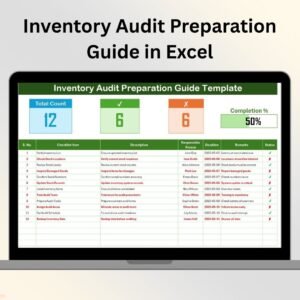
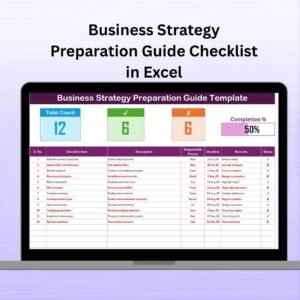
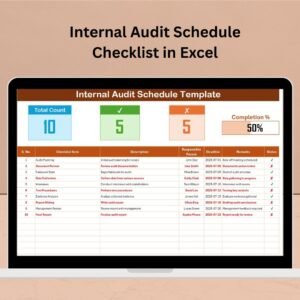
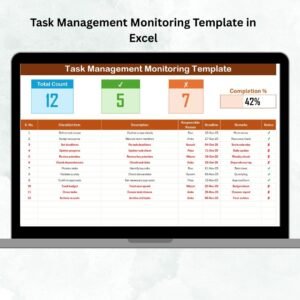
Yes. The same preparation guide layout is available for other topics, such as the Inventory Audit Preparation Guide in Excel and the Workplace Organization Preparation Guide in Excel.
Related Preparation Guide Templates
- Inventory Audit Preparation Guide in Excel: a checklist for counting and checking stock
- Workplace Organization Preparation Guide in Excel: a checklist for office and workspace setup
- Procurement Preparation Guide Checklist in Excel: a checklist for buying equipment
- Risk Management Preparation Guide Checklist in Excel: a checklist for risk planning
- Checklist & SOP Pack: 12 Excel and Google Sheets checklist templates in one download
Browse all Excel checklist templates.





























Reviews
There are no reviews yet.