

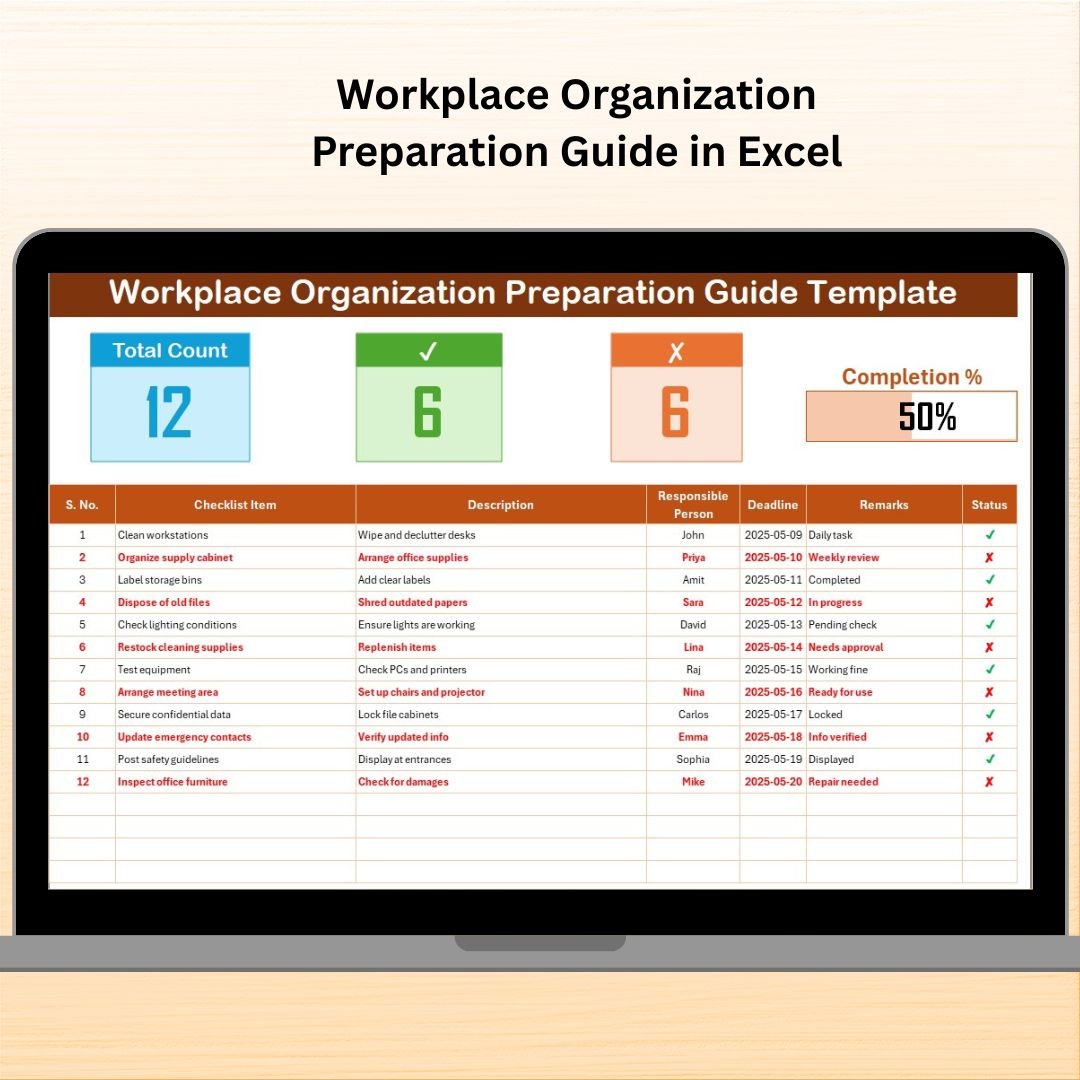

In today’s fast-paced work environment, organization isn’t optional — it’s essential. Whether you’re preparing for an audit, setting up a new office, or just trying to maintain daily workplace efficiency, the Workplace Organization Preparation Guide in Excel is the ultimate solution for planning, tracking, and managing every organizational task with ease.
This ready-to-use Excel checklist gives teams full control over their workflow, accountability, and deadlines — all in one user-friendly, fully customizable file.
✨ Key Features of the Workplace Organization Preparation Guide
📄 Two Functional Worksheets
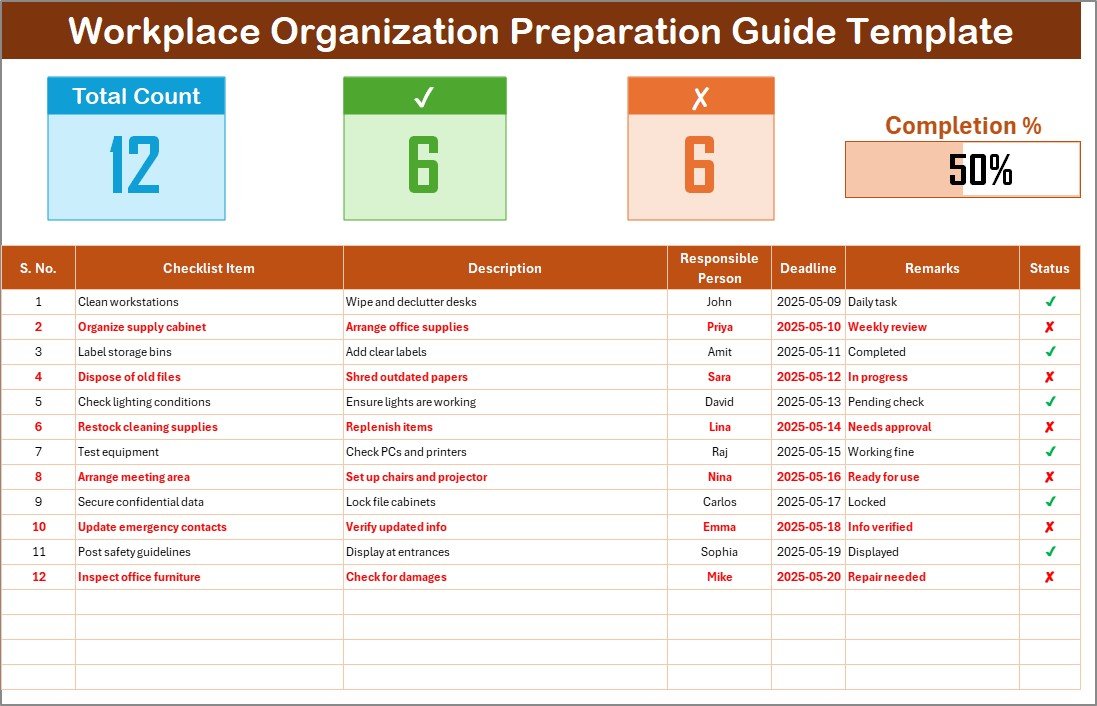
Checklist Sheet – The main sheet to enter tasks, assign responsibility, update status, and view real-time progress
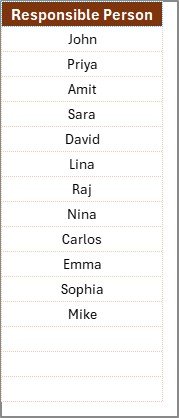
List Sheet – Add team members once, and populate dropdowns automatically
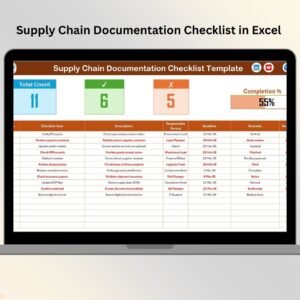
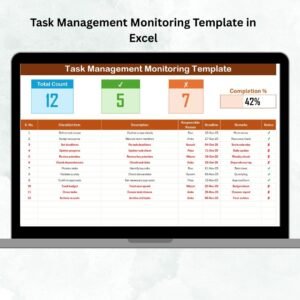
📊 Real-Time Dashboard Metrics
Total Count – Number of tasks in the list
Checked Count (✔) – Completed tasks
Crossed Count (✘) – Incomplete or failed tasks
Progress Bar – Visual summary of completion percentage
📝 Well-Structured Checklist Table
Serial No. | Checklist Item | Description
Responsible Person | Deadline | Remarks | Status (✔ or ✘)
📥 Dropdown-Powered Task Assignment
The Responsible Person column pulls names from the List Sheet, ensuring consistency and eliminating manual entry errors.
📦 What’s Inside the Excel Template?
🔹 Easy-to-Navigate Layout – Keep tasks, deadlines, and progress clear and visible
🔹 Automated Progress Bar – Updates in real-time as you change task statuses
🔹 Dropdown Selections – Choose names from the list instead of typing manually
🔹 Editable Design – Add more rows, columns, or color formatting
🔹 Built-In Accountability – Assign specific tasks to specific people with deadlines
🔹 Visual Indicators – Easily spot completed vs. pending work with checkmarks and color codes
🛠 How to Use the Workplace Organization Checklist
✅ Open the Template
Download and open the file. Two sheets: Checklist and List Sheet.👥 Add Team Members
Go to the List Sheet and enter your team’s names. They’ll appear in the Responsible Person dropdown.📋 Input Tasks
Add your organization tasks into the main checklist table.⏳ Set Deadlines and Assign Responsibility
Use the dropdown to assign a team member and set a due date.✔️ Update Statuses
Mark completed tasks with ✔ and pending/incomplete ones with ✘.📈 Track Overall Progress
The dashboard will update automatically to reflect real-time task completion.
👥 Who Can Benefit from This Excel Template?
This tool is useful for individuals or teams who handle workplace operations:
🧑💼 Facility Managers – Ensure office upkeep and compliance
👥 HR Teams – Organize onboarding, workspace setup, and policies
🔧 Maintenance Staff – Schedule equipment checks and cleaning tasks
📁 Admin Executives – Track file systems, storage organization, and supplies
🏢 Startup Teams – Streamline new office setup and resource allocation
🚀 Advantages of the Excel-Based Checklist
✅ Familiar Interface – Most teams already know how to use Excel
✅ Customizable – Add colors, formulas, or extra fields easily
✅ Offline-Ready – No internet required to access or update
✅ Zero Learning Curve – Anyone can use it with minimal guidance
✅ Real-Time Collaboration – Share via Google Drive, OneDrive, or Dropbox
✅ Audit-Friendly – Maintain task history and show progress during inspections
💡 Best Practices for Using the Template
📆 Review Weekly or Monthly – Keep your list up to date
🎯 Use Clear, Concise Task Names – Like “Clean Printer Room” or “File HR Docs”
🎨 Color-Code by Priority – Red for urgent, yellow for upcoming
📤 Share with Teams – Keep everyone accountable and informed
🧠 Match Tasks to SOPs – Align with your workplace compliance standards
🧾 Use Conditional Formatting – Highlight overdue tasks or high-priority items automatically
🔁 Click here to read the Detailed blog post
📺 Visit our YouTube channel to learn step-by-step video tutorials
Watch the step-by-step video tutorial:
Compatibility and Requirements
- Works in Microsoft Excel desktop (Excel 2016 or later, or Microsoft 365).
- The Responsible Person column uses a dropdown fed by the List Sheet. Microsoft explains how in Create a drop-down list.
Frequently Asked Questions
Which sheets are included?
Two sheets: the Checklist sheet for tasks, owners, deadlines and status, and the List Sheet for your team members’ names.
How do I assign a task to someone?
Add the names to the List Sheet first. Then pick a name from the dropdown in the Responsible Person column on the Checklist sheet.
What does the progress bar show?
It shows the share of tasks marked complete. The sheet also shows the total count, the checked count and the crossed count, and all of them update when you change a status.
Can I add more tasks or columns?
Yes. The design is editable, so you can add rows, columns and colors to fit your workplace.
Is there a Google Sheets version?
There is a Workplace Organization Checklist in Google Sheets.
Related Workplace Organization Templates
- Workplace Organization Checklist in Excel: a plain checklist for the same topic
- Workplace Organization Schedule in Excel: plan the tasks by date
- Workplace Organization Action Plan in Excel: turn findings into actions
- Workplace Organization Audit in Excel: check how well the workplace is organized
- Checklist & SOP Pack: 12 checklist templates in one download
Browse all Excel checklist templates.
































Reviews
There are no reviews yet.