

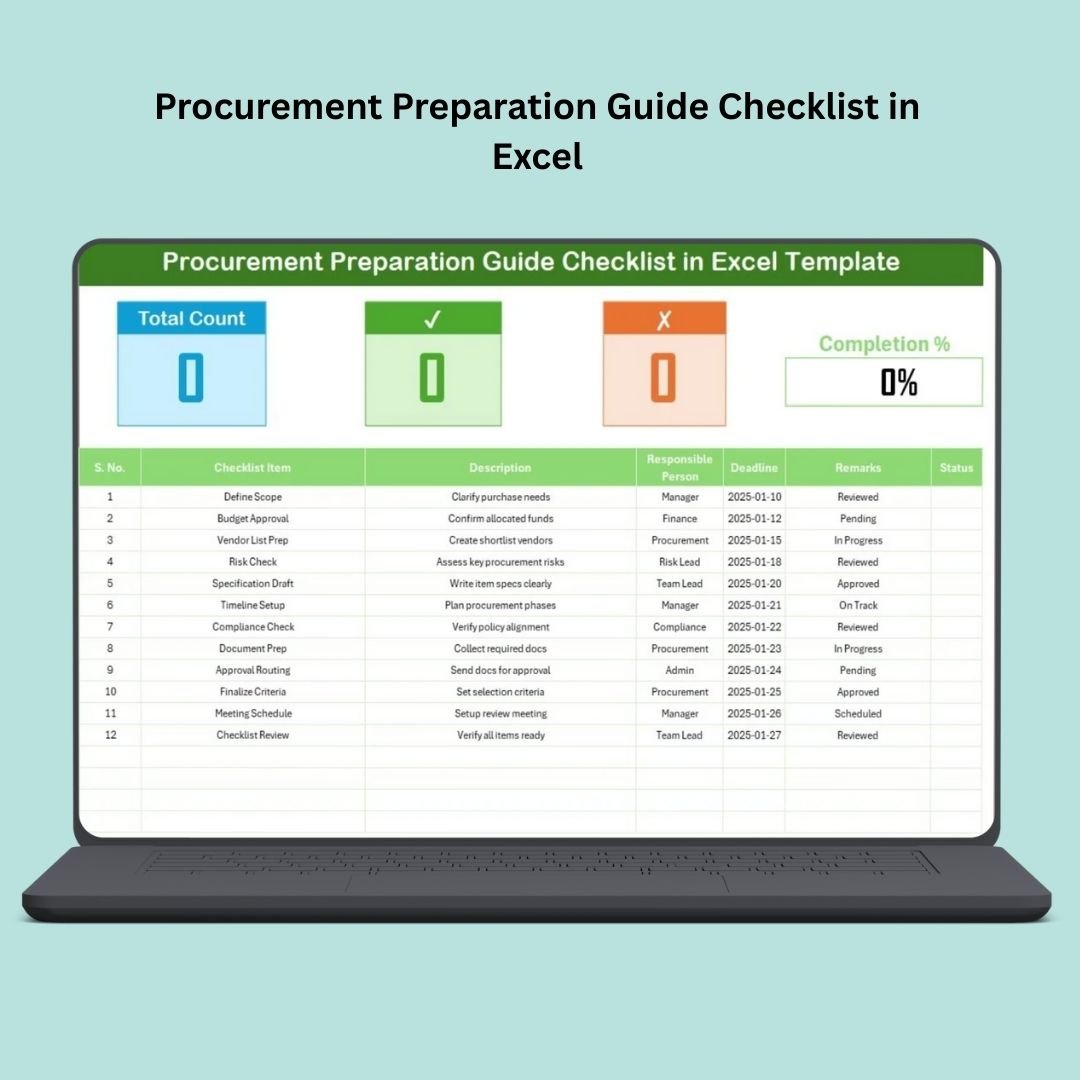

Managing procurement doesn’t have to be complicated. Whether you are collecting vendor quotes, preparing RFQs, reviewing compliance documents, or coordinating approvals—your team needs a structured system to stay organized. The Procurement Preparation Guide Checklist in Excel is a ready-to-use, fully automated template that helps procurement professionals plan, track, and complete every step with confidence.Procurement Preparation Guide Checklist in Excel.
This simple yet powerful checklist transforms the way procurement teams work. Instead of juggling emails, drafts, and scattered notes, you get one clean, centralized dashboard where every activity is recorded, assigned, and monitored. With dropdown lists, status markers, auto-progress calculations, and smart reminders, the template keeps your entire procurement cycle on track—without any confusion or delay.
Let’s explore how this digital product makes procurement faster, smoother, and error-freeProcurement Preparation Guide Checklist in Excel
✨ Key Features of the Procurement Preparation Guide Checklist in Excel
The template comes with practical features designed to improve productivity while keeping things simple for every user.
📌 Main Checklist Dashboard
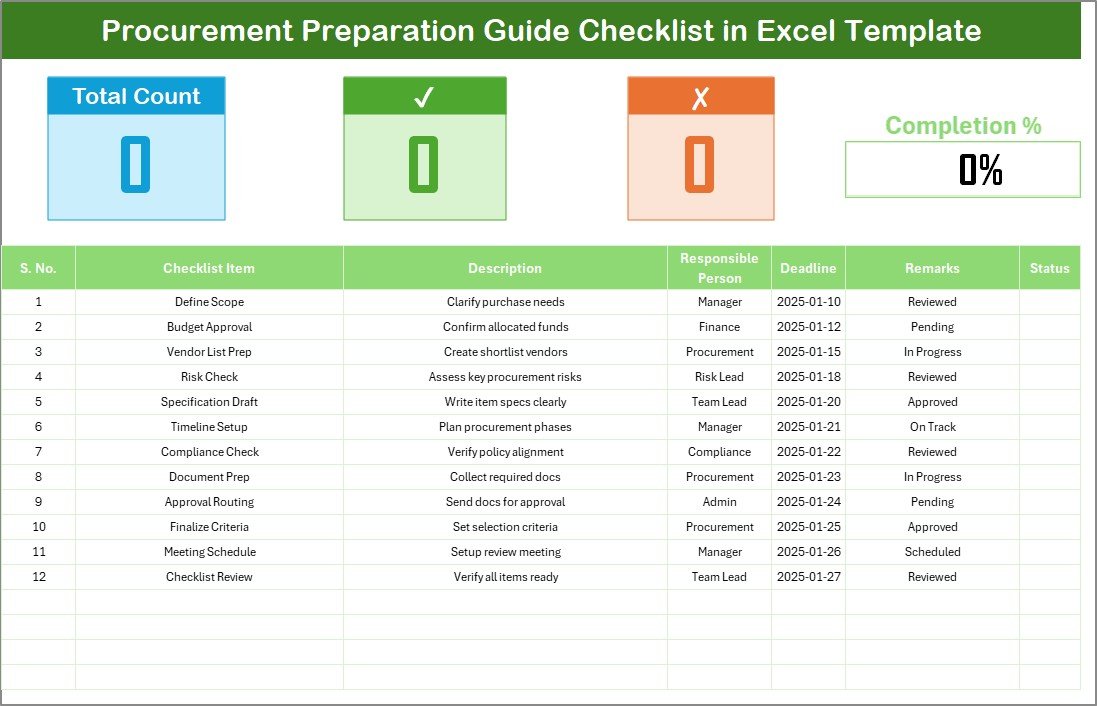
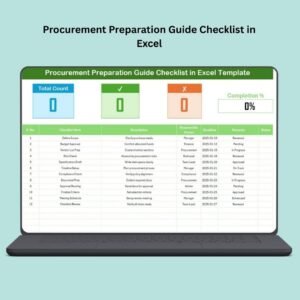
This is the heart of the template where all procurement tasks are managed. Each task includes:
Task name
Description
Responsible person
Deadline
Remarks
✔ or ✘ status
Every update instantly refreshes the overall progress so you always know how much is completed and what’s pending.
📊 Visual Summary Cards
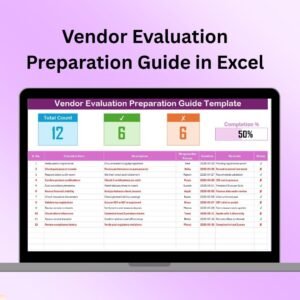
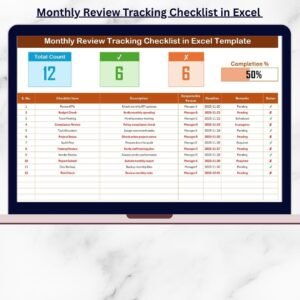
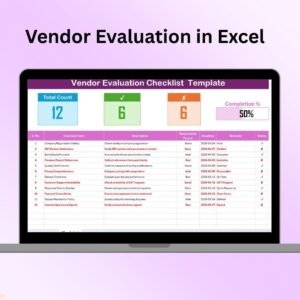
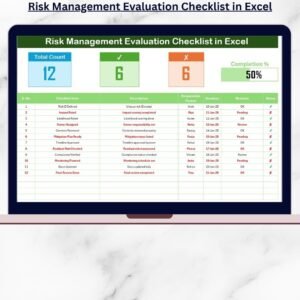
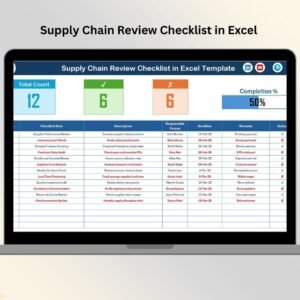
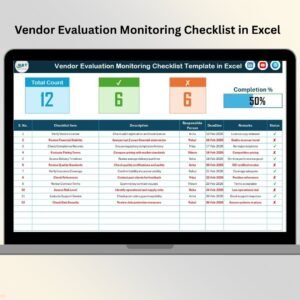
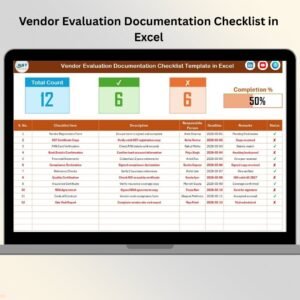
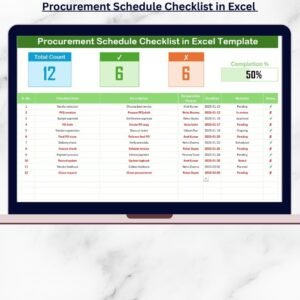
At the top of the checklist, three smart cards automatically display:
Total number of tasks
Completed tasks
Pending tasks
These cards help procurement leaders quickly assess project health without scrolling through the sheet.
📈 Auto Progress Bar
The dynamic progress bar updates automatically based on ✔ and ✘ values. As more tasks are completed, the bar fills up—giving you a live snapshot of preparation status.
📋 Smart Columns for Efficient Tracking
The checklist is built with clear, structured columns including:
Serial number
Checklist item
Description
Responsible person (dropdown list)
Deadline
Remarks
Status (✔/✘)
This structure makes the sheet easy to update, easy to audit, and simple for anyone to understand.
👥 List Sheet Tab
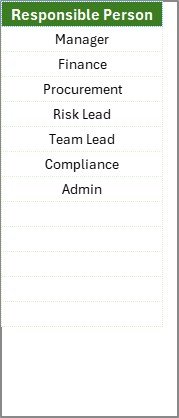
A dedicated sheet stores the names of responsible team members. When you add or modify names here, the dropdown list updates automatically in the main checklist.
📦 What’s Inside the Procurement Preparation Guide Checklist
Your downloadable Excel file includes:Procurement Preparation Guide Checklist in Excel
1️⃣ Main Checklist Sheet
A clean, ready-to-use sheet to enter procurement tasks, assign responsibility, and track completion.
2️⃣ List Sheet
This sheet allows you to maintain a master list of team members for accurate dropdown selection.
3️⃣ Built-In Formulas
Automatic calculations for:
Total tasks
Completed tasks
Pending tasks
Progress percentage
4️⃣ Status Tracking System
Update ✔ for completed or ✘ for pending, and the dashboard updates itself instantly.
5️⃣ Fully Editable Layout
Add, delete, or modify tasks without affecting the sheet’s functionality.Procurement Preparation Guide Checklist in Excel
Everything is structured so that even a beginner-level Excel user can operate the checklist confidently.
🧠 How to Use the Procurement Preparation Guide Checklist in Excel
Using this template is extremely simple. Just follow these steps:
🔹 Step 1: Set Up Your Team List
Open the List Sheet and type the names of all procurement stakeholders. These names automatically appear in the dropdown list for responsibility assignment.
🔹 Step 2: Add Procurement Tasks
Enter each task into the checklist. These may include:
Identifying the requirement
Creating purchase requests
Budget checks
Vendor shortlisting
RFQ preparation
Quote comparison
Vendor compliance check
PO drafting and approval
🔹 Step 3: Assign Responsibilities
Use the dropdown to assign each task to a team member. This removes confusion and increases accountability.
🔹 Step 4: Set Deadlines
Add a realistic deadline for every task to help the team stay aligned.
🔹 Step 5: Update Status Regularly
Mark ✔ when finished and ✘ when pending. The dashboard updates automatically.
🔹 Step 6: Track Progress
Use the summary cards and progress bar to monitor real-time procurement status.
👤 Who Can Benefit from This Procurement Checklist in Excel
This template is ideal for:
🏭 Manufacturing Companies
Manage supplier evaluation, material planning, RFQs, and POs smoothly.Procurement Preparation Guide Checklist in Excel
🏬 Retail Businesses
Track vendor sourcing, reorder cycles, and product purchasing easily.
🚚 Logistics Firms
Handle procurement for fleet, equipment, and external services efficiently.
🏥 Healthcare Organizations
Maintain clarity while purchasing medical supplies, equipment, and services.
💼 Finance & Professional Services
Ensure proper documentation and timely approvals.
🏫 Educational Institutions
Manage procurement for facilities, transport, classroom materials, and more.
🗂️ Government & Public Sector
Maintain transparency, compliance, and audit readiness.
Anyone involved in procurement planning, tracking, or approvals will find this template extremely useful.
### Click here to read the detailed blog post
Watch the step-by-step video tutorial:
### Visit our YouTube channel to learn step-by-step video tutorials
Compatibility and Requirements
- Works in Microsoft Excel desktop (Excel 2016 or later, or Microsoft 365).
- The Responsible Person column is a drop-down list fed by the List sheet. Microsoft explains drop-downs in Create a drop-down list.
Frequently Asked Questions
What does each checklist row hold?
Each row has a serial number, checklist item, description, responsible person, deadline, remarks and a status of done or pending.
How is progress calculated?
Built-in formulas count total, completed and pending tasks and work out the progress percentage. The summary cards and progress bar update as you mark tasks.
How do I add team members?
Type their names in the List sheet. They then appear in the Responsible Person drop-down on the main checklist.
Can I add my own procurement tasks?
Yes. You can add, delete or change tasks without breaking the sheet, for example RFQ preparation, quote comparison or PO approval.
Related Procurement Templates
- Procurement Tracking Checklist in Excel: follows each purchase through its stages
- Procurement To-Do List Checklist in Excel: a task list for procurement teams
- Procurement Dashboard in Excel: reports spend and supplier performance
- Procurement Tracker and Dashboard in Google Sheets: a tracker with charts for Google Sheets
- Procurement and Vendor Management Kit: 7 procurement and vendor templates in one bundle
Browse all Excel checklists or the MS Excel templates.


















Reviews
There are no reviews yet.