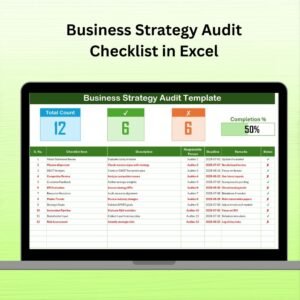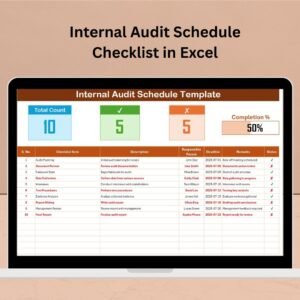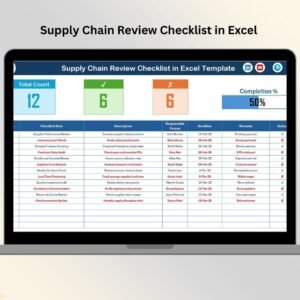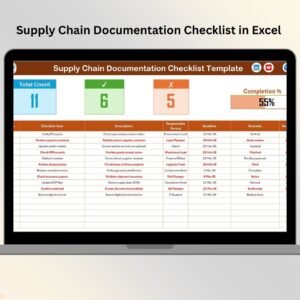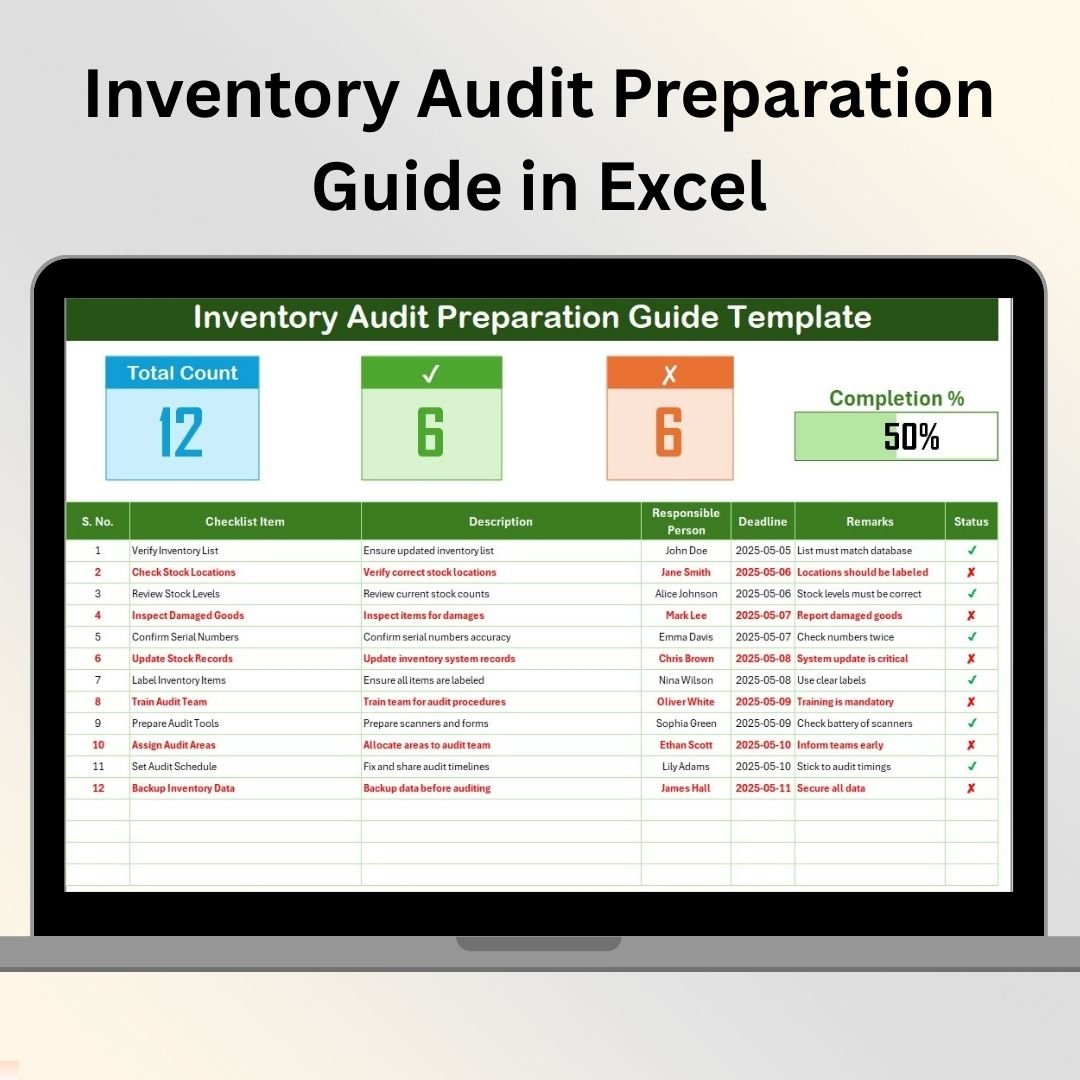

The Inventory Audit Preparation Guide in Excel is a comprehensive tool designed to help businesses and organizations prepare for and execute an efficient inventory audit process. This Excel-based guide helps streamline the preparation phase by providing a detailed checklist, clear instructions, and an organized structure to ensure all inventory items are accounted for and accurate during the audit.
With this guide, inventory managers and audit teams can easily follow a structured process to verify stock levels, review inventory data, and prepare for auditing. By tracking tasks and assigning responsibilities, this guide helps reduce errors, increase efficiency, and ensure compliance with regulatory requirements.
Key Features of the Inventory Audit Preparation Guide in Excel
📋 Detailed Inventory Checklist
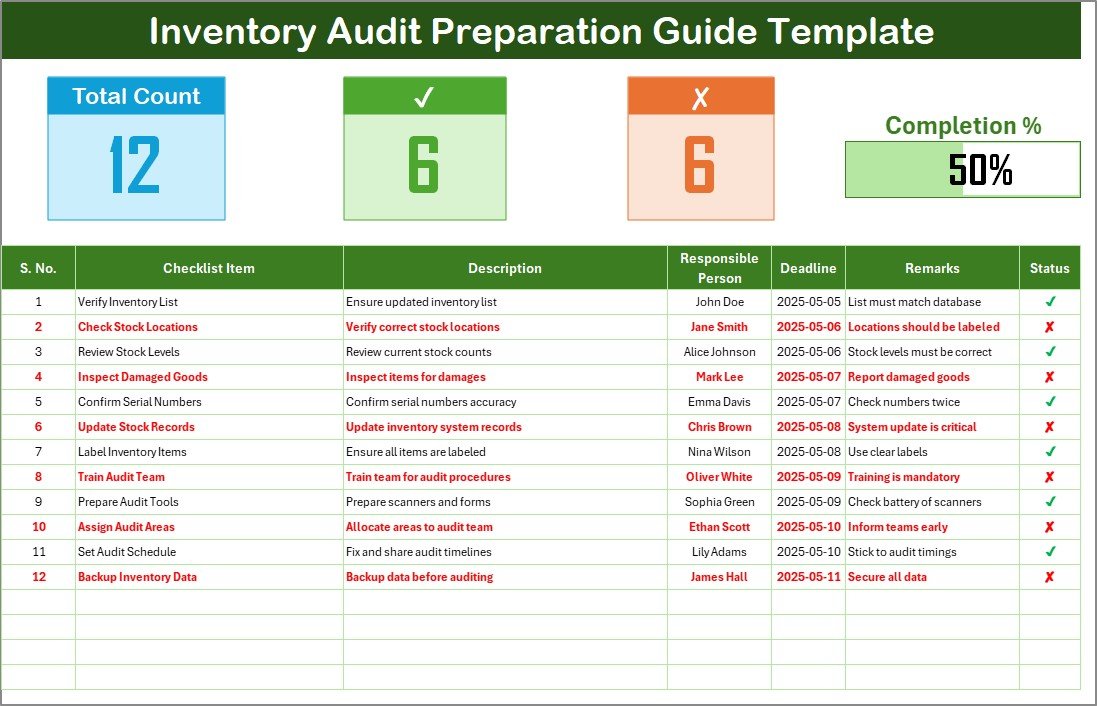
The guide includes a comprehensive checklist of tasks to complete before the inventory audit, ensuring that no important step is overlooked. Track everything from labeling inventory items to verifying data accuracy.
📊 Task Tracking & Assignment
Assign responsibilities for each task in the audit preparation process. Monitor progress in real time to ensure tasks are completed on schedule and without delay.
📝 Pre-Audit Inventory Review
Review inventory records, cross-check quantities, and identify discrepancies before the audit begins. This feature helps minimize errors during the actual audit and ensures accurate results.
📅 Timeline Management
Set deadlines for each task and track them through a time-based management system. This feature allows you to ensure that every step is completed on time and the audit preparation process runs smoothly.
⚙️ Customizable Fields & Metrics
Customize the guide to suit your organization’s inventory needs. Add or remove fields, adjust tasks, and modify status categories based on your specific inventory auditing process.
📈 Reporting & Analytics
Generate reports and analyze preparation progress. Use these insights to identify potential bottlenecks and optimize your audit preparation workflow for greater efficiency.
Why You’ll Love the Inventory Audit Preparation Guide in Excel
✅ Efficient Inventory Audit Preparation
Streamline the audit preparation process with an easy-to-follow checklist. Ensure that all required tasks are completed in a timely and organized manner.
✅ Assign Tasks & Track Progress
Assign specific tasks to team members, set deadlines, and track progress. This improves accountability and ensures the preparation process stays on schedule.
✅ Ensure Accurate Inventory Data
Review and cross-check inventory records before the audit. Identify discrepancies early, making the actual audit process faster and more accurate.
✅ Customizable for Any Business
Adapt the guide to fit your organization’s inventory needs. Whether you’re preparing for a small-scale or large-scale audit, this guide is flexible and scalable.
✅ Boost Team Collaboration & Efficiency
Collaborate seamlessly with team members, monitor progress in real time, and optimize the inventory audit preparation process for maximum efficiency.
What’s Inside the Inventory Audit Preparation Guide in Excel?
Detailed Inventory Checklist: Track all tasks required to prepare for the inventory audit.
Task Assignment & Monitoring: Assign responsibilities and track task completion.
Inventory Review: Cross-check inventory records and identify discrepancies.
Timeline Management: Set deadlines and ensure tasks are completed on time.
Customizable Guide: Adapt the checklist to meet your organization’s specific needs.
Reporting & Analytics: Monitor progress and optimize the audit preparation process.
How to Use the Inventory Audit Preparation Guide in Excel
1️⃣ Download the Template: Instantly access the Inventory Audit Preparation Guide in Excel.
2️⃣ Input Inventory Data: Enter your inventory records and details for each item.
3️⃣ Assign Tasks & Set Deadlines: Assign responsibilities for each audit preparation task and set deadlines.
4️⃣ Monitor Progress: Track task completion and ensure deadlines are met.
5️⃣ Review Inventory & Generate Reports: Cross-check inventory data and generate reports to optimize the audit preparation process.
Who Can Benefit from the Inventory Audit Preparation Guide in Excel?
🔹 Inventory Managers & Auditors
🔹 Warehouse & Supply Chain Managers
🔹 Business Owners & Executives
🔹 Compliance & Risk Management Teams
🔹 Small & Medium Enterprises (SMBs)
🔹 Large Corporations with Complex Inventory Systems
🔹 Accounting & Financial Teams
Ensure an efficient and accurate inventory audit with the Inventory Audit Preparation Guide in Excel. Track tasks, monitor progress, and ensure that all necessary steps are completed before the audit to guarantee a smooth and successful audit process.
Click here to read the Detailed blog post
Visit our YouTube channel to learn step-by-step video tutorials
Youtube.com/@PKAnExcelExpert