

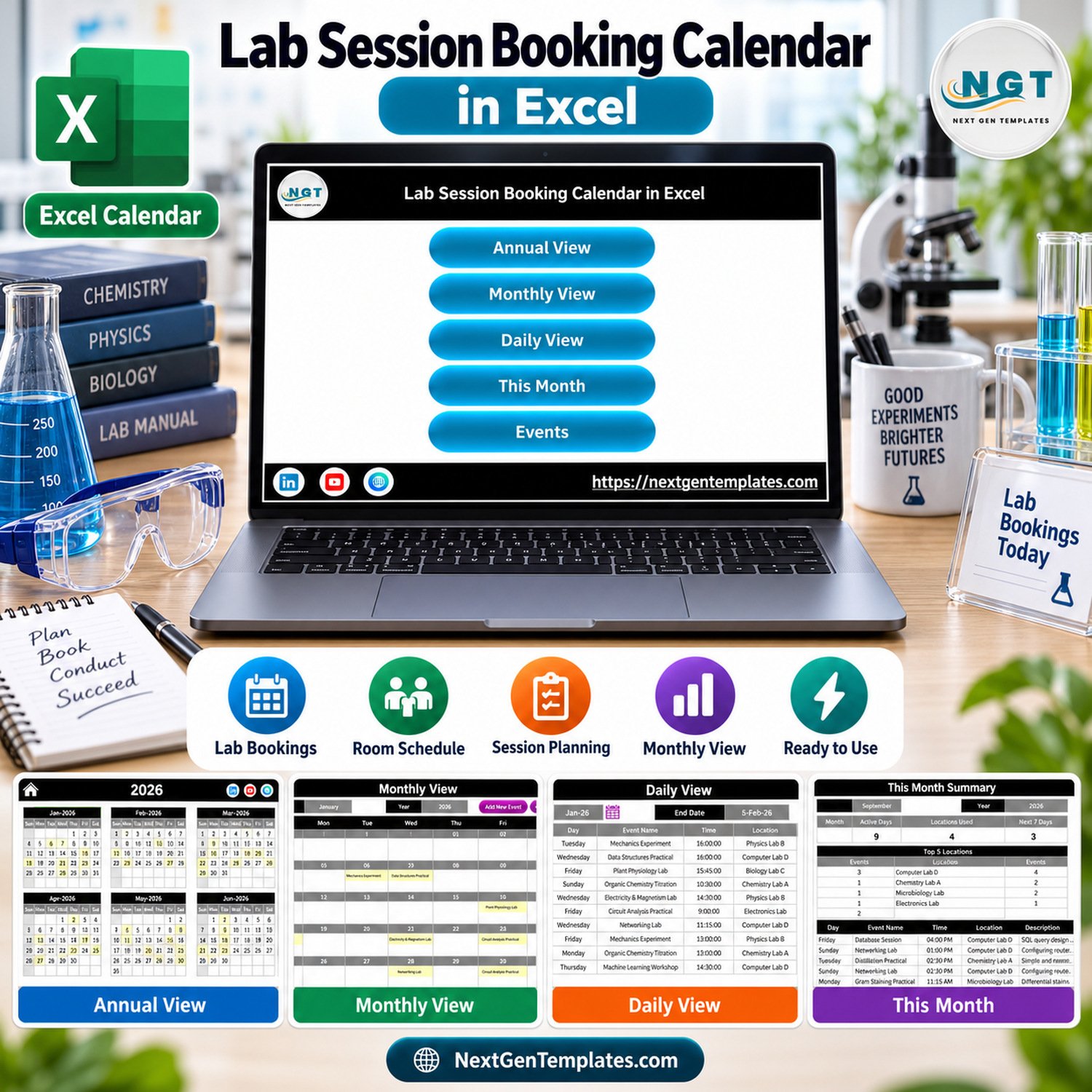
Lab Session Booking Calendar in Excel is a ready-to-use lab session booking calendar in Excel for schools, colleges, training institutes, science departments and lab coordinators who need a simple way to plan practical sessions across rooms, dates and time slots. The workbook includes 7 screenshot-verified views, 100 sample lab sessions, annual/monthly/daily navigation, this-month reporting and an event-entry form. It is a downloadable Excel-for-Windows desktop file; macros must be enabled for the form buttons and calendar automation to work.
Key Features of Lab Session Booking Calendar in Excel
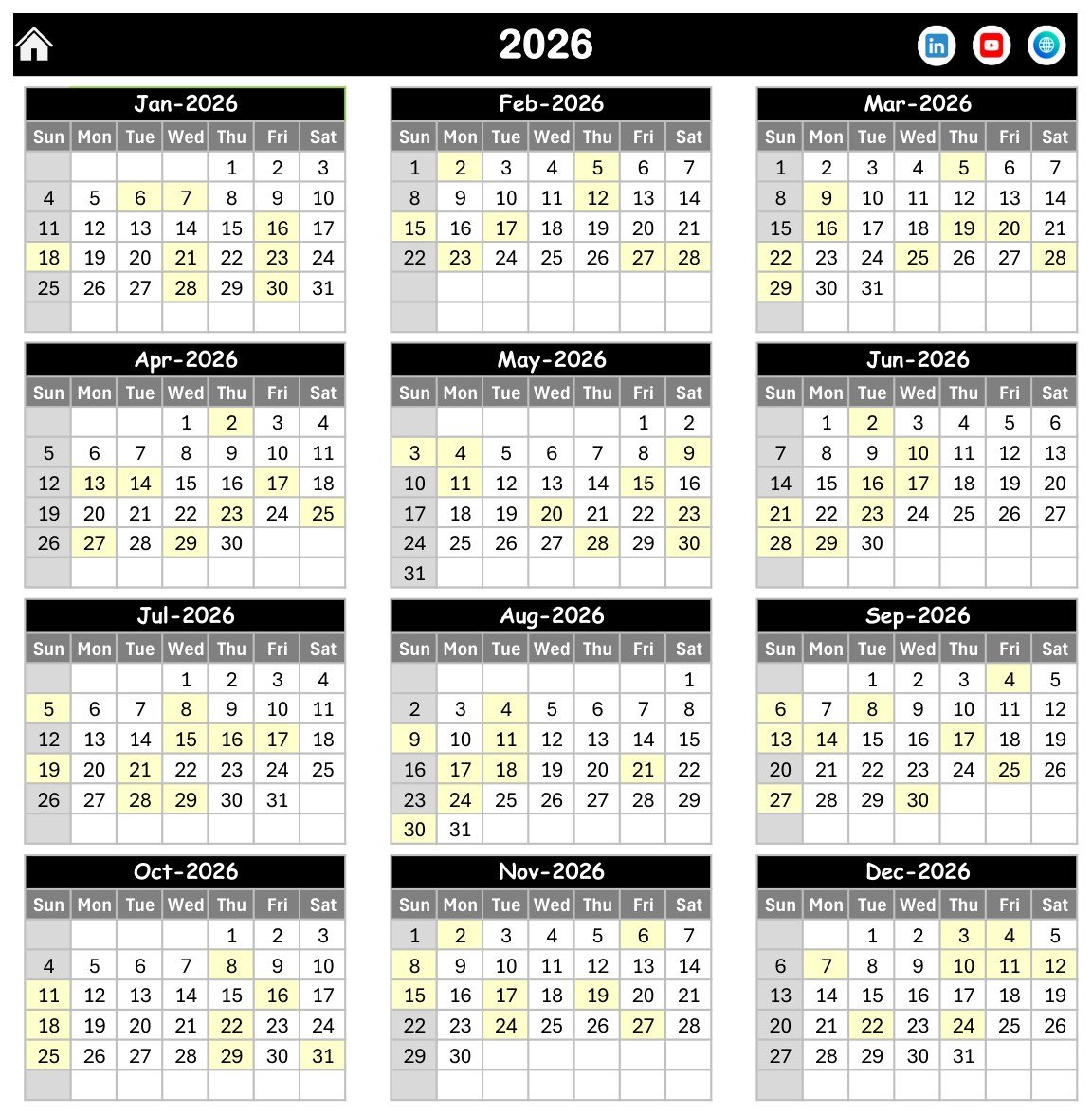
- Annual planning view: see the full 2026 calendar and highlighted booked lab dates in one place.
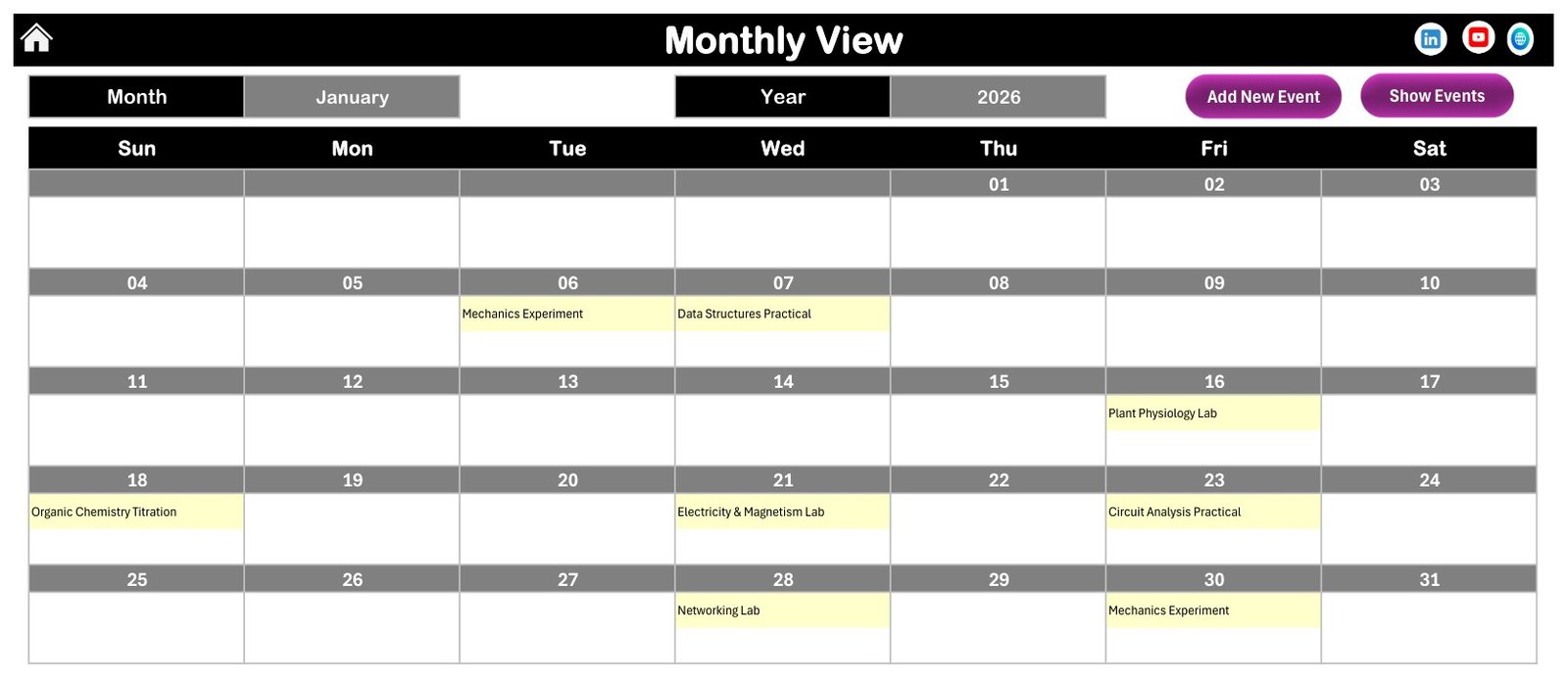
- Monthly room schedule: review lab sessions by month with visible booking names inside the calendar grid.
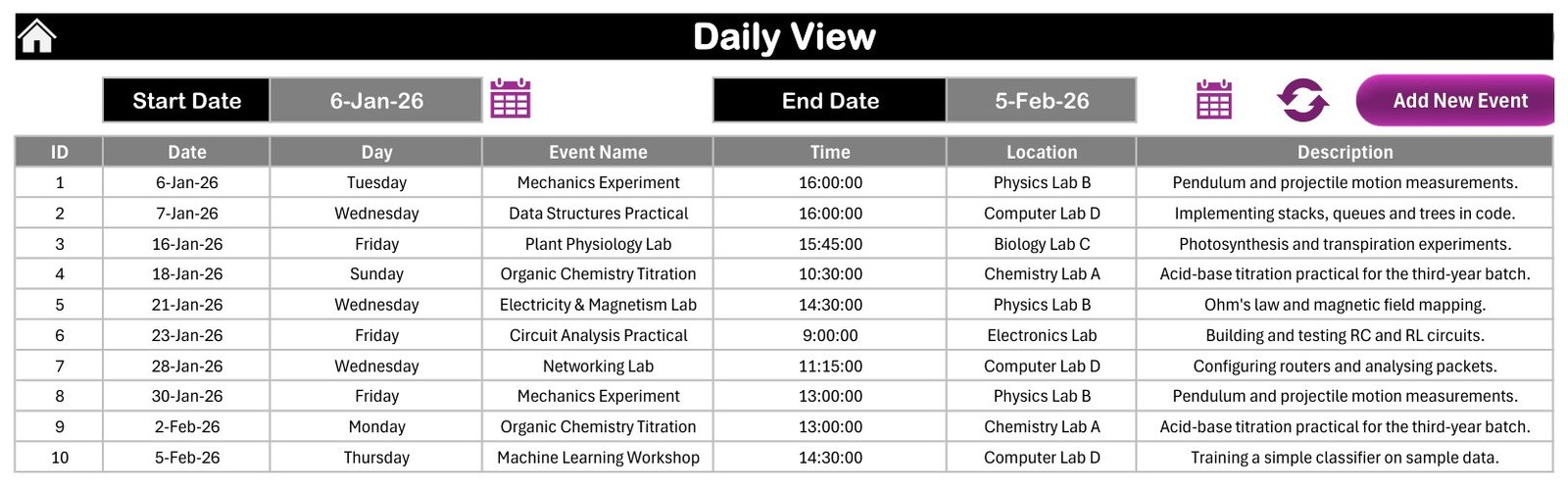
- Daily event list: filter bookings between start and end dates with event name, time, location and description.
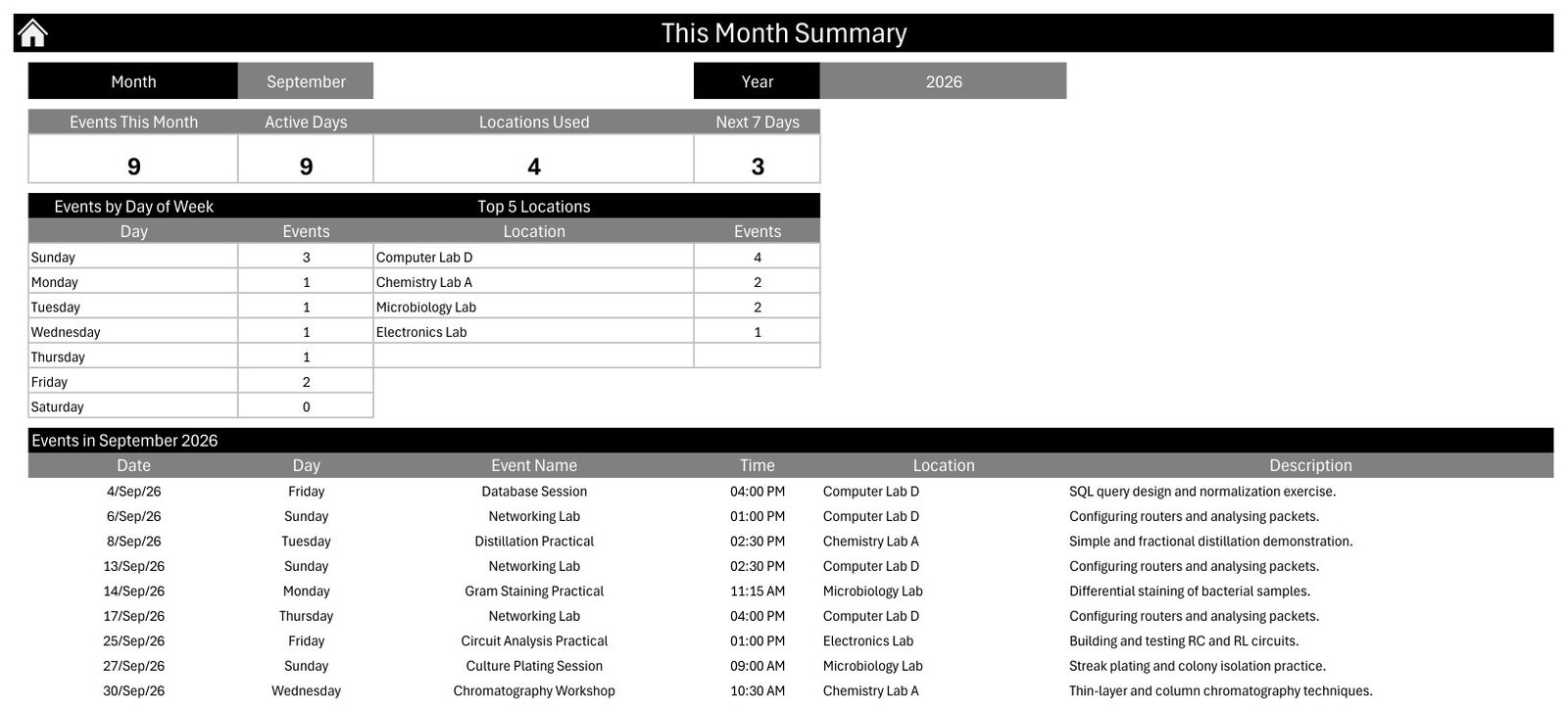
- This Month Summary: track events this month, active days, locations used, next 7 days and top locations.
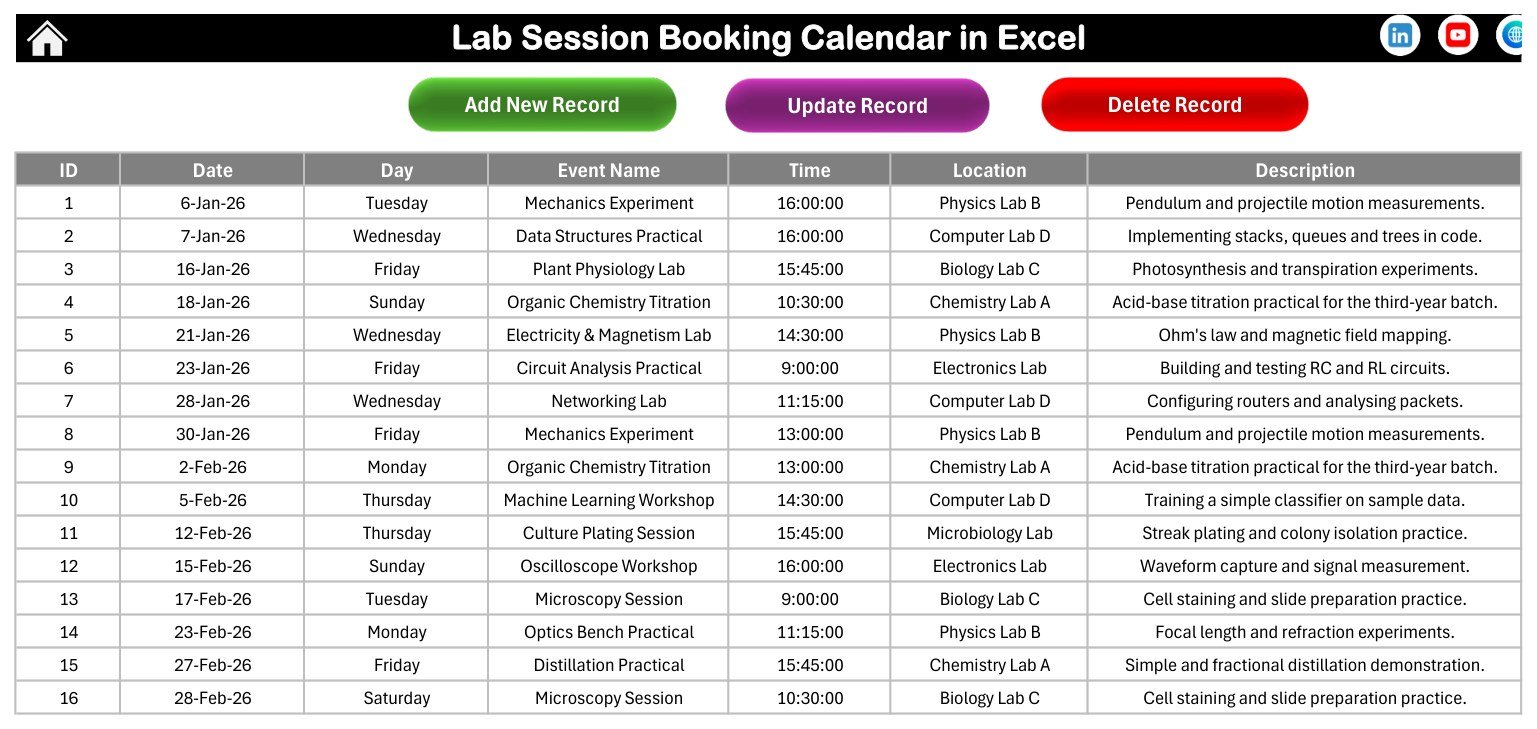
- Event database: store lab session records with ID, date, day, event name, time, location and description.
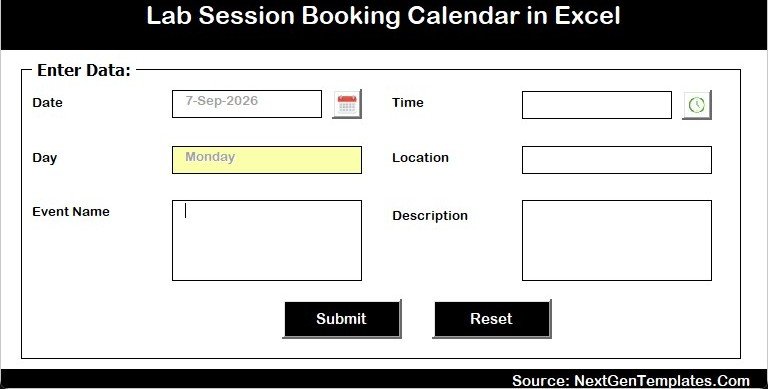
- Macro form: add, update and delete lab sessions through a guided form in Excel for Windows desktop.
What’s Inside the Lab Session Booking Calendar in Excel
This Excel calendar template includes a macro-enabled workbook and a user manual inside the customer ZIP. It is designed around practical academic lab work such as mechanics experiments, data structures practicals, plant physiology labs, organic chemistry titration, electronics practicals, microbiology labs and computer lab sessions. The workbook is editable, so you can replace the sample events, lab names and descriptions with your own schedule.
Lab Session Booking Calendar in Excel vs. Google Sheets vs. Paid Scheduling SaaS – Where This Fits
| Decision point | This Excel template | Google Sheets alternative | Paid SaaS scheduler |
|---|---|---|---|
| Cost | One-time download | Often free, but needs rebuilding | Monthly user or room fee |
| Platform | Microsoft Excel for Windows desktop | Browser-based spreadsheet | Hosted web application |
| Setup time | Replace sample events and start | Build views, formulas and permissions | Configure users, rooms and roles |
| Macros/forms | Included; macros must be enabled | No VBA macros | Depends on vendor plan |
| Best fit | Internal lab planning and practical-session visibility | Live collaboration-heavy teams | Online booking, approvals and reminders |
| Year-1 cost at 5 users | 4.99 sale price at launch | Low software cost, higher build time | Typically far higher than a template |
Who This Template Is For – and Who It’s Not For
This lab scheduling template is for lab coordinators, teachers, department assistants and training teams who already manage sessions in Excel and want a cleaner Excel booking calendar. It is not a cloud booking portal, not a student attendance system and not a conflict-prevention engine. It does not send email reminders, reserve rooms online or enforce approvals. If you need students to book sessions from a public form, a web app or learning-management integration will fit better.
How to Use the Lab Session Booking Calendar in Excel
- Download and unzip the customer file.
- Open the workbook in Microsoft Excel for Windows desktop.
- Enable macros when prompted so the form buttons and navigation buttons can run; Microsoft explains macro settings here: enable or disable macros in Microsoft 365 files.
- Open the Events sheet and replace the sample records with your own lab schedule.
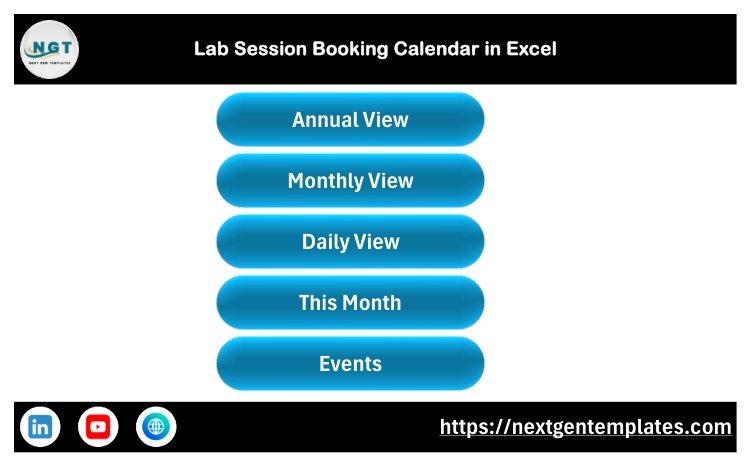
- Use Annual View, Monthly View, Daily View and This Month Summary to review bookings.
- Use the Add New Record form when you want a guided entry screen instead of typing directly into the table.
Real-World Use Cases
Science department coordinator: plans physics, chemistry, biology and electronics practical sessions across different lab rooms without building a new calendar workbook from scratch.
College lab assistant: keeps a daily event list for upcoming sessions and checks which locations are used most often in the selected month.
Training institute admin: uses the Excel booking calendar to schedule classroom lab sessions, machine-learning workshops and computer-lab activities for a small cohort.
Frequently Asked Questions
Does this workbook require macros?
Yes. This is a macro-enabled Excel calendar template. Use Microsoft Excel for Windows desktop and enable macros for the form buttons and navigation buttons.
Can I edit the sample lab sessions?
Yes. The Events sheet is the database. You can replace the sample event names, locations, times and descriptions with your own lab schedule.
Does it prevent double booking automatically?
No. The workbook organizes the schedule and makes conflicts easier to see, but it does not enforce room-locking or approval rules.
Is this suitable for Google Sheets?
No. This product is built for Excel for Windows desktop because it uses macros. Browse the MS Excel templates category if you want more Excel products.
What file do I receive after purchase?
You receive a ZIP file containing the macro-enabled workbook and a user manual. Loose build files are not part of the customer download.
Can I use it for non-school labs?
Yes. You can rename locations and events for a training lab, computer lab, research lab or workshop calendar if the Excel workflow fits your team.
About the Author
Built by PK – Microsoft Certified Professional with 15+ years of Excel, Google Sheets, and Power BI experience. Founder of NextGenTemplates, reaching 300K+ subscribers across YouTube channels. Every template is hand-built and tested before release.
Explore Related Templates
Browse more Excel calendar templates and related scheduling tools:
- Maternity Ward Duty Calendar in Excel
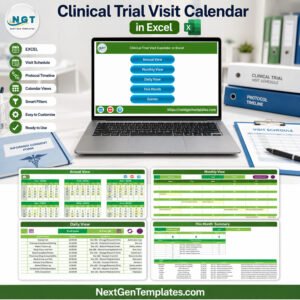
- Clinical Trial Visit Calendar in Excel
- Exam Timetable Calendar in Excel
- School Bus Route Calendar in Excel
Ready to organize lab sessions faster? Download Lab Session Booking Calendar in Excel, enable macros in Excel for Windows, and replace the sample schedule with your own lab bookings.
Last updated: September 13, 2026.
📖 Read the complete walkthrough of the Lab Session Booking Calendar in Excel on our blog: Lab Session Booking Calendar in Excel – full guide.

































Reviews
There are no reviews yet.