

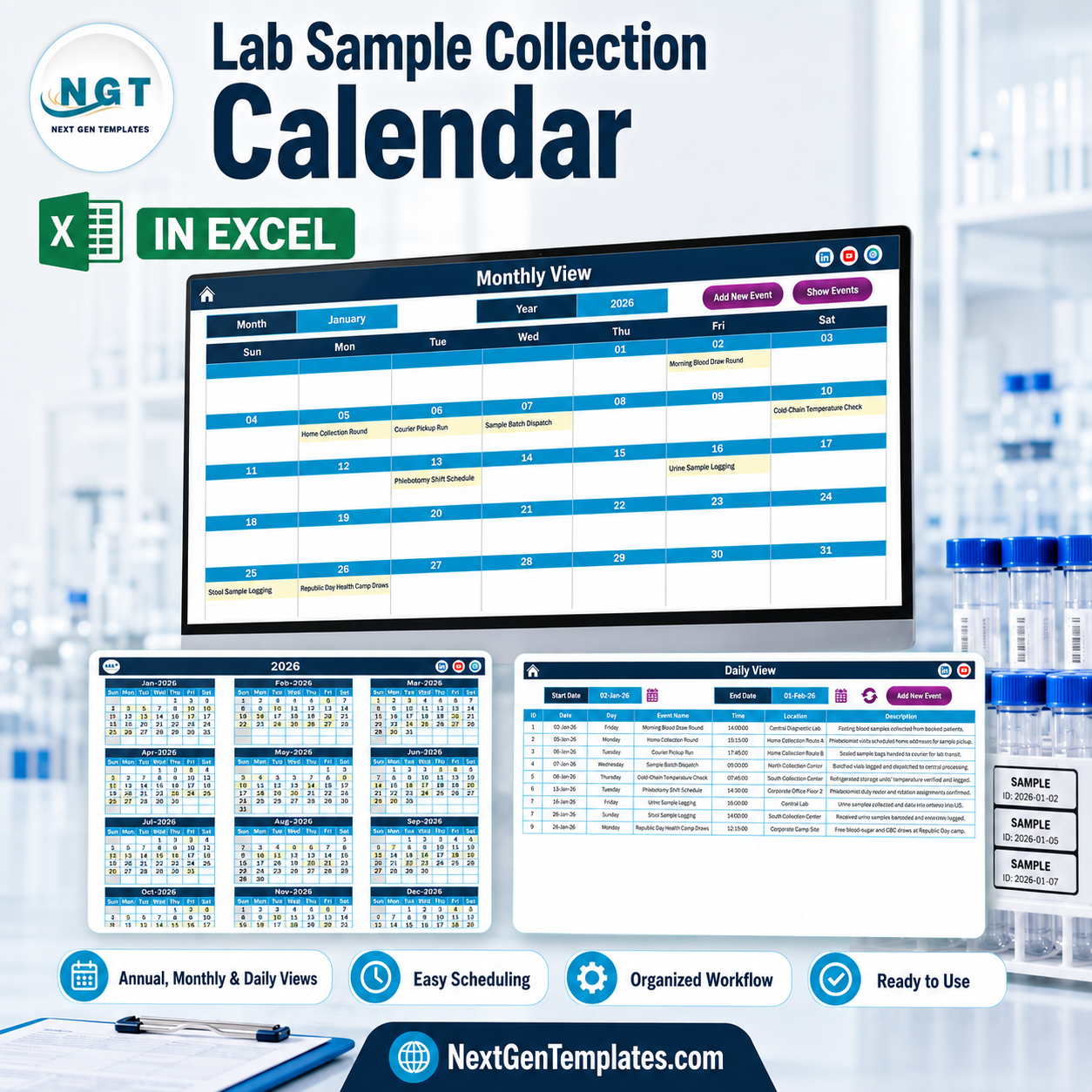

The Lab Sample Collection Calendar in Excel is a macro-enabled scheduling workbook for pathology labs, diagnostic centres and collection networks that plan draws, home visits, courier runs and camps ahead of time. It ships with 100 sample collection events dated 2 January to 28 December 2026, spread across all twelve months, 8 collection points, 18 recurring round types and 44 distinct start times from 06:00 to 17:45. Seven sheets, four linked views, one event table. One payment of $8.99 (currently $4.99) – no subscription, no per-seat licence, no renewal. Every weekday label in the shipped file was recomputed against its date before release: 100 rows, zero mismatches.
Say plainly what this is: a calendar. It is not a LIMS, not a specimen-tracking or accessioning system, not a chain-of-custody register, not a diagnostic or clinical tool, and it holds no test results and no patient records. It carries no CLIA, CAP, ISO 15189 or NABL accreditation and provides none of the controls those standards require. Use it to plan when and where collection happens; keep specimens, results and identifiers in the validated system your lab already runs.
Key Features of the Lab Sample Collection Calendar in Excel
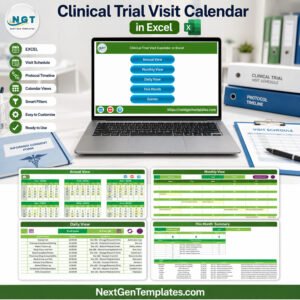
- Four views off one table. Annual View, Monthly View, Daily View and This Month all read the single Events sheet, so a round entered once appears everywhere.
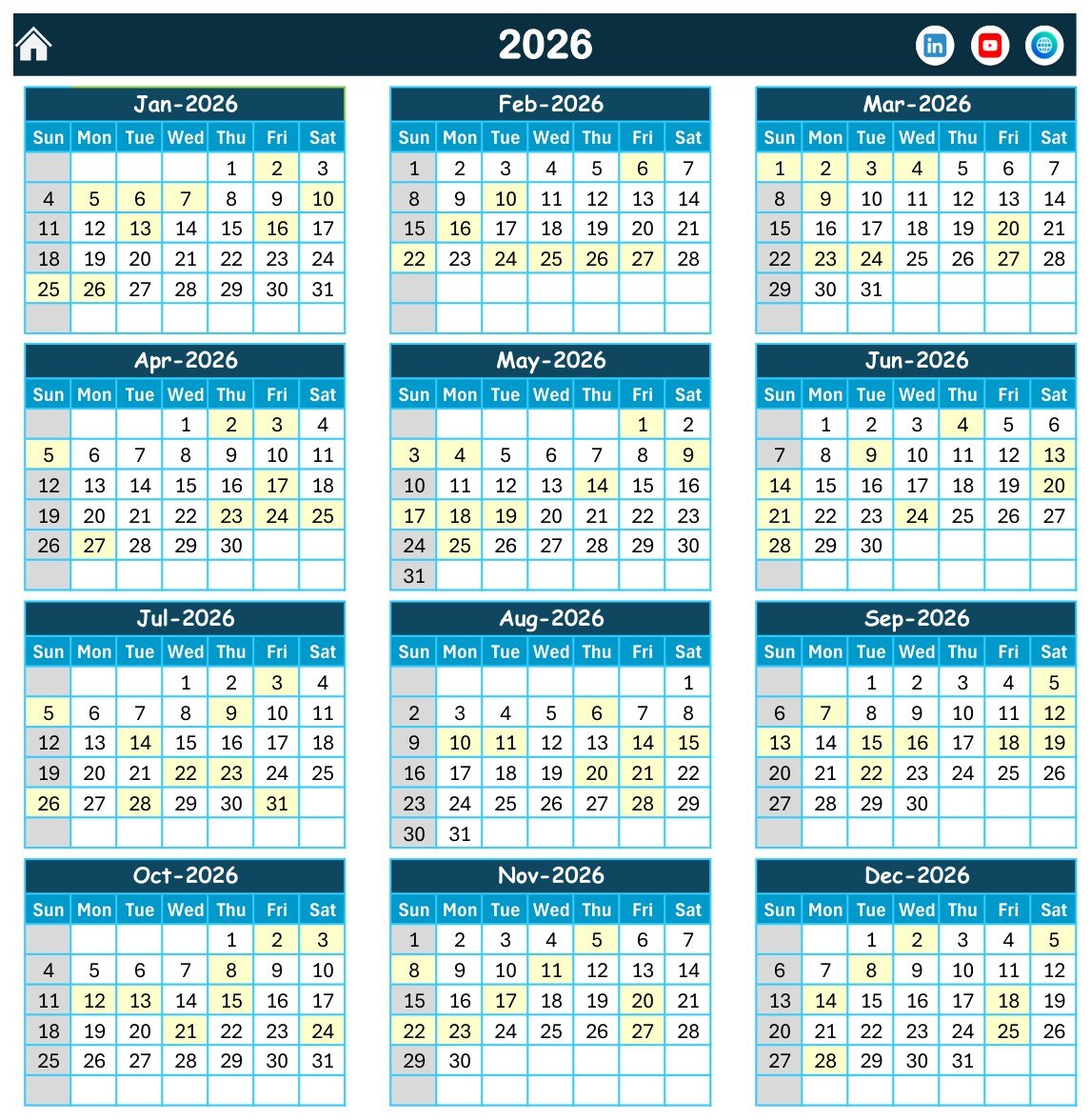
- Annual View on one page. All twelve months of the chosen year laid out three-across and four-down, with every collection date highlighted. The print area is pre-set, so it prints to a single landscape sheet.
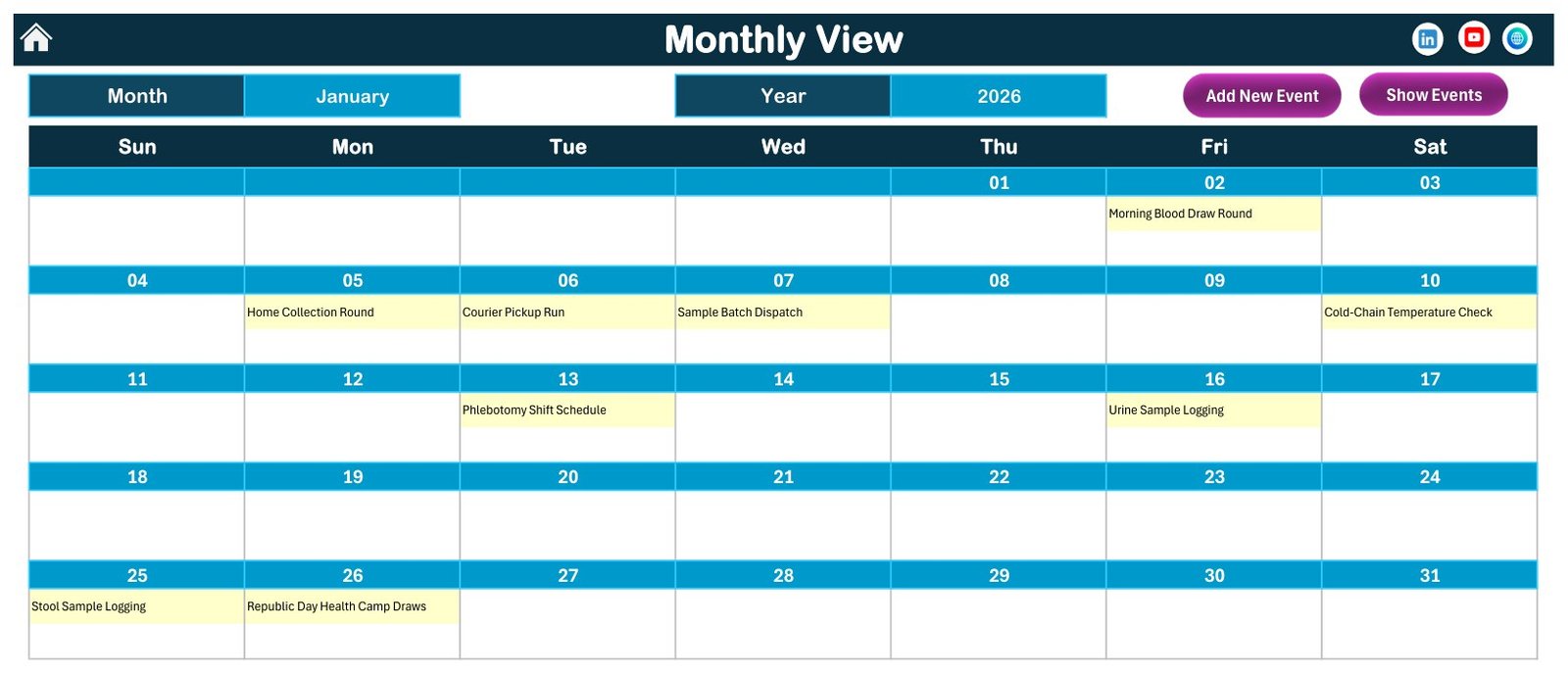
- Monthly View with a month and year picker. A full Sun–Sat grid showing the event name inside each date cell, plus Add New Event and Show Events buttons.
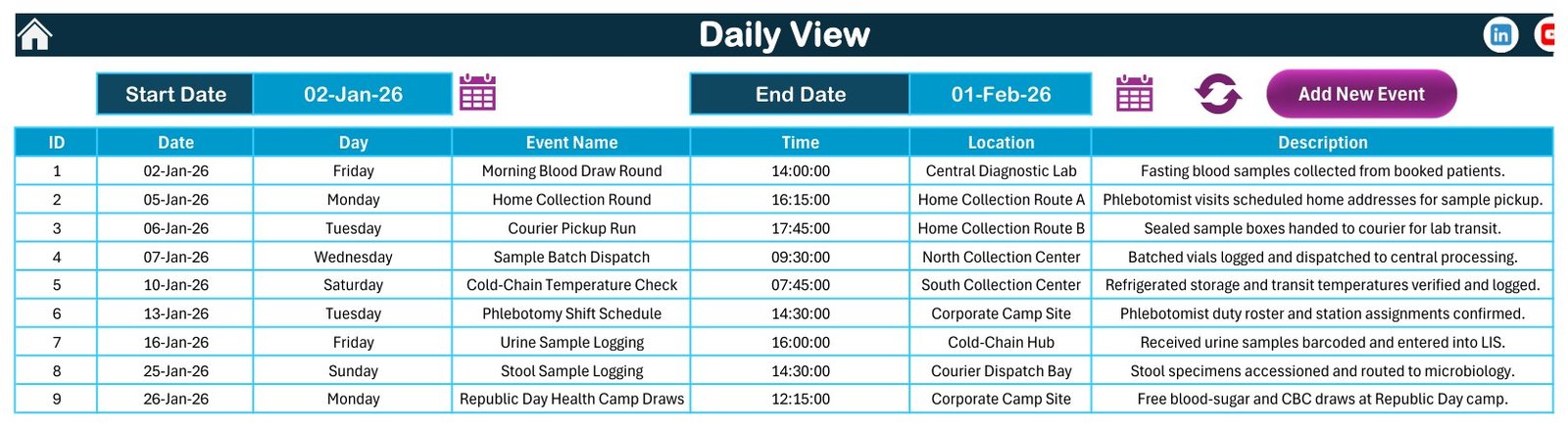
- Daily View over any date range. Set a Start Date and End Date with the two date pickers, click refresh, and the list rebuilds with ID, Date, Day, Event Name, Time, Location and Description.
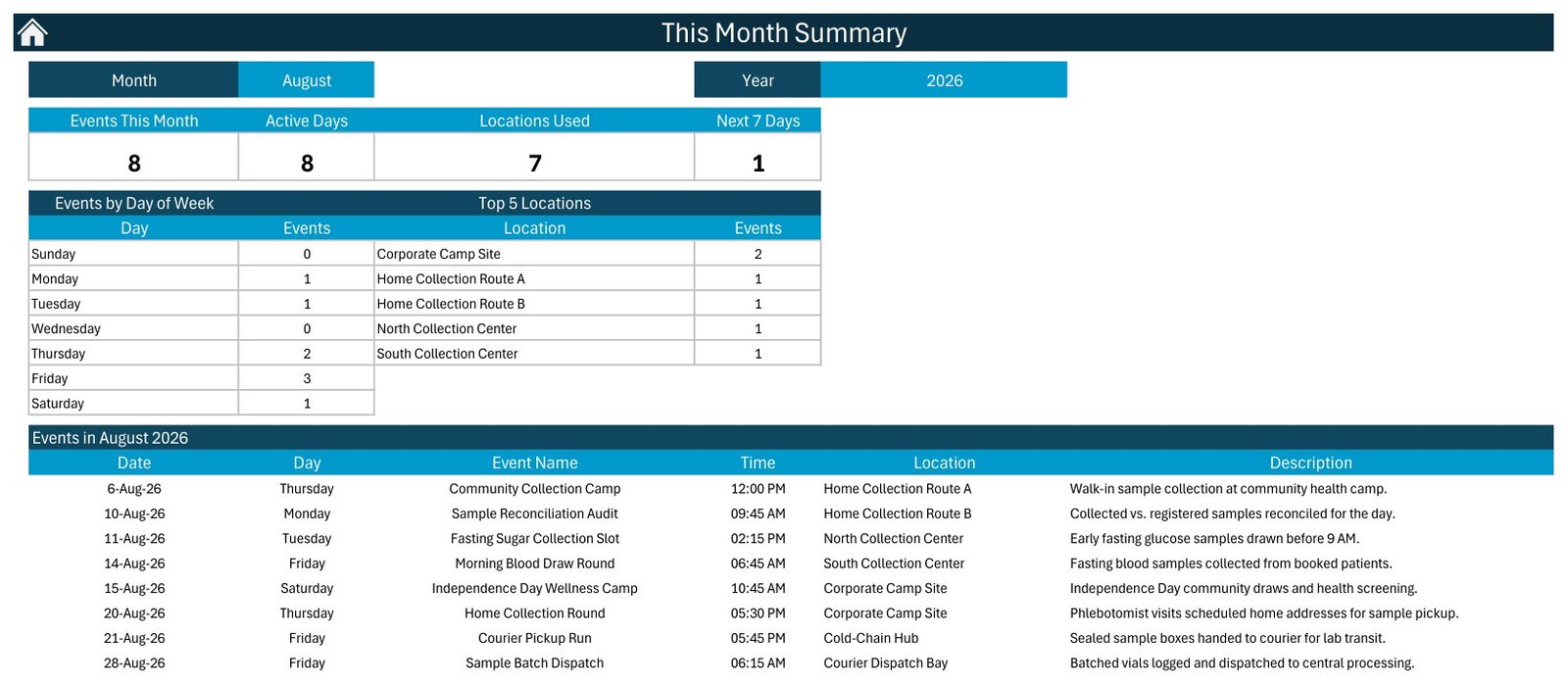
- This Month summary. Events This Month, Active Days, Locations Used and a Next 7 Days counter, plus an Events by Day of Week table and a Top 5 Locations table, then the full list for the month.
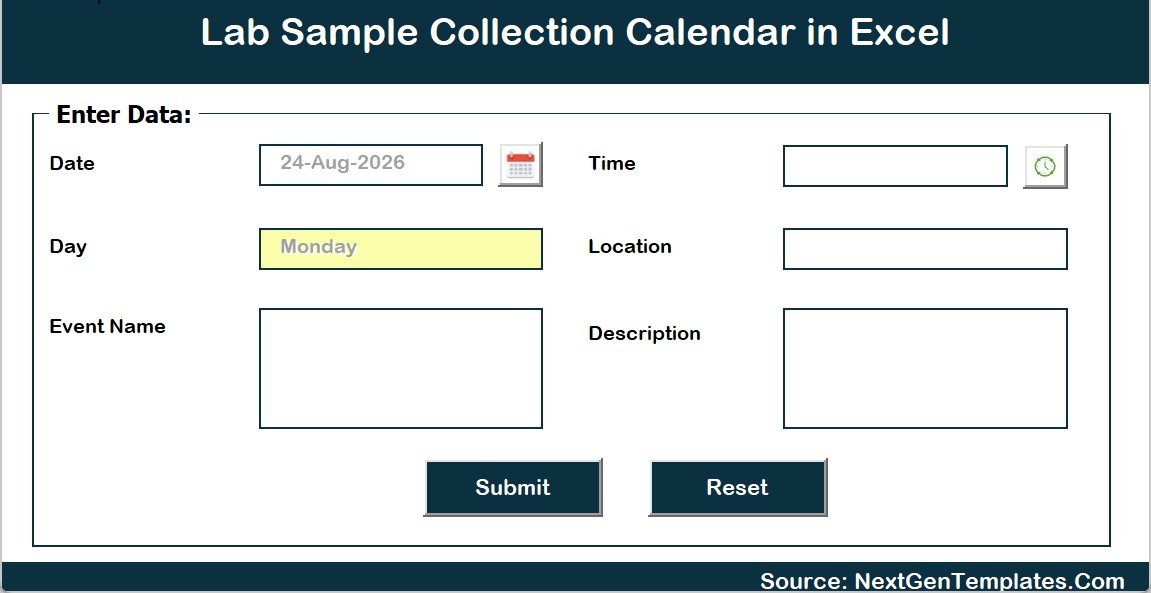
- Add / Update / Delete through a VBA form. Six fields – Date, Day (filled automatically from the date), Event Name, Time, Location, Description – with a calendar picker, a clock picker, Submit and Reset. IDs are assigned for you.
- Setting control panel. Year 2021–2051, start month, week-start day, two highlight day-of-week slots and an event-highlight toggle. The shipped file is set to 2026, January, week starting Sunday.
- Five colour themes – Default, Blue, Red, Black and Orange – switched from the Annual View control panel. The file ships on Blue.
What’s Inside the Lab Sample Collection Calendar in Excel
The download is a single ZIP holding exactly two files: the macro-enabled workbook Lab Sample Collection Calendar in Excel.xlsm and a 5-page Excel Calendar - User Manual.pdf. Nothing else.
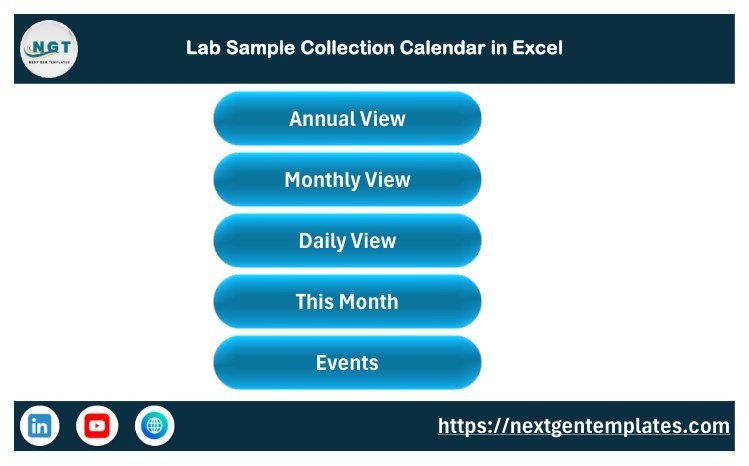
The workbook has seven sheets: Home (navigation buttons to every other sheet), Annual View, Monthly View, Daily View, This Month, Events and Setting. The Events sheet is the master table and its columns are exactly ID, Date, Day, Event Name, Time, Location, Description – seven columns, rows 5 to 104, IDs 1 to 100.
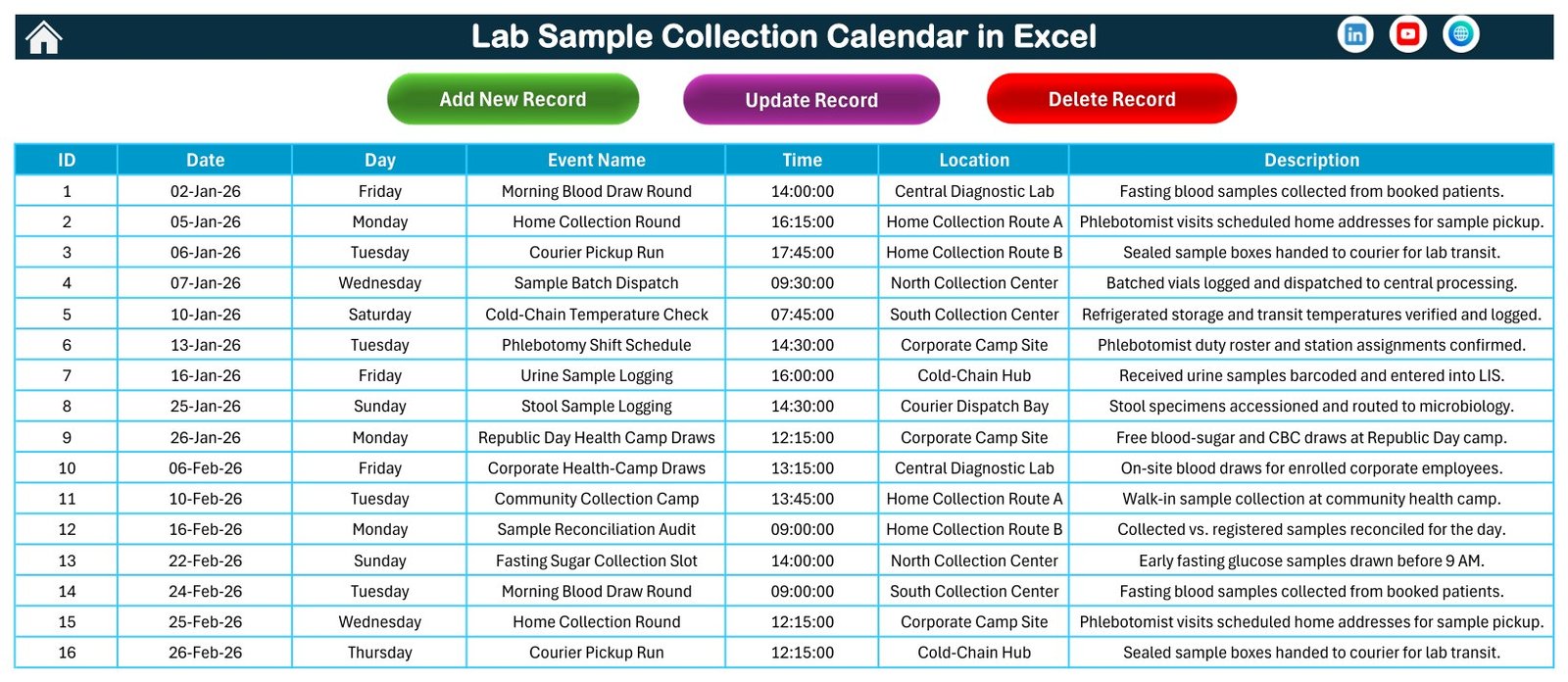
The 100 sample rounds cover morning blood draw rounds, home collection rounds on two routes, courier pickup runs, sample batch dispatches, cold-chain temperature checks, phlebotomy shift schedules, urine and stool sample logging, corporate health-camp draws, community collection camps, sample reconciliation audits, fasting sugar collection slots, and six dated one-offs such as a Republic Day health camp and a year-end cold-chain audit. They sit across 8 locations – Central Diagnostic Lab, North and South Collection Centers, Home Collection Routes A and B, Corporate Camp Site, Cold-Chain Hub and Courier Dispatch Bay.
No person is named anywhere in the file. There is no patient column, no donor column, no phlebotomist name, no sample ID and no test code – by design. Some sample descriptions mention barcoding, accessioning or a LIS because that is what happens in a real lab; the workbook itself does none of those things and stores none of that data.
Lab Sample Collection Calendar in Excel vs. Google Sheets vs. Paid Lab Software – Where This Fits
| This template (Excel) | Google Sheets calendar | Paid LIMS / scheduling SaaS | |
|---|---|---|---|
| Cost | $8.99 one time (on sale $4.99) | Free tools, your own build time | Typically $50–$300+ per user per month |
| Platform | Microsoft Excel, Windows desktop | Any browser | Browser and mobile app |
| Setup time | Minutes – open, enable macros, replace the sample rows | Hours to build the views yourself | Days to weeks, plus onboarding |
| Real-time team collaboration | No – one desktop file at a time | Yes | Yes |
| Mobile access | No | Yes | Yes |
| Customisable fields | Yes, but the seven columns drive the views | Yes | Usually configurable |
| Share with a link | No – you send the file | Yes | Yes |
| Year-1 cost at 5 users | $8.99 total | $0 plus build time | $3,000–$18,000+ |
| Specimen tracking / chain of custody | No | No | Yes |
| Automatic reminders and alerts | No | Only if you build them | Yes |
If your lab needs accessioning, barcodes, results or an audit trail, buy a LIMS. If you only need next month’s rounds visible on one page and printable, this is the cheaper answer by three orders of magnitude.
Who This Template Is For – and Who It’s Not For
It fits small and mid-size pathology labs, standalone diagnostic centres, collection-centre chains planning routes and camps, corporate health-camp organisers, and lab supervisors who currently keep the roster in a notebook or a flat spreadsheet with no month view.
It does not fit anyone who needs specimen-level tracking, patient identifiers, result reporting, regulatory submissions, automatic reminders, phone access, or several people editing the same calendar at once. It also does not fit Mac-only or Excel-on-the-web users: the forms and buttons are VBA and ActiveX, which need Excel on Windows desktop.
How to Use the Lab Sample Collection Calendar in Excel
- Unzip the download to a real folder – not inside the ZIP – then right-click the workbook, choose Properties and tick Unblock.
- Open it in Excel for Windows and click Enable Content. Macros are required; without them the buttons and forms do nothing.
- On the Setting sheet set your Year, start month and week-start day. The Annual View and Monthly View follow immediately.
- Delete the 100 sample rows on the Events sheet once you have looked at them, then add your own with Add New Record.
- Use the Location column as your category – centre, route, camp site or courier bay – because the This Month page groups by it.
- Set the Daily View dates for tomorrow’s runs, click refresh, and print that sheet for the collection team.
- Save as .xlsm or .xlsb. Saving as .xlsx silently removes every macro and button.
Real-World Use Cases
Meera, collection-centre supervisor at a 3-branch diagnostic chain. She sets Location to the branch name and prints the Annual View in January so every branch can see which weeks carry camps. Each Sunday she sets the Daily View to the coming week and prints one sheet per branch.
Arun, logistics coordinator for a courier-run pathology network. His Location values are the two home-collection routes and the dispatch bay. The This Month page’s day-of-week table tells him at a glance that Fridays carry the heaviest load in August, so he moves a driver.
Sneha, corporate wellness organiser. She keeps only camp draws in the file – Republic Day, post-Holi, Blood Donor Day, Independence Day, pre-Diwali – and mails the printed Annual View to clients as next year’s camp plan.
Frequently Asked Questions
Is this a LIMS or a specimen-tracking system?
No. It schedules collection rounds and nothing else. It does not track specimens, generate accession numbers or barcodes, record chain of custody, store test results, or produce any regulatory report. Keep all of that in your validated laboratory system.
Does it store patient or staff data?
No. The Events sheet is only ID, Date, Day, Event Name, Time, Location and Description, and no row in the shipped file names a person. If you must reference someone, use an internal code rather than a name – an unencrypted local workbook is not appropriate storage for patient or staff identifiers.
Is it CLIA, CAP, ISO 15189 or NABL compliant?
No. It is a spreadsheet, not an accredited system, and it has never been validated against any of those standards. Nothing in it satisfies an accreditation requirement, and your own compliance obligations are unchanged by using it.
Will it remind me about a collection round?
No. There are no reminders, no notifications, no email or SMS alerts and no calendar sync. You open the file and look at it.
Does it work on Mac, on iPad, or in Excel for the web?
No. The navigation buttons, entry form and theme switcher are VBA with ActiveX controls, which need Microsoft Excel on Windows desktop.
Can two people use it at the same time?
Not usefully. It is a desktop workbook, so the second person gets it read-only. If you need simultaneous editing, the Google Sheets calendars in our Calendar range are the better fit.
Can two events fall on the same day?
Yes, and the Daily View and This Month list both show them. Note two limits: the Monthly View grid shows only the first event on a date plus an “N more…” counter, and the summary panel is labelled Top 5 Locations, so it lists five even when Locations Used reads higher. The shipped sample deliberately carries one event per date.
What are the other honest limitations?
There is no end-time or duration field, so you cannot calculate collection-slot utilisation. There is no status field, so a round cannot be marked done or cancelled. Nothing prevents double-booking a phlebotomist. The Daily View is macro-built, so it only updates when you click refresh.
About the Author
Built by PK – Microsoft Certified Professional with 15+ years of Excel, Google Sheets, and Power BI experience. Founder of NextGenTemplates, reaching 300K+ subscribers across YouTube channels. Every template is hand-built and tested before release.
Explore Related Templates
- Lab Test Booking Data Entry System in Excel – the booking side of the same workflow, with a form and record table.
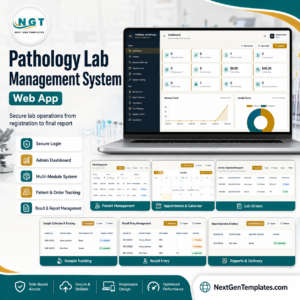
- Pathology Lab Management System Web App – the full multi-user system if the calendar is not enough.
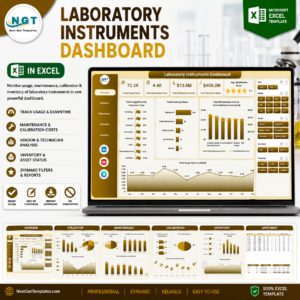
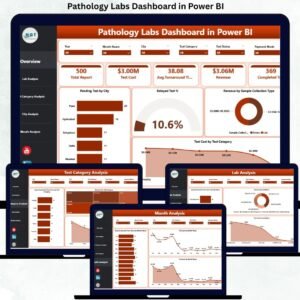
- Pathology Labs Dashboard in Excel – analytics rather than scheduling.
- Blood Donation Camp Calendar in Excel – the same engine, aimed at donation drives.
- Medical Equipment Calibration Calendar in Excel – the same engine, aimed at equipment checks.
- Browse the whole MS Excel range.
Buy once, keep it. $8.99 regular, $4.99 on sale, one payment, instant download, yours to edit and reuse for as many years as the Setting sheet allows – 2021 to 2051.
Last updated: 2 September 2026.
Watch the demo video:
Compatibility and Requirements
- Works in Microsoft Excel on Windows desktop with macros enabled. It does not run in Excel for the web, Google Sheets or on mobile.
- Save the file as .xlsm or .xlsb. Saving as .xlsx removes the macros and buttons. Microsoft explains how to turn macros on in Enable or disable macros in Microsoft 365 files.
More Questions About This Template
Is there a Google Sheets version of this calendar?
Yes. See the Lab Sample Collection Calendar in Google Sheets if you need a browser-based file that several people can edit at once.
Do I need to keep the 100 sample rounds?
No. They are examples dated across 2026. Delete them on the Events sheet and add your own rounds with the Add New Record button.
Which file types come in the download?
One ZIP with two files: the macro-enabled workbook and a 5-page PDF user manual.
Which years can I set on the Setting sheet?
Any year from 2021 to 2051. You also choose the start month and the week-start day there.































Reviews
There are no reviews yet.