

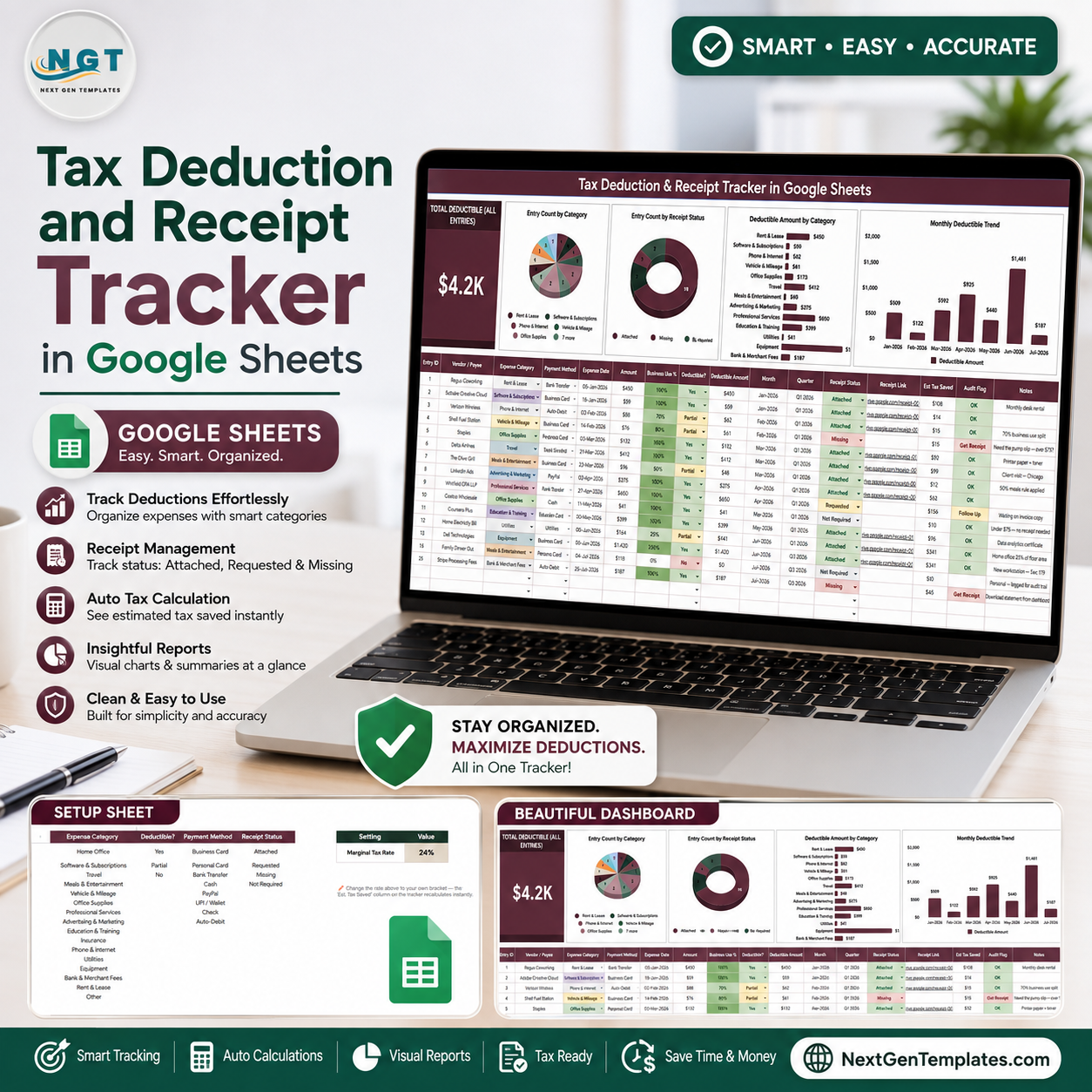

The IRS recordkeeping guidance explains that receipts, invoices, paid bills, and other supporting documents help substantiate entries used on a tax return. The Tax Deduction and Receipt Tracker in Google Sheets gives buyers 2 focused sheet tabs, 1 total deductible card, 4 analysis charts, 5 setup lists, and a $6.99 one-time spreadsheet workflow for cleaner deduction records. It does not calculate or file taxes; it gives you an organized place to track amounts, categories, payment methods, deductible status, receipt status, and monthly patterns before you review records with an accountant.
Key Features of Tax Deduction and Receipt Tracker in Google Sheets
- Total Deductible card: See the full deductible amount across all recorded entries.
- Category analysis: Review entry count and deductible value by expense category.
- Receipt status view: Separate available, missing, pending, or custom receipt statuses.
- Monthly trend chart: Track deductible amount movement across months.
- Multiple slicers: Filter the dashboard quickly by category, deductible option, payment method, receipt status, or date.
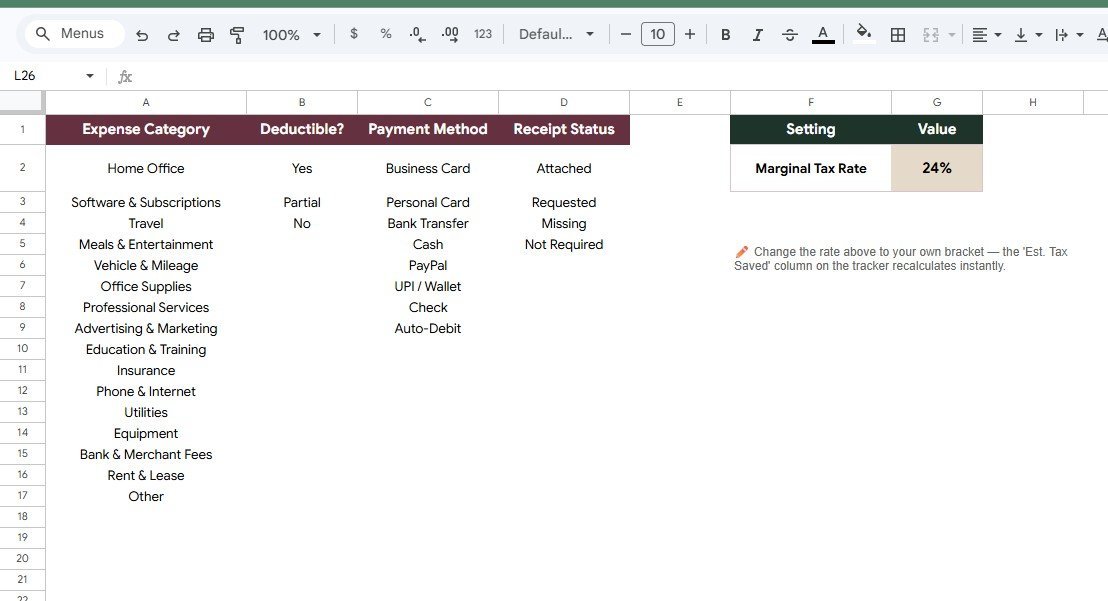
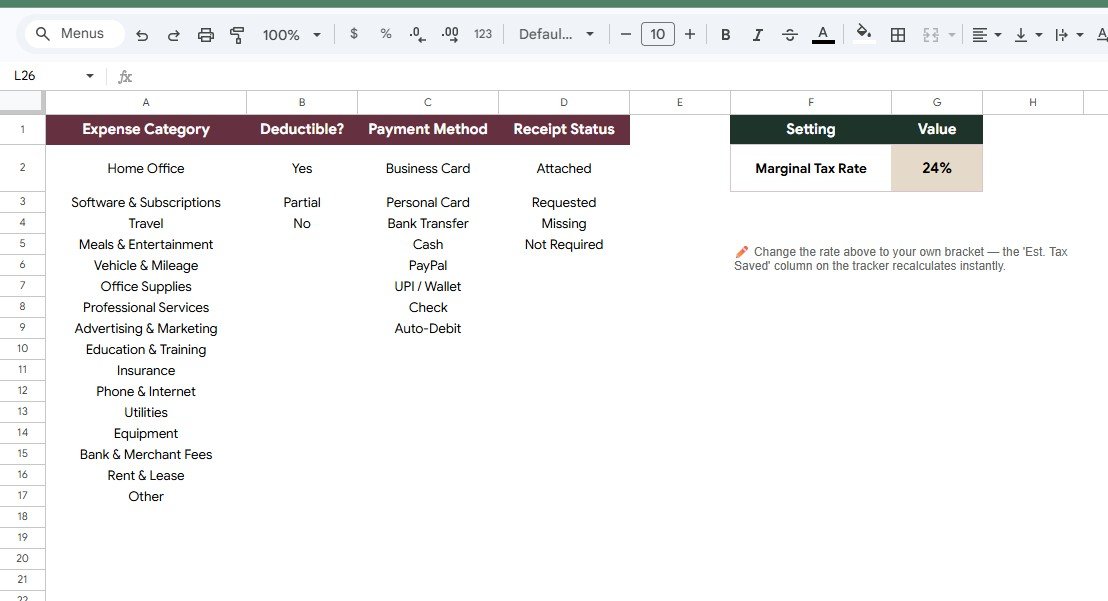
- Settings tab: Maintain dropdown lists for categories, payment methods, receipt statuses, deductible options, and marginal tax rate.
- Google Sheets workflow: Copy the template to Drive, edit the lists, and share with a bookkeeper or tax preparer.
What’s Inside the Tax Deduction and Receipt Tracker in Google Sheets
1 – Overview Page
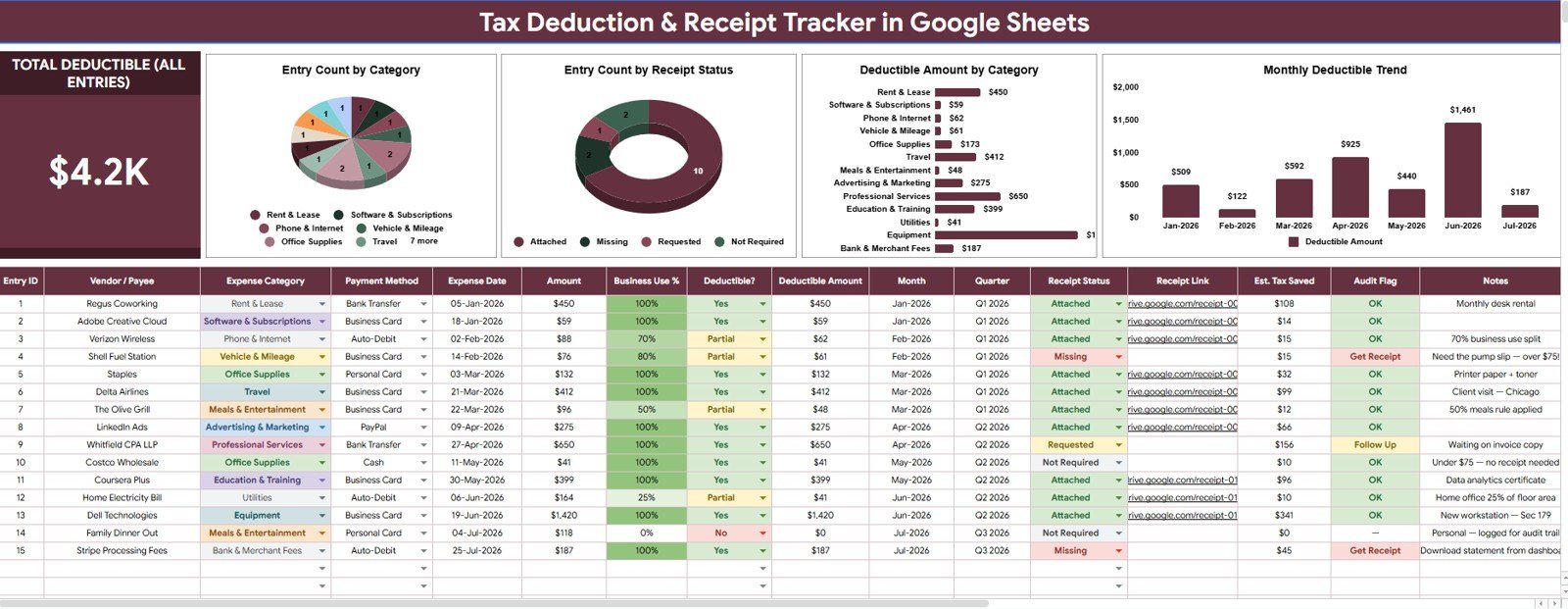
The Overview Page is the main dashboard tab. At the top, the Total Deductible All Entries card gives a quick total before you review the charts and slicers. This is useful during monthly cleanup, quarter-end reviews, and tax preparation.
Entry Count by Category: Shows how many deduction records sit in each expense category. It helps you identify the categories that create the most recordkeeping activity.
Entry Count by Receipt Status: Counts entries by whether receipts are available, missing, pending, or another custom status. It helps you prioritize receipt follow-up before tax time.
Deductible Amount by Category: Totals deductible value by category. It helps users see which expense groups contribute the most to tracked deductions.
Monthly Deductible Trend: Shows deductible amount over time. It helps spot seasonal spikes, missing months, or periods that need a receipt review.
2 – Settings Tab
The Settings tab controls the lists used throughout the tracker. Keeping these setup items in one place makes data entry cleaner and reduces duplicate labels in the dashboard.
- Expense Category list: Customize categories such as travel, meals, supplies, software, office expenses, education, donations, or client costs.
- Deductible option list: Standardize whether an expense is deductible, non-deductible, partially deductible, or pending review.
- Payment Method list: Track how each expense was paid, such as card, bank transfer, cash, check, or wallet.
- Receipt Status list: Maintain receipt labels such as attached, missing, requested, digital copy, or physical copy.
- Marginal Tax Rate setting: Store the rate assumption your team wants to reference during planning reviews.
Tax Deduction and Receipt Tracker in Google Sheets vs. Microsoft Excel vs. Paid Tax/Accounting SaaS – Where This Fits
| Feature | This Google Sheets tracker | Microsoft Excel tracker | Paid tax or accounting SaaS |
|---|---|---|---|
| Cost | $6.99 one-time sale price | Template cost plus any Microsoft license | Often monthly, annual, or per-user |
| Platform | Google Sheets in Drive | Excel desktop or web | Vendor-hosted app |
| Setup time | Copy file, edit lists, enter expenses | Download workbook and customize | Create account, configure tax categories, invite users |
| Real-time team collaboration | Native Google sharing | Available through Microsoft cloud sharing | Depends on plan |
| Mobile access | Google Sheets app or browser | Excel app or browser | Usually included |
| Customizable fields | Edit categories, payment methods, statuses, and deductible options | Editable if workbook is unlocked | Limited by app settings |
| Share with link | Yes, using Drive permissions | Yes, using Microsoft sharing | Usually login-based |
| Year-1 cost at 5 users | $6.99 before any Google Workspace cost | Template plus license costs | Can increase with paid seats |
| Receipt status tracking | Included as a dashboard chart and setup list | Must be built or customized | Depends on product tier |
Who This Template Is For – and Who It’s Not For
This tracker is for freelancers, consultants, small business owners, landlords, creators, nonprofit admins, and household finance users who need a simple place to organize deductible expenses and receipt status in Google Sheets.
It is not a tax filing tool, accounting ledger, bank-feed connector, receipt OCR scanner, or substitute for professional tax advice. Use it as a preparation and tracking file, then confirm tax treatment with a qualified professional.
How to Use the Tax Deduction and Receipt Tracker in Google Sheets
- Open the included guide and copy the Google Sheet to your own Google Drive.
- Update the Settings tab with your expense categories, payment methods, receipt statuses, deductible options, and marginal tax rate assumption.
- Enter each expense with date, category, amount, payment method, deductible option, and receipt status.
- Open the Overview Page to review total deductible value and the four analysis charts.
- Use slicers during monthly or tax-season cleanup to focus on missing receipts, selected categories, or specific periods.
Real-World Use Cases
Maya, freelance designer: records software, equipment, internet, education, and client travel so missing receipts are visible before year-end.
Daniel, rental property owner: tracks repairs, supplies, mileage, and contractor payments by category and receipt status for easier accountant handoff.
Priya, nonprofit treasurer: uses the payment method and receipt status lists to keep reimbursement records tidy for board review.
Frequently Asked Questions
Does this file calculate my final tax refund?
No. It tracks deductible entries and receipt status. Final tax calculations should be handled in tax software or by a qualified tax professional.
Can I customize expense categories?
Yes. The Settings tab lets you edit the expense category list so the tracker matches your workflow.
Can I track missing receipts?
Yes. Receipt status is one of the setup lists and one of the overview charts.
Does it connect to a bank account?
No. It is designed for manual entry or pasted records in Google Sheets.
Can multiple people use the same tracker?
Yes. After copying it to Google Drive, you can share the file with a bookkeeper, partner, assistant, or accountant.
Is the marginal tax rate a tax recommendation?
No. It is only an editable planning setting. Confirm assumptions with your accountant or tax advisor.
About the Author
Built by PK – Microsoft Certified Professional with 15+ years of Excel, Google Sheets, and Power BI experience. Founder of NextGenTemplates, reaching 300K+ subscribers across YouTube channels. Every template is hand-built and tested before release.
Explore Related Templates
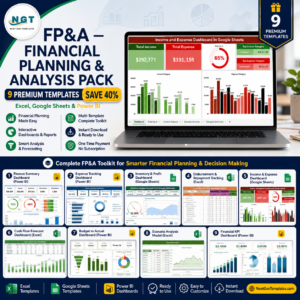
- FP&A Financial Planning & Analysis Pack for a broader finance template bundle.
- Personal Cash Flow Tracker in Google Sheets for inflow and outflow reviews.
- Personal Finance Net Worth Tracker in Google Sheets for assets and liabilities.
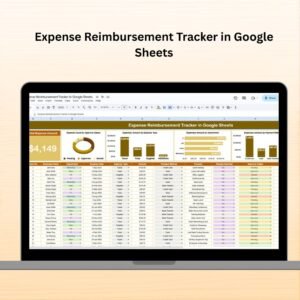
- Expense Reimbursement Tracker in Google Sheets for employee expense claims.
- Browse Google Sheets tracker templates.
- Browse Google Sheets financial tools.
Download the Tax Deduction and Receipt Tracker in Google Sheets to organize deductible expenses, receipt status, payment methods, categories, and monthly deduction trends in one editable file.
Watch the step-by-step video Demo:
Last updated: August 6, 2026.
Compatibility and Requirements
- Works in Google Sheets. You need a free Google account and a web browser, or the Google Sheets app on your phone.
- Copy the file to your own Google Drive first. Google explains how in Get started with Google Sheets.
More Tax and Expense Templates
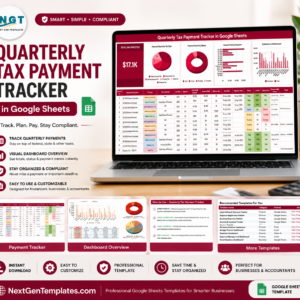
- Quarterly Tax Payment Tracker in Google Sheets: track each quarterly payment
- Tax Preparation Checklist in Google Sheets: a checklist of items to gather before filing
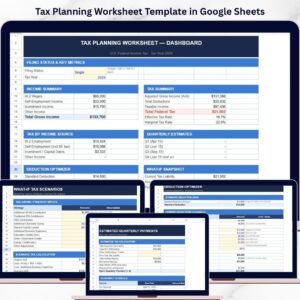
- Tax Planning Worksheet Template in Google Sheets: a worksheet for planning your tax position
- Tax Filing Calendar in Google Sheets: filing dates in one calendar
- Receipt Template in Google Sheets: a receipt you can issue to customers























Reviews
There are no reviews yet.