

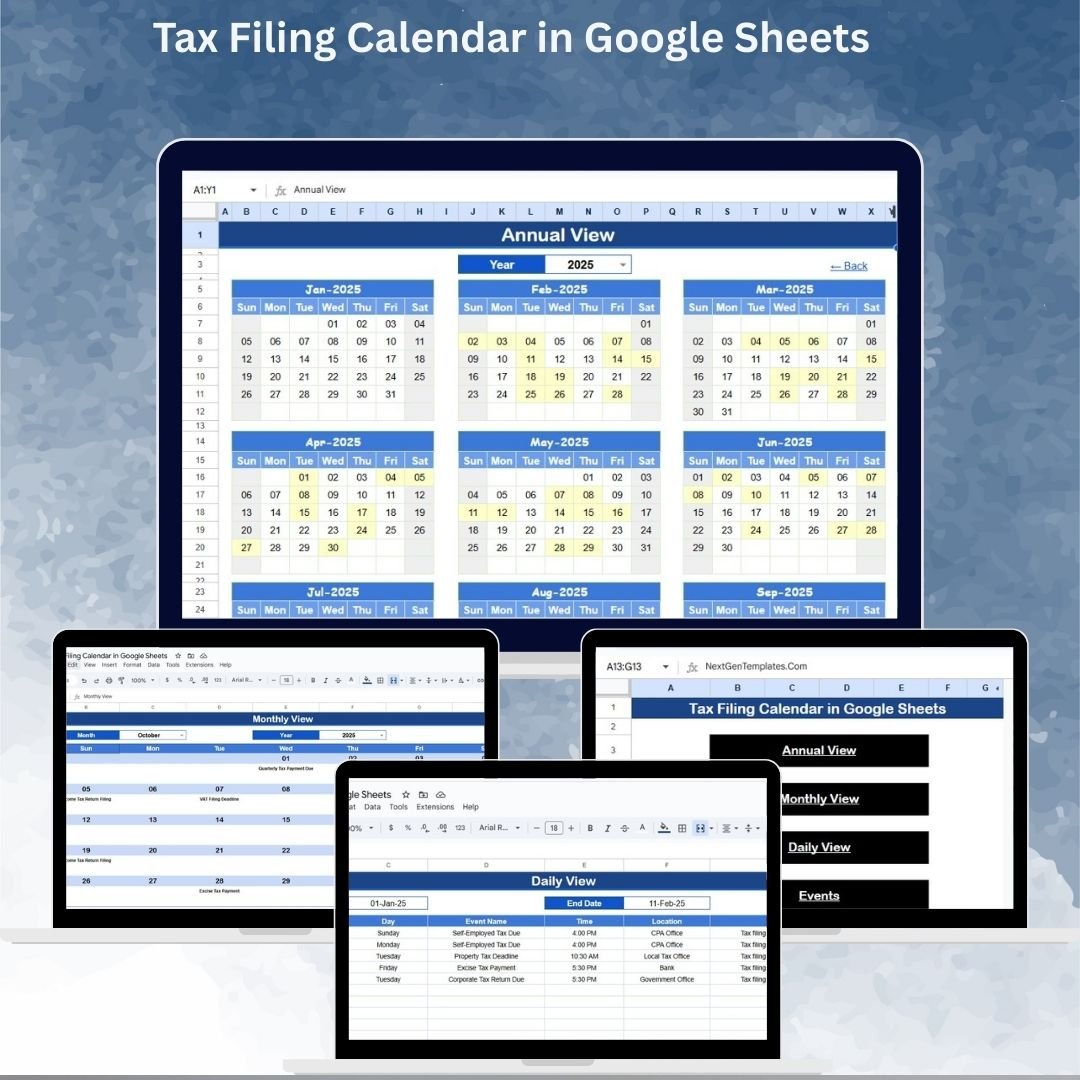
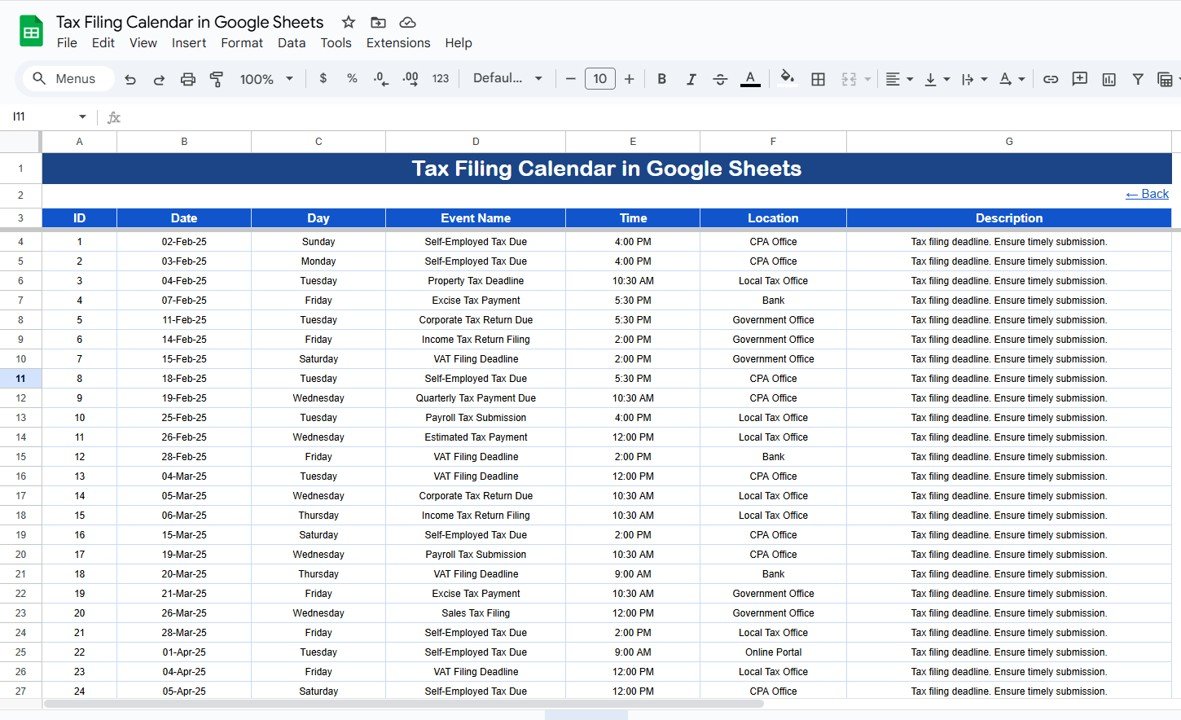

Managing tax filing deadlines can be stressful, especially when juggling multiple compliance dates across months and years. Missing just one deadline can lead to penalties, unnecessary stress, and last-minute rushes. That’s why we created the Tax Filing Calendar in Google Sheets — a ready-to-use, interactive template designed to keep businesses, accountants, and finance teams on track. ✅
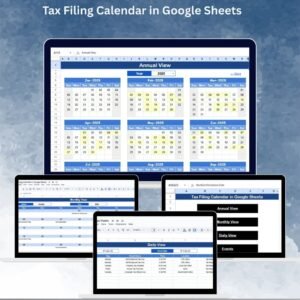
This simple yet powerful tool provides annual, monthly, and daily calendar views, along with a centralized events database, so you never miss an important filing. Fully cloud-based and collaborative, it ensures your team stays aligned, organized, and compliant.
🔑 Key Features of Tax Filing Calendar
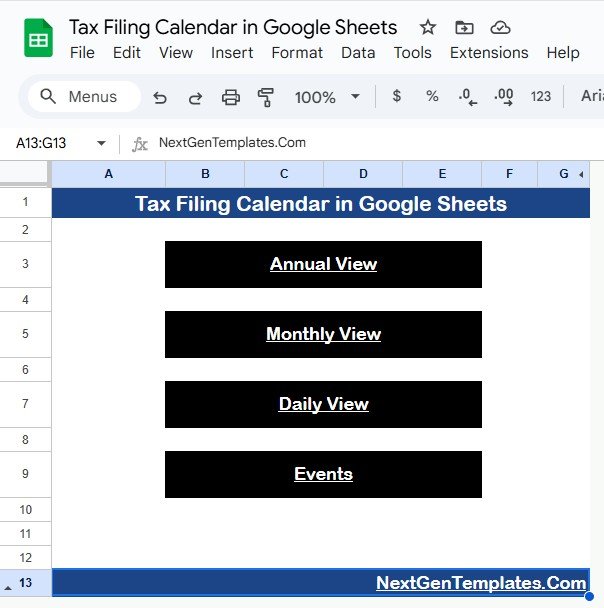
🏠 Home Sheet Tab
Acts as the index sheet for easy navigation.
Includes buttons to jump directly to Annual View, Monthly View, Daily View, and Events Sheet.
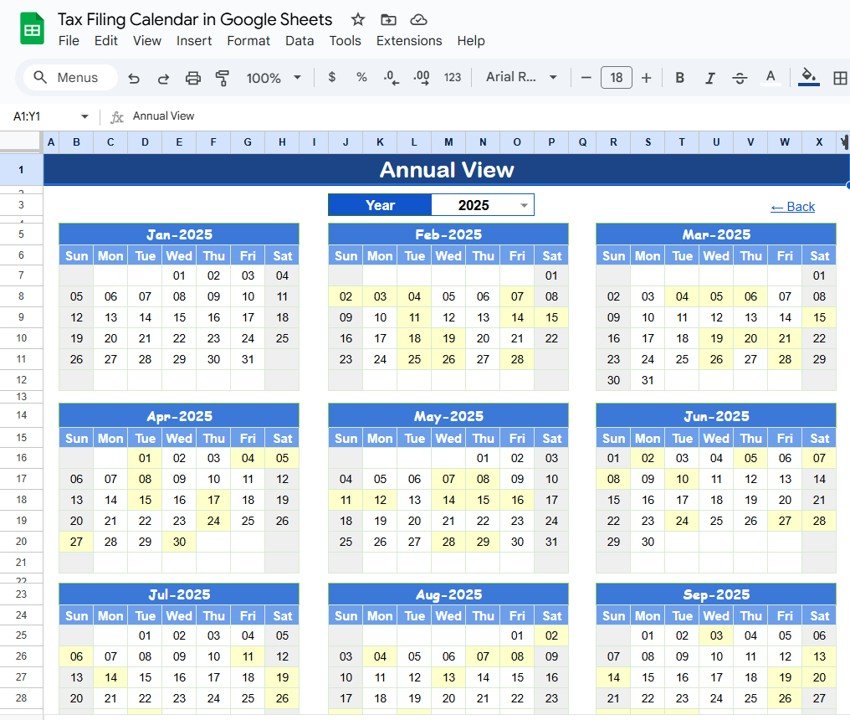
📅 Annual View Sheet Tab
Displays all 12 months of the year in one place.
Customize the year, starting month, and first day of the week based on your region.
Provides a complete overview of tax deadlines throughout the year.
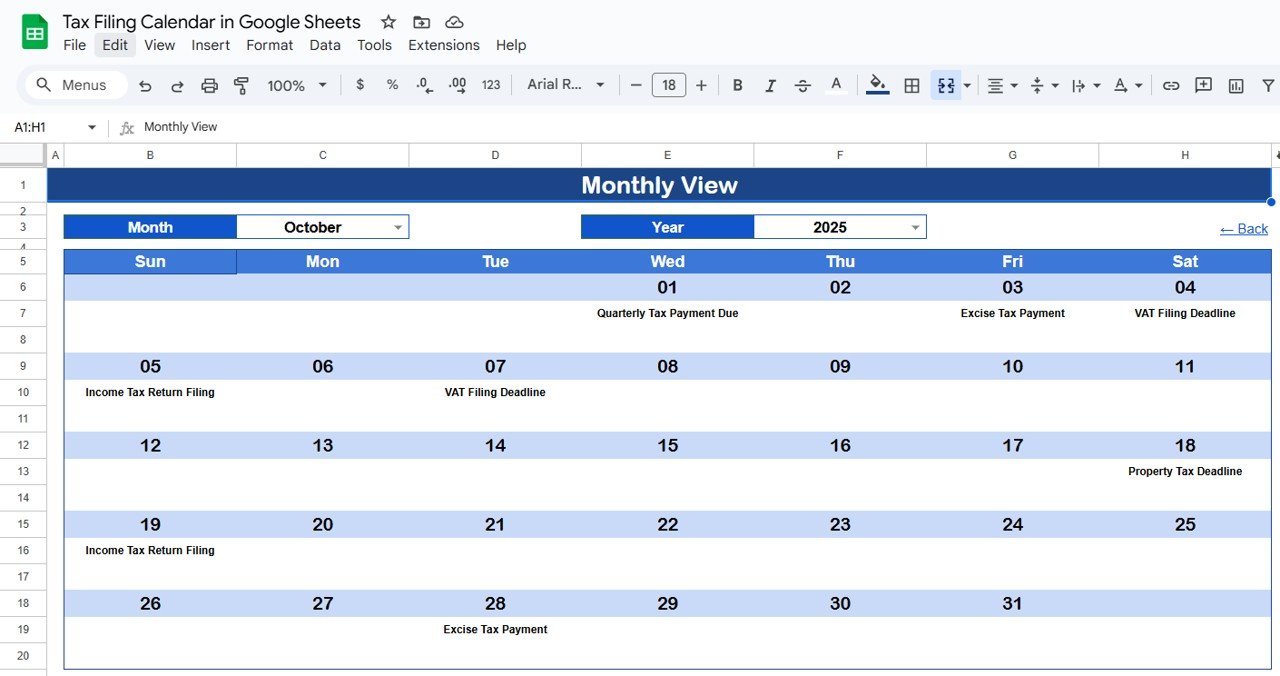
🗓️ Monthly View Sheet Tab
Shows the selected month with all scheduled tax events.
Automatically updates based on the chosen month and year.
If multiple events fall on the same day, it displays “more than 1…” for clarity.
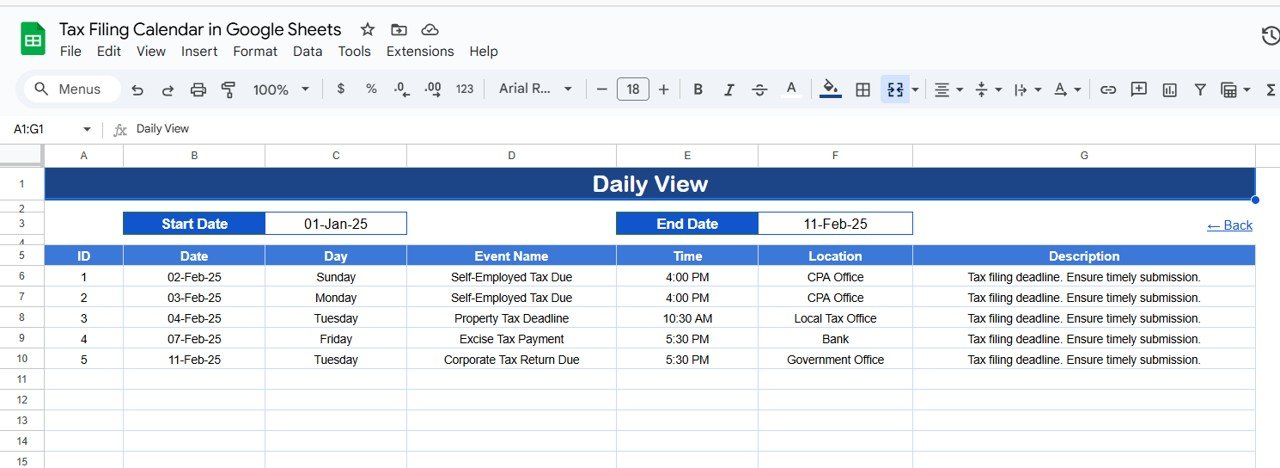
📋 Daily View Sheet Tab
Provides a detailed list of events within a selected date range.
Use start and end date filters with a calendar icon for convenience.
Perfect for reviewing specific deadlines and tasks on a daily basis.
🧾 Events Sheet Tab
The database where all tax-related events are stored.
Captures details like:
ID (unique identifier)
Date & Day
Event Name (tax filing or compliance event)
Time
Location (venue or online link)
Description (short notes for context)
Updates automatically reflect across all views.
📦 What’s Inside the Tax Filing Calendar
✅ 5 Pre-Built Tabs: Home, Annual View, Monthly View, Daily View, Events
✅ Fully Interactive & Auto-Updating
✅ Multi-Level Views (Annual, Monthly, Daily)
✅ Centralized Event Database for all tax filings
✅ Cloud-Based for Real-Time Collaboration
✅ Simple, Professional, and Easy-to-Use Design
👥 Who Can Benefit from This Calendar?
💼 Accountants & Finance Teams – Plan and track client tax deadlines.
🏢 Business Owners – Avoid missed compliance dates and penalties.
👨💻 Tax Consultants – Manage multiple clients with clarity.
📊 Corporate Finance Departments – Maintain organizational compliance efficiently.
📅 Individuals – Track personal tax deadlines with ease.
This tool is designed for anyone managing tax filing obligations at personal, business, or corporate levels.
📋 Best Practices for Using the Tax Filing Calendar
🔄 Update Events Regularly: Add upcoming tax deadlines as soon as they are known.
📅 Check Monthly View: At the start of each month, review deadlines in advance.
🔍 Use Filters: Narrow down specific dates in the Daily View.
✅ Track Completion: Add notes or update descriptions when filings are complete.
👥 Collaborate: Share access with your finance team for transparency.
💾 Keep Records: Maintain historical events for audit purposes.
✅ Advantages of Tax Filing Calendar
Never Miss Deadlines – Clear visibility of all filing dates.
Multi-Level Views – Annual, monthly, and daily perspectives.
Customizable – Adjust year, month, and starting day for flexibility.
Centralized Database – Store all events in one sheet.
User-Friendly – Easy navigation with clickable buttons.
Collaboration Ready – Multiple users can access in real time.



























Reviews
There are no reviews yet.