

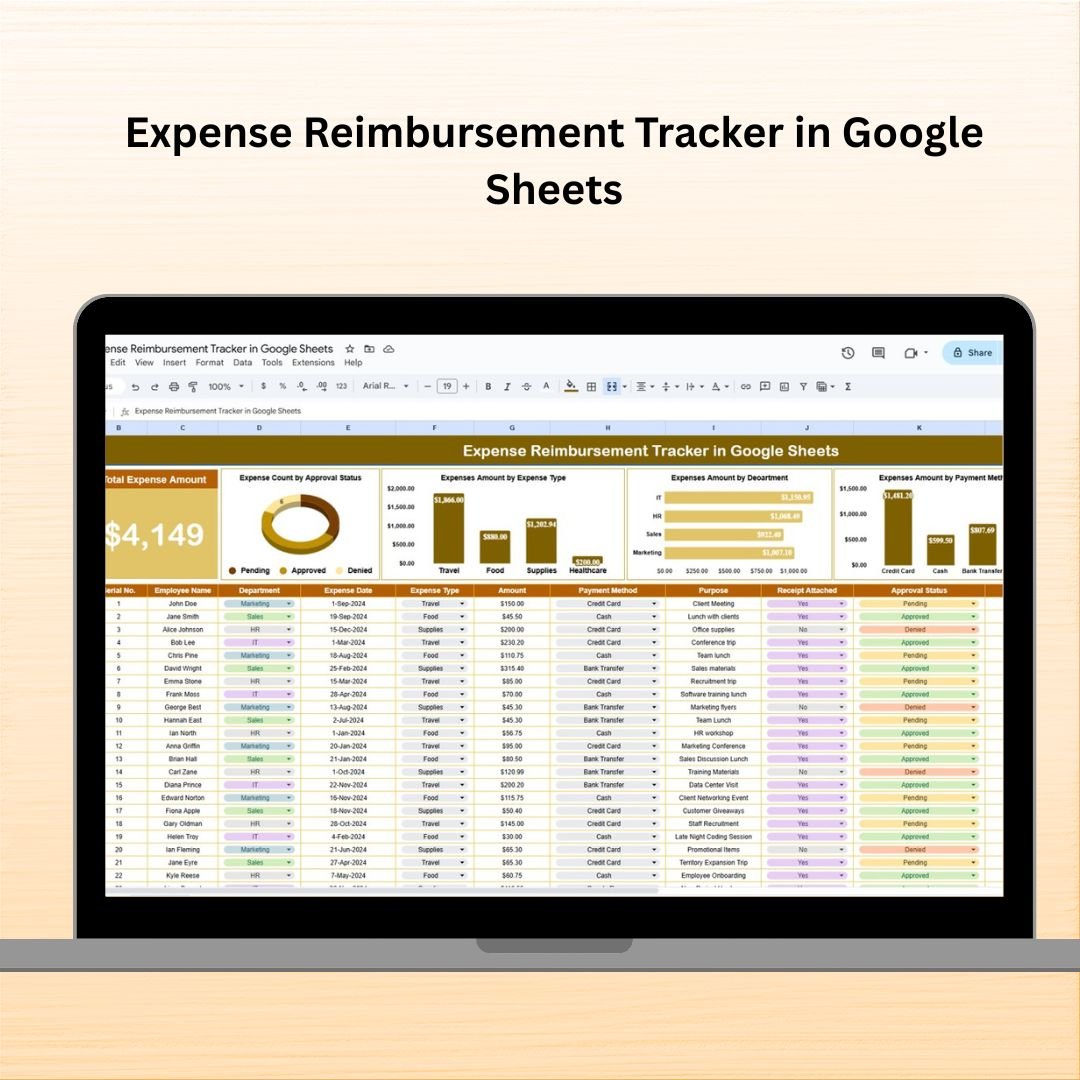

Tired of messy spreadsheets, lost receipts, and delays in reimbursements? Say goodbye to all that confusion with our Expense Reimbursement Tracker in Google Sheets – your all-in-one solution to streamline the employee reimbursement process. Whether you’re a small startup or a large organization, this powerful tool helps you track expenses, monitor approvals, and analyze spending – all from one clean, easy-to-use dashboard!
💡 Key Features of Expense Reimbursement Tracker in Google Sheets
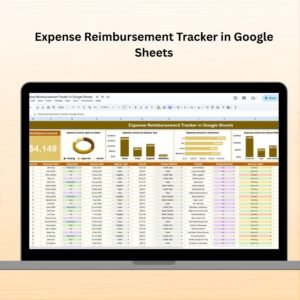
📋 Comprehensive Dashboard View
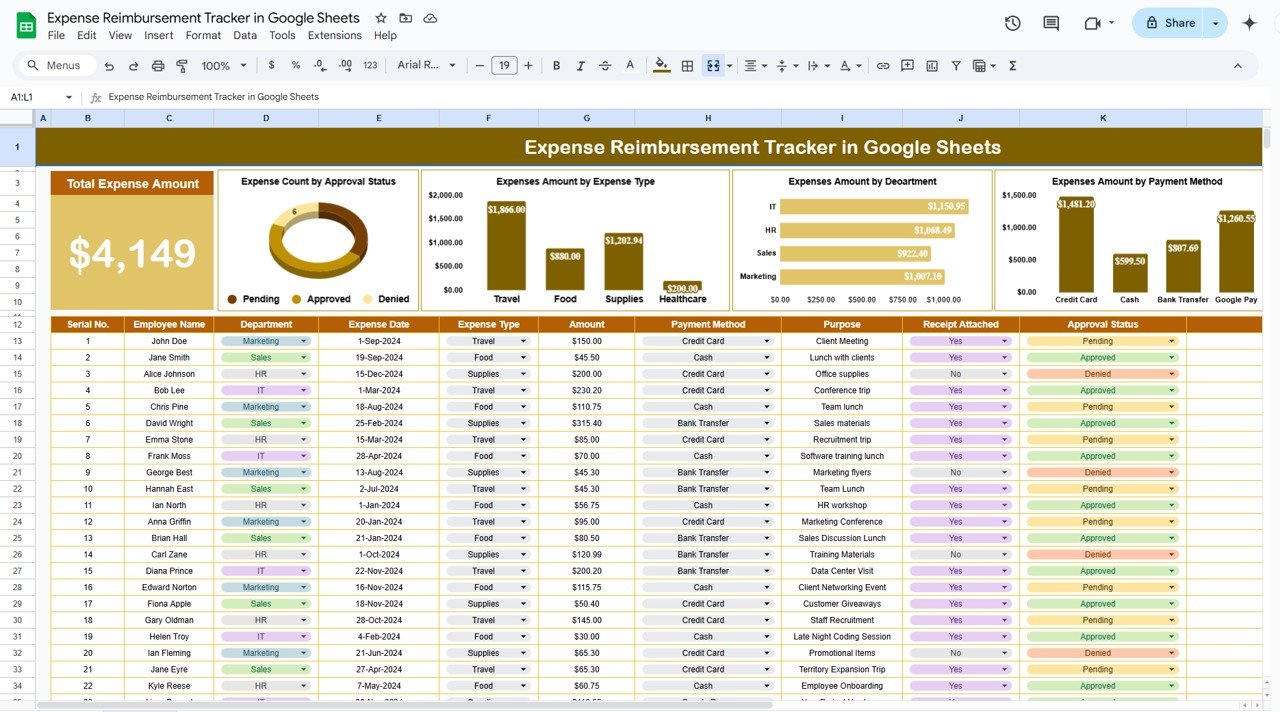
The top section of the sheet features summary cards that give you an instant overview of your organization’s reimbursement activities:
💰 Total Expense Amount at a glance
📈 Charts for quick visual analysis
🔍 Track trends in approval status, departments, payment methods, and more
📊 Insightful Charts & Graphs
Analyze your data like a boss with built-in visuals:
✅ Count by Approval Status: Know what’s pending, approved, or rejected
📎 Expenses by Receipt Attached: Monitor compliance and accountability
💳 Expenses by Payment Method: Understand how your team is paying
🏢 Expenses by Department: Spot which departments are spending the most
🧾 Expenses by Expense Type: See exactly where the money goes (travel, meals, etc.)
🧾 Data Input Table – All in One Place
Log every detail about the expenses in one structured table:
🔢 ID – Unique identifier for each record
👤 Employee Name – Person submitting the claim
🏢 Department – Their business unit or team
📆 Expense Date – When the expense was incurred
💼 Expense Type – Meals, travel, office supplies, etc.
💵 Amount – Claim amount
💳 Payment Method – Cash, card, bank transfer
🎯 Purpose – Reason behind the expense
📎 Receipt Attached – Checkbox to confirm receipt
🔄 Approval Status – Pending, approved, or rejected
📝 Remarks – Additional notes
📦 What’s Inside the Expense Reimbursement Tracker
This ready-to-use Google Sheets template includes:
🗂️ One powerful sheet tab with structured sections
📊 Auto-generated charts for quick visual analysis
💡 Dynamic Summary Cards to monitor totals instantly
📎 Built-in checkboxes to track receipt attachments
📥 Customizable input table for all expense details
📌 Pre-filled dropdowns to keep entries consistent
✅ Formula-based dashboard – no coding needed
🔧 Fully editable – tailor it to fit your organization’s needs
🚀 How to Use the Expense Reimbursement Tracker
Input Expense Data – Enter details in the main table
Check for Receipts – Use the checkbox for compliance
Monitor Approvals – Keep an eye on the approval column
Analyze with Charts – Use visuals for data-driven decisions
Share with Your Team – Collaborate easily in Google Sheets
No steep learning curve. Just plug in the data and start managing expenses like a pro!
👥 Who Can Benefit from This Tracker
This tool is ideal for:
🧾 HR & Finance Teams – Simplify tracking and approval workflows
💼 Managers – Monitor departmental budgets and reimbursements
👩💻 Startups & Small Businesses – Handle expenses without complex software
🏢 Enterprises – Centralize and automate reimbursement workflows
👨👩👧 Remote Teams – Collaborate effortlessly on a shared Google Sheet
No matter your business size or type, this tracker makes reimbursement painless and professional.
🔗 Click here to read the Detailed blog post
Watch the step-by-step video Demo:
📺 Visit our YouTube channel to learn step-by-step video tutorials
Compatibility and Requirements
- Works in Google Sheets. You need a free Google account and a web browser.
- Entries use dropdowns and checkboxes. Google explains dropdowns in Create an in-cell dropdown list.
Frequently Asked Questions
What details can I log for each claim?
ID, employee name, department, expense date, expense type, amount, payment method, purpose, receipt attached, approval status and remarks.
Which charts are included?
Charts show claims by approval status, receipt attached, payment method, department and expense type, with summary cards for the totals.
How do I record that a receipt was received?
Tick the Receipt Attached checkbox on that row. The receipt chart updates from those ticks.
Can my team use it together?
Yes. It is a Google Sheets file, so you can share it with HR, finance and managers and work on it at the same time.
Is there an Excel version?
Yes. The Expense Reimbursement Tracker in Excel covers the same job in Excel.
Related Expense Templates
- Expense Reimbursement Tracker in Excel: the same tracker in Excel
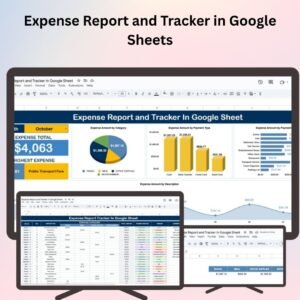
- Expense Report and Tracker in Google Sheets: log and report business expenses
- Travel Expense Report Tracker in Google Sheets: track travel claims by trip
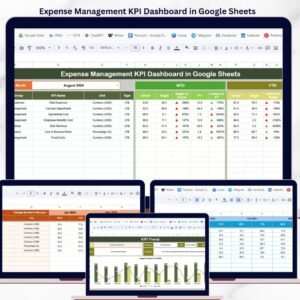
- Expense Management KPI Dashboard in Google Sheets: monitor expense KPIs against targets
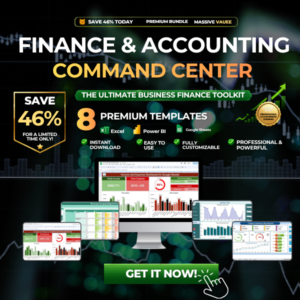
- Finance & Accounting Command Center: 8 finance templates in one download
Browse all Google Sheets financial tools or the Google Sheets dashboards.







Reviews
There are no reviews yet.