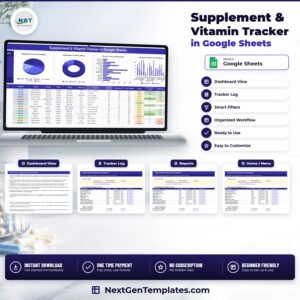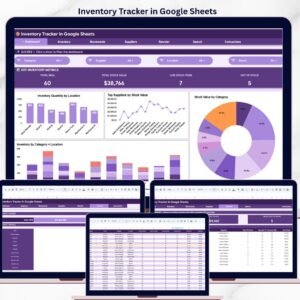
The Inventory Tracker in Google Sheets manages 50+ inventory items across 4 structured worksheets, with automated low-stock alerts, category-based filtering, and a visual summary dashboard. Setup takes under 10 minutes — just replace the sample data and every metric updates automatically.
🌍 Join 8,400+ teams in 40+ countries using NextGenTemplates to replace paid SaaS tools with one-time-purchase Excel, Google Sheets, Power BI, and HTML templates.
✅ Instant download · One-time payment · No subscription · No per-user fees · Lifetime access
🔑 Key Features of Inventory Tracker in Google Sheets
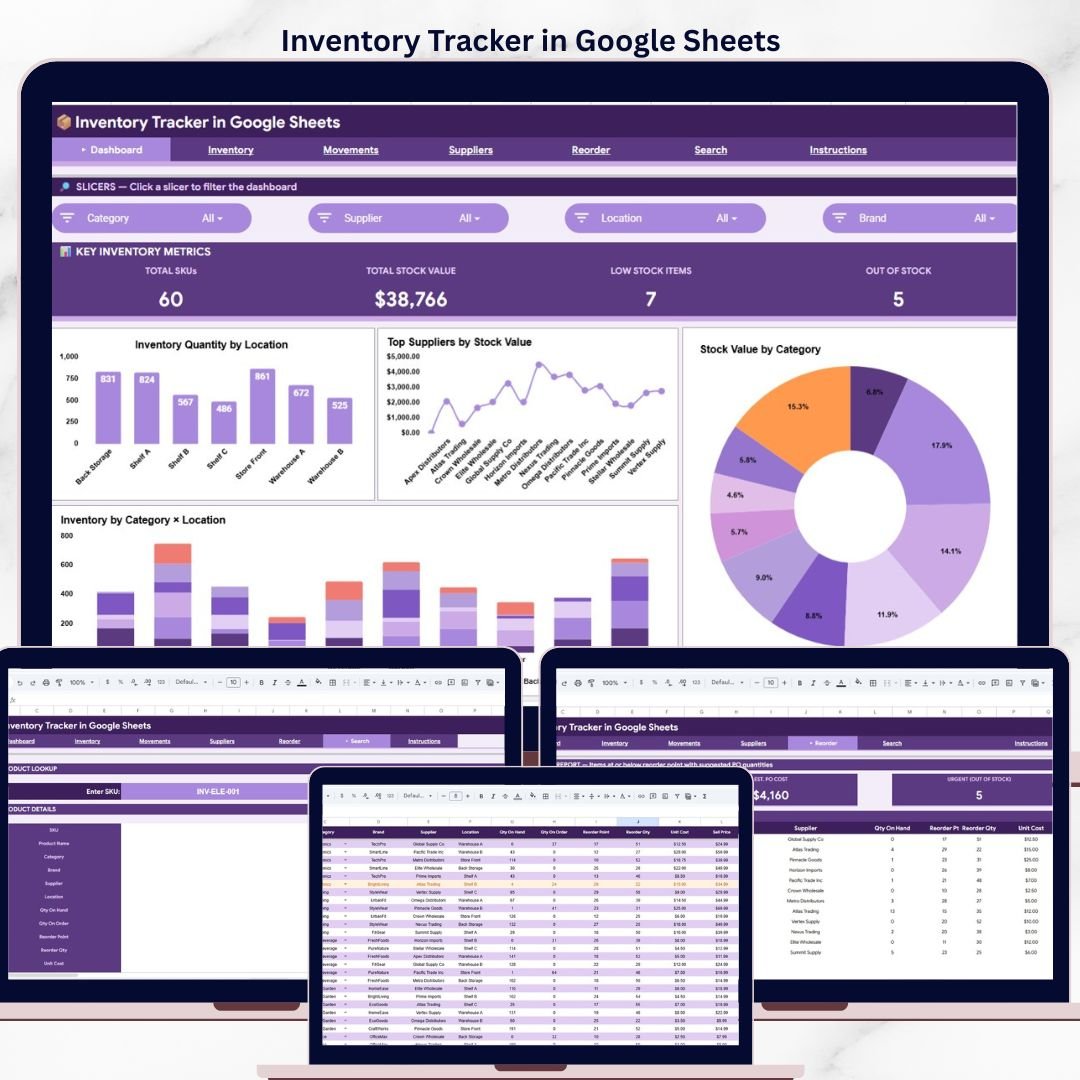
📊 Inventory Dashboard — The Inventory Tracker in Google Sheets displays total stock value, total items in stock, items below reorder level, and category-wise distribution in a single view. KPI cards at the top show current inventory health, while bar and pie charts break down stock by category and location. This tracker monitors item quantities, unit costs, stock values, reorder levels, and movement history across every product in your catalog.
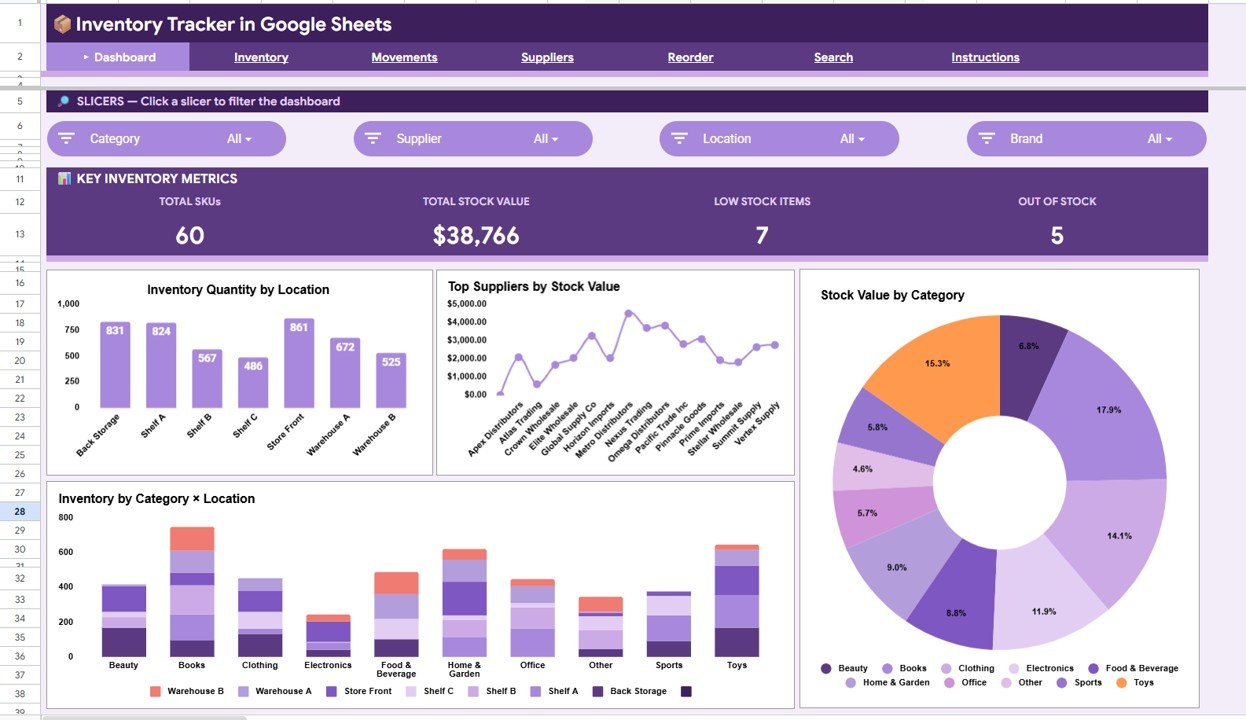
Inventory Tracker in Google Sheets — Dashboard Overview
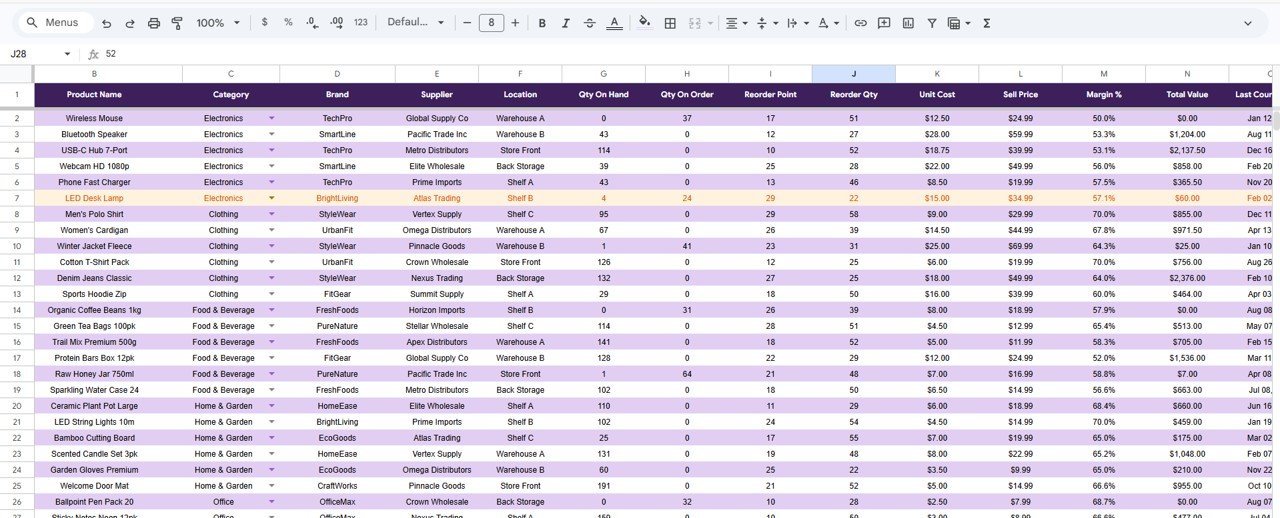
📋 Item Tracker Sheet — Log every inventory item with fields for item name, SKU, category, location, quantity on hand, unit cost, total value, reorder level, supplier name, and last updated date. Conditional formatting turns cells red when stock drops below the reorder threshold, giving you a visual early warning system. Sort and filter by any column to find items instantly.
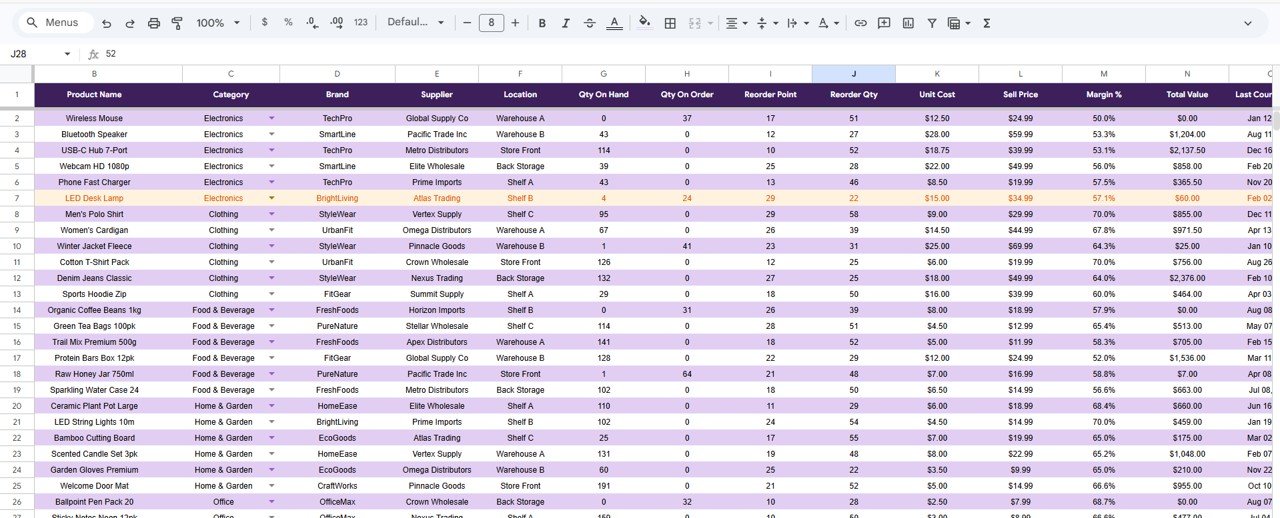
Item Tracker Sheet
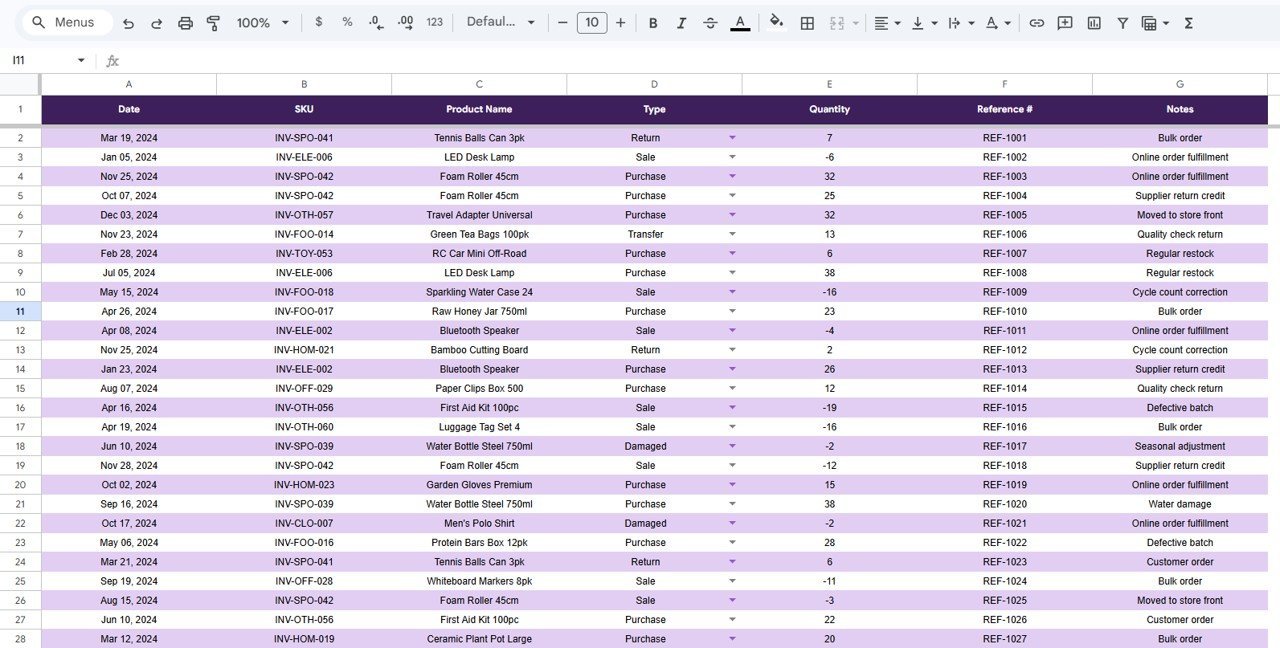
📈 Stock Movement Log — Record every inbound and outbound stock movement with date, item reference, quantity change, reason (purchase, sale, return, adjustment), and running balance. This audit trail makes monthly reconciliation straightforward and helps identify shrinkage patterns. The movement log feeds directly into the dashboard charts for real-time trend visibility.
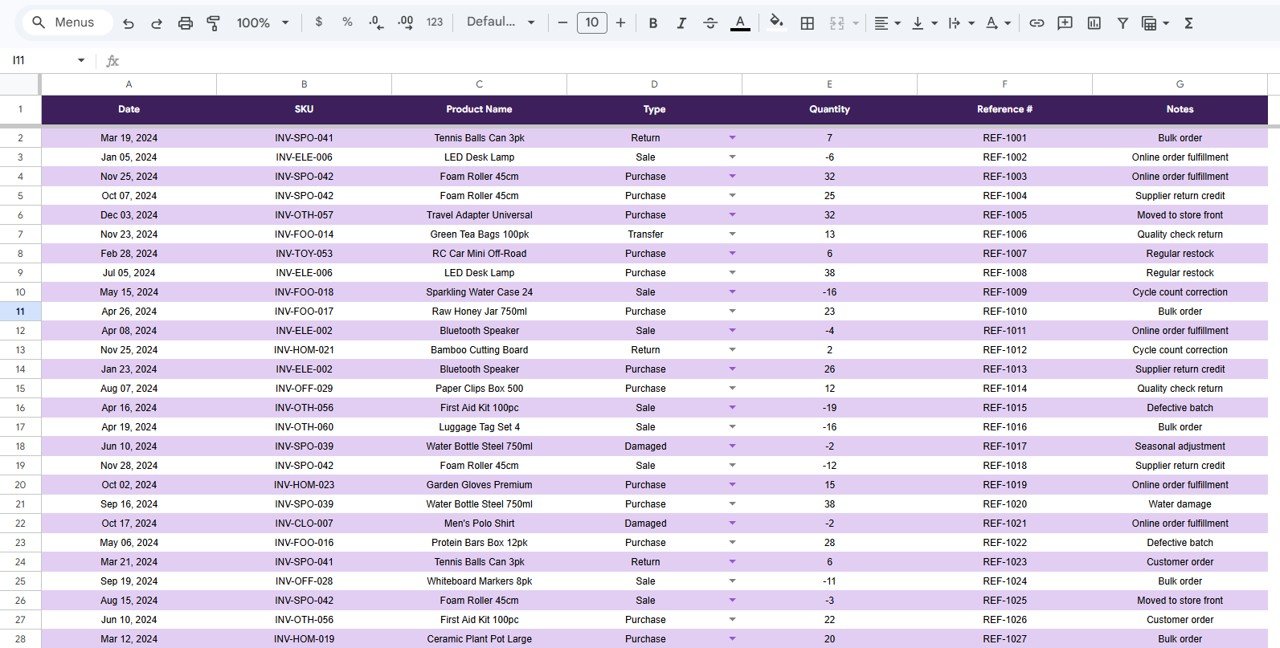
Stock Movement Log
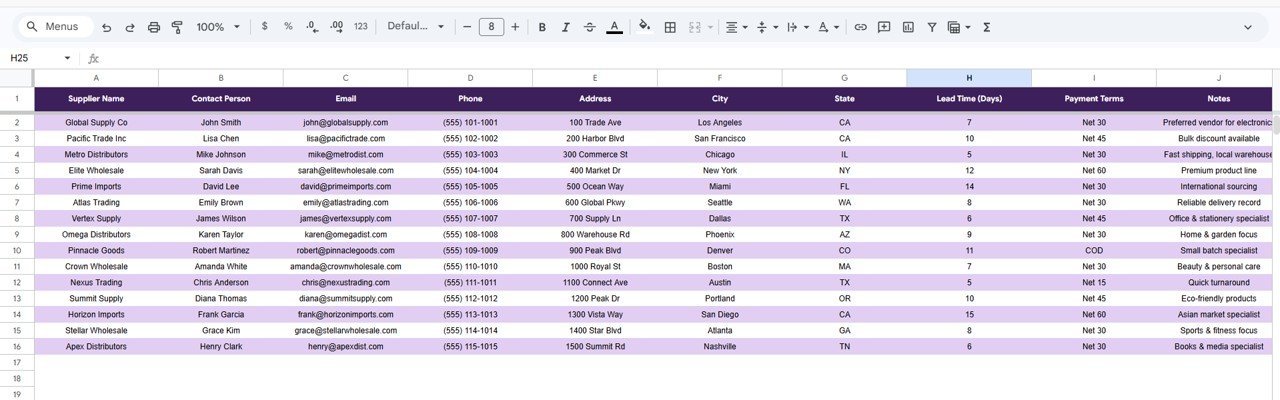
⚙️ Settings and Reference Sheet — Define your item categories, warehouse locations, supplier list, and reorder thresholds in one place. All dropdown menus throughout the tracker pull from this sheet, so updating a category name here updates it everywhere. Customize the tracker for retail, warehouse, office supplies, food service, or any inventory scenario.
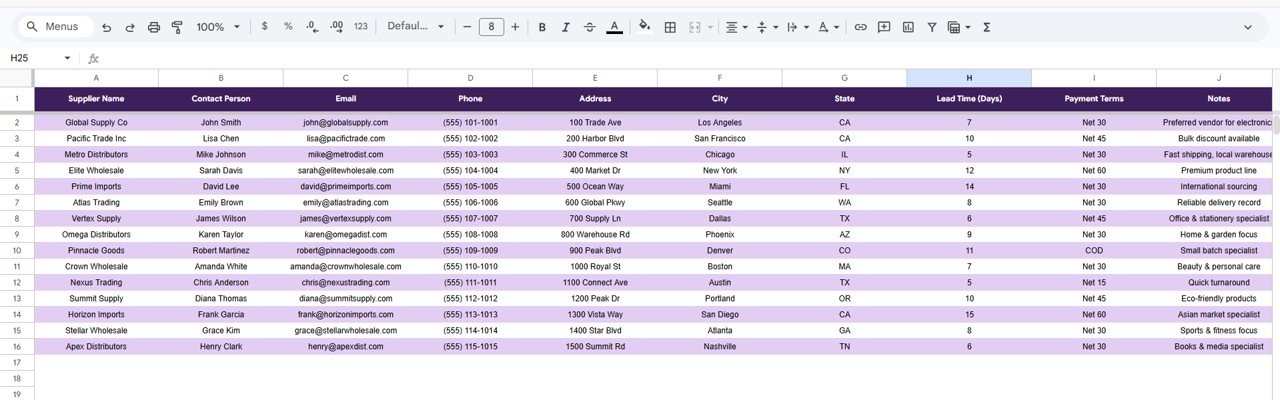
Settings and Reference Sheet
📦 What’s Inside the Inventory Tracker in Google Sheets
📌 4 structured worksheets: Dashboard, Item Tracker, Stock Movement Log, and Settings
📌 50+ pre-loaded sample inventory records with realistic data
📌 Automated low-stock alerts using conditional formatting
📌 KPI cards: Total Items, Total Stock Value, Items Below Reorder, Categories Tracked
📌 Bar charts and pie charts for category distribution and stock value breakdown
📌 Dropdown filters for category, location, and supplier
📌 Stock movement audit trail with running balance calculations
📌 Editable settings sheet for categories, locations, and suppliers
📌 Works in Google Sheets — accessible from any browser or mobile device
📊 Inventory Tracker in Google Sheets vs. Microsoft Excel Inventory Template vs. Zoho Inventory — Where This Fits
| Feature | Inventory Tracker in Google Sheets | Excel Inventory Template | Zoho Inventory |
|---|---|---|---|
| Cost | $6.99 one-time | $10-25 one-time | $79/month (Standard) |
| Platform | Google Sheets (cloud) | Desktop Excel | Web-based SaaS |
| Setup Time | Under 10 minutes ✅ | 15-30 minutes | 1-3 days |
| Real-Time Collaboration | Yes — built into Google Sheets ✅ | No (file-based) | Yes |
| Mobile Access | Yes — any browser ✅ | Limited (mobile Excel) | Yes (dedicated app) |
| Customizable Fields | Fully editable ✅ | Fully editable | Limited to plan tier |
| Barcode / Scanner | No | No | Yes |
| Share with Link | Yes — one click ✅ | No (email attachment) | Yes (user invite) |
| Year-1 Cost (5 users) | $6.99 total ✅ | $10-25 total | $948+/year |
For teams that want real-time inventory visibility without paying monthly SaaS fees, the Inventory Tracker in Google Sheets sits in the sweet spot.
👥 Who This Template Is For — and Who It’s Not For
✅ This template is built for:
- Small business owners managing 50-500 SKUs across 1-3 locations
- Office managers tracking supplies, equipment, and consumables
- Retail store owners who need a lightweight stock tracker without ERP overhead
- Freelancers and solopreneurs selling physical products on Etsy, Amazon, or Shopify
- Warehouse supervisors who want quick daily stock checks accessible from a phone
❌ This template is NOT for:
- Large enterprises managing 10,000+ SKUs needing barcode scanning and API integrations
- Businesses requiring automated purchase order generation and supplier EDI
- Teams that need multi-warehouse transfer automation with real-time sync
⚙️ How to Use the Inventory Tracker in Google Sheets
1️⃣ Open the PDF guide included in your download and click the Google Sheets copy link to create your own editable version in Google Drive.
2️⃣ Go to the Settings sheet and customize your item categories, warehouse locations, and supplier names to match your business.
3️⃣ Open the Item Tracker sheet and replace the sample data with your actual inventory items — enter item names, SKUs, quantities, unit costs, and reorder levels.
4️⃣ Log stock movements in the Stock Movement Log sheet each time you receive, sell, or adjust inventory quantities.
5️⃣ Check the Dashboard anytime to see your current stock health, low-stock alerts, and category breakdowns — every chart and KPI updates automatically.
💼 Real-World Use Cases
Ravi runs a 200-SKU electronics accessories store on Amazon and Shopify. He uses the Inventory Tracker in Google Sheets to monitor stock across his home office storage and a rented warehouse. When phone cases drop below 15 units, the tracker flags them in red so he places reorders before running out — cutting his stockout incidents by 60% in the first quarter.
Maria manages office supplies for a 45-person marketing agency. She replaced a messy shared Excel file with this tracker, shared it with the office coordinator via Google Sheets link, and now both of them update stock counts in real time. Monthly supply orders dropped from 3 hours of manual counting to a 15-minute dashboard review.
Jason owns a small craft brewery with 80 ingredient items. He logs every grain, hop, and yeast delivery in the Stock Movement Log and tracks consumption per batch. The Dashboard shows him exactly which ingredients are running low before brew day — no more last-minute supplier calls.
❓ Frequently Asked Questions
How many items can the Inventory Tracker in Google Sheets handle?
The Inventory Tracker in Google Sheets handles hundreds of items comfortably. Google Sheets supports up to 10 million cells, so tracking 500-1,000 SKUs with full history is well within performance limits. The template ships with 50+ sample records you can expand.
Does the Inventory Tracker in Google Sheets work on mobile?
Yes. Since it runs entirely in Google Sheets, you can access, edit, and review your inventory from any smartphone or tablet using the Google Sheets app or a mobile browser. No additional software installation required.
Can I share this tracker with my team?
Absolutely. Click the Share button in Google Sheets and invite team members by email. Multiple people can view and edit the tracker simultaneously with real-time sync — a key advantage over desktop Excel files.
How does this compare to Zoho Inventory or inFlow?
The Inventory Tracker in Google Sheets costs $6.99 one-time versus $79-149 per month for Zoho Inventory or inFlow. It lacks barcode scanning and automated PO generation, but for teams tracking under 500 SKUs who need a fast, flexible, and affordable solution, it delivers 80% of the value at 1% of the cost.
Can I add custom columns or fields?
Yes, the template is fully editable in Google Sheets. Add new columns for lot numbers, expiry dates, bin locations, or any custom attribute. Adjust formulas in the Dashboard to include your new fields in calculations and charts.
Is there a video tutorial for setup?
Visit YouTube.com/@NextGenTemplates for step-by-step walkthrough videos covering setup, customization, and best practices for all NextGenTemplates products.
What if I need an inventory tracker in Excel or Power BI instead?
NextGenTemplates offers inventory and warehouse templates across Excel, Google Sheets, Power BI, and HTML. Check the Dashboard Templates category or the Inventory & Warehouse Master Kit Bundle for multi-platform options.
👤 About the Author
Built by PK — Microsoft Certified Professional with 15+ years of Excel, Google Sheets, and Power BI experience. Founder of NextGenTemplates, reaching 300K+ subscribers across YouTube channels (@PK-AnExcelExpert, @NextGenTemplates, @NeoTechNavigators). Every template is hand-built and tested before release.
🔗 Explore Related Templates
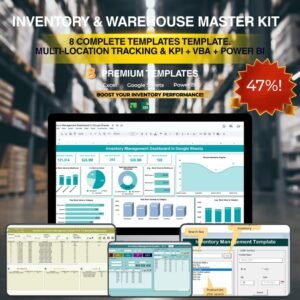
📦 Inventory & Warehouse Master Kit – 8 Premium Templates (Save 36%) — Get all inventory, warehouse, and supply chain templates in one bundle.
📋 Inventory Audit Calendar in Google Sheets — Schedule and track your physical inventory counts throughout the year.
📊 Warehouse Management KPI Scorecard in Google Sheets — Monitor warehouse efficiency with 10+ KPIs and trend charts.
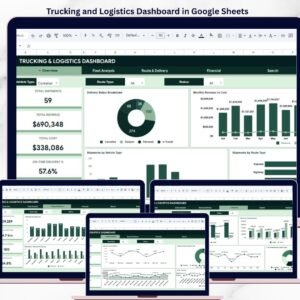
🚚 Trucking and Logistics Dashboard in Google Sheets — Track fleet performance, delivery metrics, and logistics costs.
Browse all Google Sheets Tracker Templates or explore Google Sheets Dashboard Templates.
💎 Save 36% — Get all 8 inventory and warehouse templates in the Inventory & Warehouse Master Kit Bundle →
📖 Click here to read the Detailed Blog Post
Watch the step-by-step video tutorial:
🎥 Visit our YouTube channel for step-by-step video tutorials
👉 YouTube.com/@NextGenTemplates