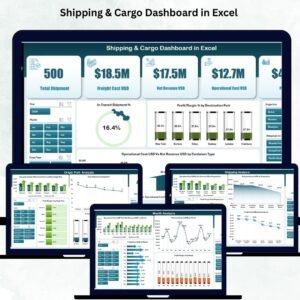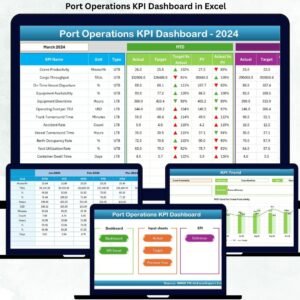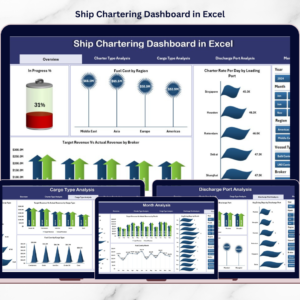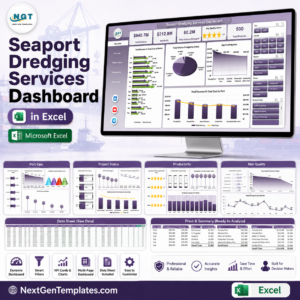

Ports are the backbone of global trade. Every day, ports handle vessel arrivals, cargo shipments, fuel consumption, and complex logistics activities. However, when port data is scattered across multiple spreadsheets and manual reports, managers struggle to track performance and identify operational bottlenecks.
That is where the Port Operations Dashboard in Excel becomes an essential analytics tool.
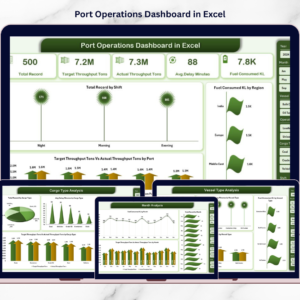
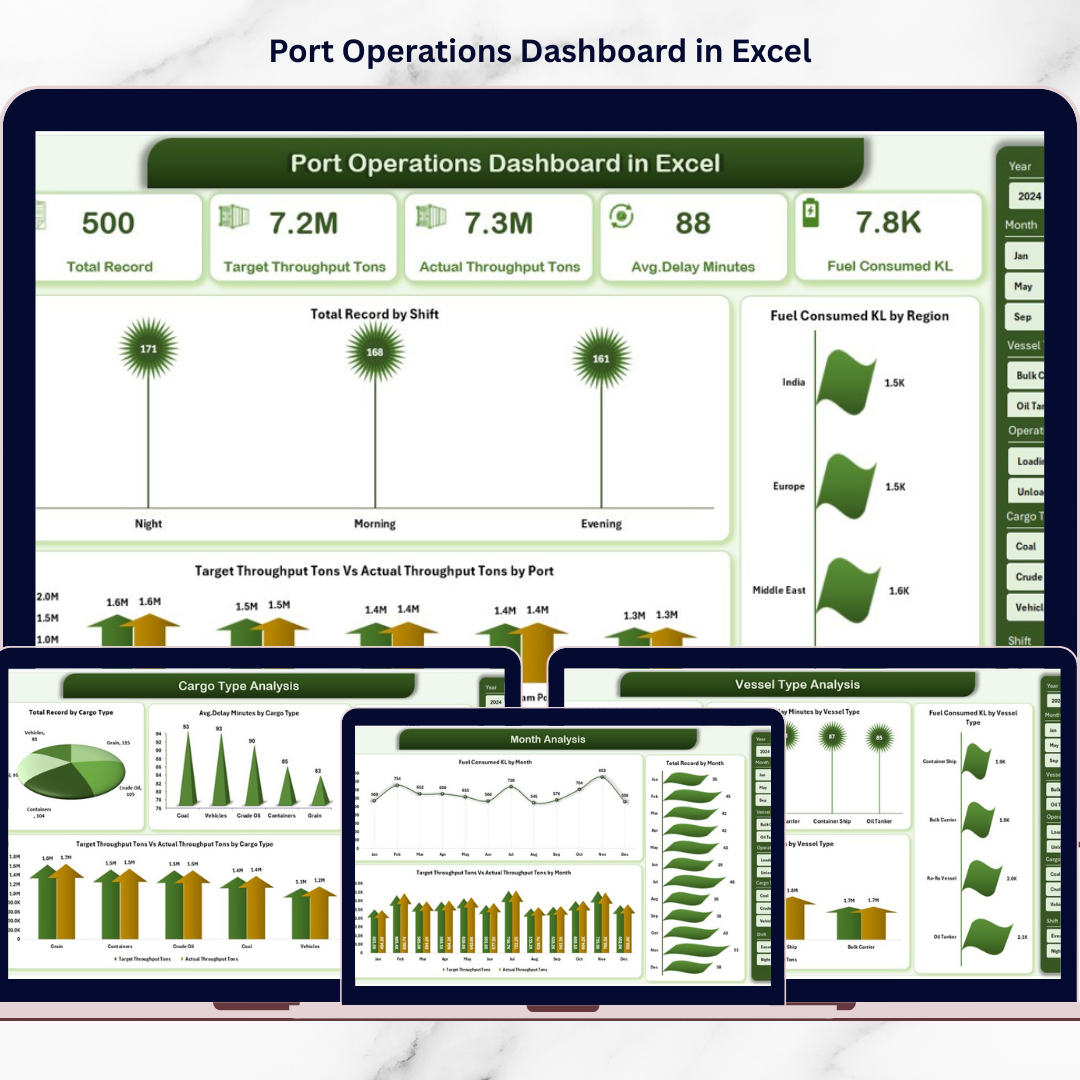
This ready-to-use Excel dashboard converts raw port operations data into clear and interactive visual insights. Instead of reviewing multiple reports, managers can monitor vessel activity, cargo performance, fuel usage, and operational efficiency from a single dashboard.
The dashboard provides structured analysis across multiple operational dimensions including vessel types, cargo types, operating processes, and monthly trends. As a result, port authorities and logistics managers can quickly identify operational gaps and improve efficiency.
If you want a smarter and more organized way to monitor port operations, this Excel dashboard offers the perfect solution.
🚢 Key Feature of Port Operations Dashboard in Excel
This powerful Excel dashboard includes 5 interactive analytical pages designed to monitor port activities effectively.
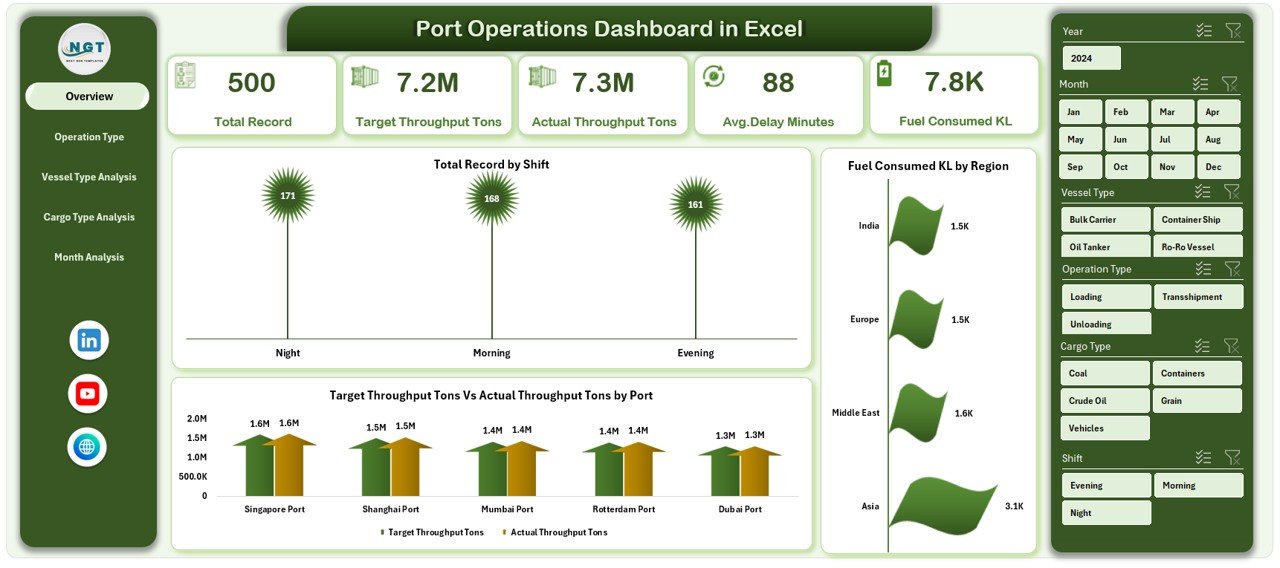
📊 Overview Dashboard Page – Get an instant snapshot of overall port performance using KPI cards and visual charts.
🎯 Interactive Data Slicers – Filter dashboard insights dynamically by region, operation type, vessel type, cargo type, and month.
⛽ Fuel Consumption Monitoring – Track fuel usage across operations, vessels, and regions.
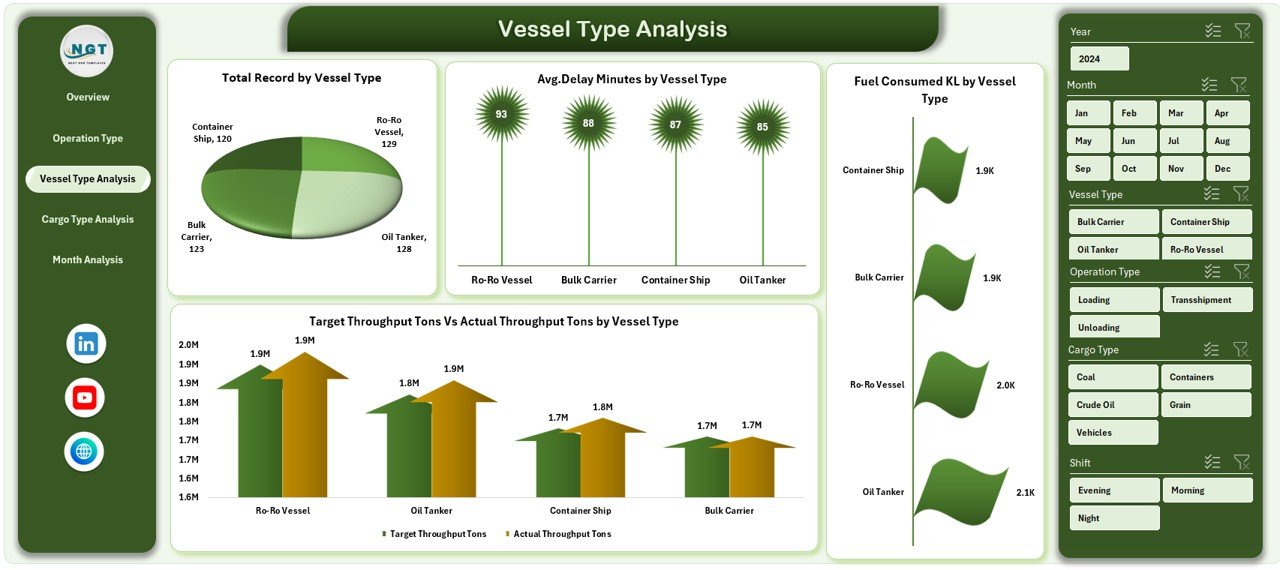
🚢 Vessel Type Performance Analysis – Analyze vessel activity and operational delays by vessel type.
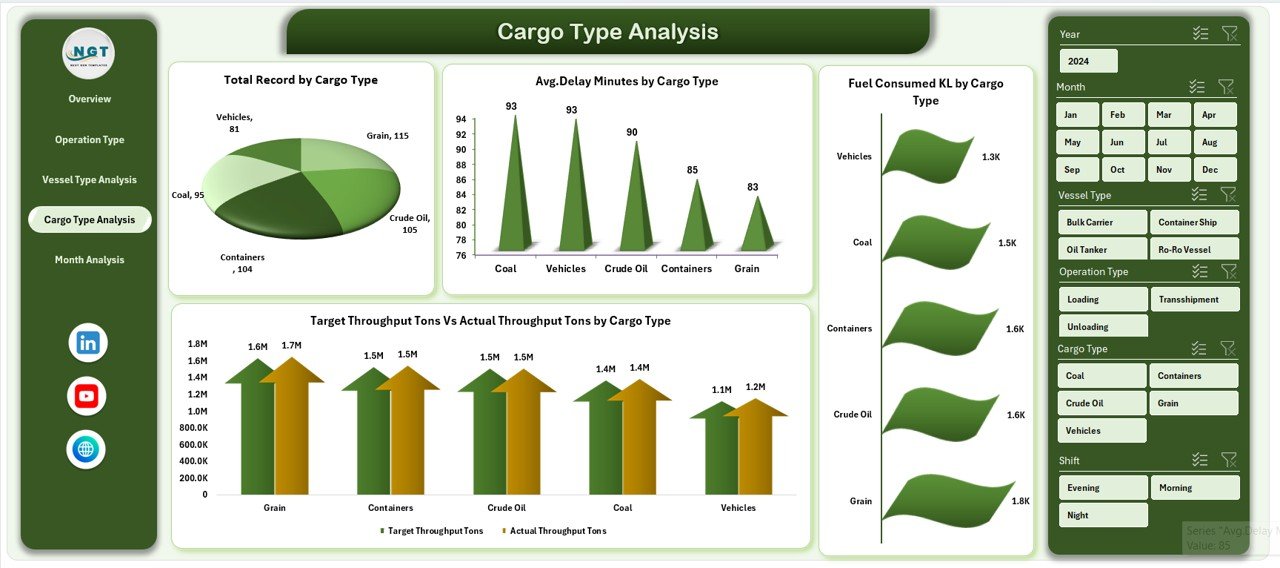
📦 Cargo Handling Insights – Monitor throughput performance and cargo handling efficiency.
📈 Target vs Actual Throughput Tracking – Compare planned throughput with actual performance.
⏱ Operational Delay Monitoring – Identify delays and bottlenecks affecting port operations.
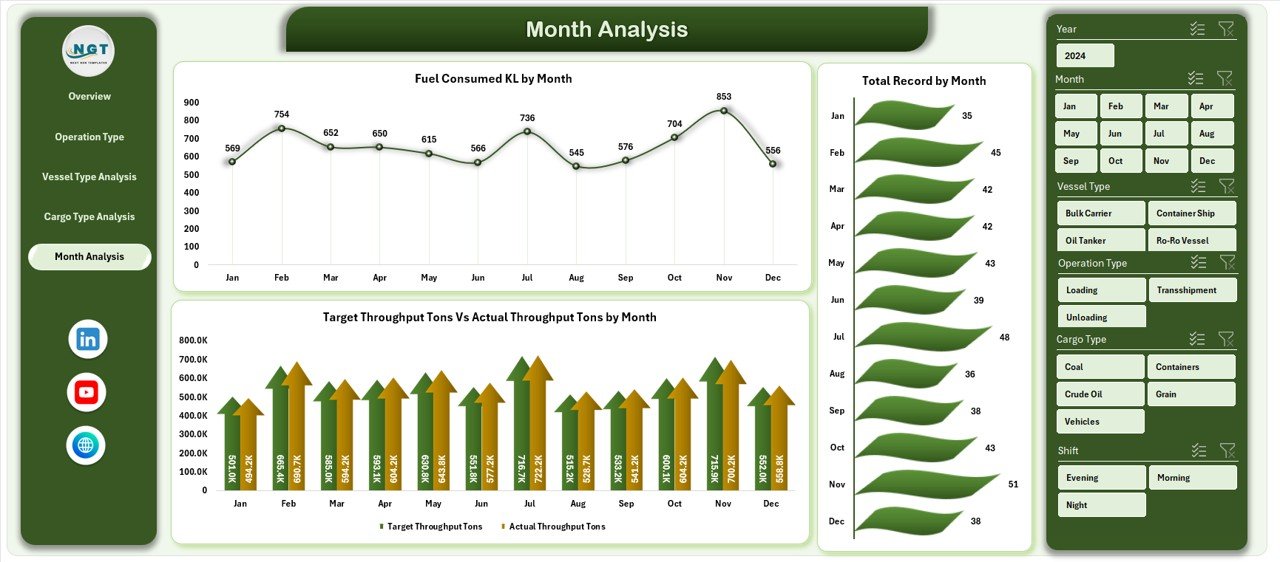
📅 Monthly Trend Analysis – Track seasonal operational trends and throughput performance.
Because the dashboard uses Pivot Tables, slicers, and dynamic charts, users can refresh data and instantly update all visuals.
📦 What’s Inside the Port Operations Dashboard in Excel
The dashboard includes multiple analytical components designed for operational monitoring.
Inside the template, you get:
✅ Overview Page – Summary of operational KPIs and key charts
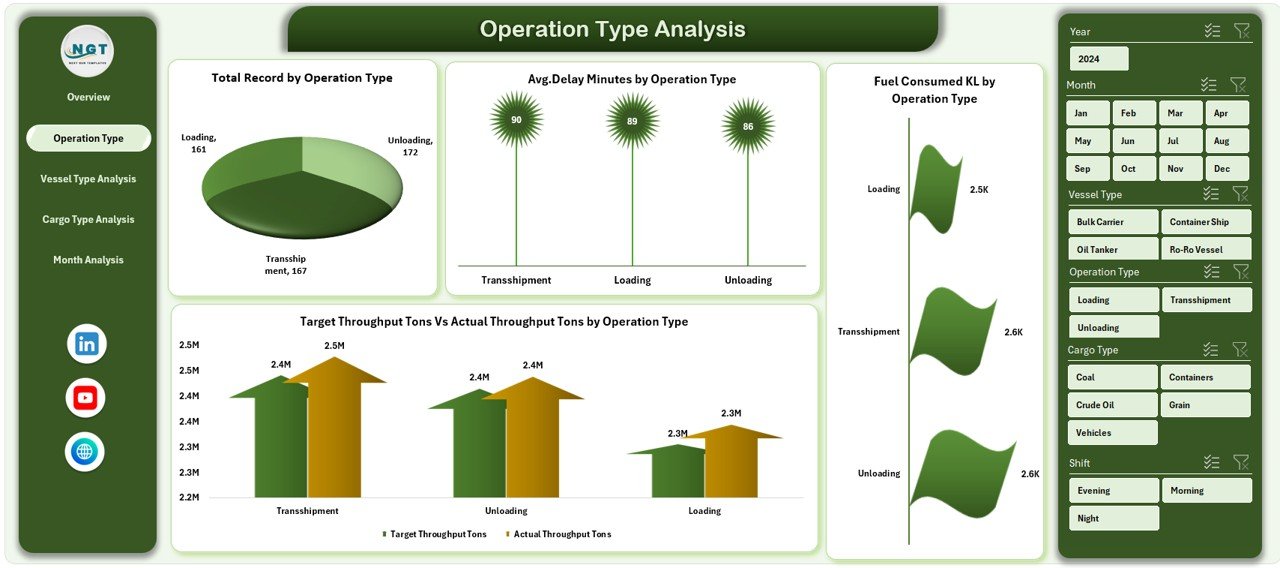
✅ Operation Type Analysis Page – Performance analysis by operational activities
✅ Vessel Type Analysis Page – Vessel performance insights
✅ Cargo Type Analysis Page – Cargo handling performance metrics
✅ Month Analysis Page – Time-based performance trends
✅ Data Sheet – Stores structured operational data
✅ Support Sheet – Provides calculation references and dropdown controls
The dataset typically includes fields such as:
Vessel Type
Cargo Type
Operation Type
Region
Fuel Consumption
Throughput (Target vs Actual)
Operational Delay Minutes
Shift Information
Month
Because the dashboard structure is flexible, organizations can customize KPIs and metrics according to their operational needs.
⚙️ How to Use the Port Operations Dashboard in Excel
Using this dashboard is simple and efficient.
1️⃣ Enter operational data into the Data Sheet.
2️⃣ Ensure the data structure remains consistent.
3️⃣ Refresh Pivot Tables and charts.
4️⃣ Use slicers to filter by operation type, vessel type, cargo type, region, or month.
5️⃣ Analyze operational KPIs and performance trends.
Within seconds, the dashboard provides clear insights into port operations performance.
No advanced Excel skills are required to operate this dashboard.
👥 Who Can Benefit from This Port Operations Dashboard in Excel
This dashboard is ideal for professionals working in maritime logistics and port management.
It is especially useful for:
🚢 Port Authorities
📦 Logistics Managers
🚚 Supply Chain Managers
⚓ Marine Operations Teams
📊 Shipping Companies
📈 Operations Analysts
Because the dashboard simplifies complex operational data, both technical teams and executives can quickly understand performance insights.
💡 Why This Dashboard Improves Port Operations
✔ Centralized operational monitoring
✔ Faster identification of operational bottlenecks
✔ Better vessel movement management
✔ Improved cargo handling efficiency
✔ Real-time fuel consumption tracking
✔ Stronger throughput performance monitoring
✔ Data-driven operational decision-making
✔ Easy customization and scalability
Instead of relying on delayed manual reports, port managers gain instant insights into operational performance.
This dashboard transforms port operational data into actionable intelligence that supports better planning and logistics efficiency.
### Click here to read the Detailed blog post
Visit our YouTube channel to learn step-by-step video tutorials
Youtube.com/@PKAnExcelExpert
Watch the step-by-step video tutorial:
Compatibility and Requirements
- Works in Microsoft Excel desktop (Excel 2016 or later, or Microsoft 365).
- Microsoft’s guide Use slicers to filter data explains the Excel feature this file is built on.
Frequently Asked Questions
Which pages are in the dashboard?
Five analysis pages (Overview, Operation Type, Vessel Type, Cargo Type and Month) plus a Data sheet and a Support sheet.
What can I filter by?
Slicers filter by region, operation type, vessel type, cargo type and month.
Which fields does the data sheet hold?
Vessel type, cargo type, operation type, region, fuel consumption, target and actual throughput, operational delay minutes, shift and month.
How do I update the charts?
Add your rows to the Data sheet, then refresh the PivotTables. The charts update with them.
Related Port and Shipping Templates
- Port Operations Dashboard in Power BI: the same dashboard in Power BI
- Port Operations KPI Dashboard in Excel: track port operations KPIs in Excel
- Port Logistics Dashboard in Excel: a port logistics dashboard in Excel
- Shipping & Cargo Dashboard in Excel: a shipping and cargo dashboard in Excel
- Logistics and Transportation Hub: logistics and transport templates in one bundle
Browse all Excel dashboards or the Excel logistics templates.