

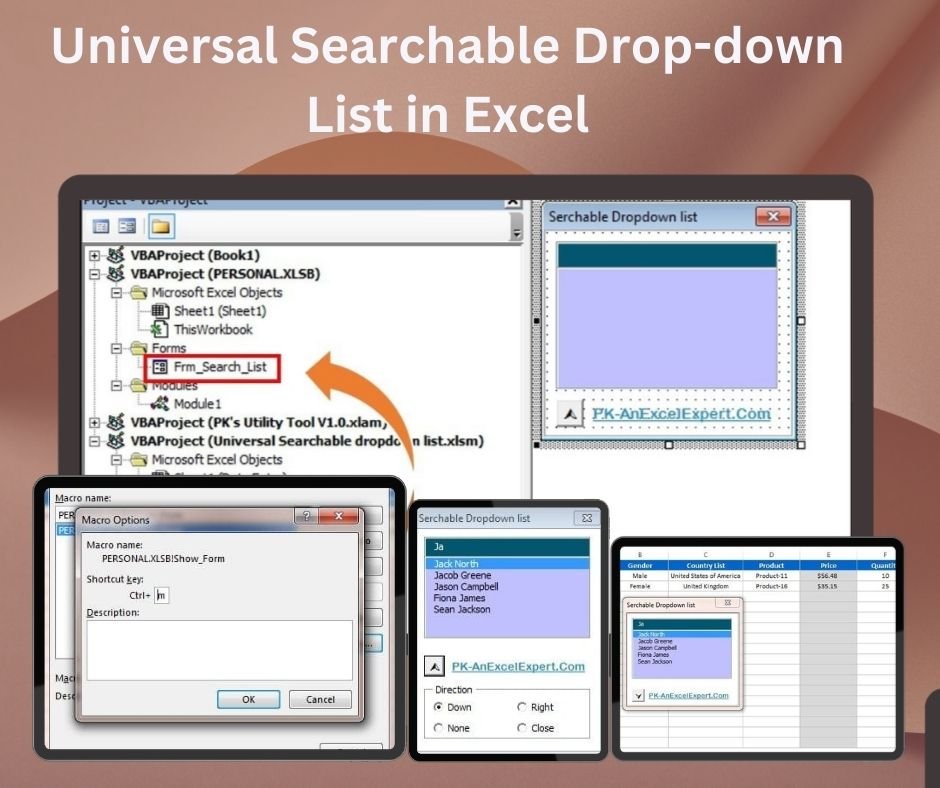
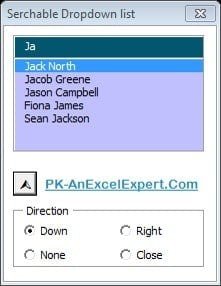
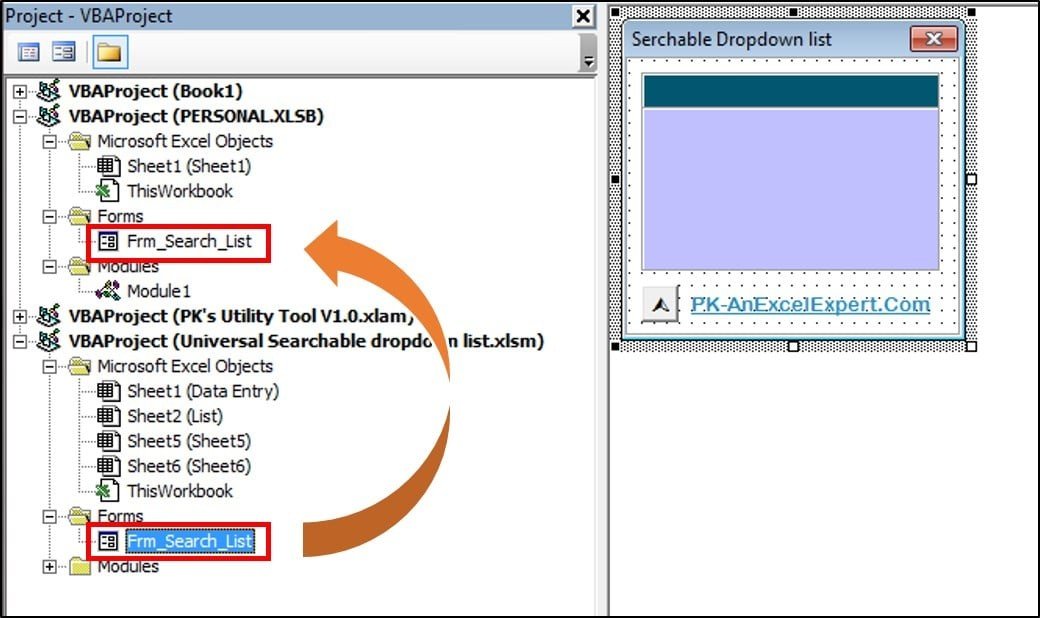
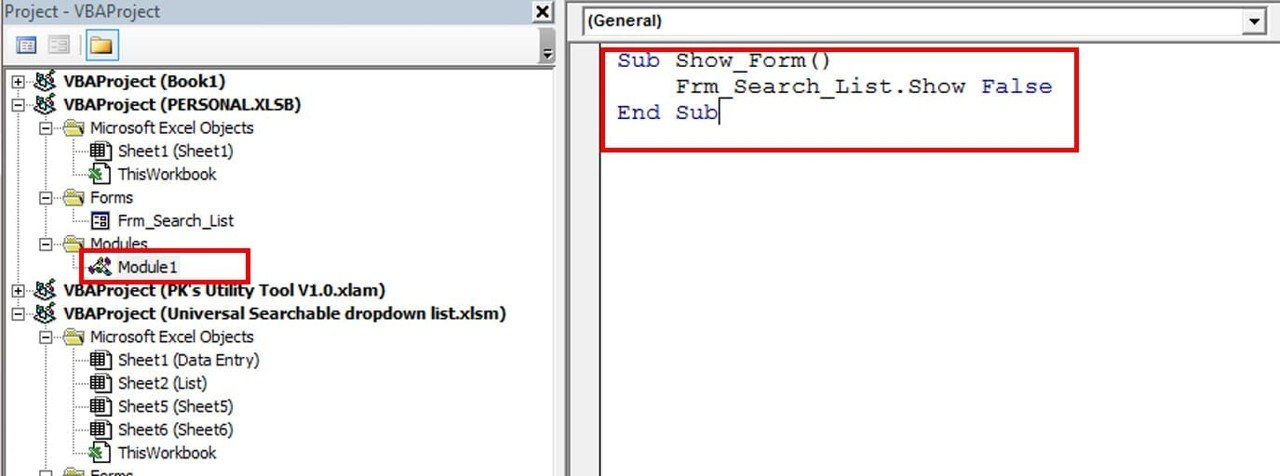
The Universal Searchable Drop-down List in Excel is a VBA tool that adds a real-time search function to Excel drop-down lists, so you can find and select values from long lists without scrolling. It is built for anyone who handles large data sets in Excel, such as inventory, customer databases or other long item lists. The result is faster, more accurate Excel data entry with fewer selection errors.
Instead of scrolling through hundreds of entries, you type a few characters and the searchable drop-down list filters to the matching items. The tool can be adapted to any range of data, from simple lists to complex databases, and it fits into your existing Excel workflows without advanced Excel knowledge.

Key Features of the Universal Searchable Drop-down List in Excel
- Searchable drop-down: A search bar inside the drop-down list helps you quickly find the value you need.
- Real-time search function: Entries are filtered instantly as you type, saving time on every selection.
- Customizable list range: Adapt the tool to work with any range of data, from small lists to large, complex databases.
- Easy to implement: Minimal setup lets you focus on your data rather than complex configurations.
- Reduces errors: Selecting the correct item from a list becomes easier, which minimizes data entry mistakes.
- User-friendly interface: Integrates with your existing Excel workflows for quick adoption without advanced Excel skills.
Why You Will Love This Searchable Drop-down List
- Time-saving: Find and select values from long lists quickly, cutting the time spent searching manually.
- Higher productivity: Selecting data from drop-down lists becomes a faster, more efficient process.
- Easy customization: Modify the list and search functionality to meet your specific needs.
- Better data accuracy: Locate and select the right items easily and avoid errors in Excel data entry.
- Simple and effective: A powerful feature that is simple to implement and use without extensive Excel expertise.
What’s Inside
| Component | What it does |
|---|---|
| Excel file with the searchable feature | The downloadable Excel file contains the searchable drop-down list functionality, ready to apply. |
| Search functionality | Search within the drop-down list as you type for quick access to relevant data. |
| Customizable list range | Point the drop-down list at any range of data, whether a small list or a large database. |
| Real-time updates | See matching search results instantly as you type, speeding up the selection process. |
| Easy-to-use setup | Implement the feature without advanced Excel skills. |
| Improved user experience | A smoother, more efficient experience for anyone using the drop-down list. |
Who It Is For
This VBA tool suits anyone who regularly picks values from long lists in Excel, including:
- Business analysts working with large data sets
- Data entry professionals who need fast, accurate selection
- Project managers organizing tasks, people and resources
- Inventory managers selecting items from long product lists
- HR departments handling employee records
- Sales teams working with customer databases
- Executives and decision makers who want reliable, error-free data
How to Use It
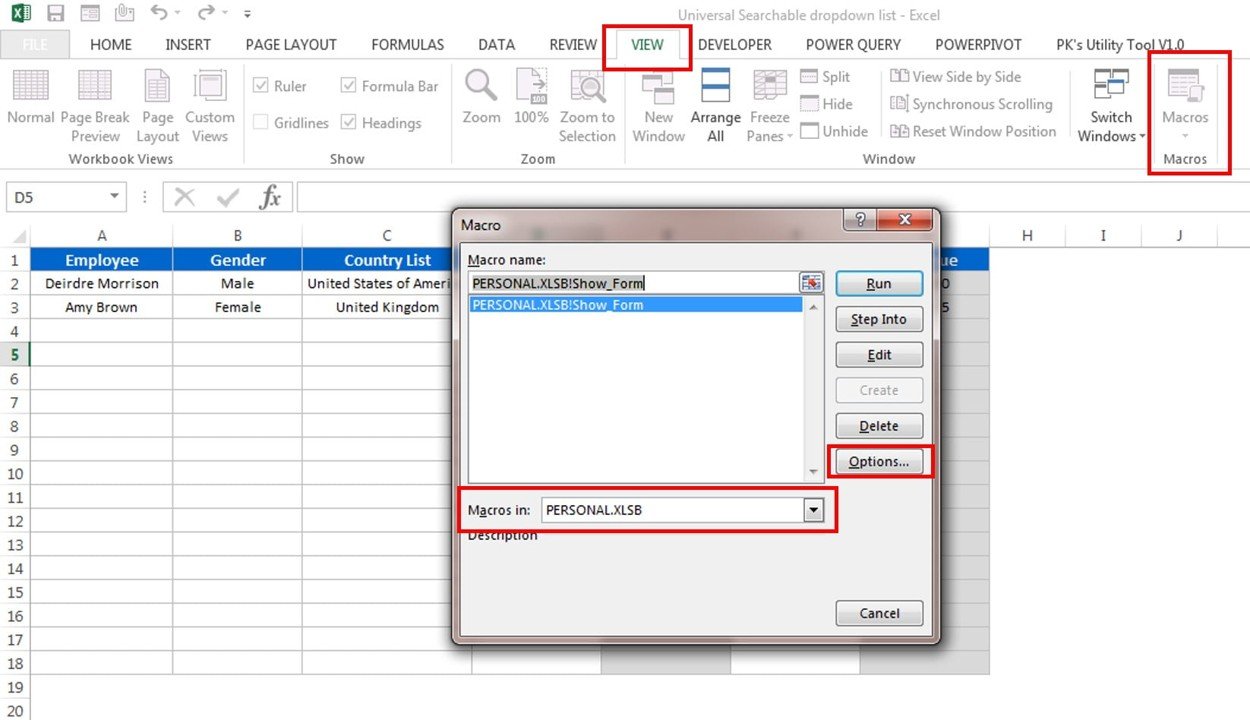
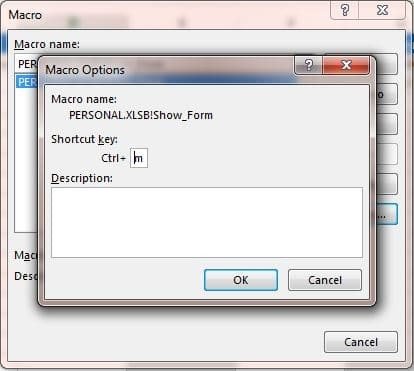
- Download the template: Get instant access to the Excel file with the searchable drop-down list feature.
- Set up your data range: Define the data range that the drop-down list will use.
- Enable the searchable feature: Apply the searchable drop-down list functionality to any desired cell or range.
- Search and select: Type in the drop-down list and the tool filters and displays matching results.
- Customize as needed: Tailor the list to your data, adding or removing items as necessary.
Watch the step-by-step video tutorial:
Click here to read the detailed blog post
Visit our YouTube channel to learn step-by-step video tutorials: Youtube.com/@PKAnExcelExpert
Frequently Asked Questions
What does the Universal Searchable Drop-down List in Excel do?
It adds a search function inside Excel drop-down lists. As you type, the list filters in real time to show matching entries, so you can select the right value without scrolling through long lists.
Does it work with large lists and databases?
Yes. The list range is customizable, so the tool can be adapted to any range of data, from small lists to large, complex databases.
Do I need advanced Excel or VBA skills to use it?
No. The tool is designed for easy setup with minimal configuration, and it integrates with existing Excel workflows without needing advanced Excel knowledge.
Can I apply it to any cell or range?
Yes. After defining your data range, you can apply the searchable drop-down list functionality to any desired cell or range.
How does it help reduce data entry errors?
The real-time search makes it easier to locate and select the correct item from a list, which helps you avoid mistakes in Excel data entry.
Is there a tutorial available?
Yes. A step-by-step video tutorial is embedded above, and a detailed blog post explains the tool further.
Streamline data entry and improve efficiency with the Universal Searchable Drop-down List in Excel, and make selecting data faster and more accurate.
Also check our Small Business KPI Dashboard
Last updated: October 2026
Compatibility and Requirements
- Needs Microsoft Excel desktop on Windows with macros enabled, because the searchable drop-down runs on VBA.
- It does not run in Excel for the web, Google Sheets or the Excel mobile apps.
- Microsoft explains how to turn on macros in Enable or disable macros in Microsoft 365 files.
Related Data Entry and Search Tools
- Multilevel Dependent Drop-down in User Form: dependent drop-downs inside a form
- Data Entry Form in Excel: a ready data entry form
- Smart Data Entry Form with Minimum VBA: a light data entry form
- Magic Search Bar V3.0 in Excel: a free search bar for Excel tables
- Magic Search with Highlight Template in Excel: highlight matching rows as you search
Browse all Excel VBA tools or the Excel utility and converter tools.























Reviews
There are no reviews yet.