




Restaurant Management System V1.0 is a ready-to-use Excel VBA tool that brings order processing, invoice generation, purchase tracking and expense management into one workbook. It is built for restaurants, cafés, fast-food outlets, hotels, catering services and small coffee shops. The outcome is faster billing, fewer manual errors and a clear view of sales, purchases and expenses, all in one place.
Whether you run a small café, a mid-sized restaurant or a large dining establishment, this automated solution handles sales, purchases, expenses and invoicing in Excel. It includes an interactive dashboard, automated calculations and an easy-to-use interface, so no coding skills are needed.
Key Features of the Restaurant Management System
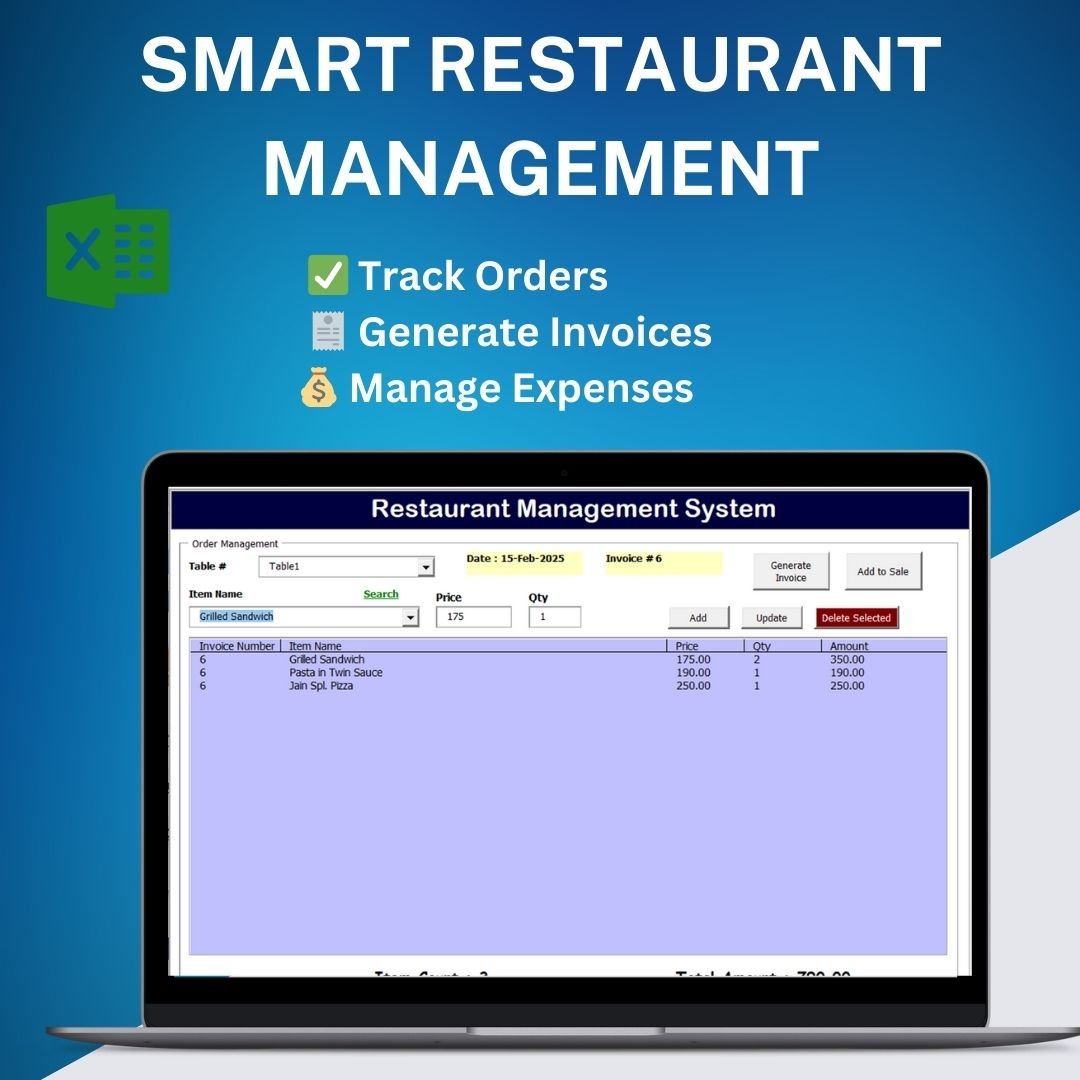
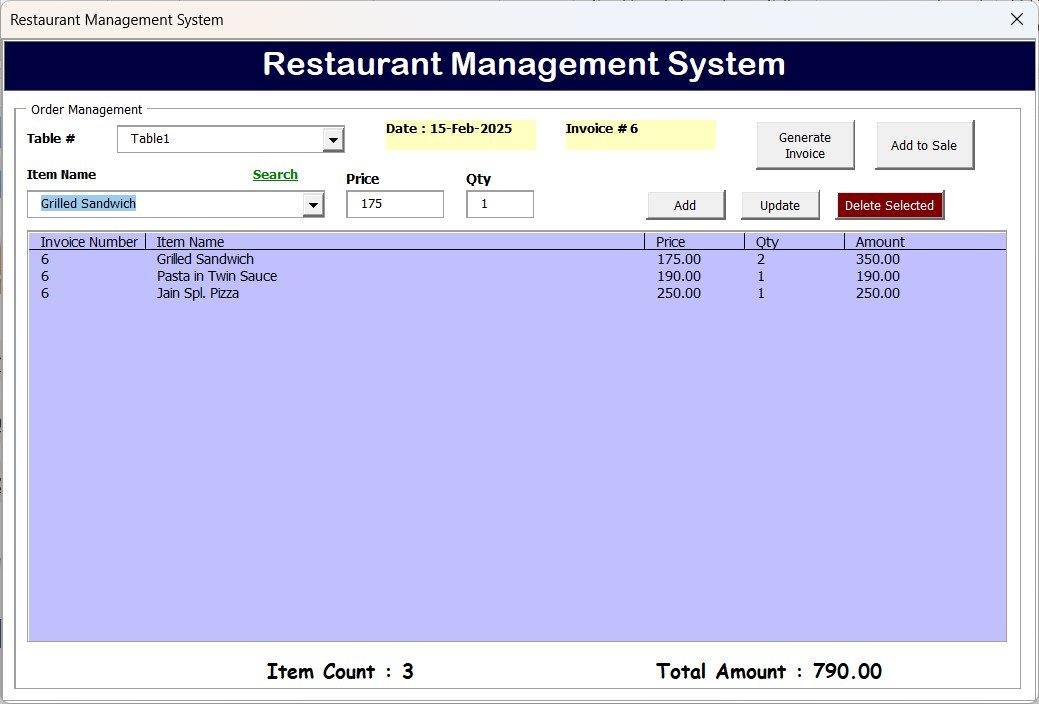
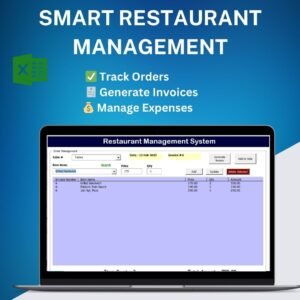
Efficient Restaurant Order Management
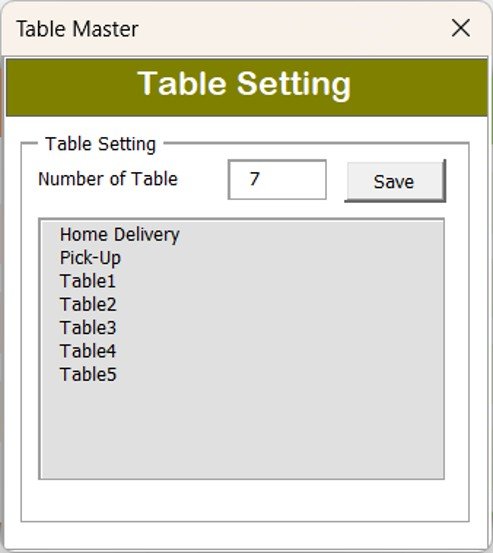
- Assign and manage orders across multiple tables.
- Track customer orders, quantities and the total amount dynamically.
- Use the built-in search feature for quick order retrieval.
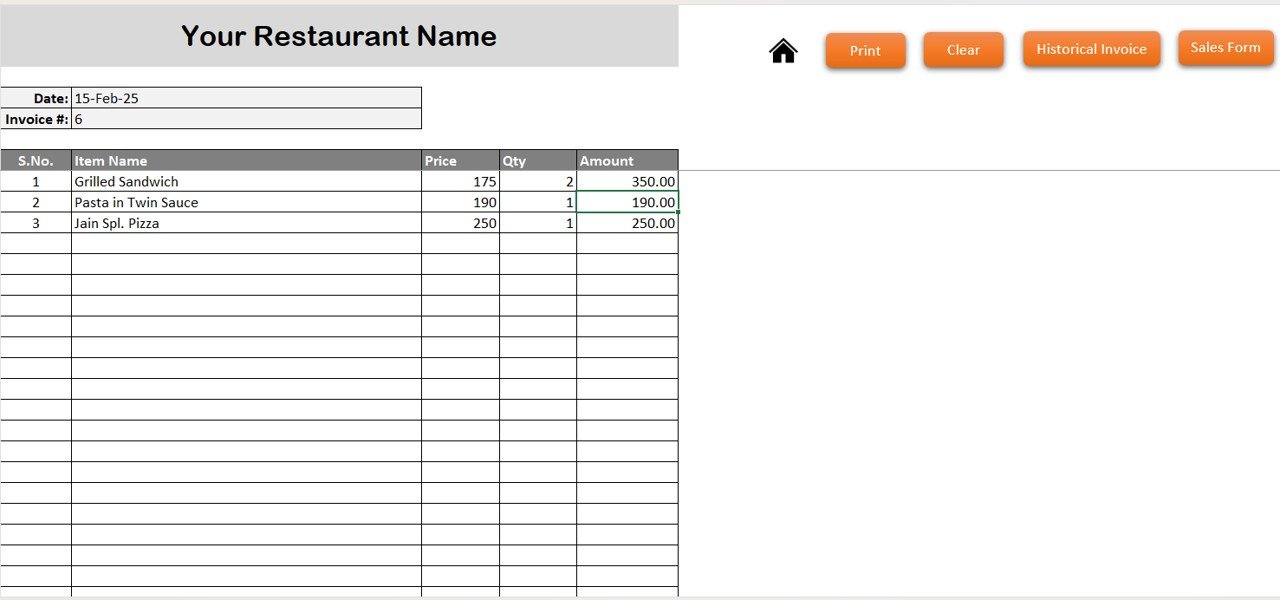
Restaurant Invoice Creation with Easy Print Options
- Generate professional invoices for each order automatically.
- Print invoices directly from the system for hassle-free billing.
- Maintain a record of historical invoices for reference.
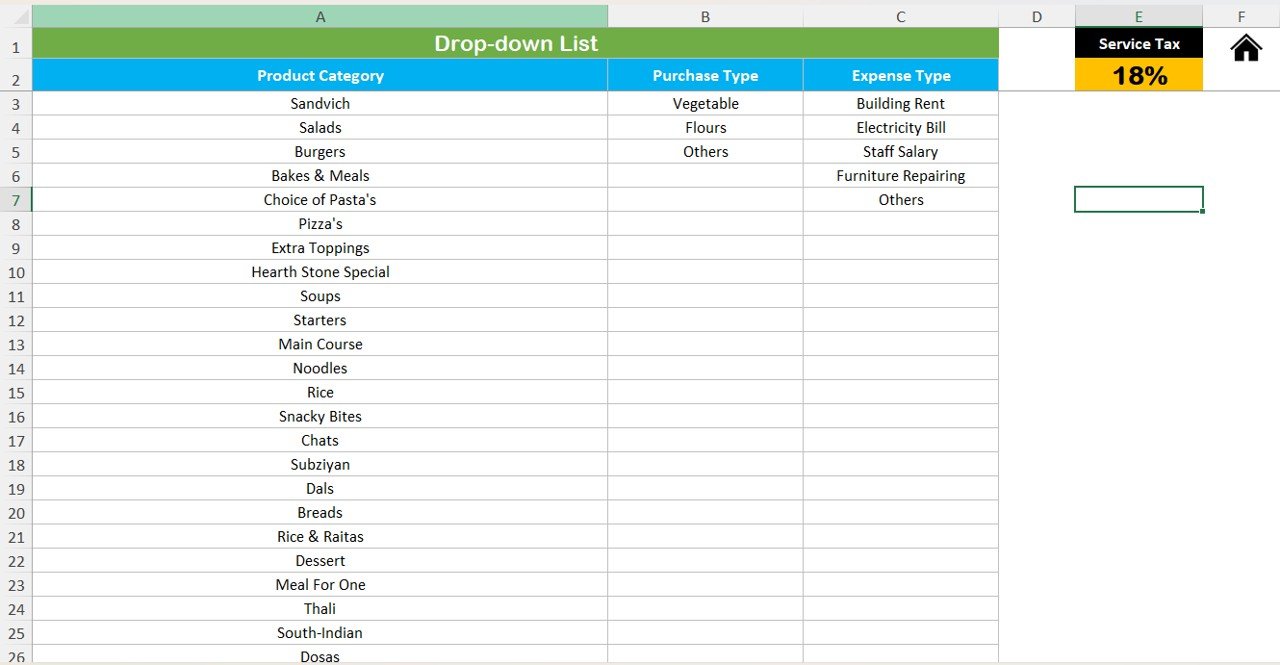
Item Master for Inventory Control
- Maintain a comprehensive list of food items with categories and prices.
- Track inventory and keep an eye on stock availability for smooth operations.
- Set and update pricing details for each item.
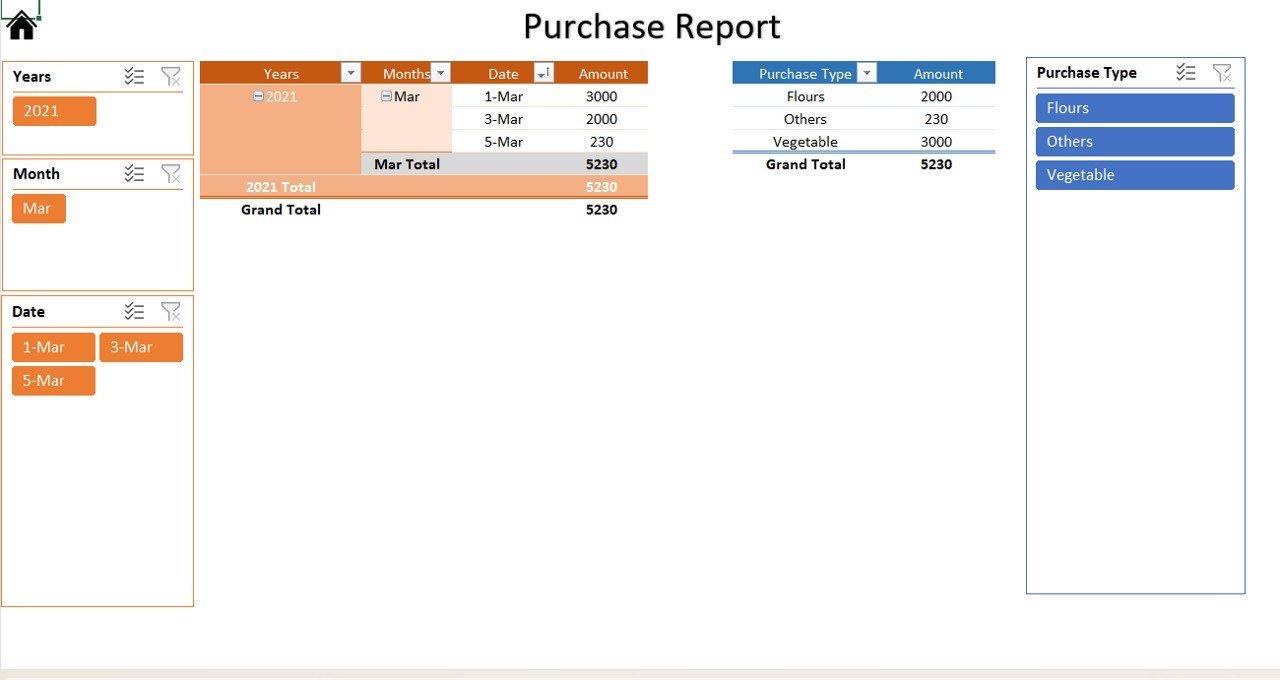
Daily Purchases and Restaurant Expense Tracking
- Record daily purchases such as vegetables, flour and other essentials.
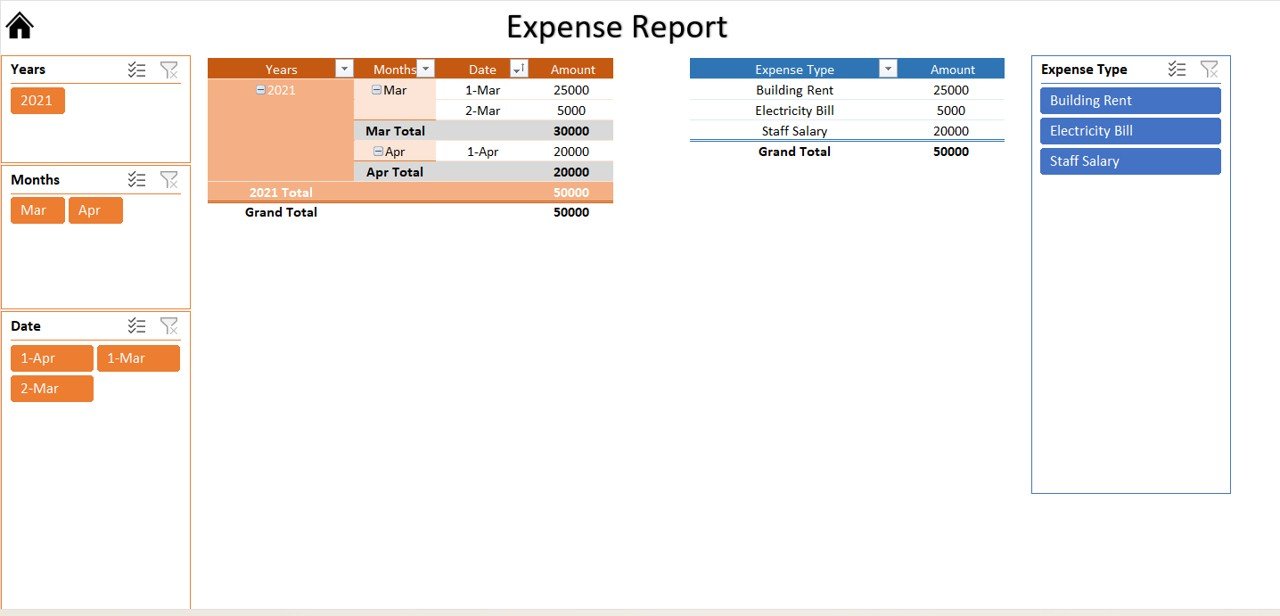
- Track expense categories like electricity, rent and staff salaries.
- Generate detailed expense reports to monitor financial health.
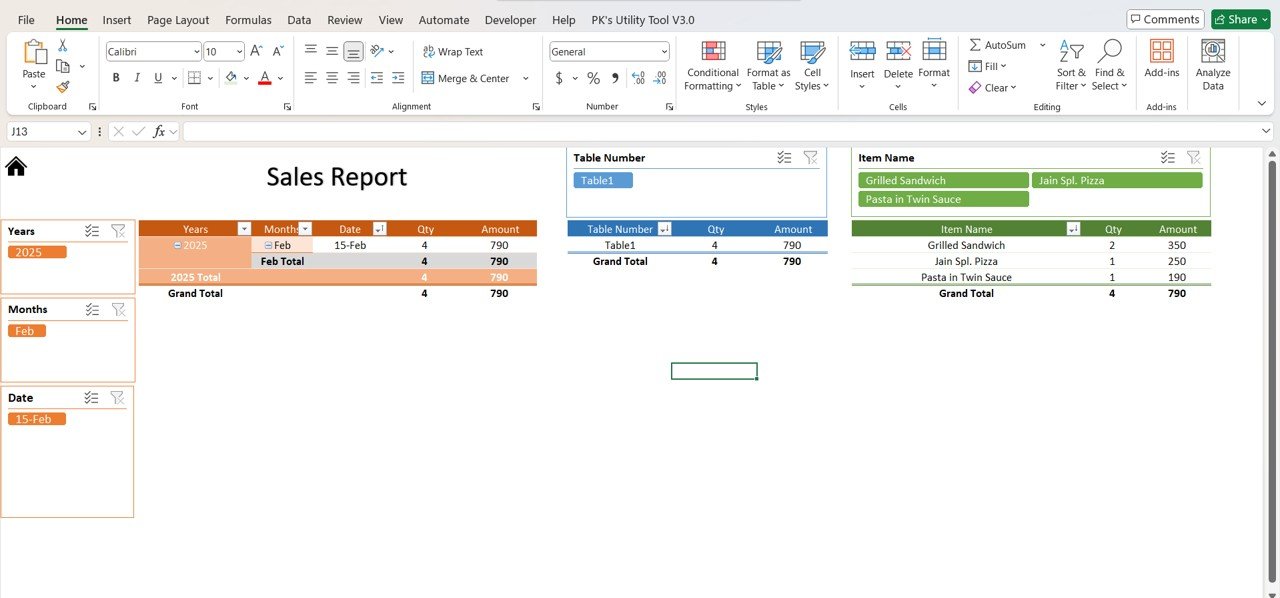
Detailed Sales, Purchase and Expense Reports
- Filter sales data by year, month and date for performance tracking.
- View purchases and expenses in an interactive format.
- Use dynamic reports to analyze profitability and cost efficiency.
Historical Invoice Record Keeping
- Maintain an archive of all past invoices for business audits.
- Retrieve and print previous invoices anytime for customer requests.
- Reduce paperwork and manual record-keeping.
What’s Inside the Excel VBA Tool
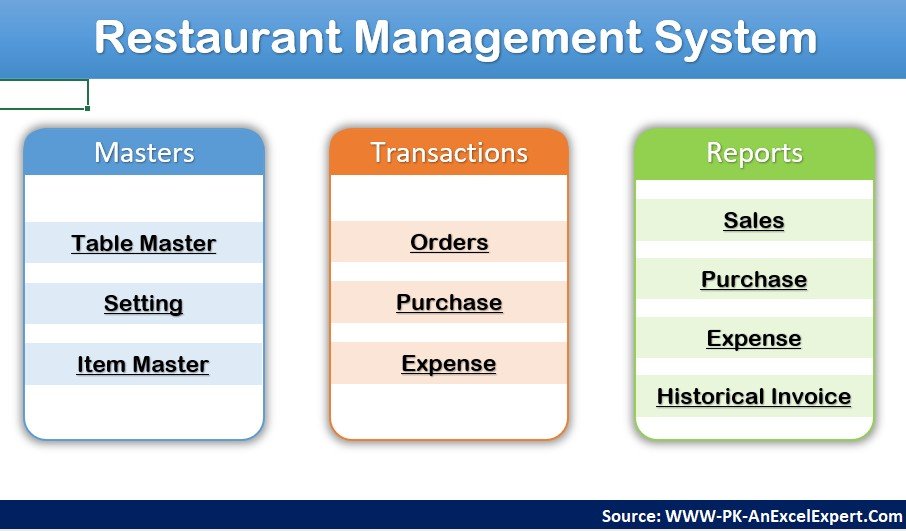
| Module | What it does |
|---|---|
| Order Management | Table-wise orders, quantities, totals and order search |
| Invoice | Automatic invoice generation and direct printing |
| Historical Invoices | Archive of past invoices that can be retrieved and reprinted |
| Item Master | Menu items with categories, prices and stock availability |
| Purchases | Daily purchase entries for ingredients and essentials |
| Expenses | Expense categories such as electricity, rent and salaries |
| Reports and Dashboard | Sales, purchase and expense reports filterable by year, month and date |
Who Is This Restaurant Management System For?
- Restaurant and café owners – track orders, sales and expenses effortlessly.
- Fast-food outlets – manage quick-service orders and invoices efficiently.
- Hotels and catering services – handle bulk food orders and historical invoices.
- Small coffee shops – maintain expense records and automate billing.
Why Buy This Tool?
- Saves time and automates manual processes.
- Reduces errors in order and invoice handling.
- Ensures transparency in sales and expenses.
- Enhances operational efficiency.
- No coding skills needed, thanks to a simple Excel VBA interface.
- Instant download and fully customizable.
How to Use Restaurant Management System V1.0
- Download and open the Excel file – the system is ready to use immediately.
- Enter your menu items – customize the Item Master list with your restaurant’s menu, categories and prices.
- Manage orders – assign orders to tables and track them in real time.
- Generate invoices – print professional invoices for each completed order.
- Track expenses and purchases – maintain financial records in a structured format.
- Analyze reports – get insights into sales, purchases and expenses through the dashboard.
Watch the step by step demo tutorial:
Click here to read the detailed blog post:
Frequently Asked Questions
What is Restaurant Management System V1.0?
It is an Excel VBA-based tool for managing restaurant orders, invoices, purchases, expenses and an item master, with reports and a dashboard for sales, purchase and expense analysis.
Do I need coding skills to use it?
No. The tool has a simple Excel VBA interface and is ready to use immediately after download. You simply enter your menu items and start recording orders.
Can I print invoices for customers?
Yes. Invoices are generated automatically for each order and can be printed directly from the system. Past invoices are archived and can be retrieved and reprinted anytime.
Can I track orders for multiple tables?
Yes. You can assign and manage orders across multiple tables, track quantities and totals dynamically, and use the search feature to find orders quickly.
Which reports are included?
The tool provides sales, purchase and expense reports. Sales data can be filtered by year, month and date, and purchases and expenses can be viewed in an interactive format.
Can I customize the template?
Yes. The tool is fully customizable, and you can set up the Item Master with your own menu, categories and prices.
Also check our Quality checklist template in Excel
Last updated: October 2026
Compatibility and Requirements
- Microsoft Excel desktop on Windows (Excel 2016 or later, or Microsoft 365).
- Macros must be enabled, because the forms and buttons run on VBA. Microsoft shows how in Enable or disable macros in Microsoft 365 files.
- It does not run in Excel for the web, Google Sheets or the Excel mobile apps.
Related Restaurant Templates
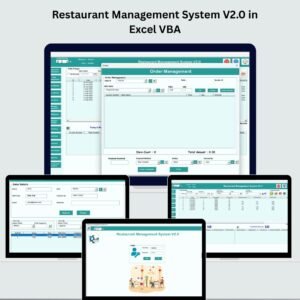
- Restaurant Management System V2.0 in Excel VBA: the newer V2.0 edition in Excel VBA.
- Restaurant Order Data Entry System in Excel: a simple order entry system.
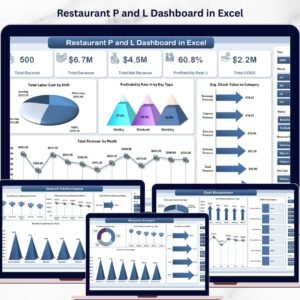
- Restaurant P and L Dashboard in Excel: review restaurant profit and loss.
- Restaurant Management System Web App Template: a browser-based restaurant system.
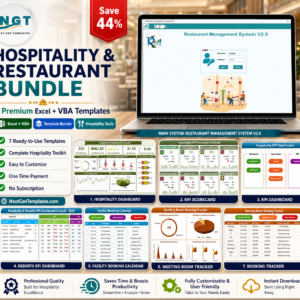
- Hospitality & Restaurant Bundle: 7 hospitality and restaurant templates in one bundle.
Browse all Excel VBA tools or the Excel sales and marketing templates.




















Reviews
There are no reviews yet.