

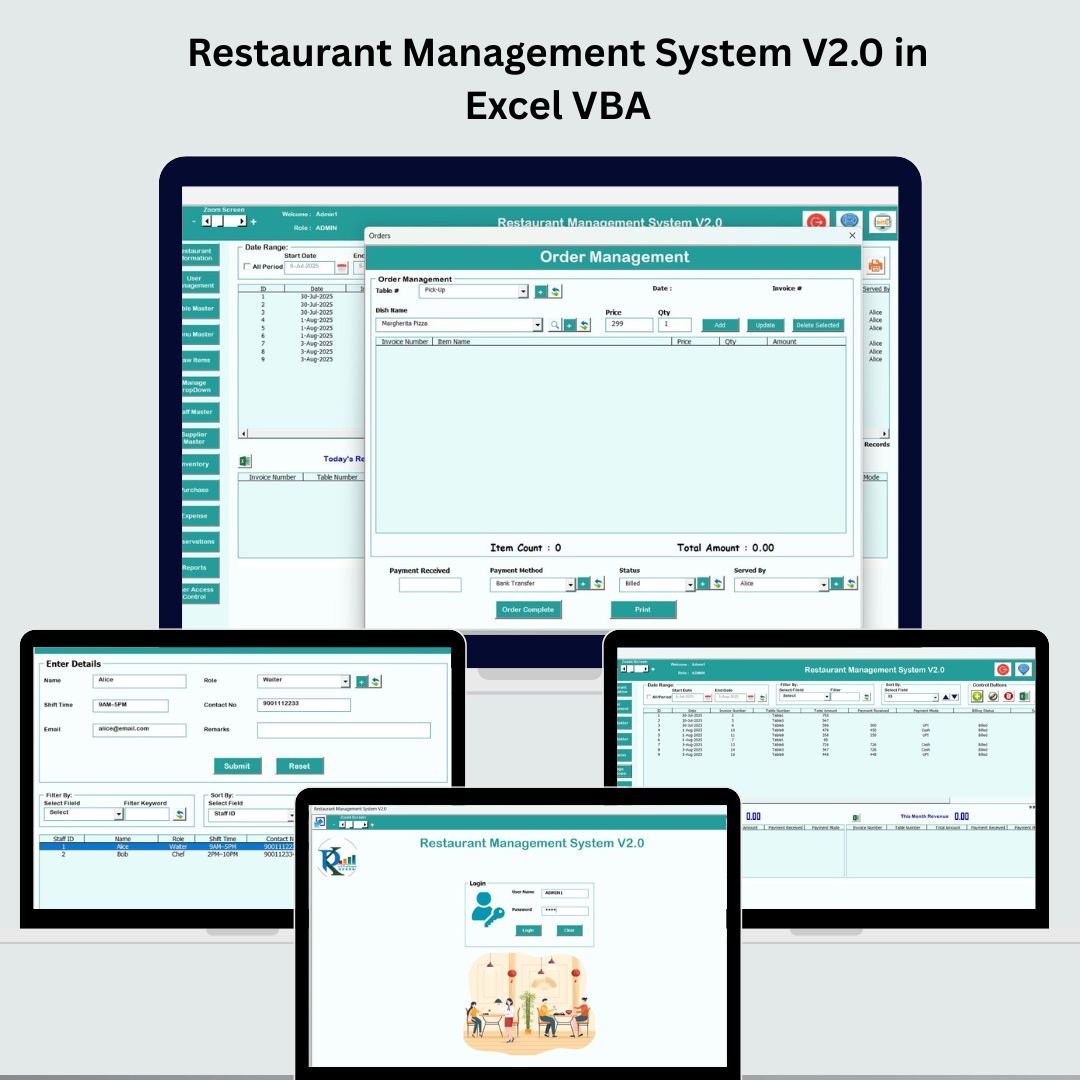


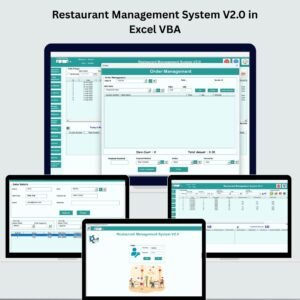
In today’s fast-moving restaurant world, managing daily operations efficiently is critical to stay competitive. That’s why we built the Restaurant Management System V2.0—a powerful, easy-to-use tool built in Excel VBA to help you manage everything from orders and tables to inventory, expenses, and staff.Restaurant Management System V2.0 in Excel VBA
Whether you’re managing a small café, food truck, or multi-branch restaurant, this all-in-one tool brings structure, automation, and smart reporting into your workflow. No monthly subscriptions, no complex software—just Excel, done right!Restaurant Management System V2.0 in Excel VBA

✨ Key Features of the Restaurant Management System V2.0
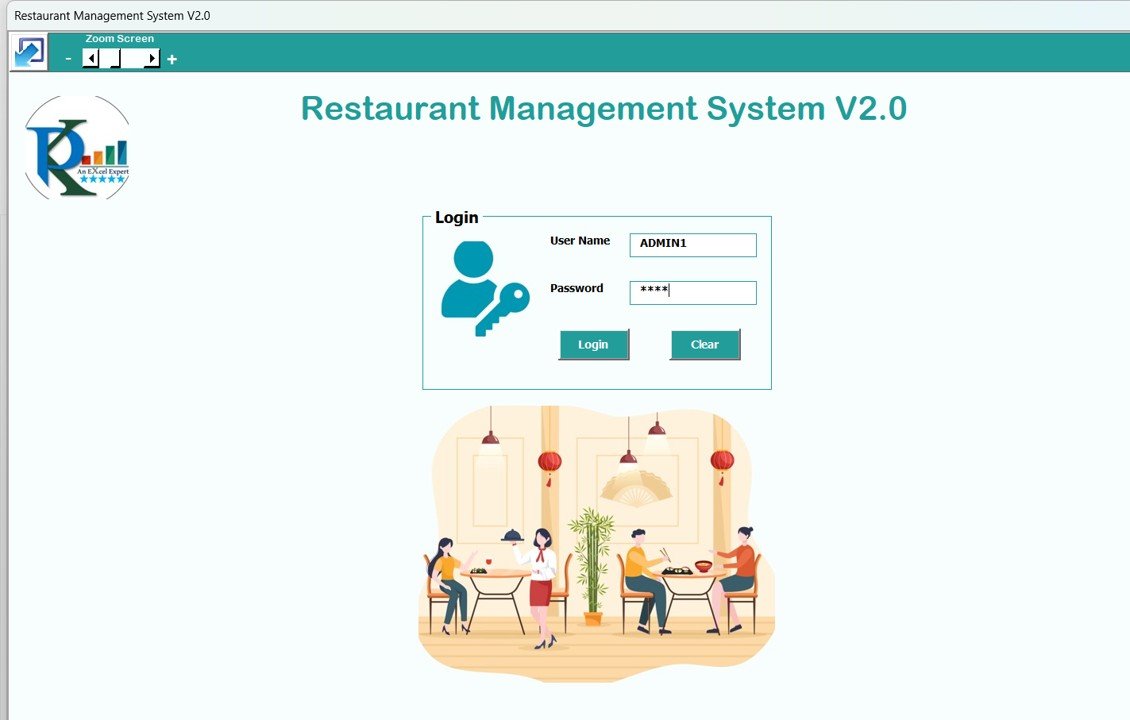
🔐 Login Form – Protect your data with secure login. Admin-level access ensures that only authorized users can make changes.
📋 Main Form Dashboard – The control hub of your restaurant operations:
View and manage all records
Filter, sort, and search orders with ease
Perform key actions: Add, Update, Delete, Export, View History
👥 User Management – Add, edit, delete users or reset passwords. Set access restrictions per user.
🧾 Order Management – Track customer orders from entry to fulfillment. Keep service running smoothly and improve customer satisfaction.
🍽️ Table Master – Define tables, seating arrangements, and manage occupancy—perfect for busy dining times!
🧾 Menu Master – Keep your menu organized. Add, update, or remove menu items including prices and descriptions.
📦 Item Master – Manage your inventory with precision. Monitor supplies, quantities, suppliers, and categories.
🚚 Supplier Master – Store and manage supplier contacts, history, and transactions for seamless procurement.
💰 Expenses Tracking – Record daily, weekly, and monthly operational costs. Track fixed and variable expenses to maintain profitability.
📅 Reservation Management – Handle bookings like a pro. Manage date/time slots, party sizes, and customer preferences.
🔐 User Access Control – Restrict sensitive data access based on roles. Keep data secure and traceable.
📊 Reports Section – Generate dynamic reports for:
Sales
Inventory
Staff performance
Expenses
🚪 Logout Button – Safely exit the system and prevent unauthorized access.
📦 What’s Inside the Restaurant Management System V2.0
This tool is structured into multiple easy-to-use Excel VBA forms:
Login Form (default: Admin1/abcd)
Main Dashboard
Order Entry
Menu, Item, Table, and Supplier Masters
Expense Tracker
User Management Panel
Reservation Form
Reports Generator
Everything is tied together in one macro-enabled Excel file—no coding skills needed!
🛠️ How to Use the Restaurant Management System V2.0
🔐 Log in using the default or custom credentials
📋 Go to the Main Form to manage records
➕ Add new orders, inventory, reservations, or staff records
🔍 Use filters or sort options to view specific data
📤 Export reports to Excel for analysis or print
🔧 Customize menu items, tables, or user roles as needed
In just a few clicks, your entire restaurant operation is digitized!
👥 Who Can Benefit from This Restaurant Management Tool?
🍴 Restaurant Owners & Managers – Streamline operations and boost profitability
☕ Café Operators – Handle bookings, inventory, and menus from one file
🚚 Catering Services – Track orders, suppliers, and delivery expenses
🧑💼 New Entrepreneurs – Start with a budget-friendly, ready-to-use system
📊 Accountants & Admins – Generate reports for audits and financial analysis
🛠️ Developers & Consultants – Customize and resell or deploy for clients
💡 Why Choose This System?
✅ 100% ready-to-use—no technical skills required
✅ Built in Excel with powerful VBA features
✅ Easy customization to fit your restaurant’s needs
✅ No recurring fees—one-time download
✅ Fast support and regular updates
✅ Works offline—no internet needed!
🔍 Click here to read the Detailed blog post
📺 Visit our YouTube channel to learn step-by-step video tutorials
Watch the step-by-step video tutorial:
Compatibility and Requirements
- Needs Microsoft Excel desktop on Windows with macros enabled. The system runs on VBA forms.
- It does not run in Excel for the web, Google Sheets or Excel mobile apps.
- Microsoft explains how to turn macros on in Enable or disable macros in Microsoft 365 files.
🎁 Try Before You Buy: 7-Day Free Trial
Download the free trial of the Restaurant Management System in Excel VBA and use the complete system for 7 days. Every form, register, dashboard, printable document and setting works exactly as in the full version, so you can test it with your own records before you decide.
How the free trial works
- Click Get the 7-Day Free Trial below, enter your email and download the ZIP from the email we send you. Unzip it.
- Open it in Microsoft Excel for Windows (the desktop app, not Excel Online or Mac) and click Enable Content on the yellow bar. If there is no yellow bar, right-click the file, choose Properties, tick Unblock and open it again.
- Your 7 days start the first time the file opens with macros on. The title bar of the main window shows how many days are left.
- After 7 days the trial locks and shows a Buy Full Version button. Buy the full version to keep working with no time limit.
| Free Trial | Full Version | |
|---|---|---|
| Every feature, form and dashboard | Yes | Yes |
| Time limit | 7 days | None, lifetime use |
| Trial banner | Yes | No |
| Editable (unlocked) VBA code | No, locked | Yes |
Enter your email and we send the download link straight to your inbox.
The trial runs once per computer: downloading it again does not restart the 7 days. Records you enter during the trial can be copied into the full version.
Frequently Asked Questions
What modules does the Restaurant Management System V2.0 include?
It includes a login form, the main dashboard, order entry, menu, item, table and supplier masters, an expense tracker, a user management panel, a reservation form and a reports generator.
Can several staff members use it with their own logins?
Yes. The User Management panel lets you add, edit and delete users, reset passwords and set access restrictions for each user.
What reports can I create?
The Reports section builds reports for sales, inventory, staff performance and expenses, and you can export them to Excel for analysis or printing.
Does it handle table bookings?
Yes. Reservation Management records date and time slots, party sizes and customer preferences, and the Table Master tracks tables, seating and occupancy.
Related Restaurant Templates
- Restaurant Management System V1.0: the earlier Excel VBA version
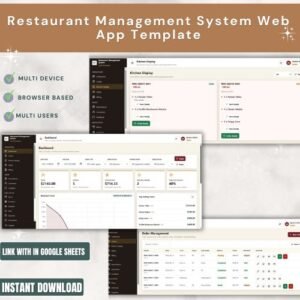
- Restaurant Management System Web App Template: a browser-based restaurant system
- Restaurant P and L Dashboard in Excel: track restaurant profit and loss
- Restaurant Order Data Entry System in Excel: a simple order entry file
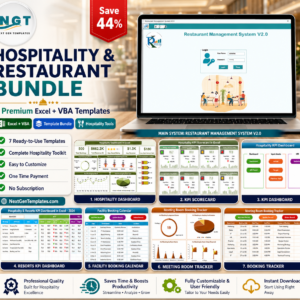
- Hospitality & Restaurant Bundle: a bundle of 7 Excel and VBA templates
Browse all Excel VBA tools or the Excel inventory management templates.








Reviews
There are no reviews yet.