

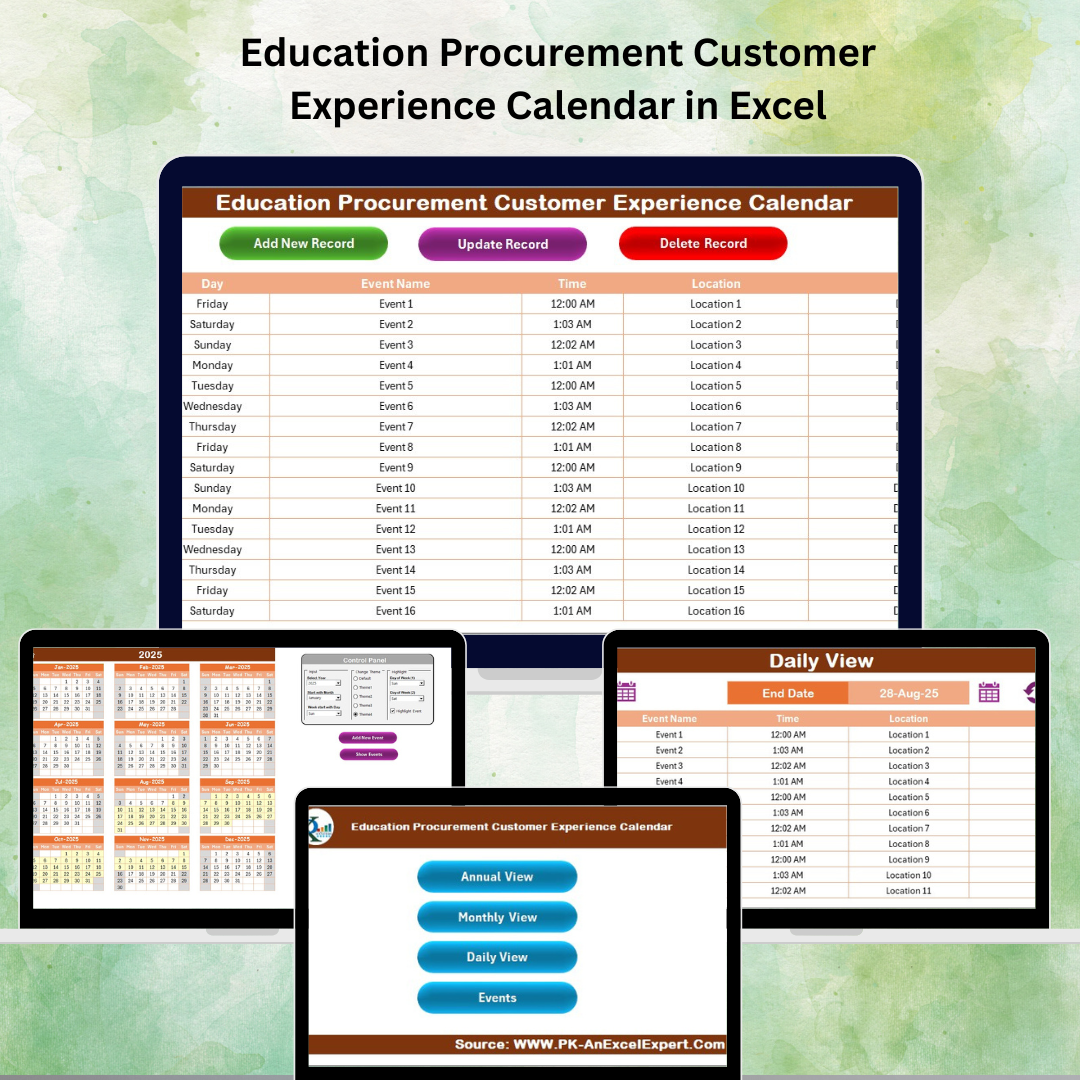

Managing procurement workflows and customer experience in education requires precision, organization, and clear communication. The Education Procurement Customer Experience Calendar in Excel is a ready-to-use, interactive calendar tool built to streamline procurement-related tasks and customer engagement in educational institutions.
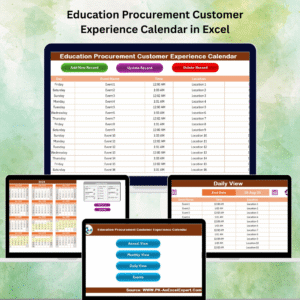
This comprehensive Excel-based system includes five interconnected worksheets that allow you to view, plan, and manage events across various timelines — from annual overviews to daily tracking. With built-in navigation buttons, automated ID generation, event forms, and customizable views, it empowers procurement and administrative teams to stay on top of every key event and deadline.
🗂️ What’s Inside the Calendar?
This Excel calendar template includes the following five functional worksheet tabs:
1️⃣ Home Sheet – Your Navigation Hub
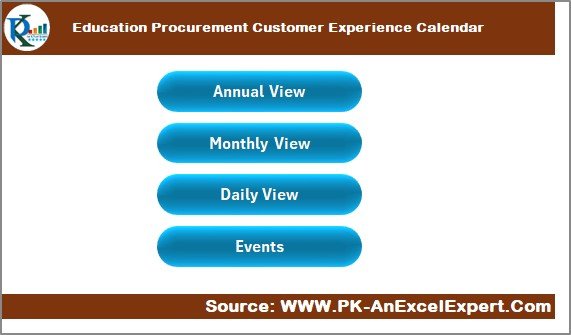
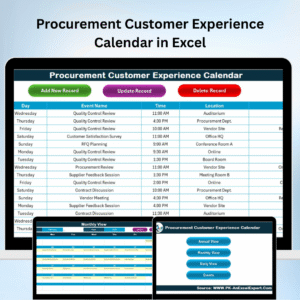
Jump between sheets with a single click. Buttons link directly to Annual View, Monthly View, Daily View, and Events sheets, saving time and improving usability.
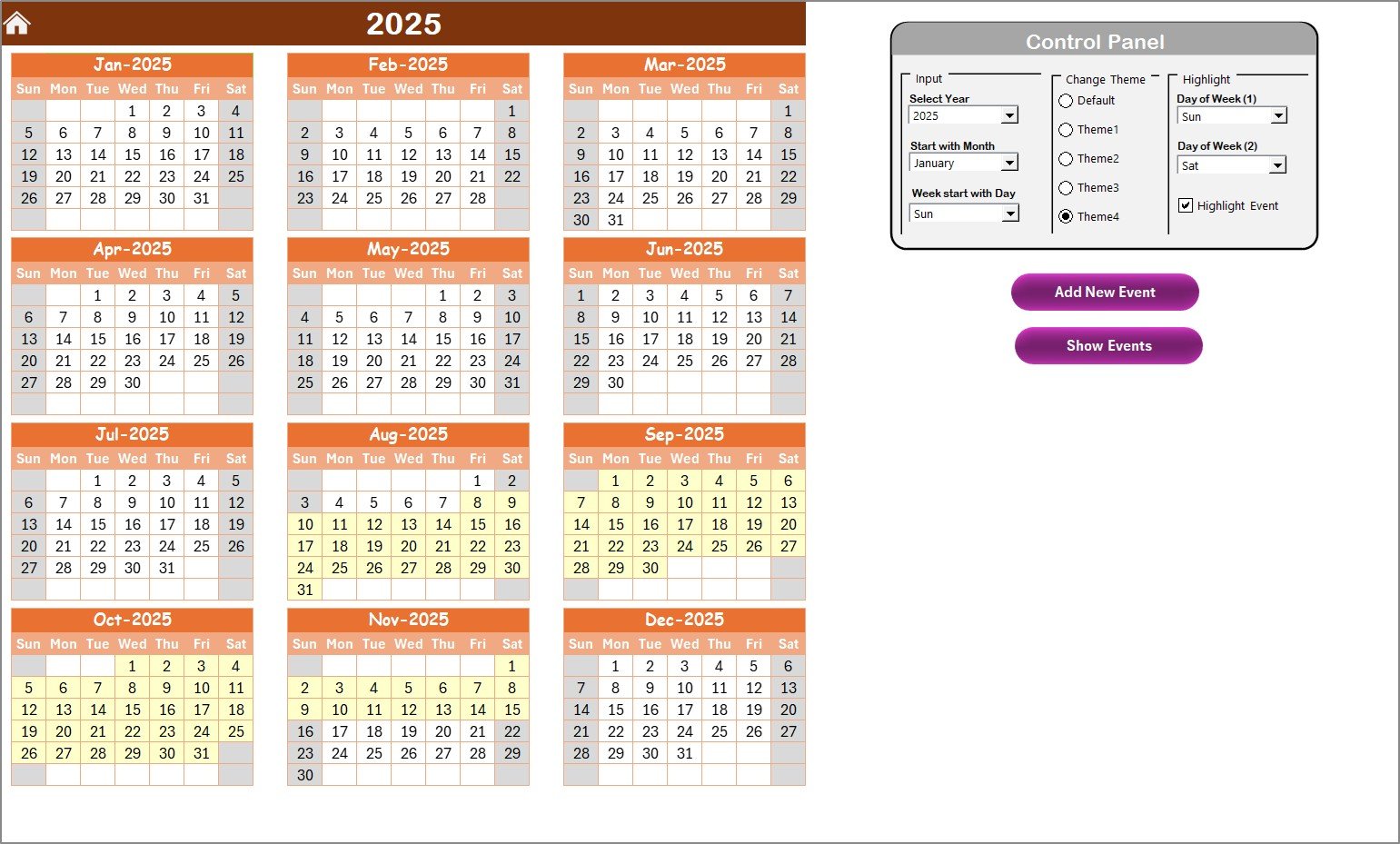
2️⃣ Annual View Sheet – Yearly Planning at a Glance
Visualize an entire year of events with theme customization, weekend/day highlighting, and options to add or show events per selected date. Ideal for long-term planning and procurement schedules.
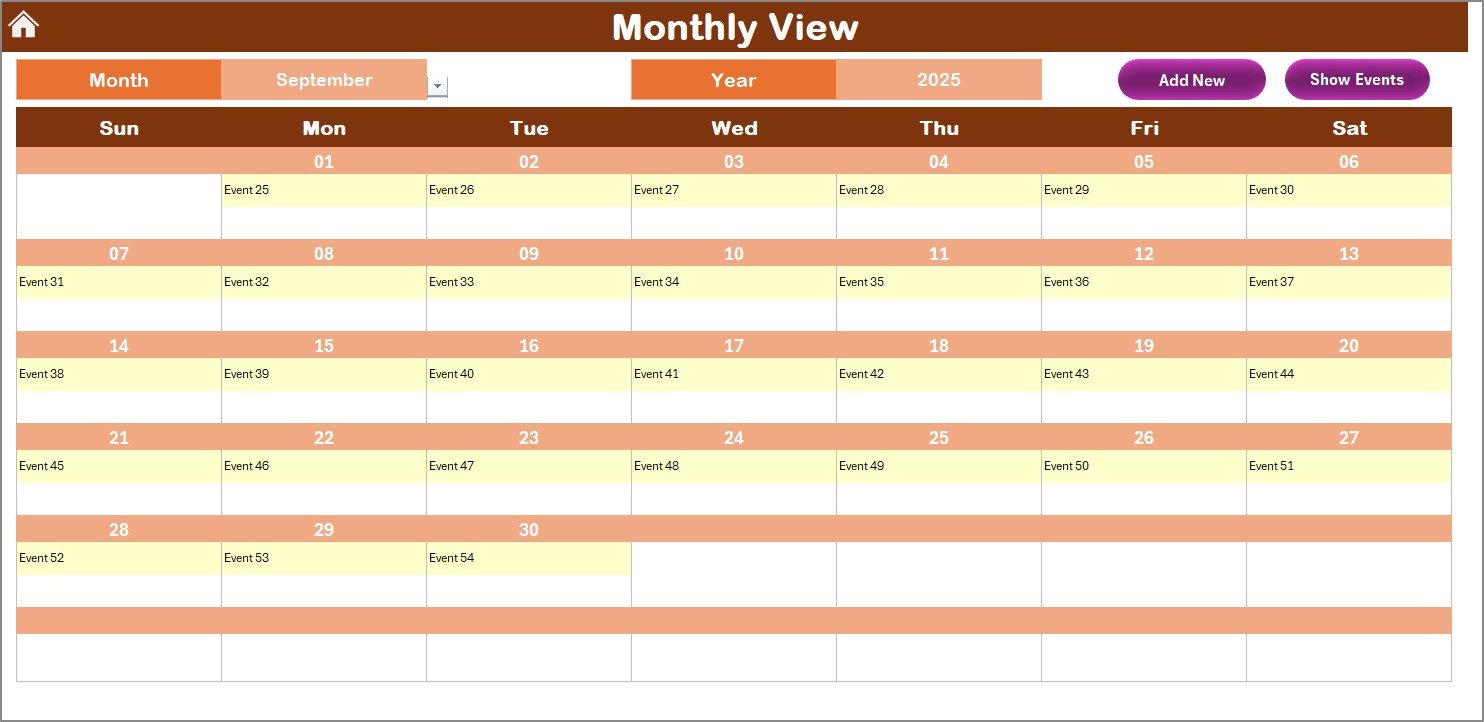
3️⃣ Monthly View Sheet – Month-by-Month Clarity
Get a clean overview of a single month with event markers. If multiple events occur on one day, the system shows “more than 1…” and allows deeper exploration through the “Show Events” button.
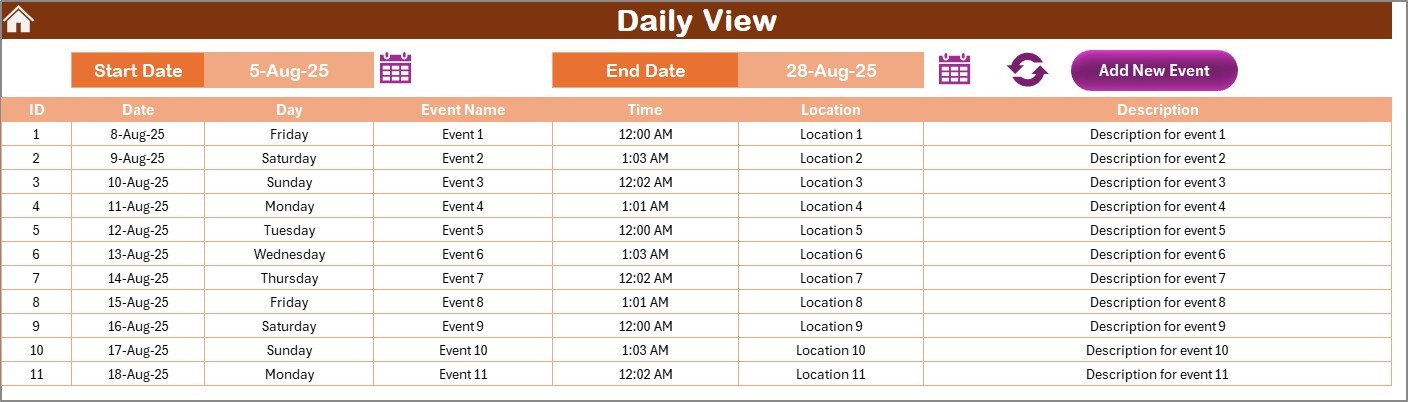
4️⃣ Daily View Sheet – Focused Date Range Tracking
Perfect for short-term planning, the Daily View lets you filter events using a custom start and end date. Add new events and instantly refresh the results.
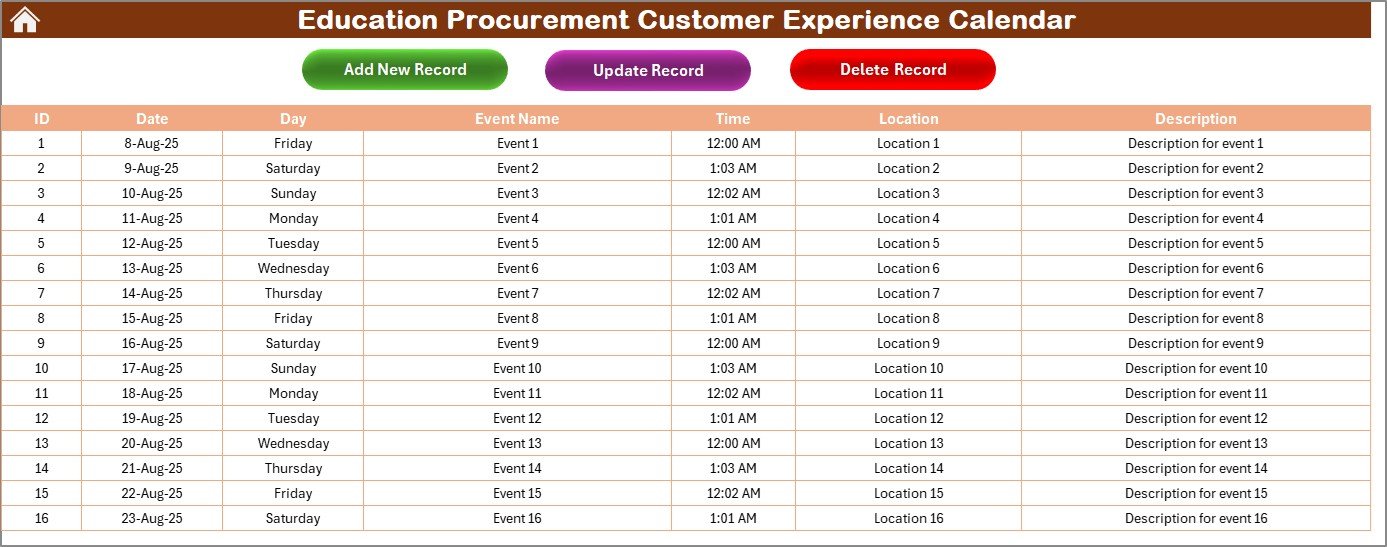
5️⃣ Events Sheet – Centralized Event Management
This is the database where all events are stored. Features include:
Automatic event ID generation
Add, update, and delete event entries with one-click form buttons
Fields for date, day, time, location, and short description
🎯 Key Benefits
✅ Streamline Procurement & Customer Events
Manage procurement meetings, delivery timelines, vendor interactions, and customer-focused events in one place.
✅ Multiple Views
Switch between annual, monthly, and daily perspectives for better planning and visibility.
✅ Fast Data Entry & Updates
Add, modify, or delete events through user-friendly forms and buttons—no manual cell editing needed.
✅ Customization Options
Choose start month, highlight specific days, and apply different theme colors to suit your institution’s branding.
✅ Seamless Navigation
The Home Sheet’s clickable buttons simplify movement across sheets, reducing time spent searching.
✅ Excel-Based Simplicity
No special tools or macros required. Fully functional in Excel and 100% editable for your specific needs.
👥 Who Should Use This Calendar?
This calendar is perfect for:
🎓 Education Procurement Officers
🏫 School & College Admin Teams
📅 Event Coordinators
👨🏫 Faculty & Department Heads
🧑💼 Customer Experience Managers
🏢 Institutional Operations Teams
Whether managing vendor deliveries, internal meetings, or stakeholder interactions, this tool ensures no deadline or key event is ever missed.
💡 Best Practices for Use
Update your event entries regularly to maintain accuracy
Use Annual View for strategic planning
Rely on Daily View for execution-level detail
Highlight weekends and key dates for faster recognition
Use the “Add Event” form consistently to maintain uniform records
Review the Events Sheet weekly to manage overlapping events and scheduling conflicts
📺 Learn How It Works
👉 Visit our YouTube Channel for step-by-step video tutorials.
🔗 Click here to read the Detailed blog post
Watch the step-by-step video tutorial:
Compatibility and Requirements
- Works in Microsoft Excel desktop (Excel 2016 or later, or Microsoft 365).
- The page says no special tools or macros are required, and the file is fully editable.
- The Annual View, Monthly View and Daily View sheets show the events you enter. Microsoft explains conditional formatting if you want to add your own highlights.
Frequently Asked Questions
Which sheets are included?
Five sheets: Home, Annual View, Monthly View, Daily View and Events.
Where do I enter events?
Use the Events sheet. It stores every event with an automatic event ID, the date, day, time, location and a short description. You can add, update and delete entries with form buttons.
What happens when two events fall on the same day?
The Monthly View shows “more than 1…” for that day. Click the Show Events button to see the full list.
Can I look at a custom date range?
Yes. The Daily View filters events between a start date and an end date that you choose.
Can I change the look of the calendar?
Yes. In the Annual View you can pick the start month, highlight weekends or specific days and choose a theme color.
Is there a calendar for other departments?
Yes. For example, see the Education Marketing Customer Experience Calendar in Excel and the Procurement Customer Experience Calendar in Excel.
Related Calendar Templates
- Procurement Customer Experience Calendar in Excel: the same calendar for general procurement teams
- Education Operations Customer Experience Calendar in Excel: the education calendar for operations teams
- Education Customer Service Customer Experience Calendar in Excel: the education calendar for customer service teams
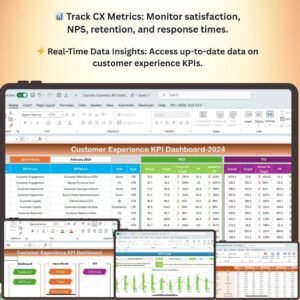
- Customer Experience KPI Dashboard in Excel: track customer experience metrics next to your schedule
- Calendar & Planner Pack: 12 calendar and planner templates in one download
Browse all Excel calendar templates and Excel education templates.


Reviews
There are no reviews yet.