



Stay ahead in the fast-evolving education industry with our powerful ✨ Education Sales AI Implementation Calendar in Excel ✨ — the ultimate scheduling and planning tool designed to optimize your AI-related sales efforts year-round! Whether you’re launching new educational AI products, planning team training, or hosting client demos, this Excel-based calendar system streamlines it all in one place.
🔍 Key Features of Education Sales AI Implementation Calendar
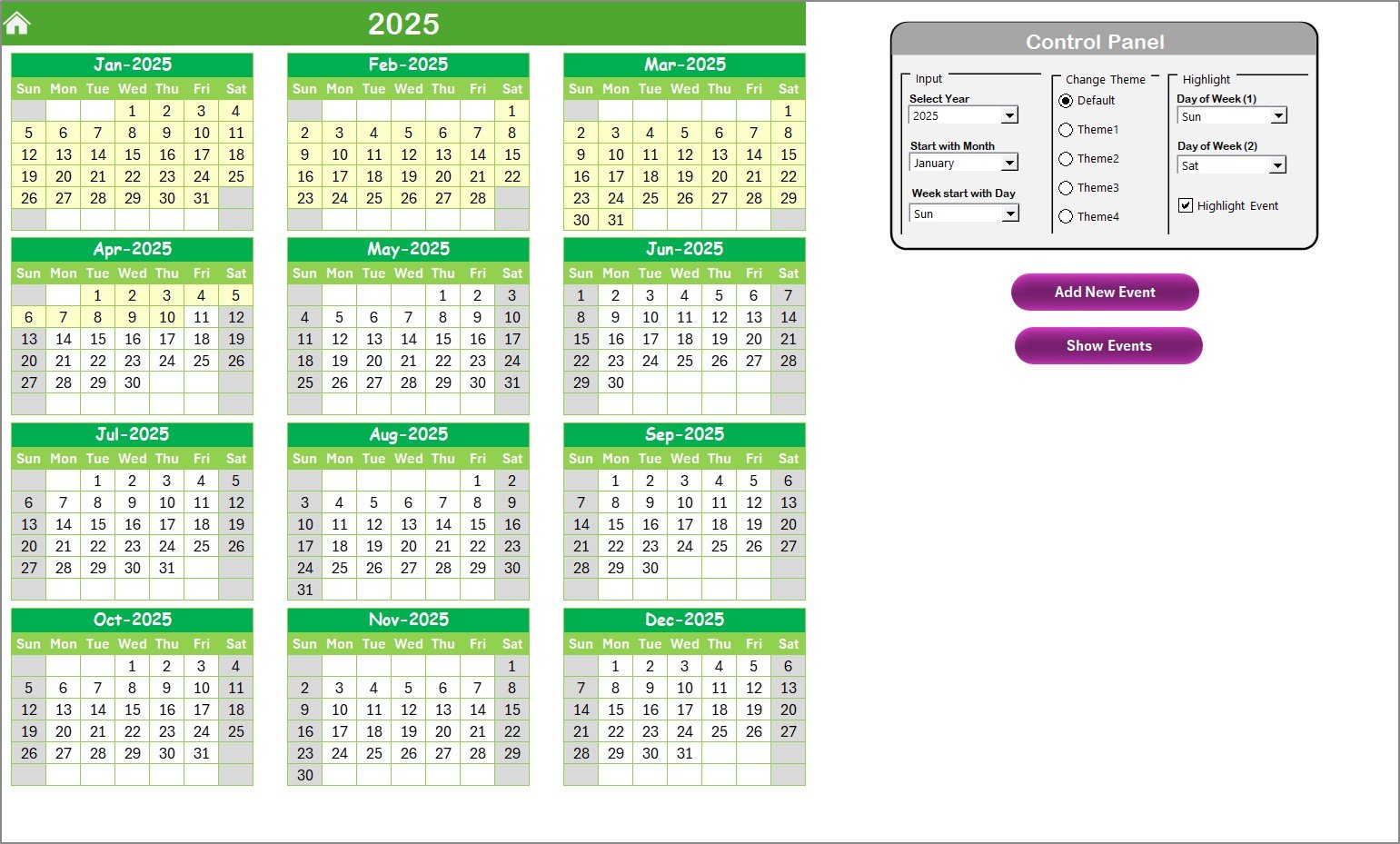
- 🌍 Annual Overview Sheet: View the entire year at a glance! With easy-to-customize settings, adjust your calendar’s starting month, theme, and week structure.
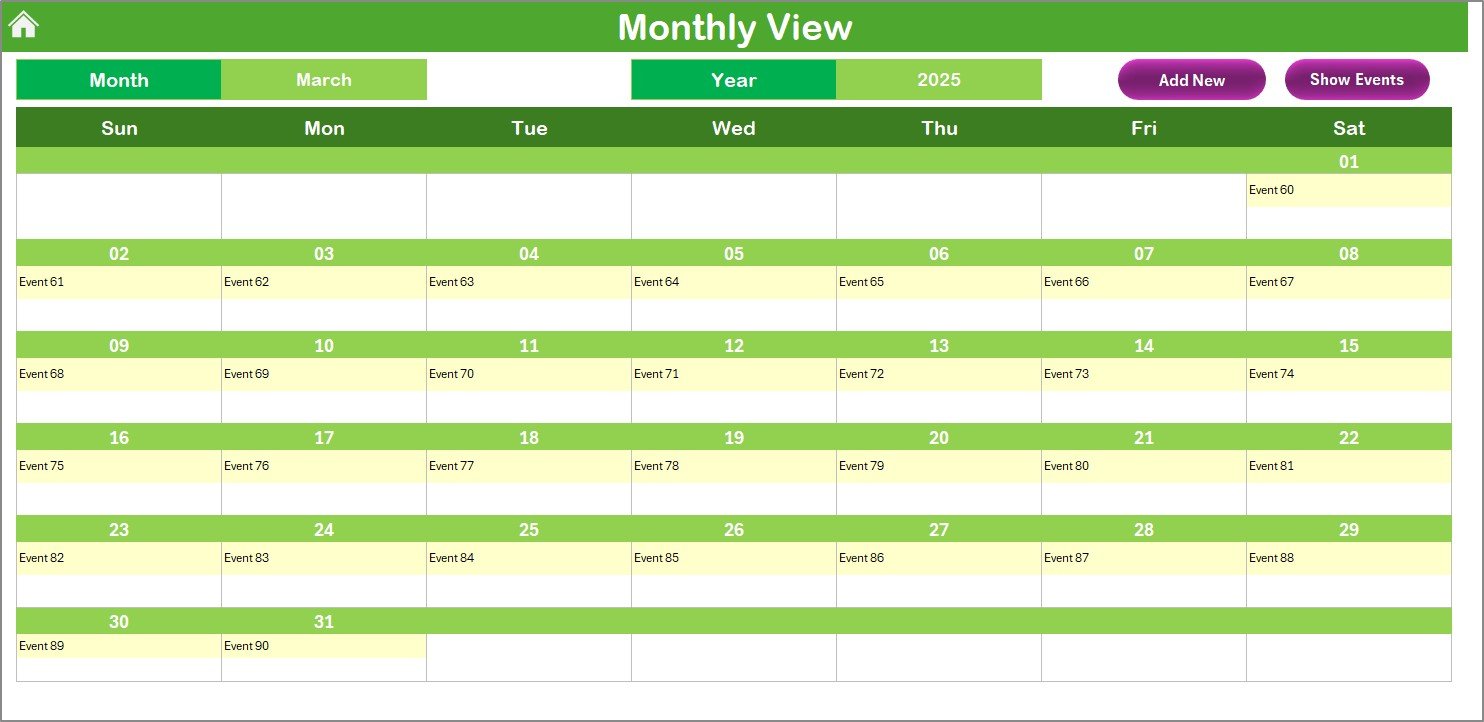
- 📅 Monthly View Sheet: Dive deeper into any month with day-specific visibility. Add or view events directly in just a click.
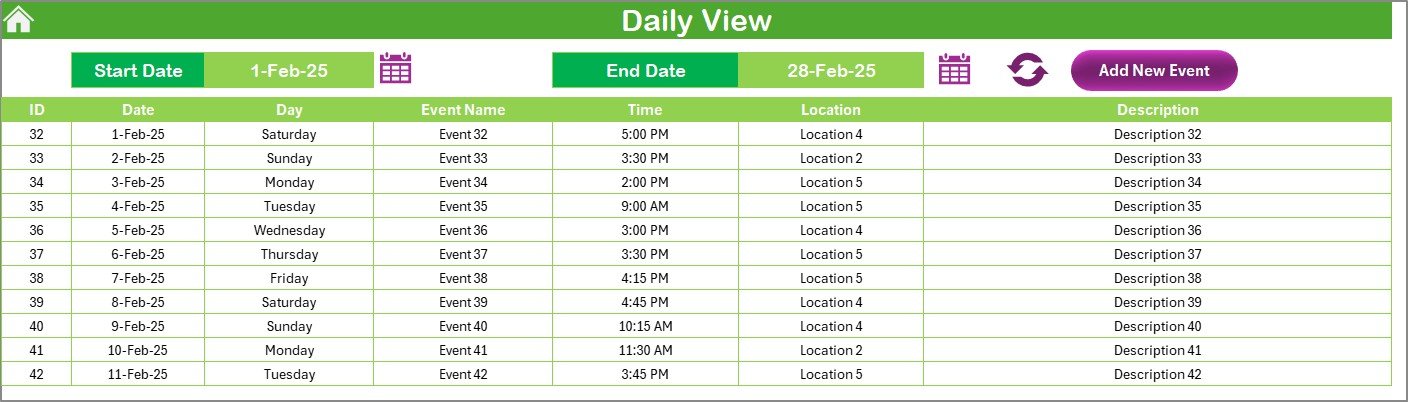
- 📝 Daily View Sheet: Need to review a busy day? Use the Daily View to see all activities in a given date range.
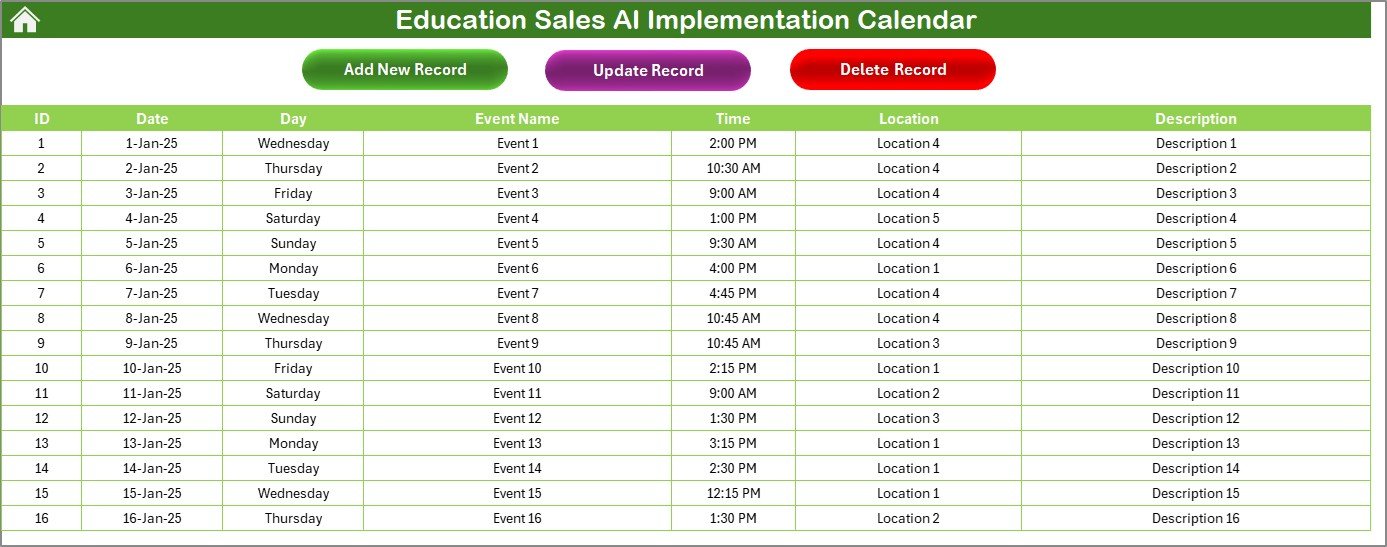
- 📆 Events Database: All your events are stored and editable in one centralized sheet.
- ⚖️ Control Panel: Set the year, choose a color theme, change week settings, and highlight key days seamlessly.
- 🚀 Add / Update / Delete Event Forms: Manage events through an intuitive form-based interface, perfect for non-technical users.
📄 What’s Inside the Education Sales AI Implementation Calendar
This powerful Excel tool includes 5 well-structured worksheets:
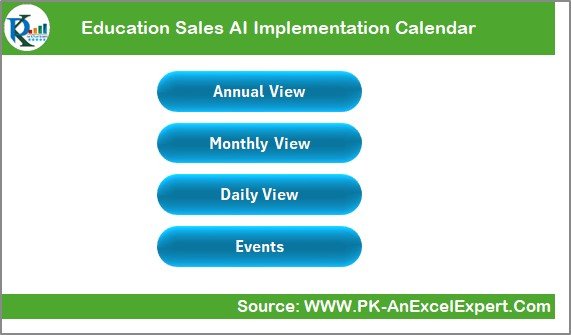
- Home Sheet: Quick-access dashboard with buttons to jump to other views.
- Annual View: Visual calendar layout across all 12 months with color-coded highlights and easy filtering.
- Monthly View: Focused breakdown of a selected month, with smart indicators for multiple events.
- Daily View: Manage event activity within a selected date range.
- Events Sheet: The master table to add, update, delete, or review all events, along with fields like date, time, event name, location, and description.
📓 How to Use the Education Sales AI Implementation Calendar
Using the calendar is as easy as 1-2-3:
- ✅ Start on the Home Sheet: Choose where you want to navigate.
- 🌐 Use the Control Panel in Annual View: Set your preferred year, theme, start day, and more.
- ➕ Add Events: Click the “Add New Event” button, fill in details using the form.
- ✏️ Edit or Delete Events: Select a record in the Events Sheet and use the respective buttons.
- 🔄 Refresh the Daily View to see event details across any time frame.
🤝 Who Can Benefit from This Education Sales AI Implementation Calendar?
This calendar is ideal for:
- 💼 Education Sales Teams managing AI rollouts, demos, and campaigns.
- 🏫 Training Coordinators handling large-scale scheduling.
- 📖 EdTech Consultants supporting school or institutional AI adoption.
- 🧬 AI Implementation Managers planning sales enablement events.
- 💡 Startups & Agencies coordinating launches, demos, or onboarding sessions.
With its powerful features, this tool simplifies collaboration, enhances visibility, and drives your team’s productivity.
🔗 Click here to read the Detailed blog post
📺 Visit our YouTube channel to learn step-by-step video tutorials
Watch the step-by-step video tutorial:
Compatibility and Requirements
- Works in Microsoft Excel desktop (Excel 2016 or later, or Microsoft 365).
- You add, update and delete events through form buttons, so the file may ask you to enable macros. Microsoft explains how in Enable or disable macros in Microsoft 365 files.
Frequently Asked Questions
Which worksheets are included?
Five worksheets: Home, Annual View, Monthly View, Daily View and Events.
How do I add an event?
Click the Add New Event button and fill in the form. The event is saved to the Events sheet and appears in the Annual, Monthly and Daily views.
Can I change the year or the look of the calendar?
Yes. The Control Panel in the Annual View lets you set the year, the color theme, the start day of the week and the highlighted days.
What details can I store for each event?
Each event has a date, time, event name, location and description. You can edit or delete any record from the Events sheet.
How do I see all events in a date range?
Open the Daily View, choose the date range and refresh it. It lists every event in that range.
Is there a version for another team?
Yes. See the Sales AI Implementation Calendar in Excel for a general sales version.
Related Education Calendar Templates
- Sales AI Implementation Calendar in Excel: the same calendar for general sales teams
- Education Marketing AI Implementation Calendar in Excel: the same layout for education marketing
- Education Sales Customer Experience Calendar in Excel: plan customer experience work for education sales
- Education Sales Remote Work Calendar in Excel: schedule remote work for education sales teams
- Calendar & Planner Pack: 12 Excel and Google Sheets calendar templates in one download
Browse all Excel calendar templates and Excel education templates.

































Reviews
There are no reviews yet.