

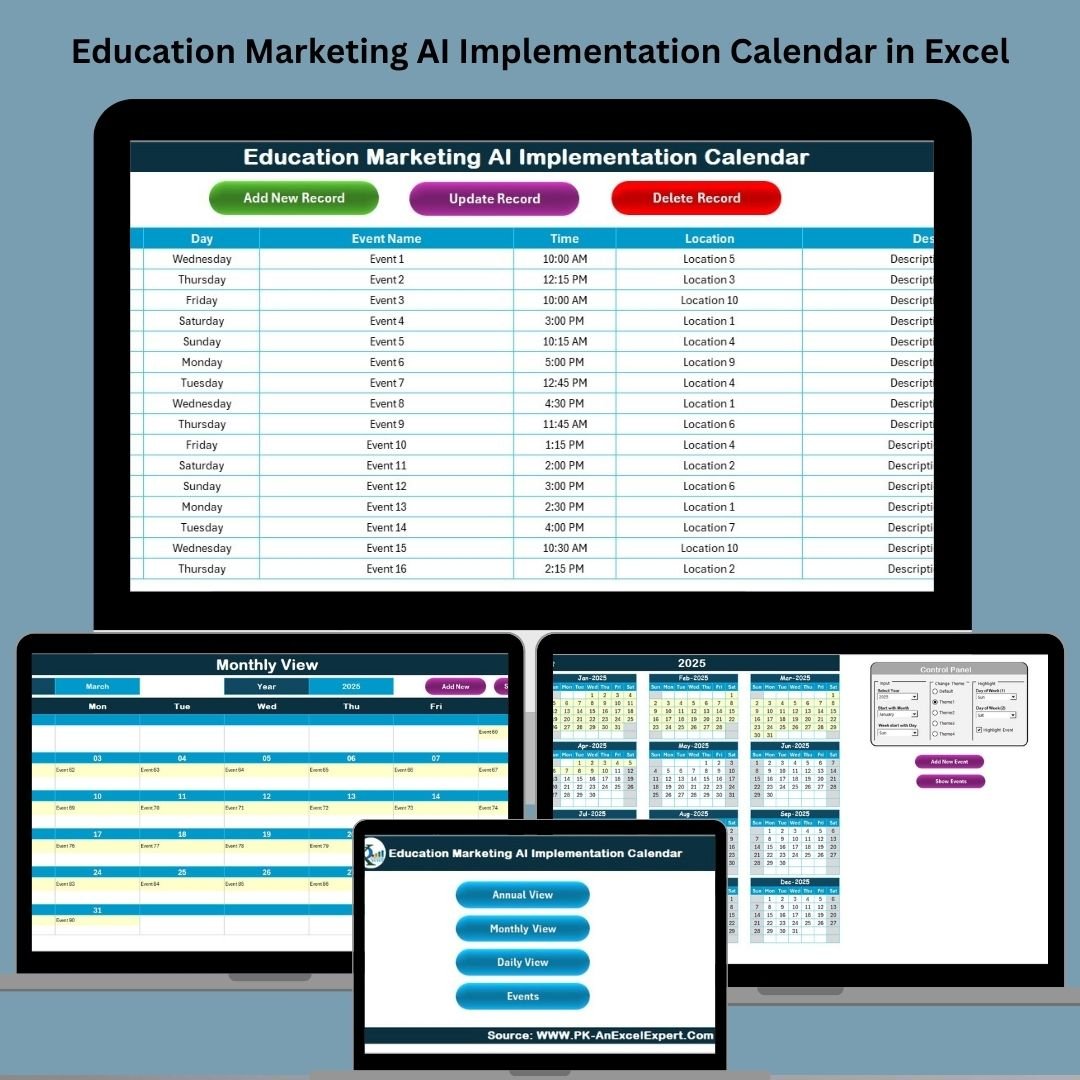

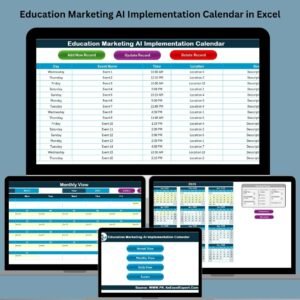
Bring intelligence to your education marketing strategy with the 📅 Education Marketing AI Implementation Calendar in Excel — the ultimate event planning solution built to support AI-driven campaigns for schools, universities, and EdTech firms. This ready-to-use Excel calendar doesn’t just help you stay organized—it empowers your team to implement cutting-edge marketing automation, chatbots, lead scoring, and AI-powered outreach with precision and ease.
With 5 fully functional worksheet tabs, this template supports everything from high-level strategic views to detailed daily execution. Whether you’re managing webinars, predictive analytics rollouts, or staff training, this tool ensures your AI transformation in marketing stays on track all year long.
✨ Key Features of Education Marketing AI Implementation Calendar
✅ 5-Purpose Built Worksheets
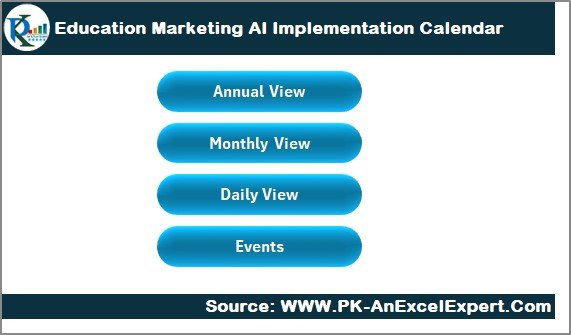
Home Tab: Navigation hub to access all views instantly.
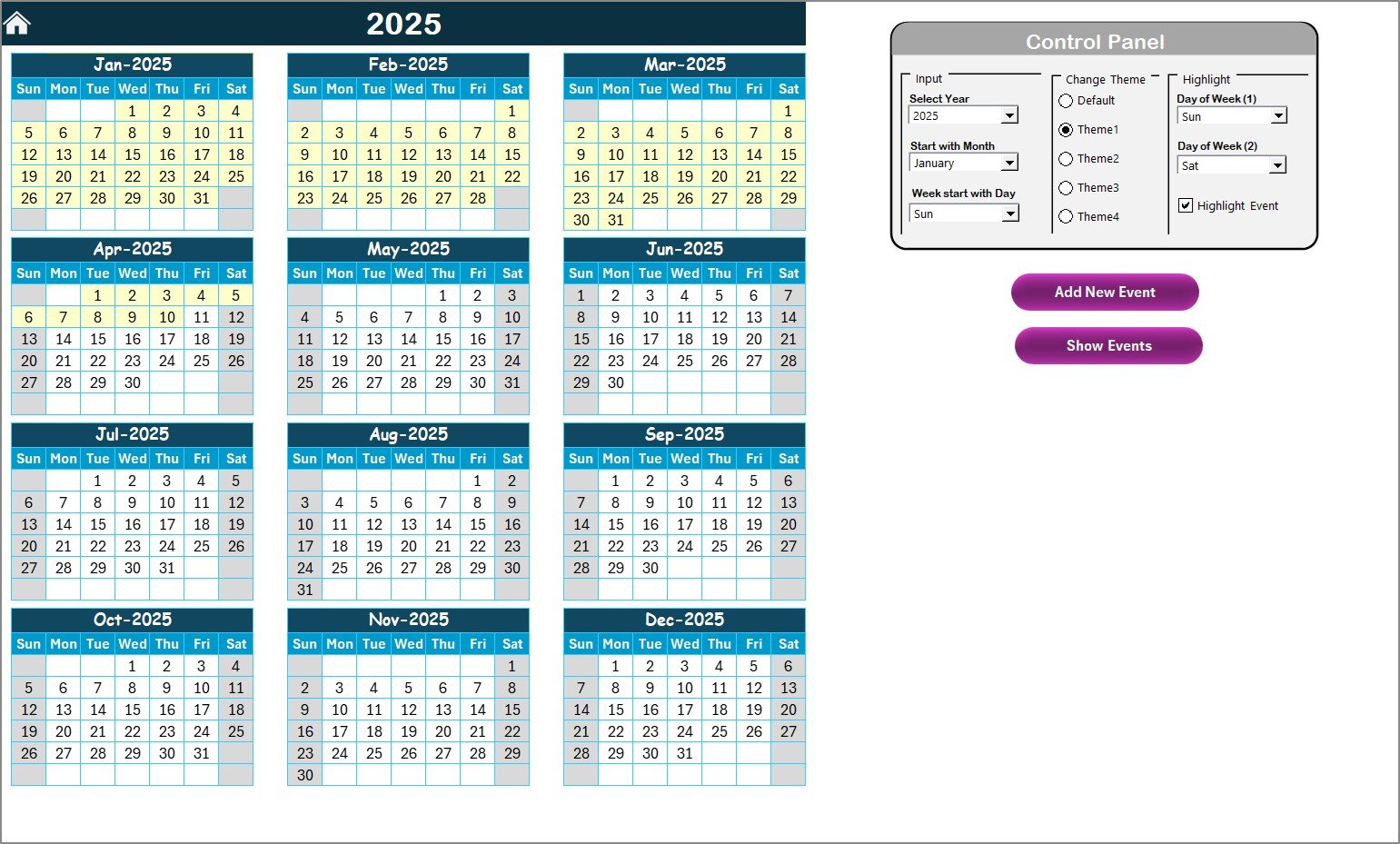
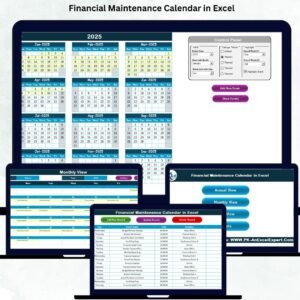
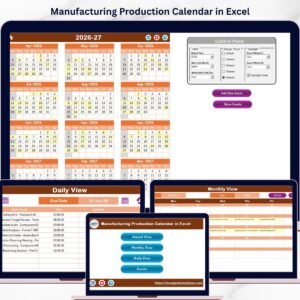
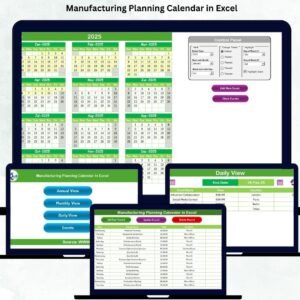
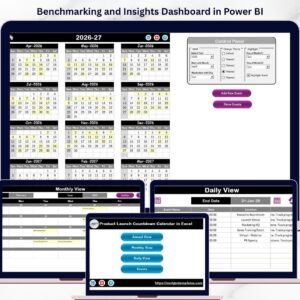
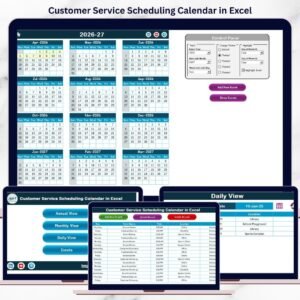
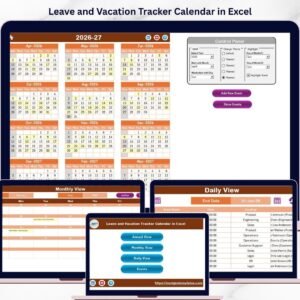
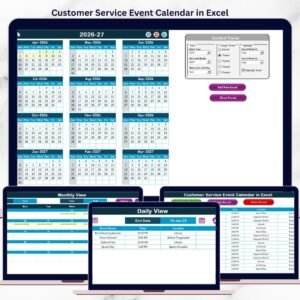
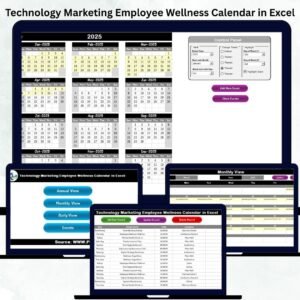
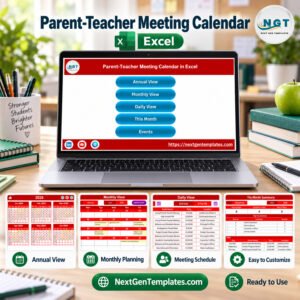
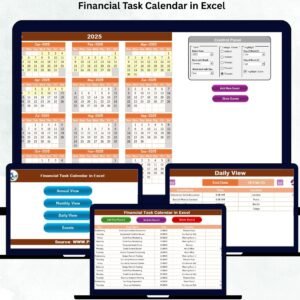
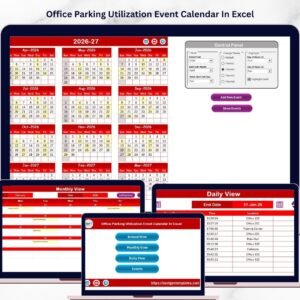
Annual View: Plan campaigns year-round with event highlighting and theme customization.
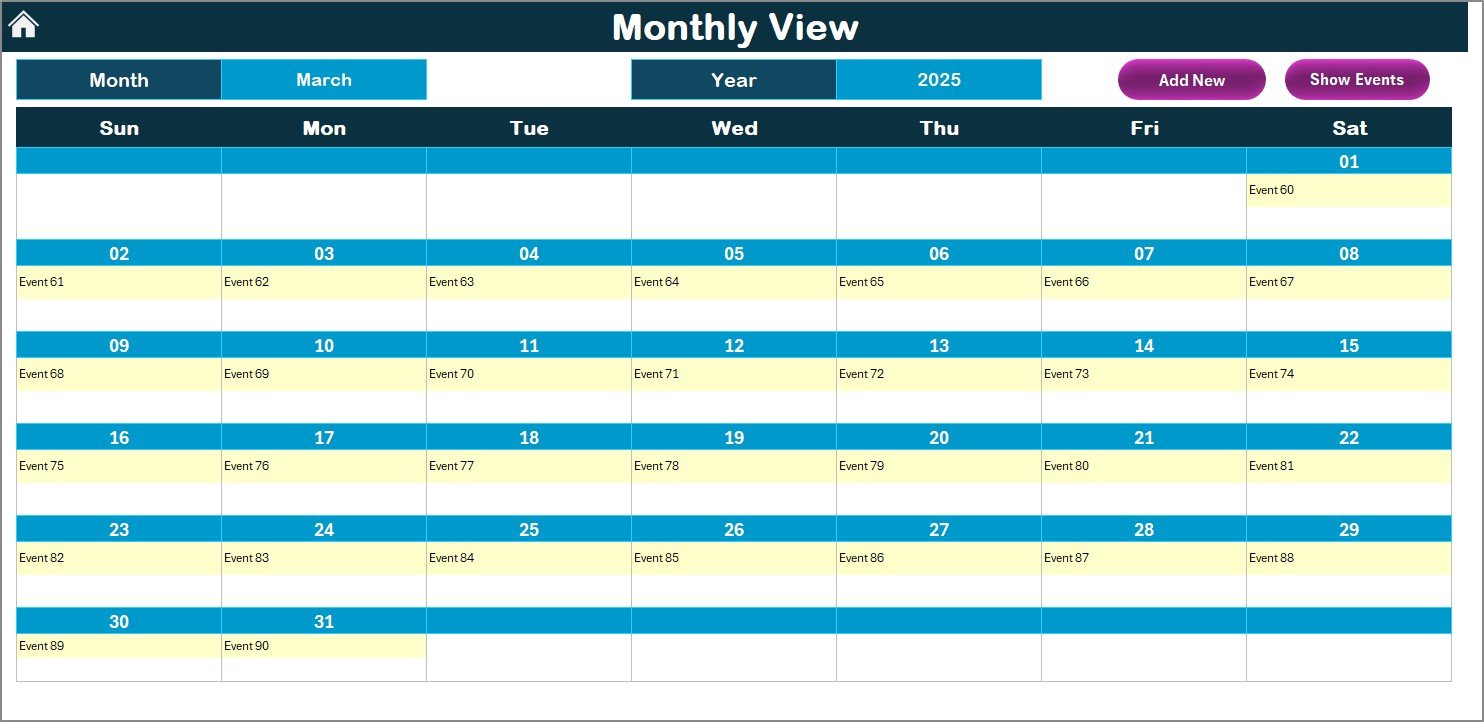
Monthly View: Execute monthly goals with dropdown selection and smart scheduling.
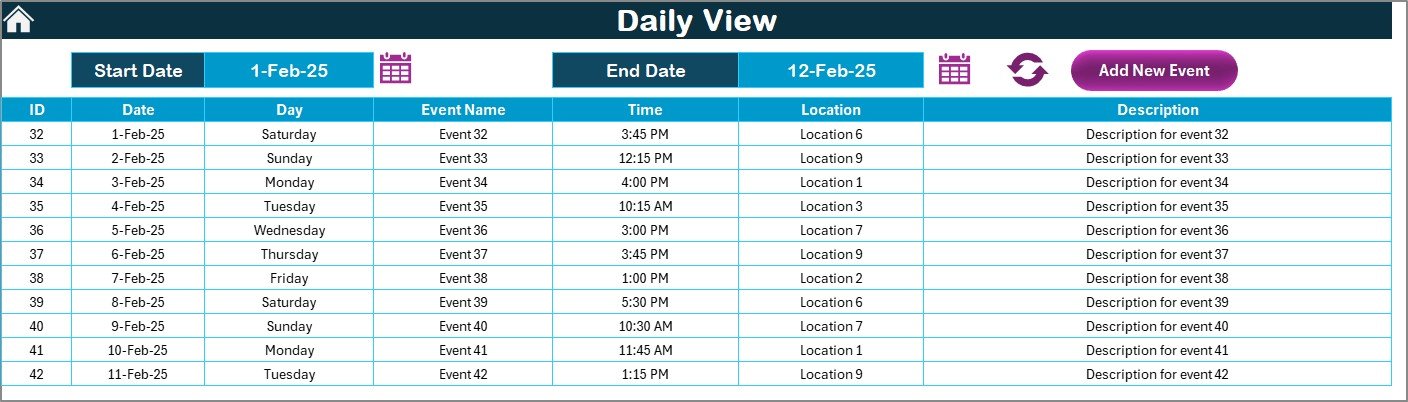
Daily View: Zoom in on high-precision day-to-day operations.
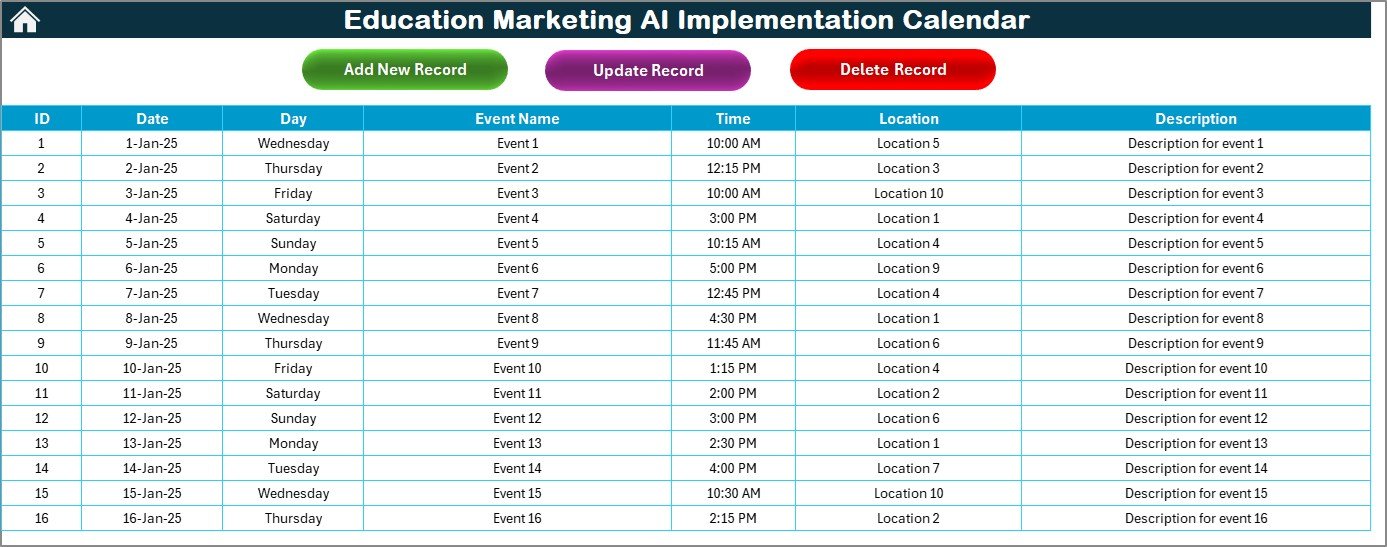
Events Sheet: Full database with buttons for Add, Update, and Delete—like a mini CRM in Excel.
🎯 Smart Event Management
Auto-generated Event IDs 📌
Date, Day, Time, Location, Description fields
Single-click controls for adding, editing, or removing records
🌈 Customizable Themes & Highlights
Choose from 5 color themes 🎨
Highlight weekends or AI-specific events
Control start month and week alignment to match academic cycles
📦 What’s Inside the Education Marketing AI Implementation Calendar
🧭 Navigation Dashboard – Jump to any section effortlessly.
📆 Annual Campaign Planner – View and align all 12 months with AI strategies.
🗓️ Monthly Planner – Track multiple campaigns, webinars, and launches.
📋 Daily Execution View – Filter activities within date ranges.
🧾 Events Database Sheet – Manage all activities like a CRM, including audit-friendly record logs.
Each view is seamlessly connected, so no data gets lost. You can focus on strategy while the tool takes care of logistics.
🛠️ How to Use the Product
Open the file in Excel Desktop
Start with the Home Tab to navigate
In Annual View, set year, color themes, and highlight key days
Click “Add Event” to schedule campaign activities
Use Monthly and Daily Views for operational control
Maintain your event records in the Events Sheet using Add/Update/Delete
No coding needed — this is pure Excel power with intuitive design and built-in automation.
👥 Who Can Benefit from This Product?
🎓 Education Marketers – Coordinate digital transformation campaigns
📊 AI Implementation Leads – Map chatbot rollouts, smart ads, and automation
🏫 EdTech Startups – Handle multiple initiatives with clarity
🧑🏫 Training Coordinators – Schedule staff onboarding on AI tools
📍 Academic Strategy Officers – Align innovation with institutional goals
Whether you’re leading a small campaign or managing national-level outreach, this tool gives you visibility, flexibility, and control.
📚 Click here to read the Detailed blog post
(Provide the actual hyperlink to the blog post page here)
📺 Visit our YouTube channel to learn step-by-step video tutorials
Watch the step-by-step video tutorial:
Compatibility and Requirements
- Works in Microsoft Excel desktop (Excel 2016 or later, or Microsoft 365).
- The Add, Update and Delete buttons on the Events sheet are macro-driven. Enable macros when you open the file, and use Excel desktop on Windows. Microsoft explains how in Enable or disable macros in Microsoft 365 files.
- The file does not run in Excel for the web, Google Sheets or mobile apps.
Frequently Asked Questions
Which worksheets are included?
Five worksheets: Home, Annual View, Monthly View, Daily View and Events.
How do I add an event?
Use the Add Event button. Each event gets an automatic Event ID and has fields for date, day, time, location and description. The Update and Delete buttons on the Events sheet edit or remove existing records.
Can I change the colors of the calendar?
Yes. The Annual View lets you choose from 5 color themes and highlight weekends or specific events.
Can I start the calendar in a month other than January?
Yes. You can set the start month and the week alignment to match your academic cycle.
Is there a version for other departments or for marketing in general?
Yes. See the Marketing AI Implementation Calendar in Excel and the Education Operations AI Implementation Calendar in Excel.
Related Education Calendar Templates
- Marketing AI Implementation Calendar in Excel: the same AI planning calendar for general marketing teams
- Education Marketing Customer Experience Calendar in Excel: plan education marketing around the student experience
- Education Marketing Remote Work Calendar in Excel: schedule remote work for a marketing team
- Education Operations AI Implementation Calendar in Excel: AI rollout planning for school operations
- Education Sales AI Implementation Calendar in Excel: AI rollout planning for education sales
Browse all Excel calendar templates and Excel education templates.






Reviews
There are no reviews yet.