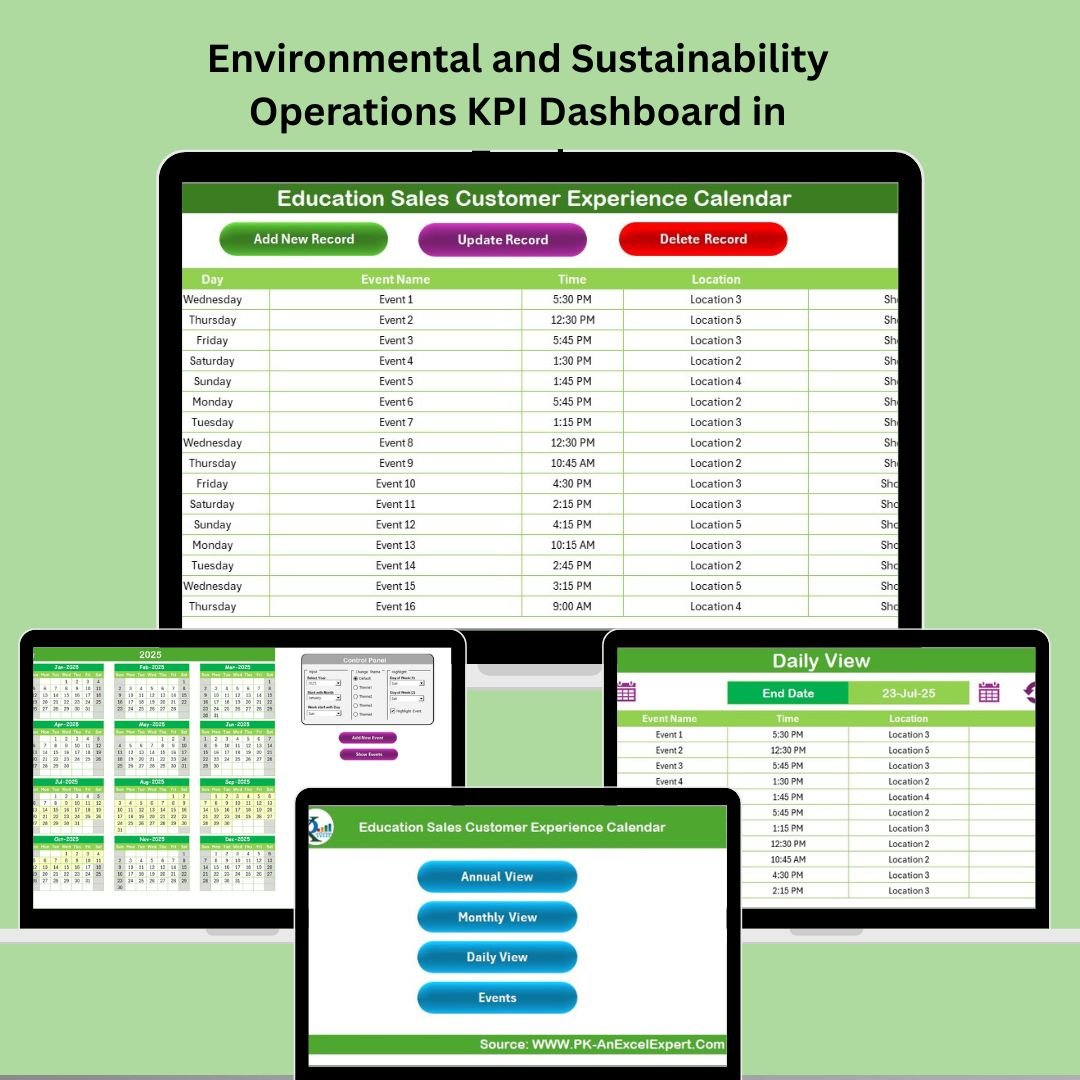
In the world of education sales, staying organized is the key to success. Juggling customer meetings, lead follow-ups, demo sessions, and events can become overwhelming without a reliable system. That’s why we created the Education Sales Customer Experience Calendar in Excel – a ready-to-use template tailored for education sales teams to manage their entire customer interaction lifecycle effortlessly.
This calendar is more than just a schedule—it’s your team’s command center for enhancing customer experience and driving results.
✨ Key Features of Education Sales Customer Experience Calendar
📌 Five Structured Worksheets – Home, Annual View, Monthly View, Daily View, and Events Sheet offer a complete 360° overview of your planning.
🎯 Built-in Navigation Buttons – Quickly jump between views without the hassle of scrolling or searching.
📆 Year, Month & Week Customization – Set your own fiscal year, start month, and week format with total control.
🎨 Color Theme Picker – Match the calendar to your brand identity with five built-in themes.
⚡ Add/View Events in One Click – Buttons allow easy addition, viewing, or deletion of events.
📈 Fully Automated Views – Automatically display daily, monthly, and annual plans based on your entries.
📂 What’s Inside the Education Sales Calendar?
This Excel calendar includes five powerful worksheet tabs:
🏠 Home Sheet
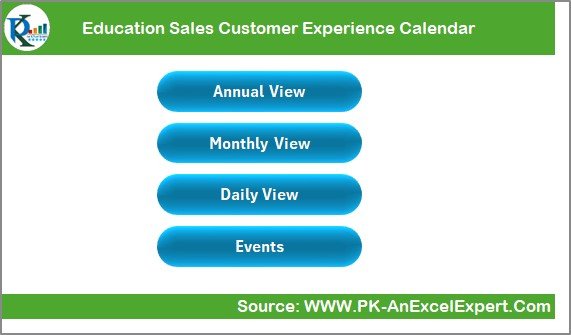
Your dashboard for easy navigation. Jump to any view or data entry sheet with one click.
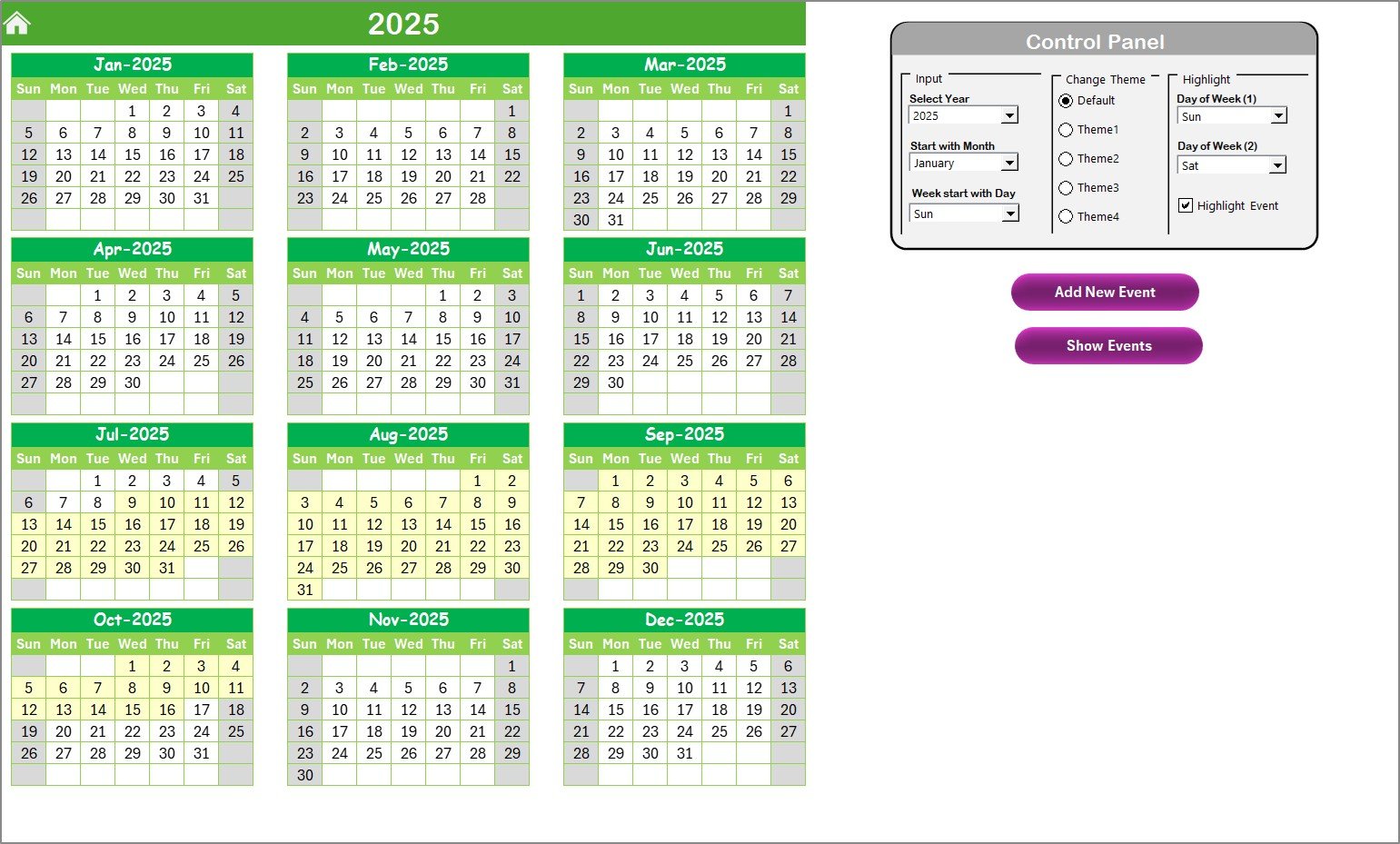
📅 Annual View
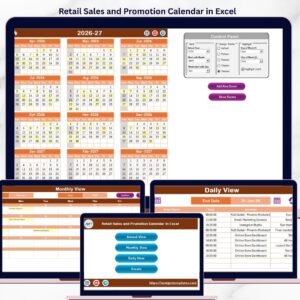
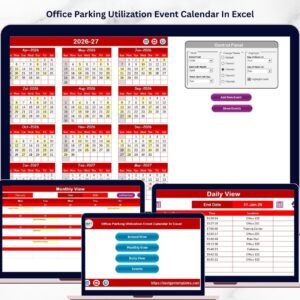
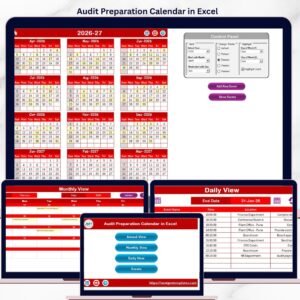
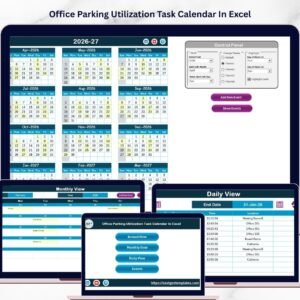
Get a bird’s eye view of the entire year. Modify the calendar layout with the control panel, change themes, and highlight critical days.
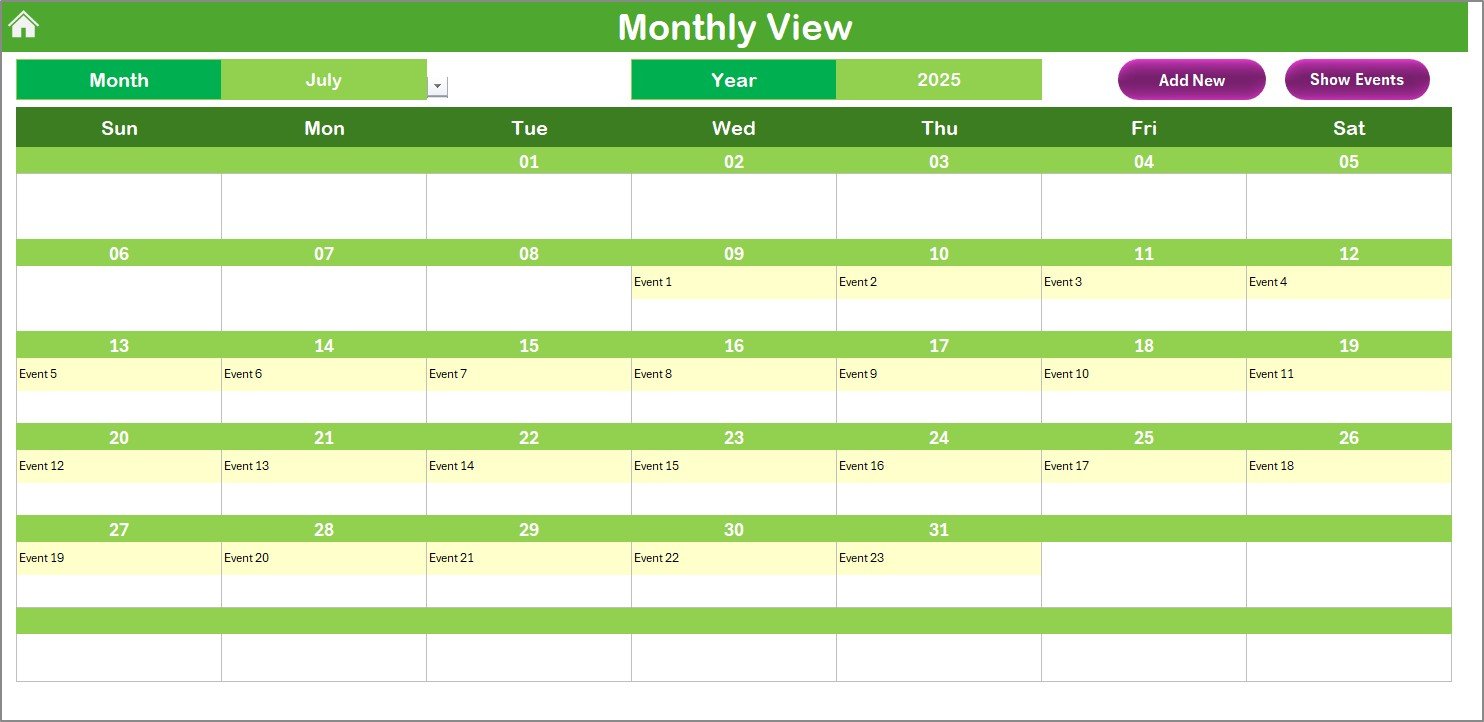
📆 Monthly View
Drill into any specific month to view daily events, including summaries for days with multiple entries.
📋 Daily View
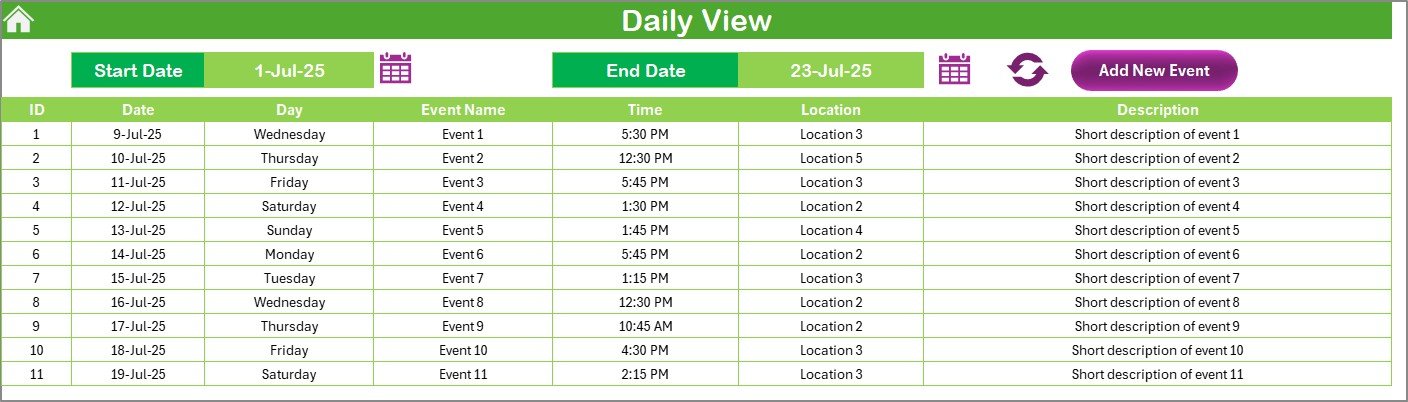
Filter events between a start and end date. Great for focused planning and day-to-day activity tracking.
🗃 Events Sheet
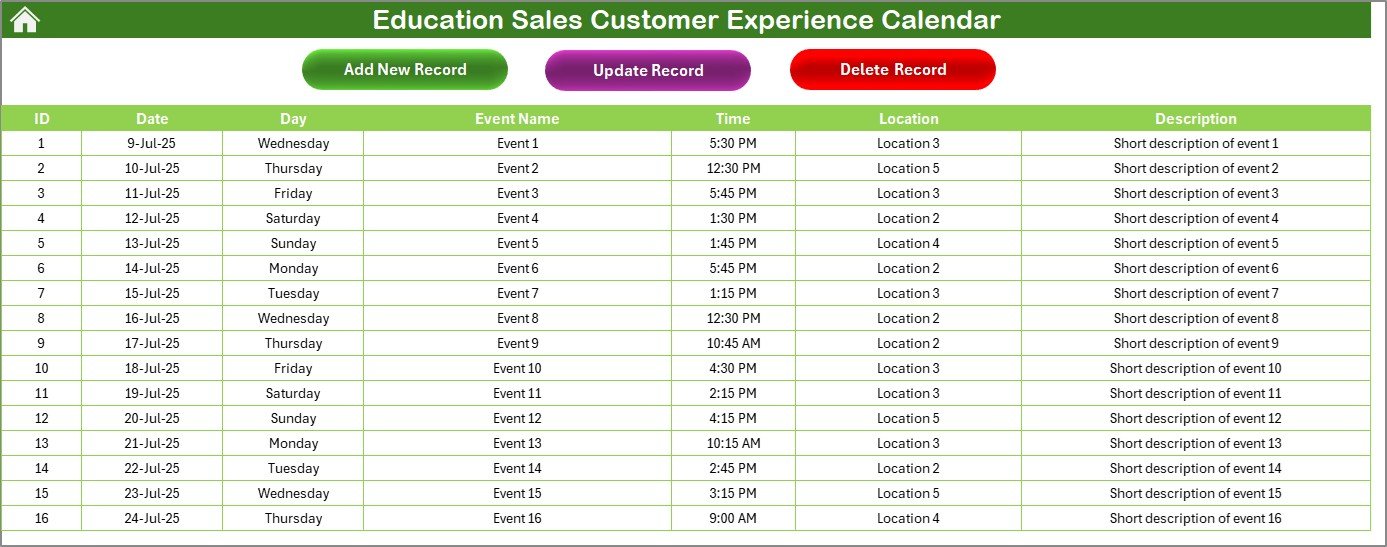
The heart of your planning data. Add, update, and delete events like meetings, webinars, demos, or calls using built-in forms.
🛠 How to Use the Product
Using this tool is simple, even if you’re not an Excel expert:
Open the file and go to the Home tab
Click on the desired view (Annual, Monthly, Daily, Events)
Add an event by clicking “Add New Event” and filling in the form
Use the control panel in the Annual view to update year, week format, and calendar color theme
Track progress by browsing your monthly and daily schedules
Update or delete events easily from the Events Sheet using built-in buttons
It’s Excel—so you can customize it further, apply filters, or even protect sheets as per your workflow!
🎯 Who Can Benefit from This Product?
This calendar template is designed especially for:
📈 Education Sales Representatives
🎓 Admissions and Outreach Coordinators
🏫 Institutional Sales Teams
🤝 Customer Experience Managers
📚 EdTech Business Development Executives
🧑💼 Marketing and Event Coordinators in Education Sector
Whether you work at a school, college, university, or EdTech company—this tool helps you manage customer touchpoints efficiently.
🧠 Why Choose This Excel-Based Calendar?
✅ No software installation
✅ Works on both Windows and Mac
✅ Fully editable and customizable
✅ Designed for real-world sales operations
✅ Easy data sharing via email or cloud platforms
Unlike bulky CRM tools, this lightweight Excel template keeps things simple but powerful.
🔗 Click Here to Read the Detailed Blog Post
📺 Visit our YouTube channel to learn step-by-step video tutorials
👉 Youtube.com/@PKAnExcelExpert