

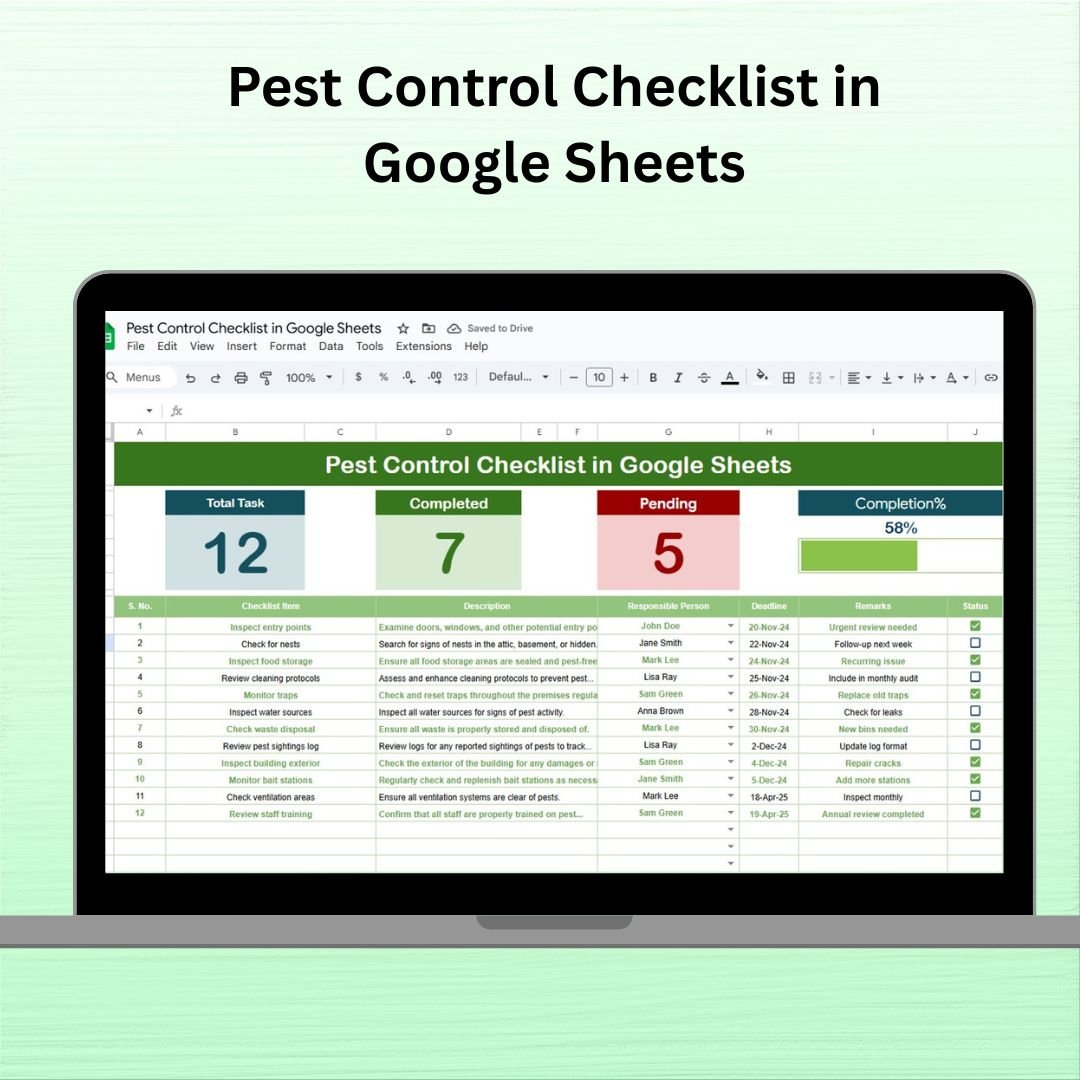

Maintaining a clean, pest-free environment is not just a hygiene requirement — it’s a legal necessity for many businesses and institutions. Whether you’re managing a residential complex, a restaurant, a warehouse, or an industrial site, staying on top of pest control is critical. Introducing the Pest Control Checklist in Google Sheets – a fully interactive, easy-to-use template that simplifies how you manage and track pest control activities.
With real-time collaboration, smart progress tracking, and full customization options, this checklist empowers you to proactively manage pest inspections, treatments, responsibilities, and deadlines with clarity and ease. 🕵️♂️✅
✨ Key Features of Pest Control Checklist in Google Sheets
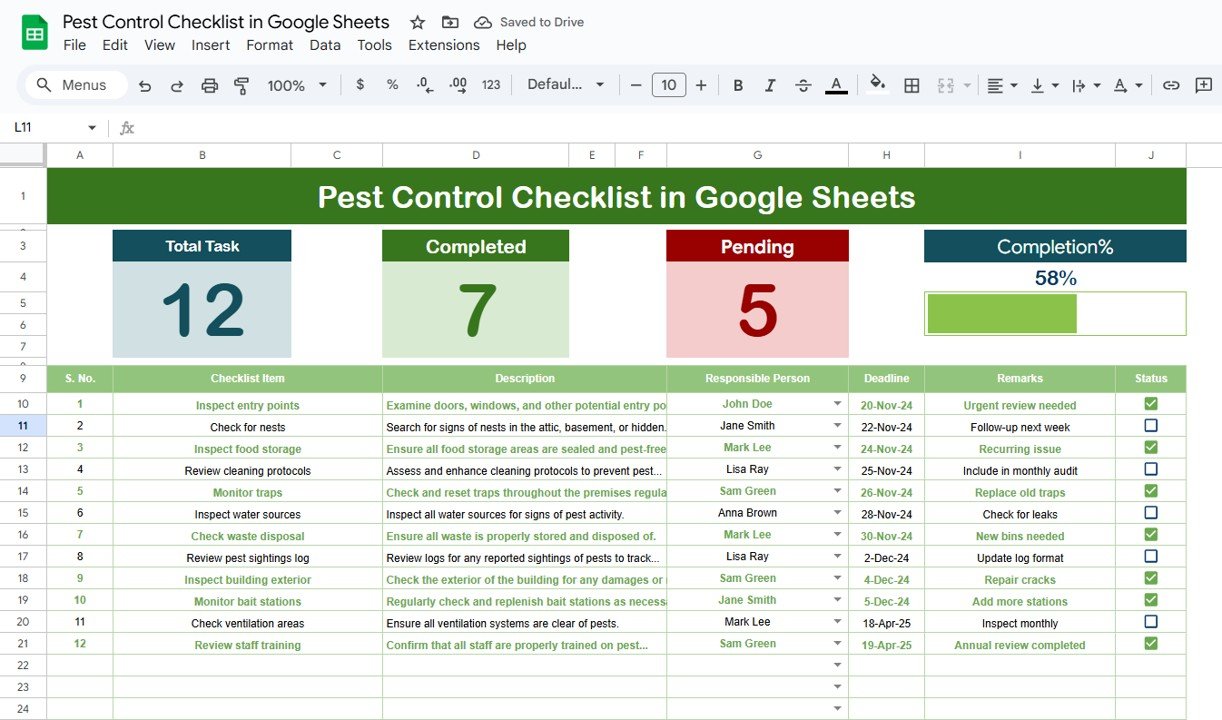
📌 Real-Time Progress Dashboard
Stay updated with instant task status through:
✅ Total Count
✔️ Completed Tasks
❌ Pending Items
📊 Visual Progress Bar
📌 Smart Assignment System
Assign pest control responsibilities using a dropdown list linked to a central list of responsible persons — perfect for assigning accountability.
📌 Status Tracking Made Easy
Update tasks as completed (✔) or pending (✘) and automatically monitor your overall completion percentage with a visual tracker.
📌 Fully Editable Format
Easily customize checklist items, dates, responsible persons, and more to suit your facility or business needs.
📂 What’s Inside the Pest Control Checklist Template
Your Google Sheets file comes with two professionally structured sheets:
1. Main Sheet – Pest Control Checklist
Includes columns for:
Serial Number
Checklist Item
Description
Responsible Person (with dropdown)
Deadline
Remarks
Status (✔/✘)
It also features a live progress bar and summary metrics at the top for instant visibility into the task completion rate.
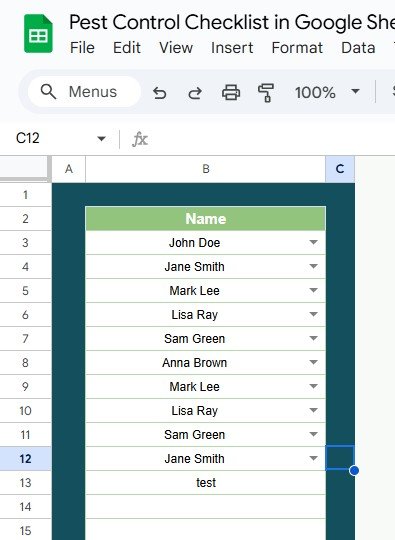
2. List Sheet – Responsible Person List
A centralized location to maintain your personnel list. The dropdown in the main sheet pulls data from this list for seamless assignment and updates.
🛠 How to Use the Pest Control Checklist
Add Tasks: List all pest control activities in the checklist table.
Assign Responsibilities: Use the dropdown to assign a responsible person.
Set Deadlines: Add a realistic deadline for each activity.
Update Status: As each task is completed, update the status with ✔.
Monitor Progress: Track your progress in the dashboard using the live progress bar.
👥 Who Can Benefit from This Pest Control Checklist?
This tool is ideal for:
🏢 Facility Managers
🧑🌾 Pest Control Companies
🏠 Apartment Complex Owners
🏬 Retail Store Operators
🏫 Schools and Educational Institutions
🏥 Hospitals and Healthcare Facilities
🍽 Restaurants and Cafés
🏭 Warehouse and Industrial Units
Whether you’re conducting weekly pest checks or preparing for an inspection, this checklist keeps everything documented and under control!
🔗 Click here to read the Detailed blog post
Click here to read the Detailed blog post
Watch the step-by-step video Demo:
📺 Visit our YouTube channel to learn step-by-step video tutorials
👉 YouTube.com/@NeotechNavigators
Compatibility and Requirements
- Works in Google Sheets with a free Google account and a web browser.
- Make a copy to your own Google Drive, then share it with your team if you want to work on it together.
- New to Sheets? Google’s guide How to use Google Sheets covers the basics.
Frequently Asked Questions
What sheets are in the Pest Control Checklist?
Two. The Pest Control Checklist sheet holds the tasks with serial number, description, responsible person, deadline, remarks and status. The List sheet stores the names used in the responsible-person dropdown.
How do I mark a pest control task as done?
Set its status to ✔ for completed or ✘ for pending. The total, completed and pending counts and the progress bar at the top update on their own.
Can I add my own pest control tasks?
Yes. Checklist items, descriptions, dates and responsible persons are all editable, so you can match the list to your site.
Can my team update it together?
Yes. It runs in Google Sheets, so you can share the file and several people can update tasks at the same time.
Related Pest Control Templates
- Pest Control Checklist Template in Excel: the same checklist in Excel
- Pest Control Dashboard in Google Sheets: a pest control dashboard in Google Sheets
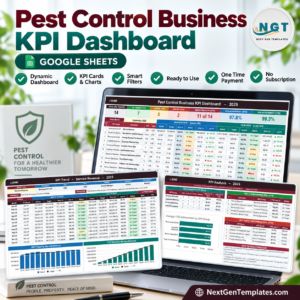
- Pest Control Business KPI Dashboard in Google Sheets: pest control business KPIs in Google Sheets
- Pest Control Business KPI Scorecard in Google Sheets: a pest control KPI scorecard in Google Sheets
- Checklist & SOP Pack: 12 checklist templates in one bundle
Browse all Google Sheets checklists.






























Reviews
There are no reviews yet.