

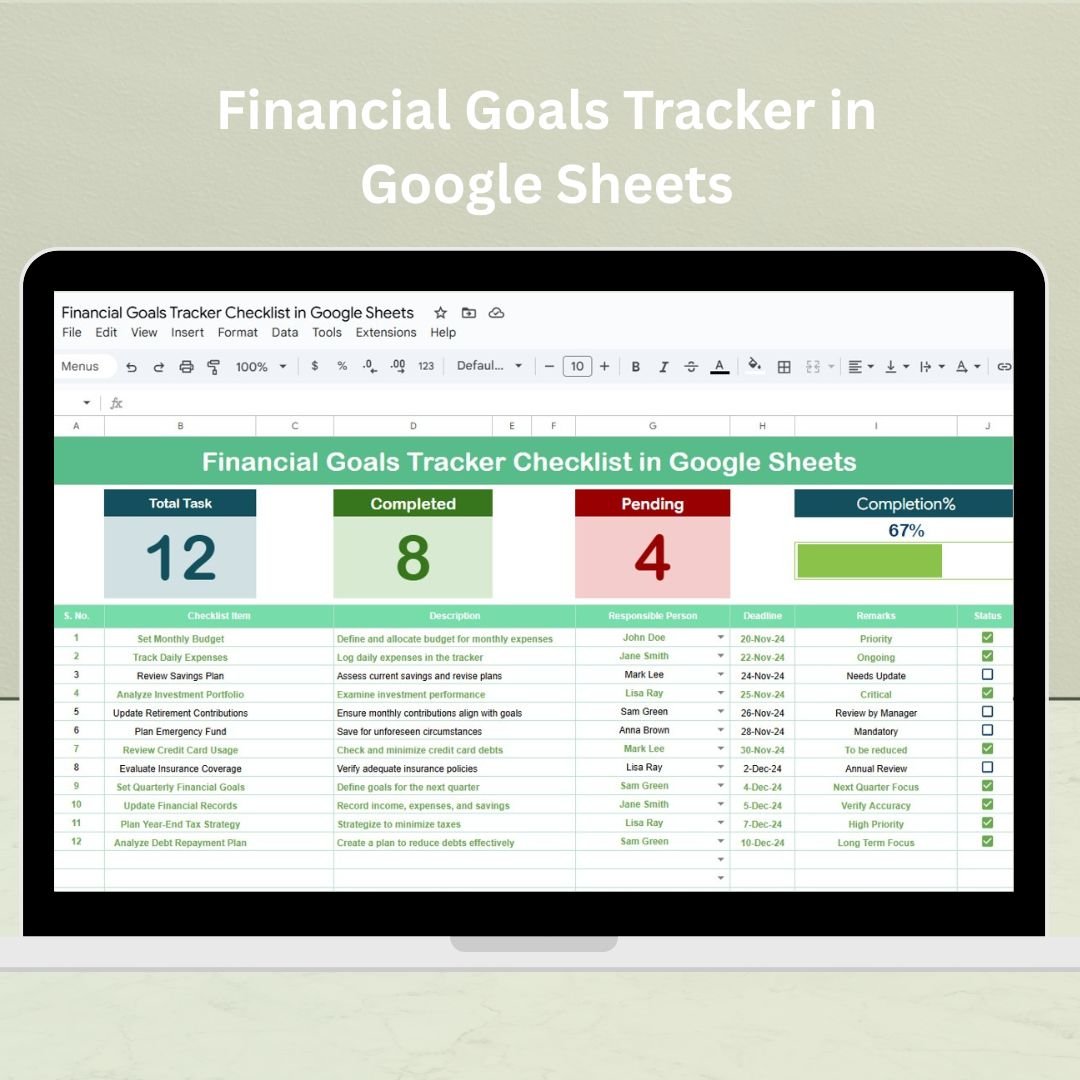
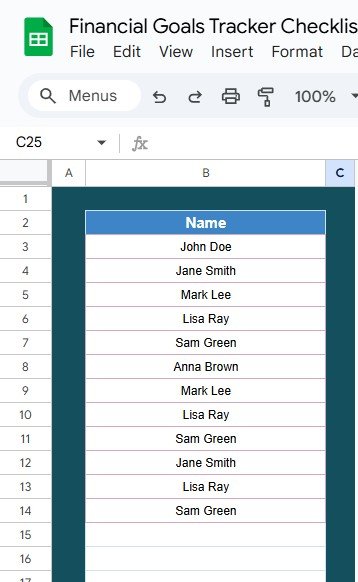

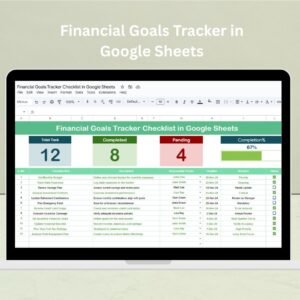
The Financial Goals Tracker in Google Sheets is an essential tool designed to help individuals set, track, and achieve their financial goals. Whether you’re saving for a big purchase, paying off debt, or building an emergency fund, this tracker provides a structured way to monitor your financial progress and keep you on track toward reaching your financial aspirations.
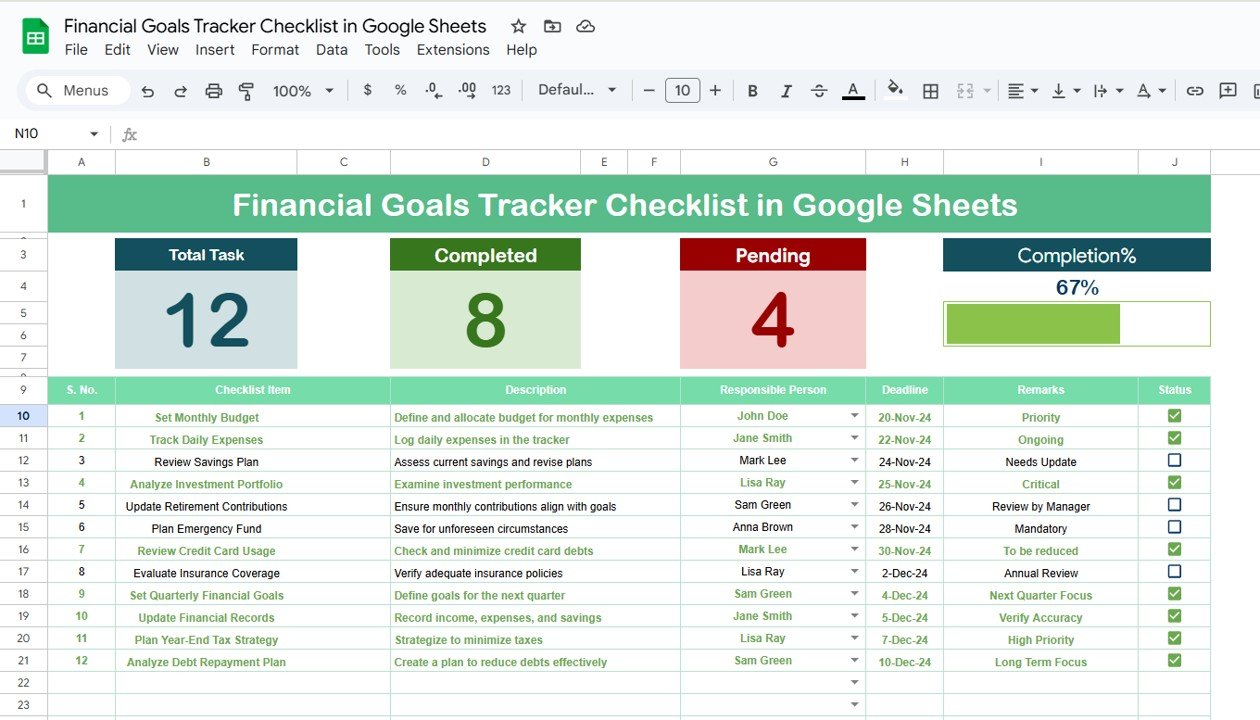
Key Features of the Financial Goals Tracker in Google Sheets
📊 Goal Setting
Define Clear Objectives: Set specific financial goals with clear targets and deadlines, ensuring your financial plan is actionable.
Customizable Fields: Adapt the tracker to suit your individual goals, whether they are saving, investing, or debt reduction.
📈 Progress Monitoring
Visual Indicators: Use progress bars and pie charts to track your financial progress and visualize how far you’ve come.
Monthly Tracking: Monitor your monthly contributions and how close you are to reaching each goal.
💰 Budget Integration
Link Your Budget: Integrate your financial goals with your monthly budget to align your spending habits with your savings objectives.
Expense Categorization: Organize expenses into categories to help you identify areas where you can save and allocate more towards your goals.
🔧 Customizable Template
Tailor It to Your Needs: Easily modify the checklist and template to fit your financial needs, from short-term savings to long-term investment plans.
Set Deadlines: Establish deadlines for each goal to ensure you’re on track to meet your targets on time.
Benefits of Using the Financial Goals Tracker
✅ Increased Financial Awareness
Gain a better understanding of your spending habits and overall financial situation, helping you make more informed decisions.
✅ Improved Motivation
Visual progress indicators keep you motivated and focused on your financial goals, encouraging consistency.
✅ Better Budgeting
Align your spending with your financial goals, making sure you’re allocating enough funds to achieve your savings or debt reduction targets.
✅ Financial Discipline
Regular tracking of your progress encourages disciplined savings, spending, and budgeting habits.
How to Use the Financial Goals Tracker in Google Sheets
Download the Template: Download the Financial Goals Tracker template and save it to your Google Drive.
Set Your Financial Goals: Define your goals, including target amounts and deadlines, for each financial objective.
Track Your Progress: Regularly update your tracker with actual savings, expenses, and any contributions towards your goals.
Review and Adjust: Periodically review your goals and progress, making any necessary adjustments to your budget or strategy to stay on track.
By using the Financial Goals Tracker in Google Sheets, you can take control of your financial future, stay organized, and work towards achieving your financial goals efficiently.
Click here to read the Detailed blog post
Financial Goals Tracker in Google Sheets
Visit our YouTube channel to learn step-by-step video tutorials
YouTube.com/@NeotechNavigators
Watch the step-by-step video Demo:
What You Get
- A goal list where you set each financial goal with a target amount and a deadline.
- Monthly tracking of contributions toward each goal.
- Progress bars and pie charts that show how far you have come.
- Expense categories that link your goals to your monthly budget.
Who It Is For
Individuals and households saving for a big purchase, paying off debt or building an emergency fund, and anyone who wants to line up monthly spending with savings goals.
Compatibility and Requirements
- Works in Google Sheets with a free Google account and a web browser.
- Save a copy to your own Google Drive, then edit it in the browser.
- Google’s guide Add & edit a chart or graph explains how the charts in Sheets work.
Frequently Asked Questions
What kinds of goals can I track?
Saving, investing and debt reduction goals, from short-term savings to long-term plans.
How do I see my progress?
Progress bars and pie charts show how close you are to each target, and the monthly tracking shows your contributions.
Can I set a deadline for each goal?
Yes. Each goal has a target amount and a deadline, so you can see whether you are on track.
Does it help with budgeting?
Yes. You can sort expenses into categories and link your goals to your monthly budget to find money to put toward them.
Related Financial Goal Templates
- Financial Goals & Milestones Tracker in Google Sheets Template: track goals and milestones in more detail
- Savings Goal Tracker in Google Sheets: follow one savings goal at a time
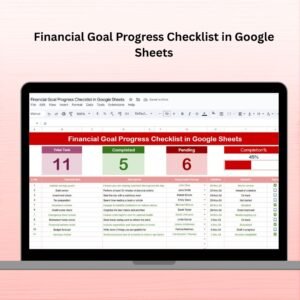
- Financial Goal Progress Checklist in Google Sheets: a checklist for financial goal progress
- Financial Goals Tracker Check List Template in Excel: the financial goals tracker in Excel
- Google Sheets Starter Pack: 12 Google Sheets templates in one pack
Browse all Google Sheets financial tools or the Google Sheets checklists.
























Reviews
There are no reviews yet.