



Struggling to keep up with subscription renewals, billing cycles, and deadlines? Whether it’s Netflix, SaaS tools, or client subscriptions—managing them all manually can be chaotic. That’s where the Subscription Management Checklist in Google Sheets comes to the rescue! 🎯💼
This powerful, ready-to-use template helps you monitor, track, and organize all your subscriptions in one centralized place. Designed with clarity, automation, and accountability in mind, this tool gives you complete control over subscription-related tasks—so you never miss a renewal again.
Whether for personal use, team collaboration, or client management, this template helps you stay ahead with real-time progress tracking and visual cues.

✨ Key Features of Subscription Management Checklist
📊 Progress Cards
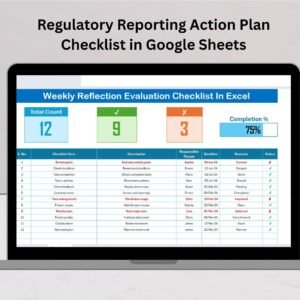
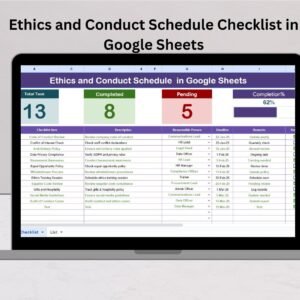
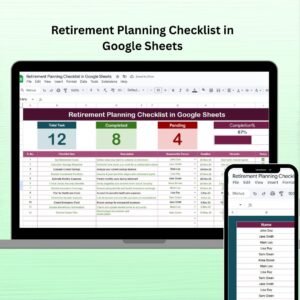
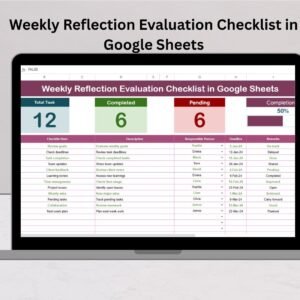
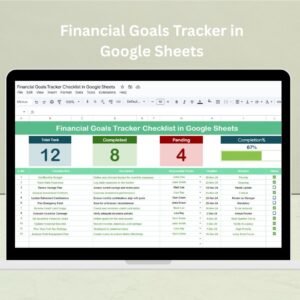
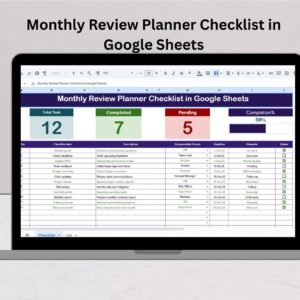
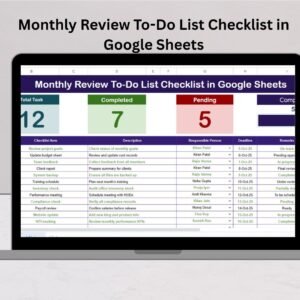
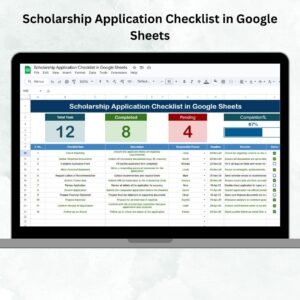
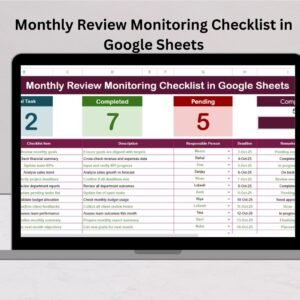
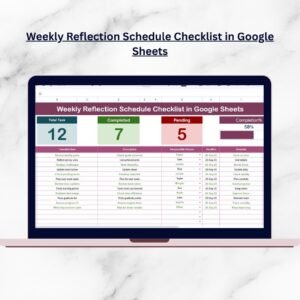
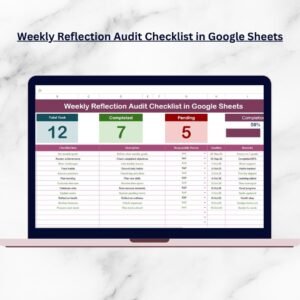
At the top of the main sheet, you’ll see dynamic summary cards:
Total Count – All tasks at a glance
✔ Completed Count – Finished renewals
✘ Pending Count – Tasks yet to be done
📈 Progress Bar – Visual indicator of how far you’ve come
🧾 Customizable Checklist Table
Each subscription entry includes:
Serial No., Checklist Item, Description
Responsible Person (with dropdown)
Deadline, Remarks, Status (✔ or ✘)
✅ Auto-Updating Status
Mark a task as completed or pending using the checkbox, and the dashboard updates instantly.
👤 Responsible Person Dropdown
Assign each subscription to an individual or team for clear accountability. The dropdown pulls from the “List Sheet.”
🗂️ Dedicated List Sheet
This secondary sheet allows you to manage the names used in the Responsible Person dropdown—clean, consistent, and easy to update.
📈 Fully Google Sheets-Based
No coding, macros, or setup required. Shareable and collaborative in real time!
📂 What’s Inside the Subscription Management Checklist
This tool includes 2 essential worksheets for seamless tracking:
1️⃣ Subscription Management Checklist Sheet
Your main dashboard to manage all subscription-related tasks. Visual cards, progress bar, and checkbox-based tracking help you stay organized at a glance.
2️⃣ List Sheet Tab
Stores all team members or individuals managing subscriptions. This feeds the dropdown in the checklist and prevents data-entry errors.
The structure is clean, easy-to-follow, and can scale as your subscription portfolio grows.
👥 Who Can Benefit from This Product?
Perfect for:
🧑💼 Freelancers – Manage creative tools, platforms, and services
🏢 Small Business Owners – Track software and vendor subscriptions
🎓 Students – Stay on top of study-related apps and tools
👨👩👧 Families – Manage shared entertainment or utility subscriptions
🧑💻 IT & Admin Teams – Oversee org-wide SaaS and cloud services
📊 Agencies & Consultants – Manage client accounts with precision
From personal planning to professional operations, this checklist fits every need.
🔗 Click here to read the Detailed blog post
Watch the step-by-step video Demo:
🎥 Visit our YouTube channel to learn step-by-step video tutorials
Compatibility and Requirements
- Works in Google Sheets. You need a free Google account and a web browser.
- The Responsible Person column is a dropdown that reads names from the List Sheet. Google explains dropdowns in Create an in-cell dropdown list.
Frequently Asked Questions
Which sheets are included?
Two sheets: the Subscription Management Checklist sheet and the List Sheet.
How do I mark a subscription task as done?
Tick the checkbox in the Status column. The Completed Count, Pending Count and progress bar at the top update right away.
How do I add or change the names in the Responsible Person dropdown?
Edit the names on the List Sheet. The dropdown in the checklist reads from that sheet.
What details can I record for each subscription?
Each row has a serial number, checklist item, description, responsible person, deadline, remarks and status.
Is there an Excel version?
Yes. See the Subscription Management Checklist Template in Excel.
Related Subscription and Checklist Templates
- Subscription Management Checklist Template in Excel: the same checklist in Excel
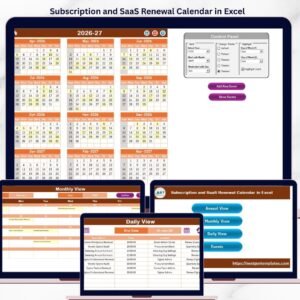
- Subscription and SaaS Renewal Calendar in Excel: a calendar view of renewal dates
- Subscription Business KPI Dashboard in Power BI: KPIs for a subscription business
- Project Management Checklist in Google Sheets: another Google Sheets checklist for tasks
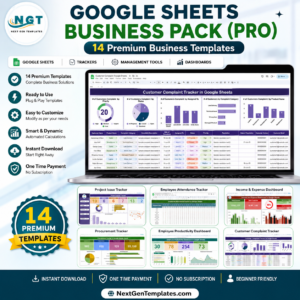
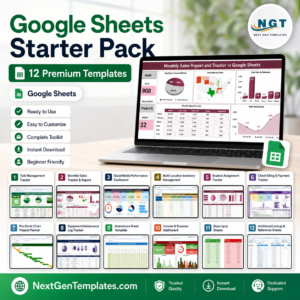
- Google Sheets Starter Pack: 12 Google Sheets templates in one download
Browse all Google Sheets checklists.












Reviews
There are no reviews yet.