

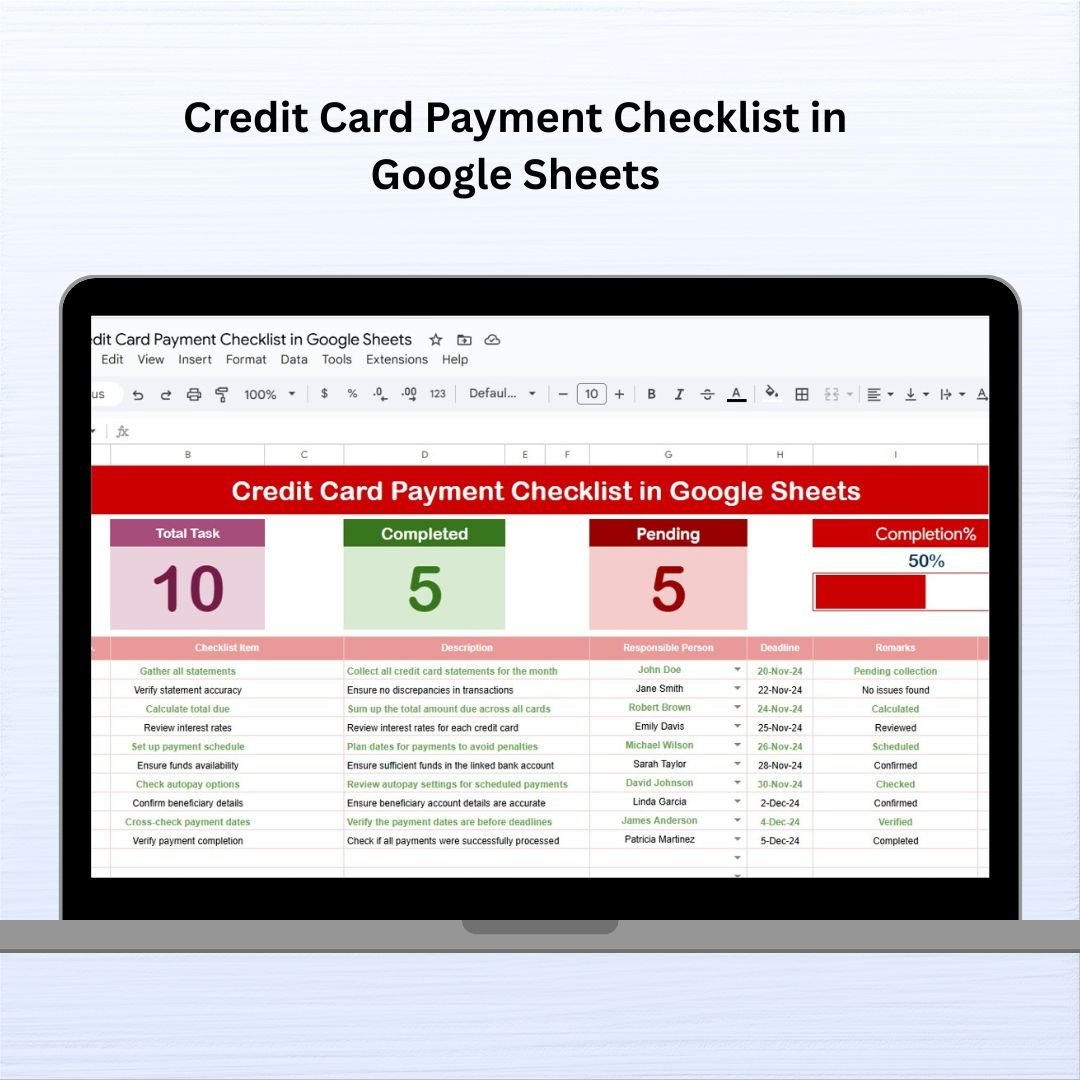
Managing multiple credit card payments every month can be overwhelming—but it doesn’t have to be. With the Credit Card Payment Checklist in Google Sheets, you get a clear, organized, and visual way to stay on top of your financial obligations. 🧾📅
Whether you’re tracking personal expenses or managing business card payments, this ready-to-use, interactive template helps ensure you never miss a due date. Built with simplicity and accountability in mind, it allows you to monitor each payment, assign responsibilities, and visualize progress with just a glance.
✨ Key Features of Credit Card Payment Checklist
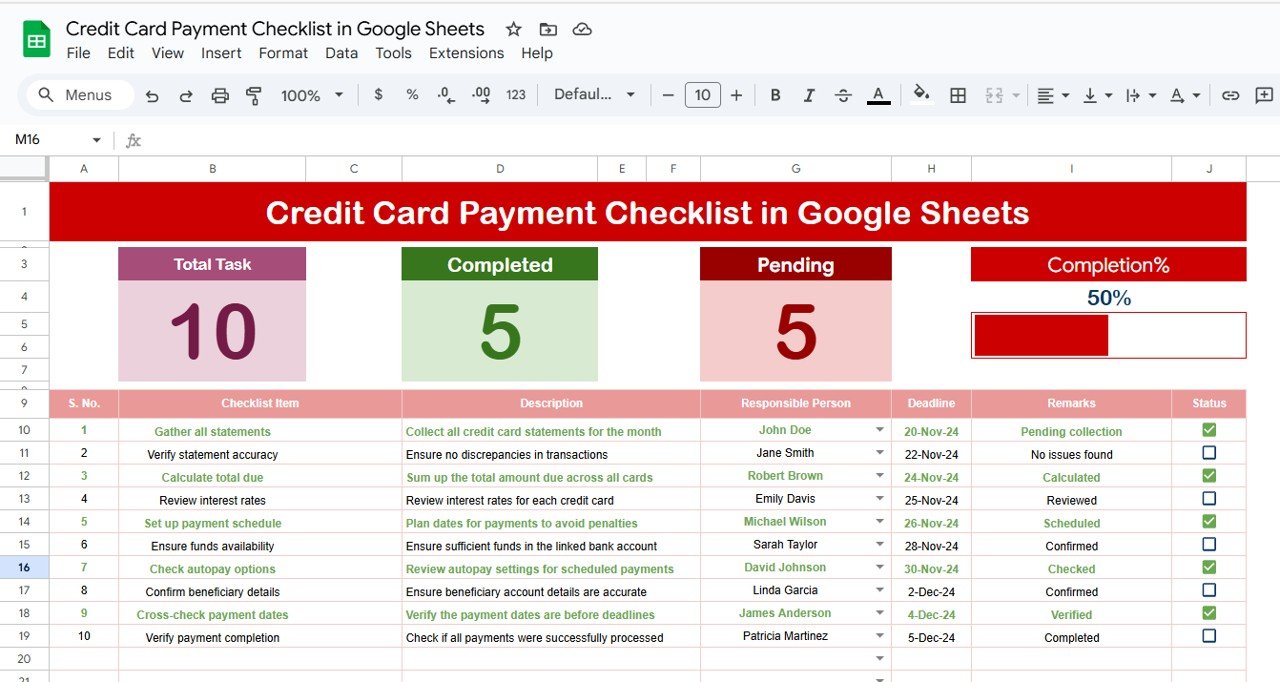
📋 Main Checklist Sheet – Stay Fully Organized
Easily capture essential payment details including:
Serial No. – Auto-numbered for easy tracking
Checklist Item – Name of the credit card or payment task
Description – Brief context like “Business Card Q3 Payment”
Responsible Person – Dropdown to assign payment to an individual
Deadline – Date when the payment is due
Remarks – Add notes (e.g., “Partial paid”, “Scheduled via auto-pay”)
Status – Mark ✔ (paid) or ✘ (pending) to track completion
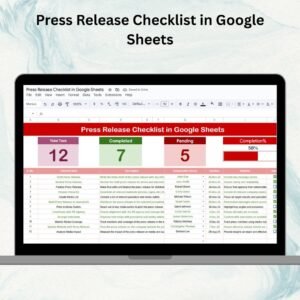
📈 Top Section Overview – Real-Time Progress Snapshot
Total Count – Total credit card payments in the checklist
Completed Count – Paid payments marked ✔
Pending Count – Remaining unpaid payments
Progress Bar – Visual percentage of completed payments
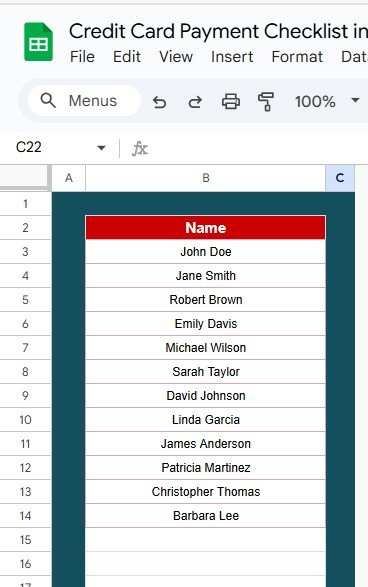
📄 List Sheet – Customize Responsible Person Dropdowns
Manage the names that appear in the dropdown menu of the “Responsible Person” column. This ensures data consistency and team accountability.
📂 What’s Inside the Template?
This Google Sheets file contains 2 smartly structured worksheets:
1️⃣ Credit Card Payment Checklist Sheet – For tracking all your payment details with real-time visual feedback
2️⃣ List Sheet – Backend list to manage names of individuals responsible for payments
Both sheets are fully editable and designed for easy collaboration. Add unlimited rows or new names as your needs evolve.
👥 Who Can Benefit from This Product?
This template is ideal for:
✅ Individuals & Families – Manage multiple personal or household credit cards
✅ Startups & Entrepreneurs – Track credit card expenses used for business purchases
✅ Finance Teams – Assign and monitor payment responsibilities across departments
✅ Virtual Assistants & Bookkeepers – Track payments for clients effortlessly
If you’re tired of late fees, confusion, or missing due dates, this tool is built to put you back in control.






























Reviews
There are no reviews yet.