

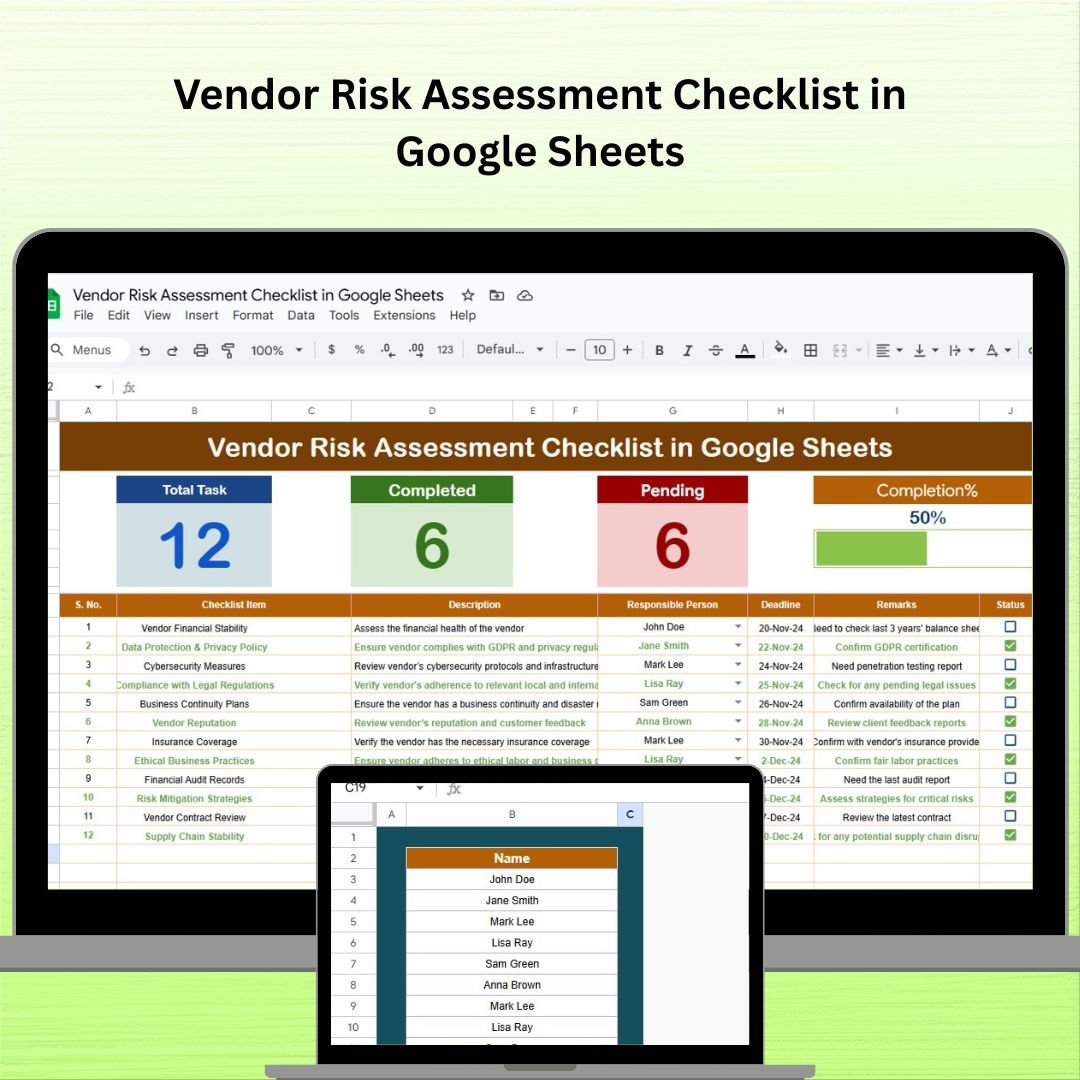
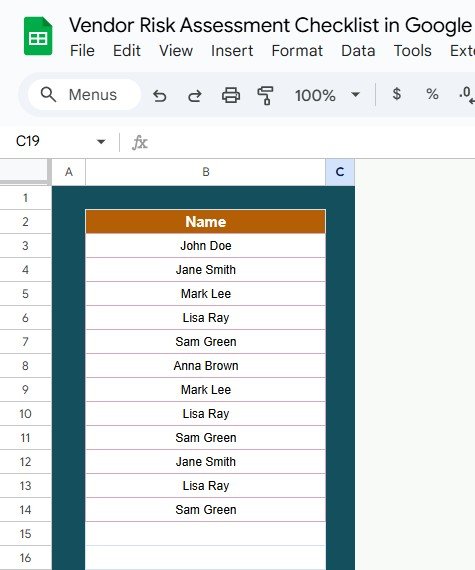

The Vendor Risk Assessment Checklist in Google Sheets is a comprehensive tool designed to help organizations systematically assess and manage risks associated with third-party vendors. This checklist provides a structured approach to evaluate key risk factors such as financial stability, regulatory compliance, cybersecurity measures, and operational capabilities, ensuring that your organization collaborates with reliable vendors who meet your risk management criteria.
By utilizing this Google Sheets-based checklist, businesses can make informed decisions, mitigate potential risks, and maintain secure, reliable relationships with vendors.
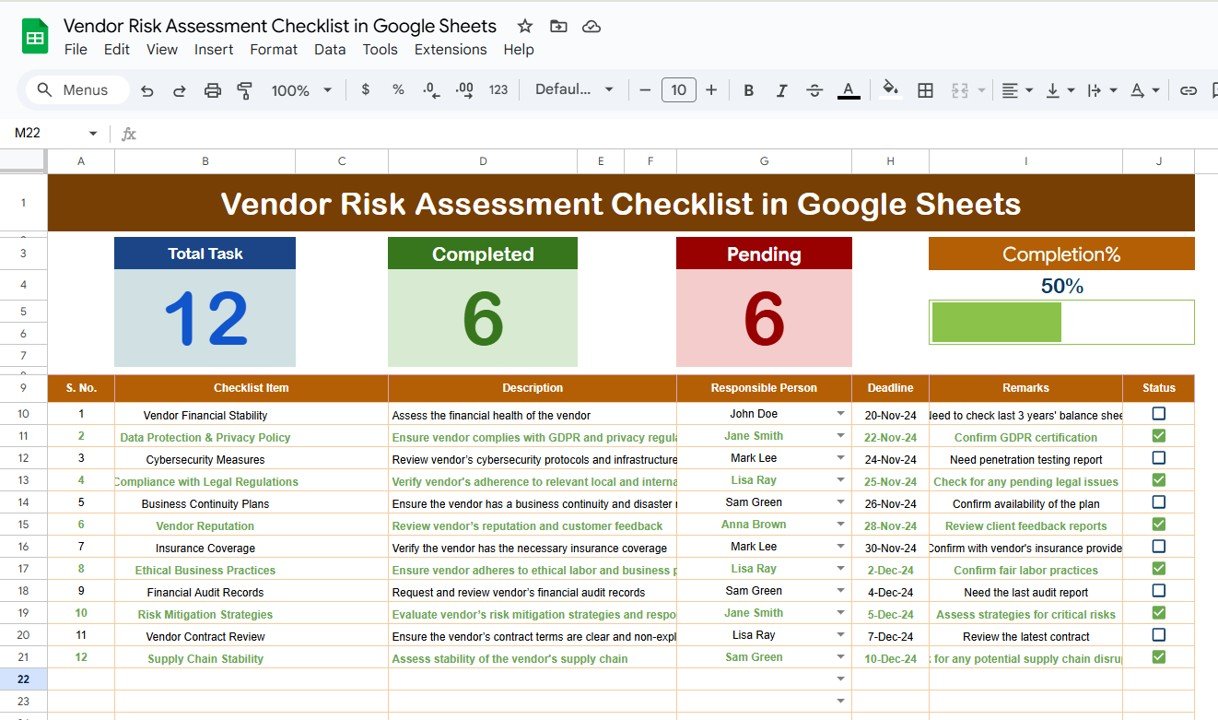
Key Features of the Vendor Risk Assessment Checklist in Google Sheets
📋 Comprehensive Risk Categories
Evaluate Critical Risks: Assess risk factors such as financial health, compliance with regulations, cybersecurity standards, and operational reliability.
Scoring Mechanism: Use a scoring system to quantify and compare risks, helping you objectively evaluate each vendor.
🔧 Customizable Template
Tailor the Checklist: Easily adjust the checklist to match your organization’s specific vendor risk criteria and industry needs.
Modify Fields: Add or remove fields to assess unique risk factors relevant to your business.
💻 Collaborative Platform
Real-Time Collaboration: Share the checklist with your team for collaborative input and evaluations, ensuring a thorough risk assessment.
Cloud-Based: Work from anywhere with Google Sheets’ cloud-based accessibility, perfect for teams spread across different locations.
📅 Tracking and Reporting
Continuous Monitoring: Regularly update the checklist to reflect changes in vendor performance and risk status.
Easy-to-Understand Reporting: Visual indicators and easy-to-read results make it simple to analyze and report findings.
Benefits of Using the Vendor Risk Assessment Checklist in Google Sheets
✅ Informed Decision-Making
Track and evaluate potential risks before entering into vendor agreements, allowing you to make better decisions based on reliable data.
✅ Risk Mitigation
Identify and address critical risks, such as non-compliance or security vulnerabilities, before they become issues that impact your business.
✅ Regulatory Compliance
Ensure that all vendors comply with industry regulations and your organization’s standards, helping you avoid potential legal or financial penalties.
✅ Operational Continuity
Assess vendors’ operational capabilities to ensure they can meet your requirements and maintain performance without interruptions.
Getting Started with Your Vendor Risk Assessment Checklist in Google Sheets
Download the Template: Begin by downloading the Vendor Risk Assessment Checklist template and customizing it for your needs.
Define Your Criteria: Add or modify the checklist fields to suit your organization’s risk management criteria.
Assess Vendors: Evaluate each vendor based on the defined risk categories and assign scores for better comparison.
Analyze Results: Review the assessment results to identify high-risk vendors and make informed decisions about vendor selection.
Monitor & Update: Regularly update the checklist as vendor performance or risk factors change to ensure ongoing risk management.
By using the Vendor Risk Assessment Checklist in Google Sheets, your organization can streamline the vendor evaluation process, reduce exposure to risks, and ensure a robust and secure supply chain.
Click here to read the Detailed blog post
Vendor Risk Assessment Checklist in Google Sheets
Visit our YouTube channel to learn step-by-step video tutorials
YouTube.com/@NeotechNavigators
Watch the step-by-step video Demo:
Compatibility and Requirements
- Works in Google Sheets. You need a free Google account and a web browser.
- Several people can work in the same file at once, so your team can score vendors together. Google explains how to get started in Get started with Google Sheets.
Frequently Asked Questions
Which risks does the checklist cover?
It covers financial health, regulatory compliance, cybersecurity measures and operational capability. These are the risk categories you score for each vendor.
Can I add my own risk criteria?
Yes. You can add or remove fields so the checklist matches your organization’s vendor risk criteria and industry.
How does the scoring work?
You assign scores in each risk category for each vendor. The scores let you compare vendors and spot high-risk ones before you sign an agreement.
Can my team fill it in together?
Yes. Google Sheets lets you share the file, so colleagues can add input and evaluations at the same time from different locations.
Is there an Excel version?
Yes. See the Vendor Risk Assessment Checklist in Excel.
Related Vendor and Risk Templates
- Vendor Risk Assessment Checklist in Excel: the same checklist for Excel users
- Risk Assessment Checklist in Google Sheets: a general risk checklist in Google Sheets
- Vendor Evaluation Checklist Template in Excel: a checklist for comparing vendors
- Risk Management Dashboard In Google Sheets: a dashboard view of your risks
- Procurement and Vendor Management Kit: 7 templates for procurement and vendor work in one download
Browse all Google Sheets checklists.














Reviews
There are no reviews yet.