

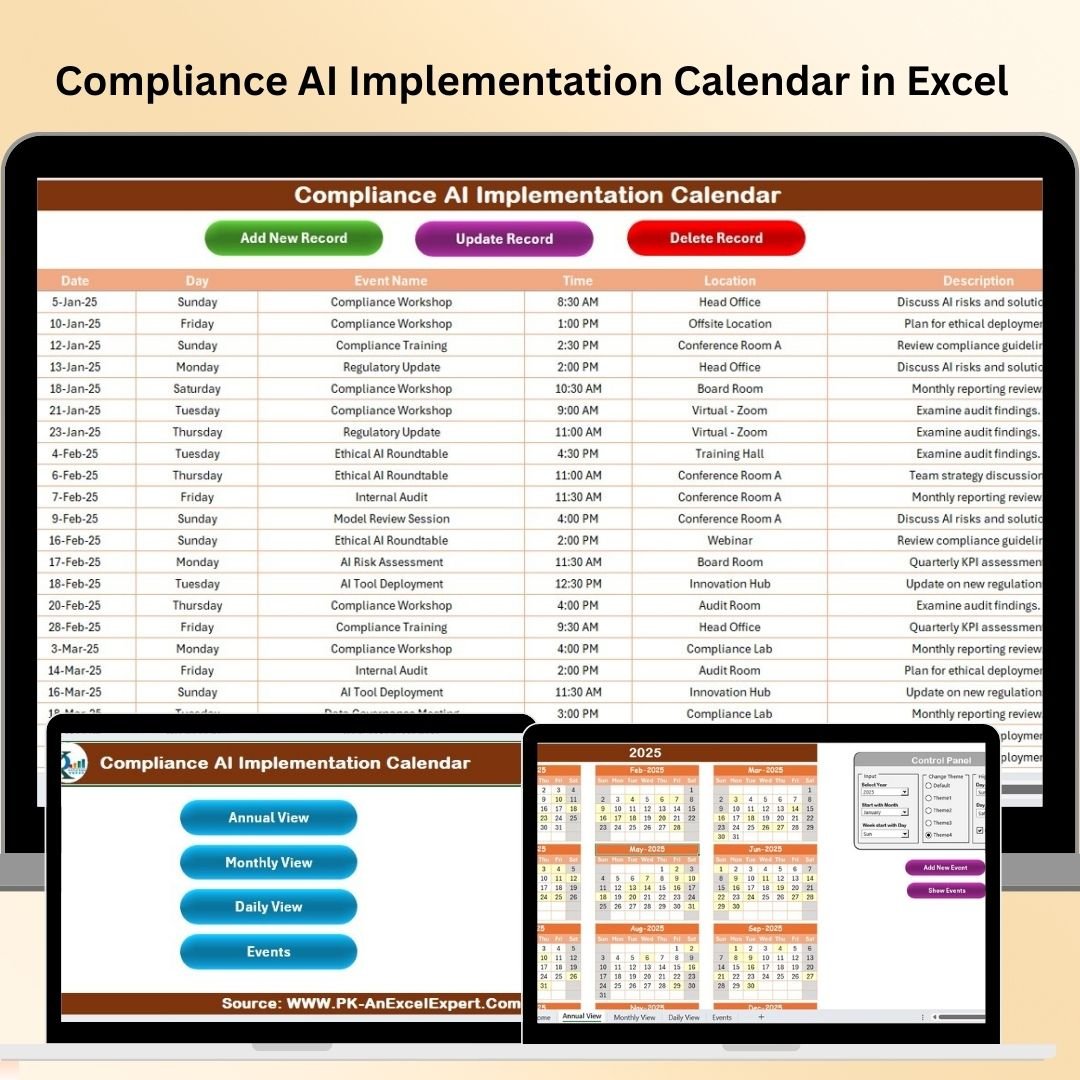

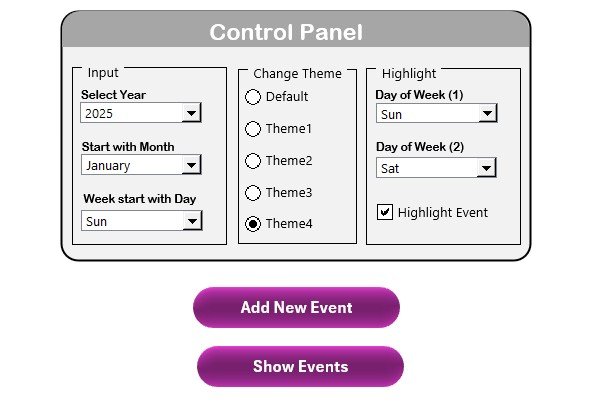
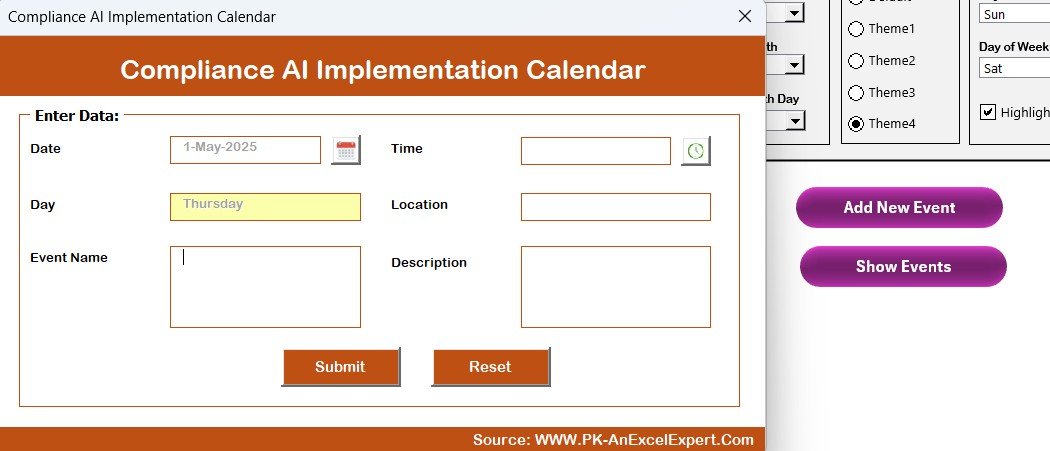
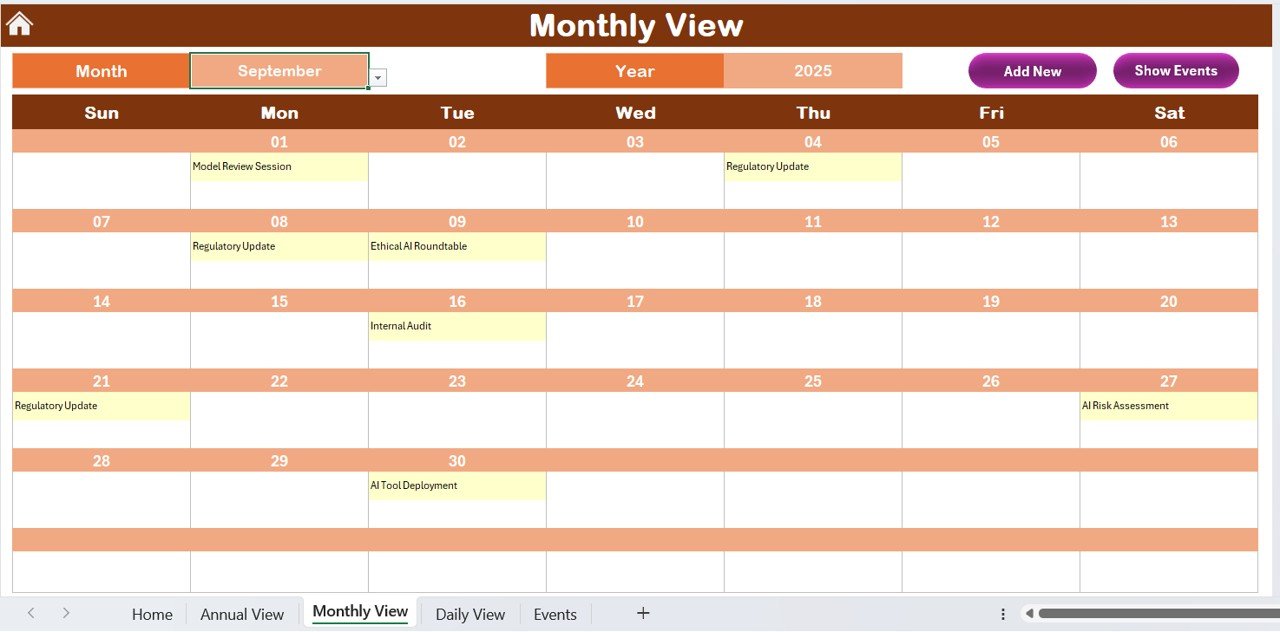
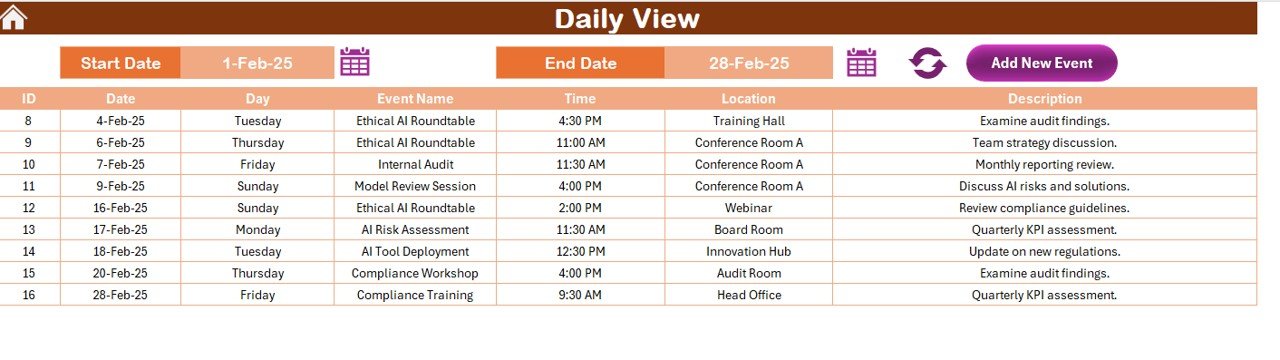
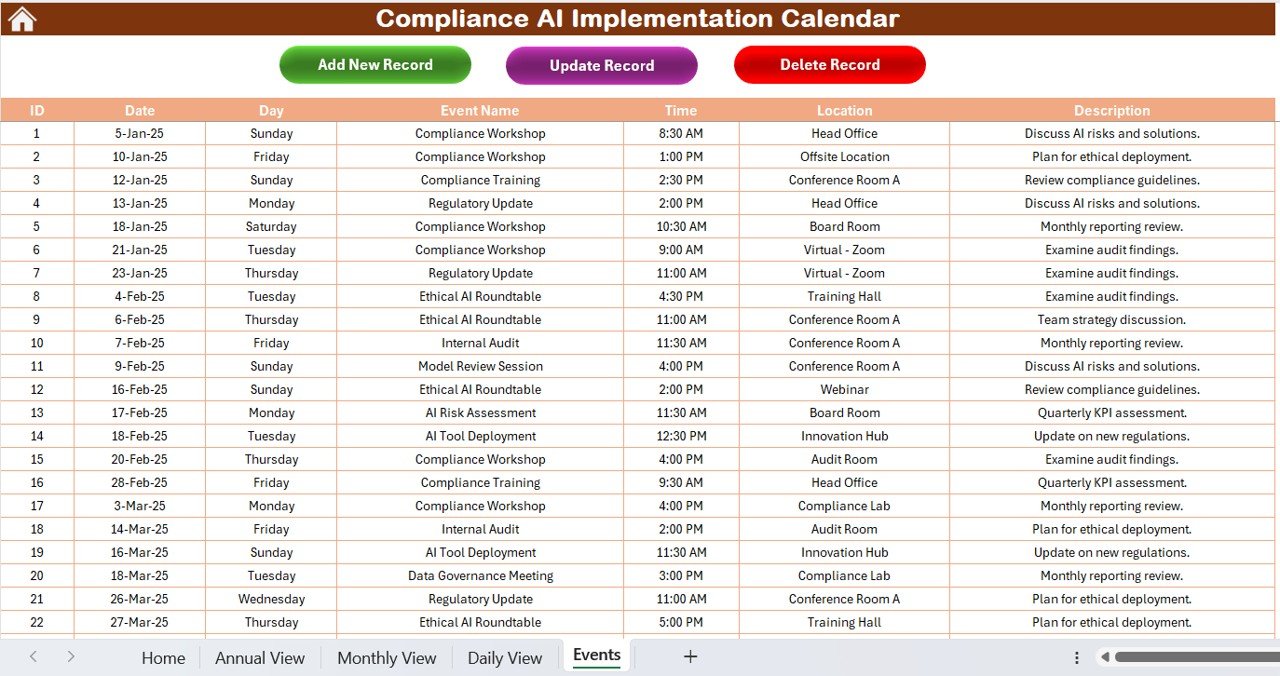

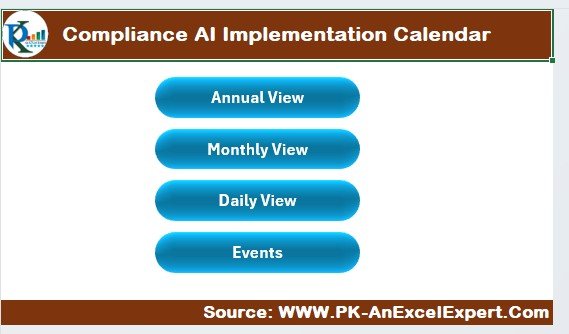
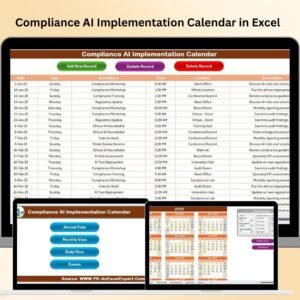
The Compliance AI Implementation Calendar in Excel is a comprehensive and structured tool designed to help businesses and organizations successfully implement AI compliance frameworks. With growing regulatory demands surrounding artificial intelligence, this Excel-based calendar serves as a roadmap to ensure that all compliance activities, deadlines, and milestones are tracked efficiently.
This tool is specifically tailored for teams working on AI development, integration, and deployment. It provides clear schedules for compliance-related activities, from policy updates to auditing processes, ensuring that every phase of AI implementation adheres to legal and ethical guidelines. By staying on top of these essential tasks, organizations can avoid costly compliance failures and legal challenges, while optimizing their AI operations for success.
Key Features of the Compliance AI Implementation Calendar in Excel
📅 Detailed Implementation Timeline
Track every phase of your AI implementation, including data collection, algorithm development, testing, and regulatory audits. The calendar gives you a comprehensive timeline to ensure that every task is completed on time.
📝 Compliance Milestones & Deadlines
Set important compliance deadlines, such as reporting deadlines, compliance checks, and legal submissions. This ensures your AI projects remain aligned with regulations throughout development and deployment.
🔑 Regulatory Requirements Tracking
Monitor and document specific regulatory requirements, such as GDPR, CCPA, and other jurisdictional laws. This ensures that your AI projects meet the legal obligations in every region where they are deployed.
📈 Customizable Calendar & Task Management
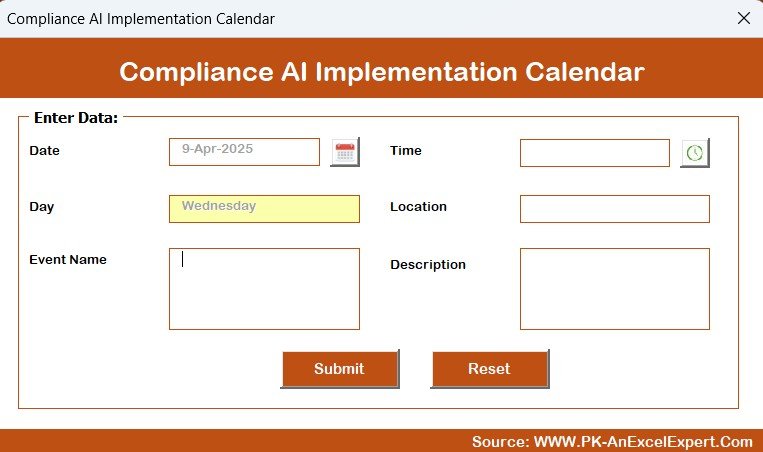
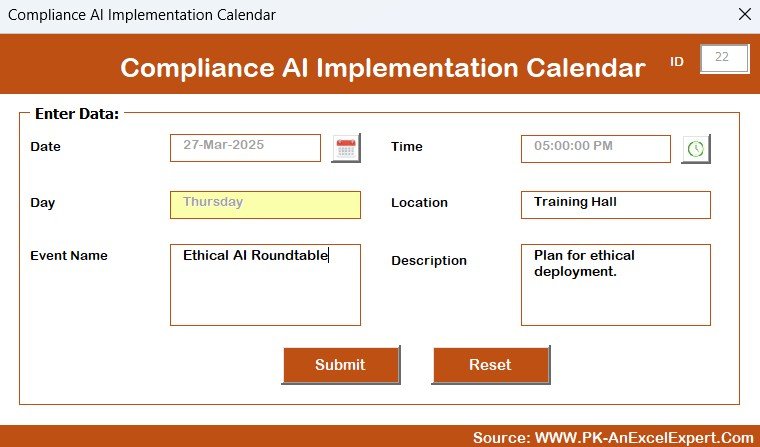
Customize the calendar to fit your organization’s unique AI compliance process. Add, update, or remove tasks and deadlines to match specific project needs and regulatory requirements.
⚙️ Audit & Review Tracking
Track progress on audit reviews, documentation submission, and compliance evaluations. Keep everything in check and ensure your organization is always audit-ready.
🔄 Real-Time Data Updates
Make changes, update tasks, and monitor progress in real-time. The easy-to-edit format allows you to adjust the calendar as needed while maintaining an up-to-date view of your AI compliance status.
Why You’ll Love the Compliance AI Implementation Calendar in Excel
✅ Stay Organized with Clear Deadlines
Easily track AI compliance tasks and deadlines to avoid missing critical milestones. Ensure every aspect of your AI implementation process is well-managed and on schedule.
✅ Simplify AI Compliance Management
Consolidate compliance activities into one easy-to-follow calendar. Keep track of all required actions and deadlines in one central location to streamline your compliance process.
✅ Ensure Regulatory Compliance at Every Stage
Monitor regulatory requirements and compliance deadlines, ensuring that your AI projects meet the latest legal and ethical standards in data protection and privacy laws.
✅ Increase Operational Efficiency
By tracking compliance tasks and milestones, optimize workflows, reduce delays, and improve your team’s ability to meet deadlines on time.
✅ Customizable & Scalable
Tailor the calendar to your specific AI projects and compliance needs. Whether you are working on a single project or managing a portfolio of AI developments, the calendar can scale to fit your organization’s requirements.
What’s Inside the Compliance AI Implementation Calendar in Excel?
Detailed AI Implementation Timeline: Track every phase of the AI project, from development to compliance audits.
Compliance Milestones & Deadlines: Set and monitor deadlines for compliance tasks, reports, and audits.
Regulatory Requirements Tracking: Stay on top of legal obligations like GDPR, CCPA, and other AI regulations.
Customizable Calendar: Add or remove tasks and deadlines to fit your specific AI project requirements.
Audit & Review Tracking: Track compliance reviews, audits, and evaluations to ensure everything is in line with regulatory standards.
How to Use the Compliance AI Implementation Calendar in Excel
1️⃣ Download the Template: Instantly access the Compliance AI Implementation Calendar in Excel.
2️⃣ Input Key Dates & Deadlines: Add important compliance deadlines, regulatory review periods, and milestones to the calendar.
3️⃣ Track Regulatory Requirements: Monitor compliance with specific AI-related regulations and make sure your AI project stays aligned with all applicable laws.
4️⃣ Monitor Task Progress: Use the task tracking feature to ensure that each milestone and deadline is met on time.
5️⃣ Update & Adjust as Needed: Make real-time adjustments to the calendar as your AI project evolves and new regulations arise.
Who Can Benefit from the Compliance AI Implementation Calendar in Excel?
🔹 AI Development Teams
🔹 Legal & Compliance Teams
🔹 Data Protection Officers (DPOs)
🔹 IT and Security Teams
🔹 Project Managers for AI Initiatives
🔹 Businesses Using AI for Operational Efficiency
🔹 Large Enterprises with Complex AI Regulations
🔹 Regulatory & Risk Management Professionals
Stay on top of your AI compliance tasks and ensure regulatory adherence with the Compliance AI Implementation Calendar in Excel. Track deadlines, monitor compliance, and manage your AI project’s legal requirements all in one place.
Click here to read the Detailed blog post
Visit our YouTube channel to learn step-by-step video tutorials
Youtube.com/@PKAnExcelExpert
Compatibility and Requirements
- Works in Microsoft Excel desktop (Excel 2016 or later, or Microsoft 365).
- Microsoft has a free course for new users: Excel for Windows training.
Frequently Asked Questions
What can I track in this calendar?
You can track the phases of an AI project (data collection, algorithm development, testing and regulatory audits), compliance milestones and deadlines, regulatory requirements such as GDPR and CCPA, and audit and review progress.
Can I change the tasks and deadlines?
Yes. You can add, update or remove tasks and deadlines so the calendar matches your own AI compliance process.
Does it cover GDPR and CCPA?
It has a section for tracking regulatory requirements, including GDPR, CCPA and other laws that apply where your AI project is deployed. You enter the requirements and dates that apply to you.
Can I use it for more than one AI project?
Yes. The calendar can be adjusted to fit one project or a portfolio of AI projects.
Is there a version for a specific industry or team?
Yes. See the Technology Compliance AI Implementation Calendar in Excel, the Finance Compliance AI Implementation Calendar in Excel and the Education Compliance AI Implementation Calendar in Excel.
Related Compliance Templates
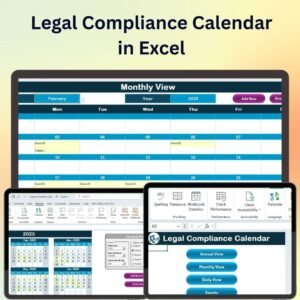
- Legal Compliance Calendar in Excel: track legal and regulatory dates in one calendar
- Operations AI Implementation Calendar in Excel: the same AI implementation calendar for operations teams
- Compliance Training Calendar in Excel: schedule compliance training for your staff
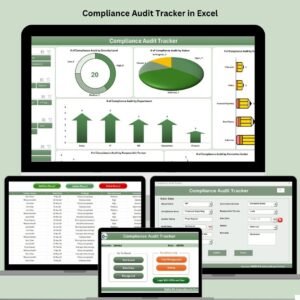
- Compliance Audit Tracker in Excel: log audits and their results
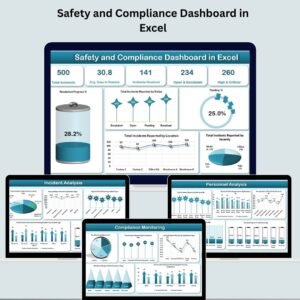
- Safety and Compliance Dashboard in Excel: a dashboard view of compliance data
Browse all Excel calendar templates.






























Reviews
There are no reviews yet.