



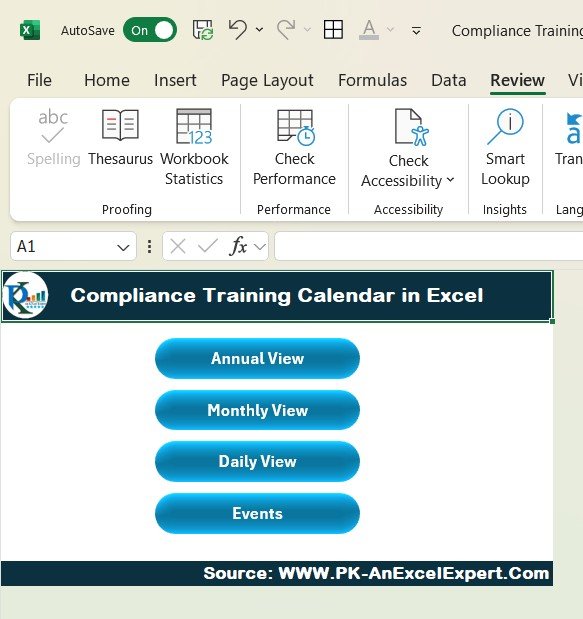
The Compliance Training Calendar in Excel is an essential tool for organizations aiming to maintain regulatory compliance through proper employee training. This easy-to-use Excel-based calendar helps HR teams, compliance officers, and managers schedule, track, and monitor compliance training programs across the entire organization. Whether it’s for onboarding, ongoing training, or regulatory updates, this tool keeps all training activities organized and on schedule, ensuring your company remains compliant with industry standards and legal requirements.
With clear tracking of training schedules, completion statuses, and upcoming sessions, the Compliance Training Calendar ensures no employee is overlooked, and all training requirements are met on time. Customizable fields and a visual calendar layout allow you to tailor the calendar to your organization’s specific compliance needs.
Key Features of the Compliance Training Calendar in Excel
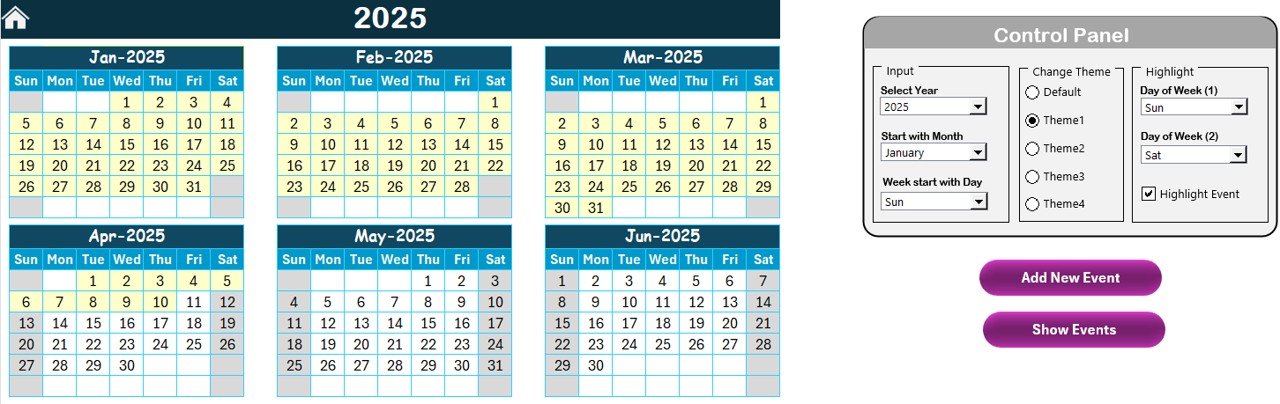
📅 Easy-to-Use Calendar Layout
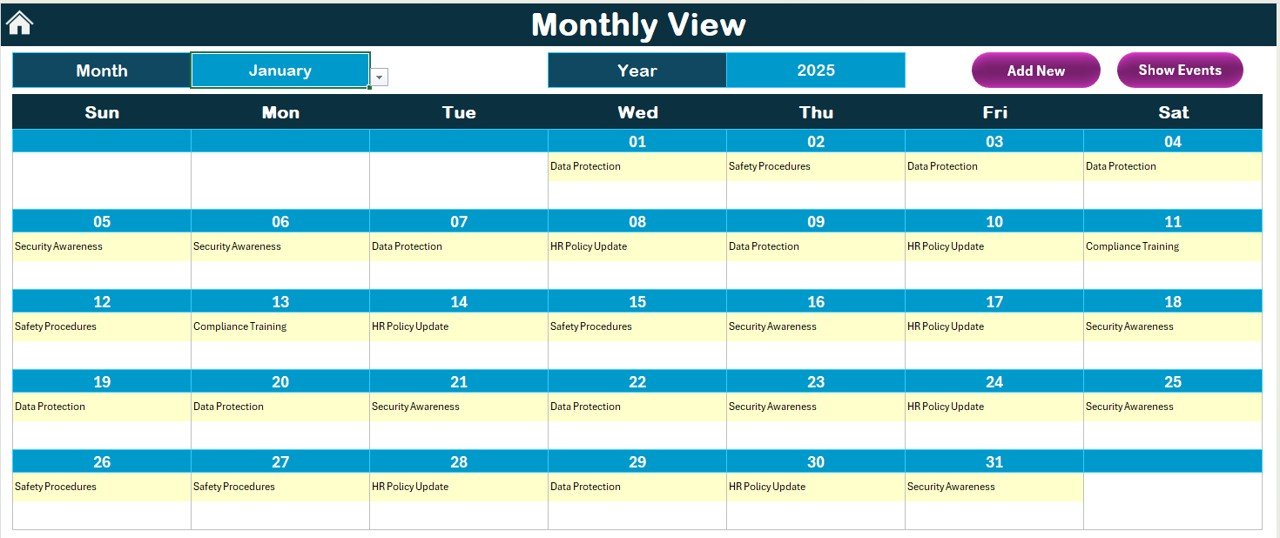
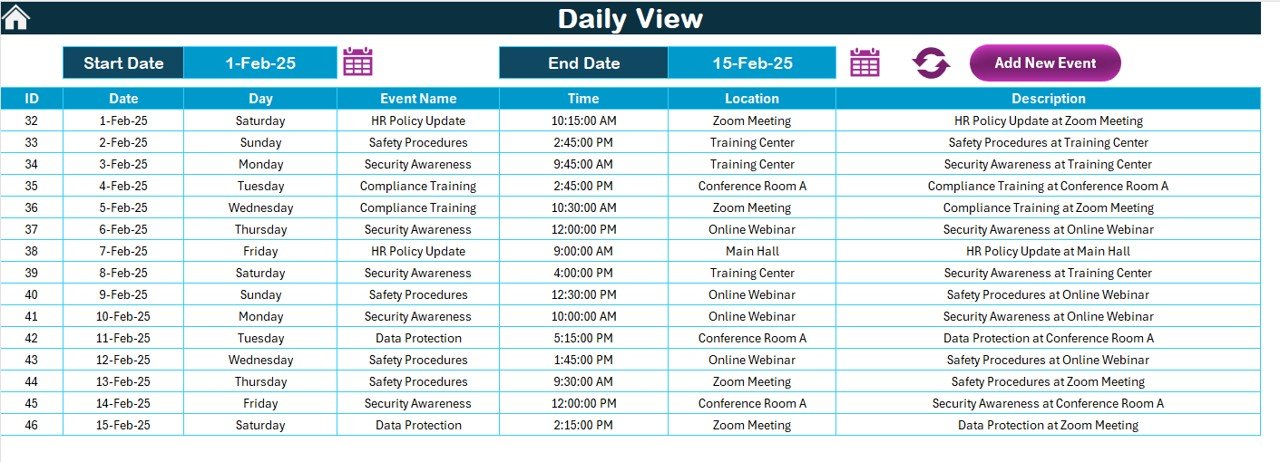
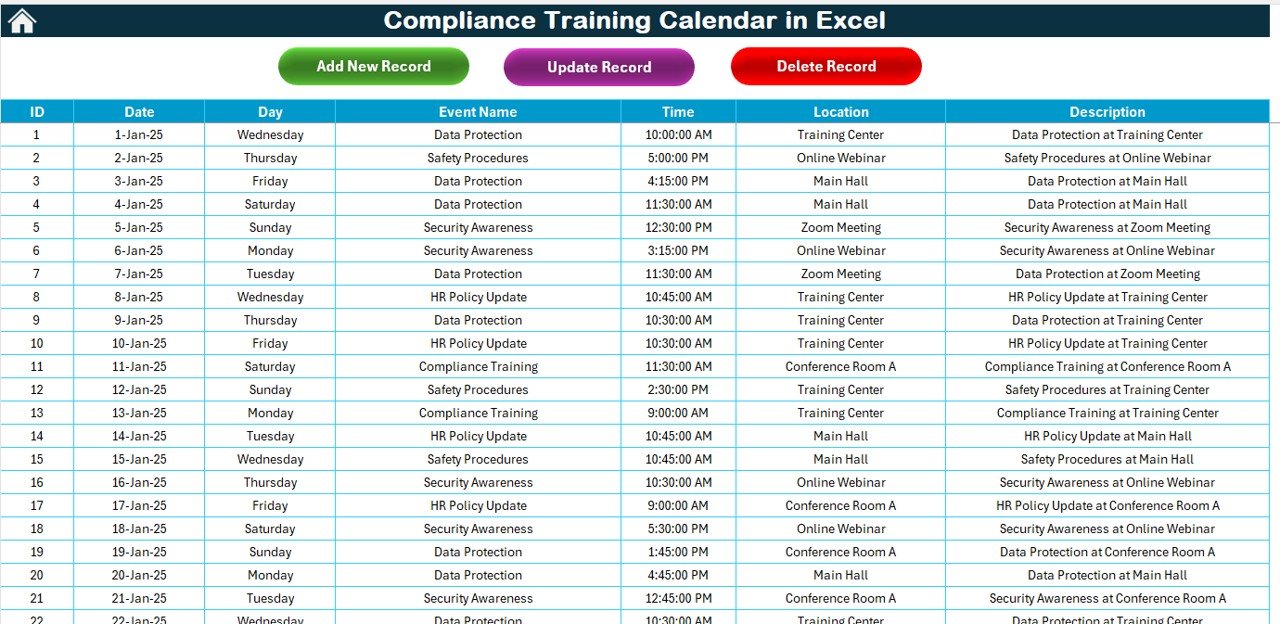
A visually organized calendar layout allows you to schedule and track compliance training sessions in one centralized location. The layout is simple to navigate, ensuring that all training activities are clearly visible and well-organized.
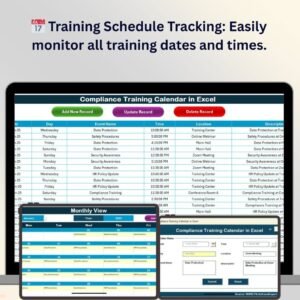
📈 Training Schedule Tracking
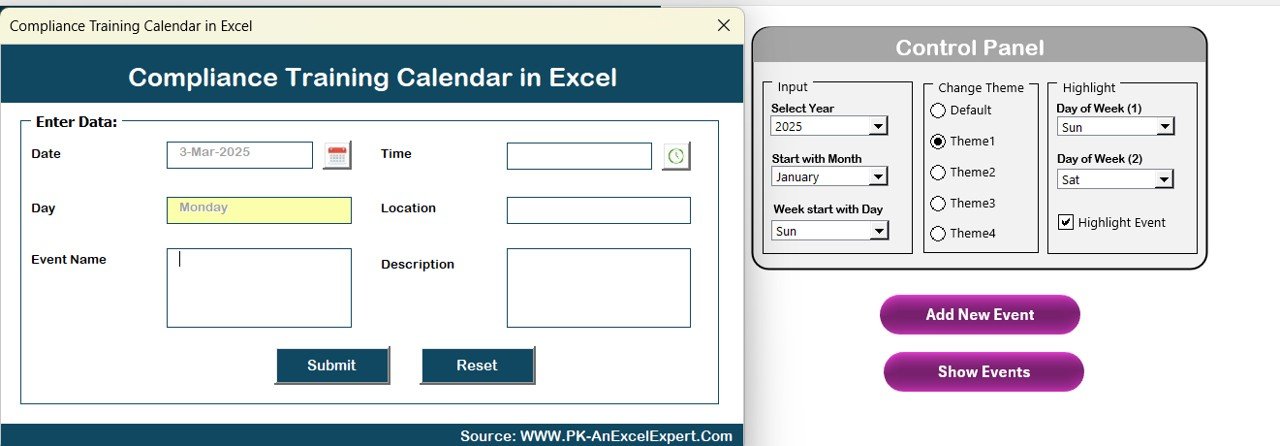
Keep track of all scheduled compliance training sessions, including start dates, end dates, and times. Ensure that all employees receive the training they need within the required timeframes.
✅ Training Completion Status
Monitor training completion statuses for each employee. Mark training sessions as complete or pending, making it easier to identify who has completed their training and who requires follow-up.
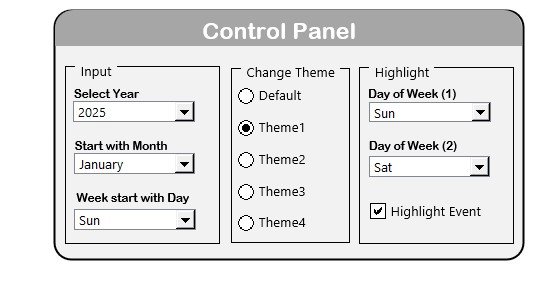
🔑 Customizable Fields
Adapt the calendar to meet your organization’s unique training needs. Modify categories, add additional training types, or track specific compliance-related certifications required by your industry.
📊 Compliance Tracking & Reporting
Track and report on compliance training progress with built-in templates. This feature enables you to analyze employee participation and ensure all necessary certifications and trainings are up to date.
⚙️ Automated Reminders
Set reminders for upcoming training sessions and deadlines, ensuring that employees are notified in advance to complete required sessions. This feature helps minimize missed sessions and delays.
Why You’ll Love the Compliance Training Calendar in Excel
✅ Stay Organized & Compliant
Easily track employee training sessions and ensure that all compliance requirements are met on time. Keep all training data in one place for efficient management.
✅ Improve Employee Engagement
By organizing training schedules, employees can easily see what is required and when. With transparent deadlines and completion tracking, you improve accountability and participation in training sessions.
✅ Ensure Regulatory Compliance
Stay compliant with industry regulations and avoid penalties. Track certifications and ensure all employees are up-to-date with required compliance training.
✅ Increase Operational Efficiency
Organize and streamline training schedules, so employees can focus on learning rather than worrying about missed deadlines. Efficient tracking leads to better compliance and productivity.
✅ Customizable & Scalable
Whether you’re a small business or a large corporation, the calendar can be customized to fit your organization’s specific training needs. The scalable design ensures it grows with your team.
What’s Inside the Compliance Training Calendar in Excel?
Training Schedule Tracking: Monitor the start and end dates for each training session.
Employee Completion Status: Track who has completed their training and who still needs to finish.
Customizable Fields: Tailor the calendar to reflect specific training types and certification requirements.
Compliance Reporting & Analysis: Track and report on training progress and compliance.
Automated Reminders: Set up reminders for upcoming training sessions and deadlines.
Easy Navigation & Organization: The calendar layout provides clear visibility of training sessions and deadlines.
How to Use the Compliance Training Calendar in Excel
1️⃣ Download the Template: Access the Compliance Training Calendar in Excel instantly.
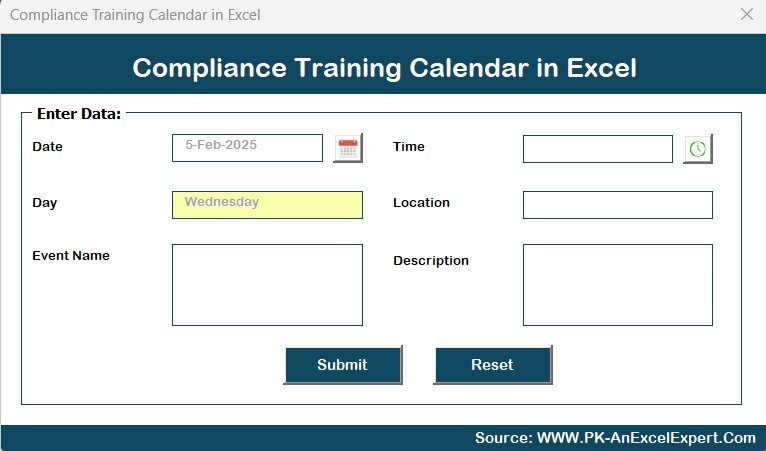
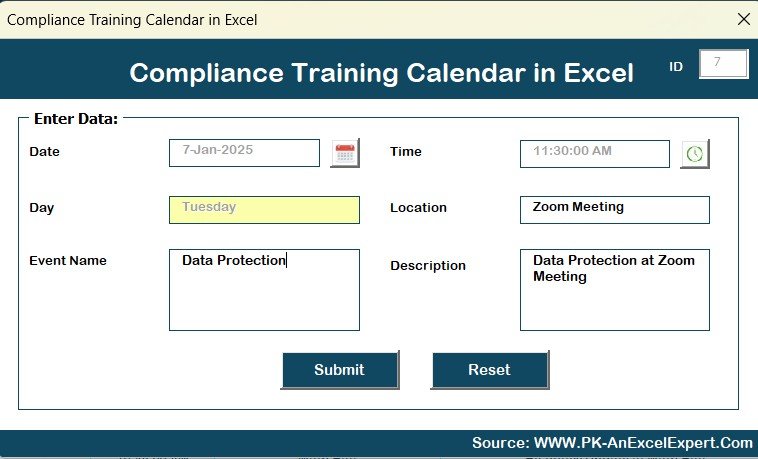
2️⃣ Enter Training Information: Input training schedules, dates, times, and required certifications.
3️⃣ Track Training Completion: Update training statuses to keep track of who has completed their training and who still needs to complete it.
4️⃣ Set Reminders: Use automated reminders to notify employees of upcoming training sessions and deadlines.
5️⃣ Generate Reports: Generate reports on training progress to ensure compliance is maintained and up-to-date.
Who Can Benefit from the Compliance Training Calendar in Excel?
🔹 HR Teams & Compliance Officers
🔹 Training & Development Managers
🔹 Employees in Regulated Industries
🔹 Small & Medium Enterprises (SMBs)
🔹 Large Enterprises with Ongoing Compliance Requirements
🔹 Companies Looking to Streamline Training Scheduling & Tracking
Ensure that your organization remains compliant with all training regulations using the Compliance Training Calendar in Excel. Keep your team organized, informed, and up to date with required compliance training sessions.
Click here to read the Detailed blog post
Visit our YouTube channel to learn step-by-step video tutorials
Youtube.com/@PKAnExcelExpert
Compatibility and Requirements
- Works in Microsoft Excel desktop (Excel 2016 or later, or Microsoft 365).
- Keep the file in a shared folder so HR and compliance staff work from the same calendar.
Frequently Asked Questions
What training details can I record?
Training schedules, start and end dates, times and the certifications each session covers.
How do I see who has finished their training?
Each employee’s training can be marked as complete or pending, so you can see who still needs follow-up.
Can I add my own training types?
Yes. The fields are customizable, so you can add training types, change categories or track the certifications your industry requires.
Is there a Google Sheets version?
Yes, the Compliance Training Calendar in Google Sheets covers the same schedule for teams that work in Google Sheets.
Related Compliance and Training Templates
- Compliance Training Calendar in Google Sheets: the same calendar in Google Sheets.
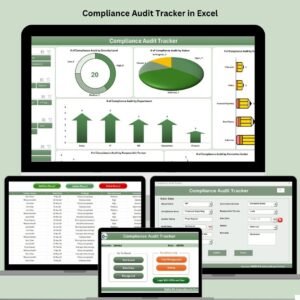
- Compliance Audit Tracker in Excel: track audits alongside training.
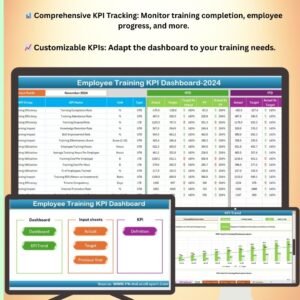
- Employee Training KPI Dashboard in Excel: measure training results with KPIs.
- Employee Training Effectiveness Dashboard in Excel: see how well training works after it is delivered.
- Calendar & Planner Pack: 12 Excel and Google Sheets calendars and planners in one bundle.
Browse all Excel calendar templates or the Excel HR and Payroll templates.
































Reviews
There are no reviews yet.