

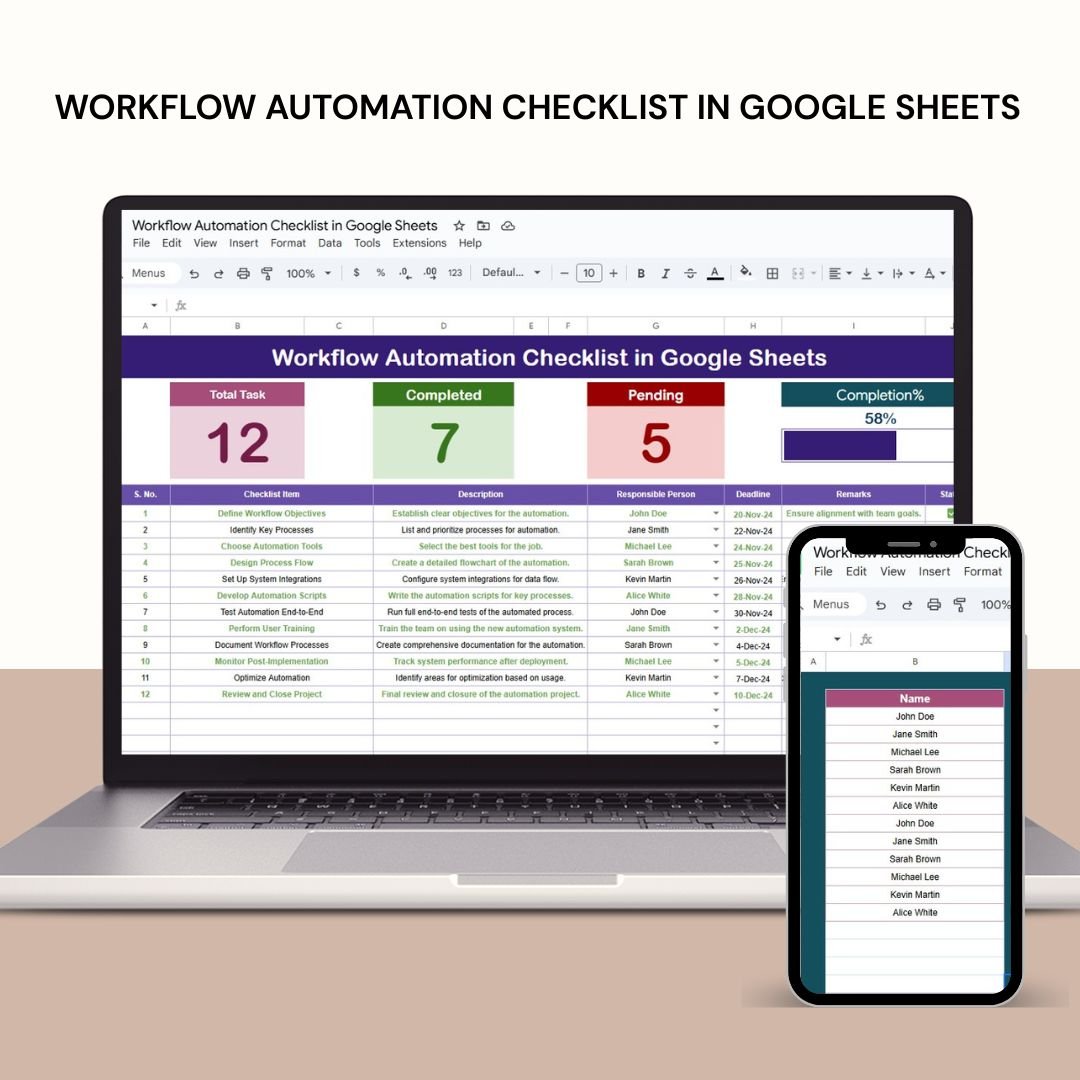


The Workflow Automation Checklist in Google Sheets is a powerful tool designed to streamline repetitive tasks and automate processes, helping businesses boost productivity, reduce errors, and enhance collaboration. By automating workflows in Google Sheets, teams can focus on strategic activities while leaving the manual data handling to the system.
This checklist simplifies tasks like data collection, processing, reporting, and task management, providing a more efficient way of handling day-to-day operations. It integrates seamlessly with tools like Google Forms and Sheet go, and offers real-time updates, making it an indispensable tool for teams looking to optimize their processes.

Key Features of the Workflow Automation Checklist in Google Sheets
📊 Automated Data Collection and Entry
Google Forms Integration: Collect data through Google Forms, with responses automatically populating your Google Sheets. This eliminates the need for manual entry and ensures real-time data collection.
Data Import Functions: Use functions like
IMPORTRANGEto pull data from multiple sheets into a centralized location for easier analysis.
📈 Data Processing and Analysis
Custom Functions with Apps Script: Automate calculations and data transformations by writing custom functions using Google Apps Script.
Conditional Formatting: Automatically format cells based on specific criteria, such as highlighting high-priority tasks or overdue items.
🗂 Task Management and Tracking
Interactive Checklists: Create dynamic checklists that team members can update in real-time, ensuring seamless task tracking and progress updates.
Automated Notifications: Set up automated notifications to inform stakeholders of task assignments, approaching deadlines, or status updates.
📊 Reporting and Data Sharing
Scheduled Reports: Automate the generation and distribution of reports at scheduled intervals, ensuring timely updates without manual effort.
Data Integration: Use third-party tools like Sheetgo to integrate Google Sheets with other applications for seamless data synchronization.
Benefits of Implementing Workflow Automation in Google Sheets
✅ Increased Efficiency
Automating repetitive tasks reduces the time spent on manual data entry, allowing your team to focus on high-value activities.
✅ Enhanced Accuracy
Automation minimizes the potential for human error, ensuring data integrity and reliable insights.
✅ Improved Collaboration
Real-time updates and shared access promote better collaboration, as team members can stay informed on the latest data and progress.
✅ Scalability
As your data grows, automated workflows can handle larger volumes of information, allowing your business to scale without the need for additional manual labor.
Getting Started with Workflow Automation in Google Sheets
Identify Repetitive Tasks: Evaluate your existing processes to find tasks that are time-consuming and can be automated.
Explore Automation Tools: Familiarize yourself with Google Apps Script, built-in functions, and third-party add-ons like Sheetgo to find the right solutions for your needs.
Design Your Workflow: Plan out the steps in your workflow, including how automation can streamline each step.
Implement and Test: Start automating your processes and test them to ensure they work as expected.
Monitor and Optimize: Regularly review your automated workflows and look for opportunities to make improvements.
By automating workflows in Google Sheets, you can reduce the time spent on manual tasks, ensure consistency, and improve collaboration across your team.
Click here to read the Detailed blog post
Workflow Automation Checklist in Google Sheets
Visit our YouTube channel to learn step-by-step video tutorials
YouTube.com/@PKAnExcelExpert
Watch the step-by-step video Demo:
Compatibility and Requirements
- Works in Google Sheets. You need a free Google account and a web browser.
- New to Google Sheets? Google’s guide How to use Google Sheets covers the basics.
Who Is This Checklist For?
Operations managers, team leads, office administrators and small business owners who want to cut repetitive work in Google Sheets and keep tasks, data and reports in one place.
Frequently Asked Questions
What areas does the checklist cover?
Automated data collection and entry, data processing and analysis, task management and tracking, and reporting and data sharing.
Which Google Sheets features does it mention?
Google Forms integration, the IMPORTRANGE function, custom functions with Google Apps Script, conditional formatting and scheduled reports.
Can my team update it at the same time?
Yes. The interactive checklists can be updated by team members in real time.
Is there an Excel version?
Yes. See the Workflow Automation Checklist in Excel.
Related Workflow Templates
- Workflow Automation Checklist in Excel: the Excel edition
- Office Workflow Efficiency Dashboard in Google Sheets: measure office workflow efficiency
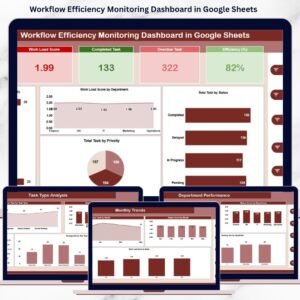
- Workflow Efficiency Monitoring Dashboard in Google Sheets: monitor workflow performance
- Project Workflow Performance Dashboard in Google Sheets: workflow KPIs for projects
- Checklist & SOP Pack: 12 checklist templates in one download
Browse all Google Sheets checklists.


































Reviews
There are no reviews yet.