



In today’s compliance-driven business world, missing a regulatory deadline or submitting inaccurate reports can be costly—leading to penalties, reputational damage, and even legal risks. That’s why organizations need a structured, reliable, and user-friendly tool. Introducing the Regulatory Reporting Evaluation Checklist in Excel 📊✔️—a ready-to-use compliance framework designed to simplify reporting and ensure accountability.
Instead of juggling sticky notes, emails, and multiple spreadsheets, this checklist consolidates all compliance reporting tasks into one centralized Excel template. Each reporting requirement is documented with a responsible person, deadline, and status indicator. With built-in progress tracking, drop-down lists, and conditional formatting, your compliance team can monitor tasks with confidence and transparency.
Whether you’re in banking, healthcare, manufacturing, education, or energy, this tool helps you track, evaluate, and complete regulatory reports on time—every time.
✨ Key Features of Regulatory Reporting Evaluation Checklist in Excel
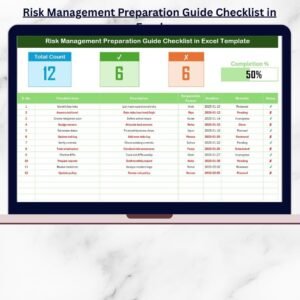
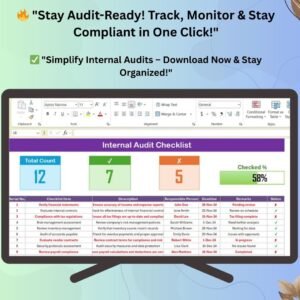
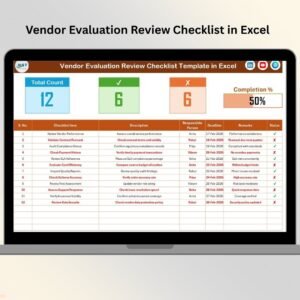
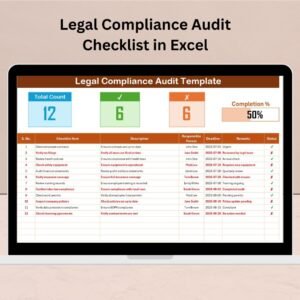
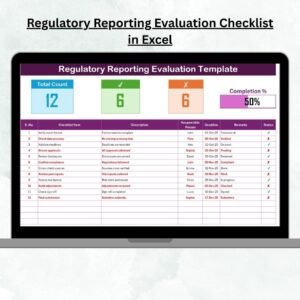
📊 Progress Bar Tracker – Visual completion percentage for instant status updates.
📑 Comprehensive Checklist Table – Covers task name, description, responsible person, deadline, and remarks.
👤 Responsibility Assignment – Drop-down menus for consistent task allocation.
⏰ Deadline Monitoring – Automatic highlighting of overdue items.
✔ Status Tracking – Mark tasks as completed (✔) or pending (✘) with ease.
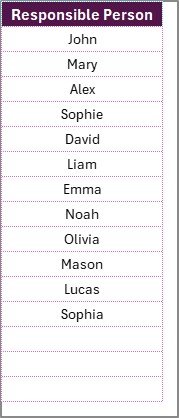
📋 Two-Sheet Setup – Main checklist + list sheet for responsible persons.
💡 Customizable – Add, remove, or adapt tasks for your industry.
🔐 Audit-Ready – Provides a record of compliance activities for regulators.
💻 Excel-Based – No expensive software required, accessible to all employees.
📦 What’s Inside the Regulatory Reporting Evaluation Checklist
This template includes two dedicated worksheets:
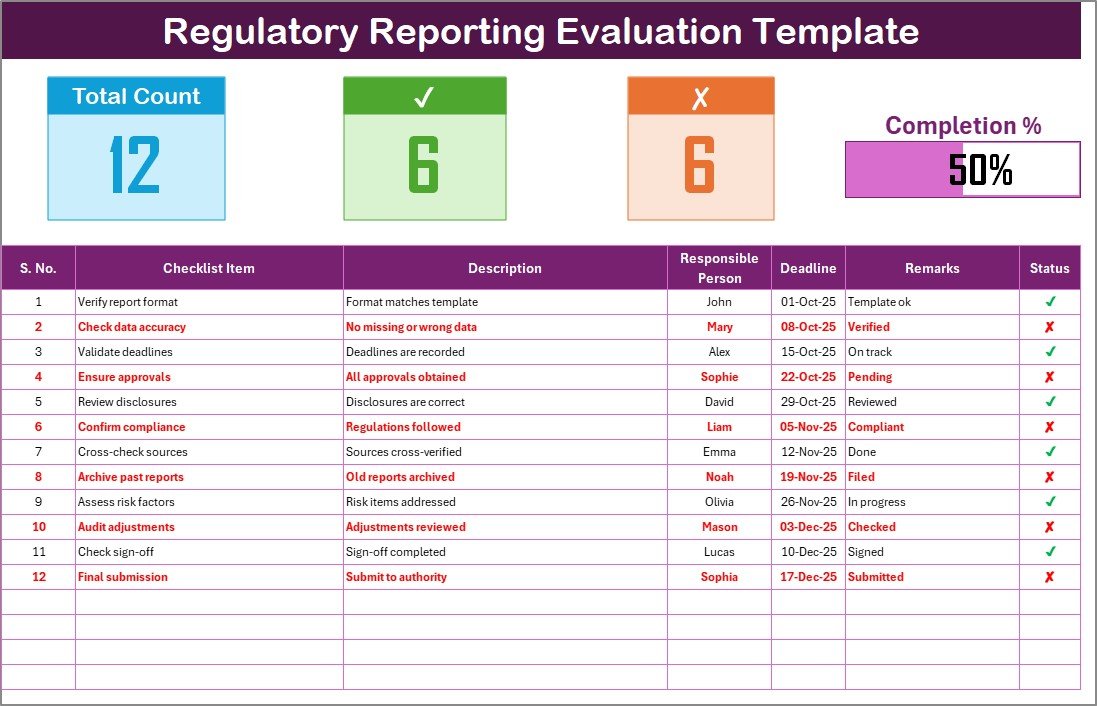
Checklist Sheet – The main dashboard for compliance reporting.
Displays total, completed, and pending tasks at the top.
Includes a visual progress bar for quick status tracking.
Comprehensive table to capture and monitor reporting tasks.
List Sheet – A supporting sheet containing names of responsible persons.
Provides drop-down options for consistent assignments.
Reduces duplication and spelling errors in task allocation.
This structure ensures clarity, accountability, and real-time monitoring.
🛠 How to Use the Regulatory Reporting Evaluation Checklist
Open the Template – Load the Excel file and access the main checklist sheet.
Enter Tasks – List all your regulatory reporting requirements.
Assign Owners – Use the drop-down to select responsible persons.
Set Deadlines – Add realistic target dates for each task.
Update Status – Mark ✔ for completed or ✘ for pending activities.
Monitor Progress – Review the progress bar and summary counts.
It’s that simple—compliance tracking without complexity.
👥 Who Can Benefit from This Regulatory Reporting Evaluation Checklist
🏦 Banks & Financial Institutions – Ensure timely filings with central banks and regulators.
🏥 Healthcare Providers – Track mandatory patient safety and quality reports.
🏭 Manufacturers – Monitor environmental, safety, and labor compliance.
🎓 Educational Institutions – Manage accreditation and board compliance submissions.
⚡ Energy Companies – Track safety inspections, environmental filings, and compliance deadlines.
📋 Auditors & Compliance Teams – Maintain accurate, audit-ready records.
This checklist is versatile and works across industries where compliance is critical.
📖 Click here to read the Detailed blog post
Visit our YouTube channel to learn step-by-step video tutorials
Watch the step-by-step video tutorial:
Compatibility and Requirements
- Works in Microsoft Excel desktop (Excel 2016 or later, or Microsoft 365).
- The Responsible Person column uses dropdown lists fed by the List sheet. Microsoft explains how in Create a drop-down list.
Frequently Asked Questions
Which sheets does the checklist include?
Two sheets: the Checklist sheet for tasks and progress, and the List sheet that holds the names of responsible persons.
How do I assign a task to someone?
Add the person’s name on the List sheet. Then pick the name from the dropdown in the Responsible Person column of the Checklist sheet.
How do I see how much is finished?
The top of the Checklist sheet shows total, completed and pending tasks with a progress bar. Mark a task with ✔ when done or ✘ when pending and the figures update.
Does it flag overdue tasks?
Yes. Overdue items are highlighted automatically based on the deadline you enter for each task.
Is there a Google Sheets version?
Yes. See the Regulatory Reporting Evaluation Checklist in Google Sheets.
Related Regulatory Reporting Templates
- Regulatory Reporting Evaluation Checklist in Google Sheets: the same checklist for Google Sheets
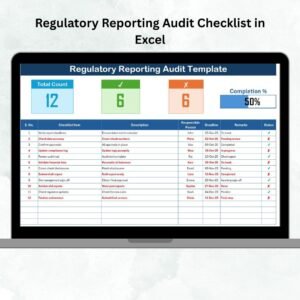
- Regulatory Reporting Audit Checklist in Excel: a checklist focused on audits
- Regulatory Reporting Action Plan Checklist in Excel: plan the actions behind each report
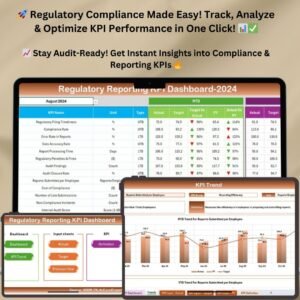
- Regulatory Reporting KPI Dashboard in Excel: a dashboard view of reporting KPIs
- Checklist & SOP Pack: 12 checklist templates for Excel and Google Sheets in one download
Browse all Excel checklists.






















Reviews
There are no reviews yet.