

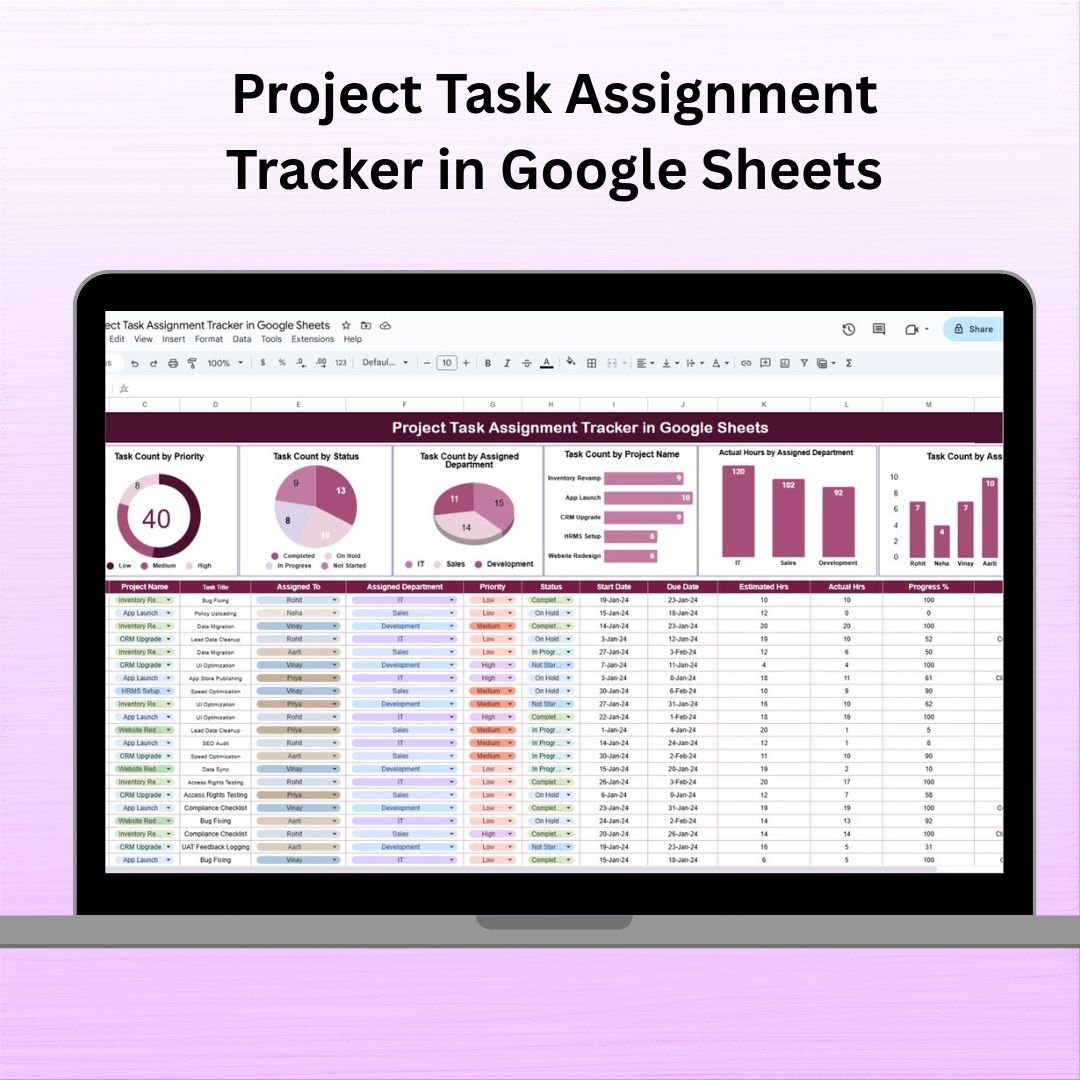

Managing multiple projects, shifting priorities, and cross-department collaboration can quickly become overwhelming—unless you have the right system in place. That’s exactly what the Project Task Assignment Tracker in Google Sheets delivers.
Designed for project managers, team leads, and busy departments, this ready-to-use, interactive tracker centralizes your entire task management process. It empowers you to assign tasks, track deadlines, monitor effort, and visualize workloads—all in one dynamic spreadsheet.
⚙️ Key Features of the Project Task Assignment Tracker
🔍 One Powerful Tracker Sheet
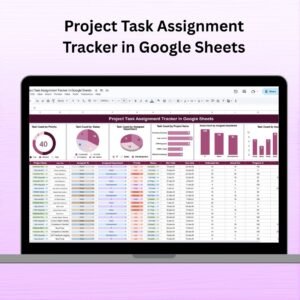
Everything is managed within a single worksheet that offers both visual dashboards and an intuitive data entry area.
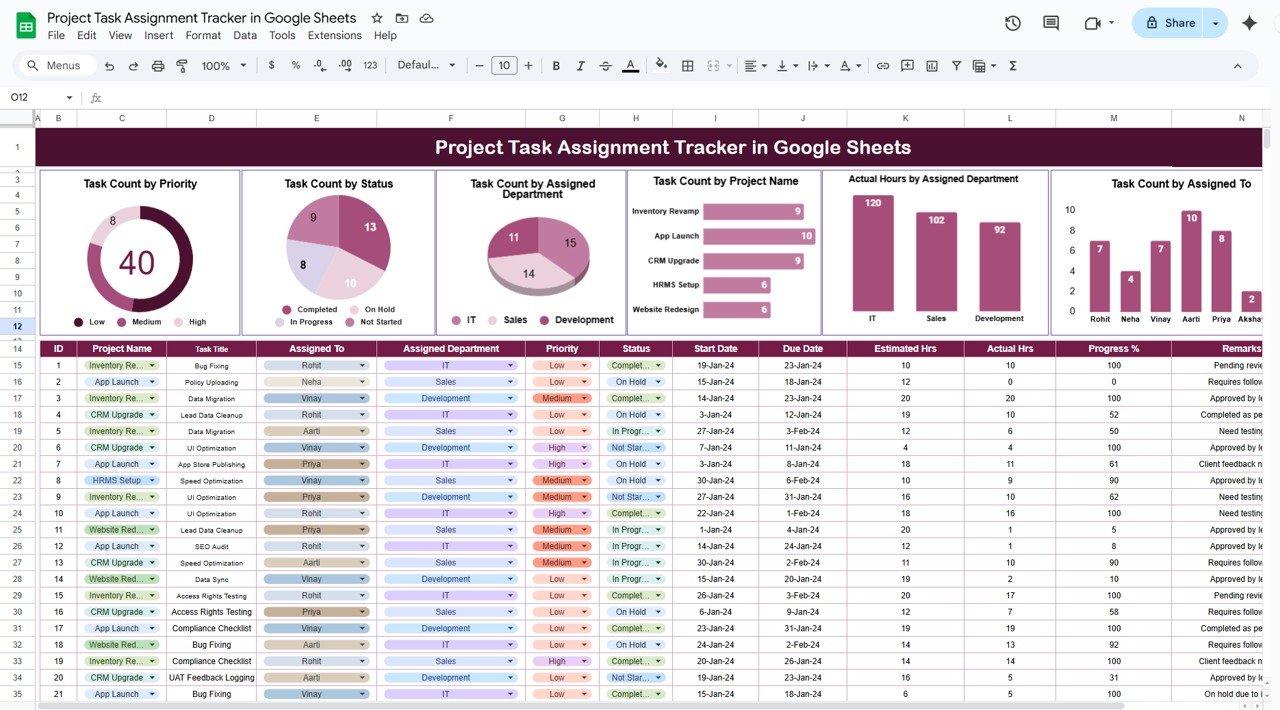
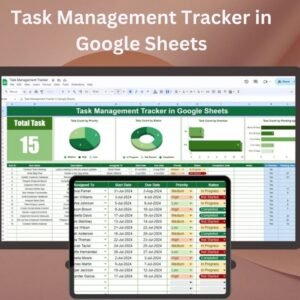
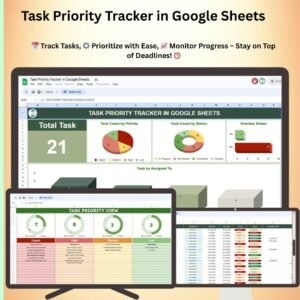
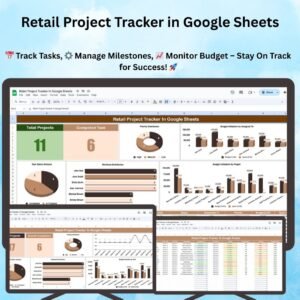
📊 Built-In Visual Charts for Real-Time Insights
Task Count by Priority: Instantly see how tasks are distributed across High, Medium, and Low priorities.
Task Count by Status: Visualize progress across Not Started, In Progress, and Completed tasks.
Task Count by Assigned Department: Spot workload imbalances and ensure team capacity is managed.
Task Count by Project Name: Track how task volume is allocated across active projects.
Actual Hours by Assigned Department: Measure departmental resource usage for better planning.
Task Count by Assigned To: Understand task load per individual to prevent overload or underutilization.
🧾 Streamlined Data Entry Table
The bottom section of the sheet is where your team logs and updates task details using the following columns:
Task ID
Project Name
Task Title
Assigned To
Assigned Department
Priority
Status
Start Date
Due Date
Estimated Hours
Actual Hours
Progress (%)
Remarks
This data automatically feeds into the dashboard visuals—no formulas or configurations required!
🚀 Advantages of This Google Sheets Tracker
Real-Time Team Collaboration from any location or device
Centralized Task Management for cross-functional teams
Automatic Chart Updates as new data is entered
Improved Accountability with clear task ownership
Compare Estimated vs. Actual Hours to identify productivity gaps
Deadline Monitoring to stay on schedule
No Third-Party Tools Needed—just Google Sheets!
🔧 Opportunities for Enhancement
Customize and grow your tracker with ease:
Add Conditional Formatting to highlight overdue tasks
Automate Email Reminders with Google Apps Script
Add columns like Task Type or Complexity Level
Create Dropdown Filters for project-specific analysis
Link to a Google Form for easy task submissions
Integrate with Google Calendar to view upcoming deadlines
📈 Best Practices for Use
Update Regularly – Ensure accuracy with frequent data entry
Define Ownership – One task, one responsible person
Use During Stand-ups – Keep the dashboard visible in team meetings
Review Charts Weekly – Spot bottlenecks or delays early
Duplicate for New Projects – Maintain version control with minimal effort
🏁 Final Thoughts
The Project Task Assignment Tracker in Google Sheets brings clarity, accountability, and efficiency to your project workflows. Whether you’re managing one project or juggling several across departments, this tool keeps everyone aligned and focused—without the need for complex project management platforms.
Ideal for startups, agencies, enterprise teams, or freelancers, this tracker delivers a powerful project overview in a simple format. Start tracking smarter today!
🔗 Read the Full Blog Post
Click here to read the full blog post
Watch the step-by-step video Demo:
🎥 Watch a Demo on YouTube
Youtube.com/@NeotechNavigators
What You Get
- One Google Sheets tracker with the dashboard charts at the top and the data entry table below
- Six charts: task count by priority, status, department, project and assignee, plus actual hours by department
- A data entry table with Task ID, Project Name, Task Title, Assigned To, Department, Priority, Status, Start and Due Date, Estimated and Actual Hours, Progress (%) and Remarks
Compatibility and Requirements
- Works in Google Sheets with a free Google account and a web browser. Nothing to install.
- The charts update as you add rows. Google explains how charts work in Add & edit a chart or graph.
Frequently Asked Questions
What do the charts show?
Task count by priority, status, assigned department, project name and assigned person, plus actual hours by department.
Do I need to set up formulas?
No. The data entry table feeds the dashboard charts automatically, with no formulas or configuration needed.
Can I compare estimated and actual hours?
Yes. Each task has Estimated Hours and Actual Hours columns, so you can spot productivity gaps by person or department.
Can several people update the tracker?
Yes. It is a Google Sheet, so team members can update tasks in real time from any location or device.
Is there an Excel version?
Yes. The Project Task Assignment Tracker in Excel covers the same tracker in Excel.
Related Task and Project Templates
- Project Task Assignment Tracker in Excel: the Excel edition.
- Task Management Tracker in Google Sheets: a task tracker for everyday work.
- Multiple Project Management Dashboard in Google Sheets: see several projects in one dashboard.
- Employee Workload Dashboard in Google Sheets: balance workload across the team.
- Project Management Pro Bundle: 9 Excel and Google Sheets project templates.
Browse all Google Sheets project management templates or the Google Sheets tracker templates.













Reviews
There are no reviews yet.