

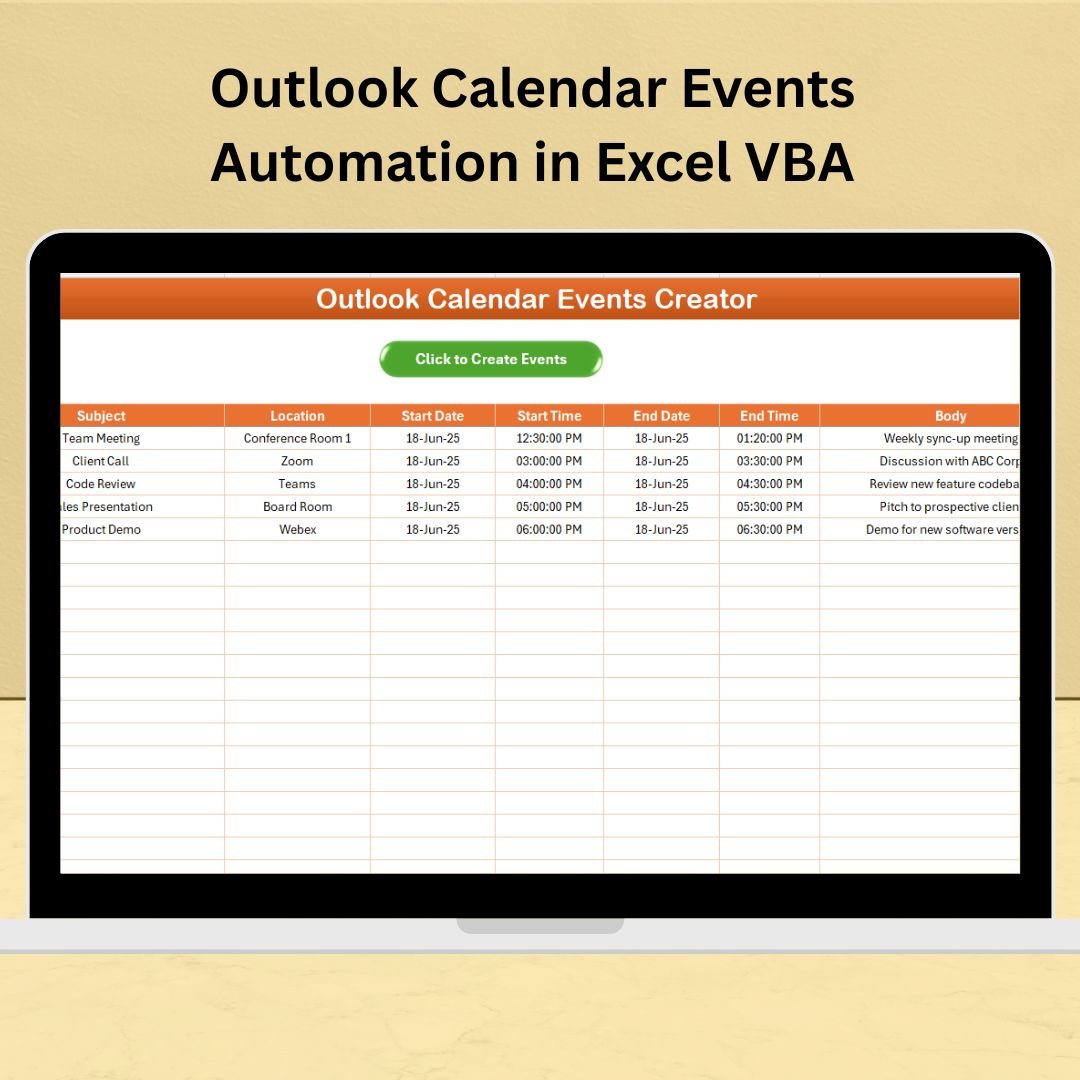

Still manually adding events into Outlook one by one? It’s time to automate your workflow and reclaim your time with our Outlook Calendar Events Automation in Excel VBA tool. 💼✅
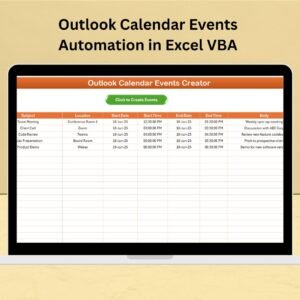
This ready-to-use Excel template simplifies scheduling by automatically transferring event details from Excel straight into your Outlook Calendar—saving you hours and ensuring every detail is recorded accurately. Whether you manage daily meetings, client calls, or training sessions, this VBA-powered tool lets you plan everything in Excel and sync it with just one click.
✨ Key Features of Outlook Calendar Events Automation in Excel VBA
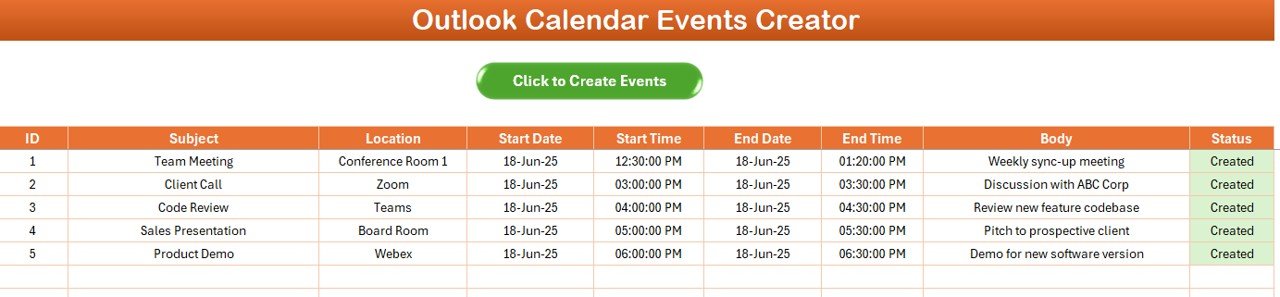
🧾 Excel-Powered Event Management
Input event details using easy-to-understand fields:
S.No.
Subject
Location
Start Date / Start Time
End Date / End Time
Body
Status
This simple format makes bulk scheduling fast, accurate, and stress-free.
🔄 One-Click Sync with Outlook Calendar
Once your data is in place:
Open Outlook
Run the macro
🎯 All events are auto-created in your calendar—no need for double entry!
No need to switch between platforms. Let Excel do the heavy lifting.
🔁 Supports Recurring and One-Time Events
Easily manage:
Daily/weekly/monthly meetings
One-time appointments
Internal training sessions
Personal blocks for deep work
The tool adapts to your unique scheduling needs.
🛠️ Built with VBA Automation
Using built-in VBA scripting, this tool:
Automates event creation
Ensures accurate time formatting
Minimizes user error
Increases productivity
No need to write or edit code—it’s all pre-configured and plug-and-play.
📂 What’s Inside the Template?
You’ll get an Excel file with:
Pre-built columns for event input
Custom VBA macro for one-click calendar sync
Status column to confirm event creation
Clean, editable design for easy customization
Designed for business professionals, HR teams, IT admins, project managers, and anyone tired of manual scheduling.
🛠️ How to Use the Outlook Calendar Events Tool
📝 Fill in your event details in the provided Excel columns
📬 Open Outlook and keep it running
🧩 Run the built-in macro
📆 Check your Outlook Calendar—the events are now added
✅ Update the Status column to track what’s created
You can edit, reuse, or expand the sheet as often as needed.
👥 Who Can Benefit from This Tool?
📈 Sales Teams – Schedule demos and client calls
🗓️ HR Professionals – Organize interviews and onboarding
🧑🏫 Educators – Plan lessons, exams, or webinars
🛠️ Project Managers – Block time for sprints or reviews
💡 Consultants – Plan billable sessions with ease
📅 Busy Professionals – Automate personal or work schedules
If you schedule more than five events a week, this tool is for you.
🔗 Click here to read the Detailed blog post
📺 Visit our YouTube channel to learn step-by-step video tutorials
Read the detailed blog post
Watch the step-by-step video tutorial:
Compatibility and Requirements
- Needs Microsoft Excel desktop on Windows with macros enabled.
- It does not run in Excel for the web, Google Sheets or the Excel mobile apps.
- Microsoft Outlook desktop must be installed and open while the macro runs, because the events are created in your Outlook Calendar.
- If Excel blocks the macros, Microsoft shows how to allow them: Enable or disable macros in Microsoft 365 files.
Frequently Asked Questions
Which event details do I enter?
S.No., Subject, Location, Start Date, Start Time, End Date, End Time, Body and Status.
How are the events sent to Outlook?
Open Outlook, then run the built-in macro. It creates each event in your Outlook Calendar.
Do I need to write any code?
No. The VBA macro is already set up in the file.
How do I know which events were created?
Use the Status column to confirm and track which events are in your calendar.
Related Excel and Outlook Automation Tools
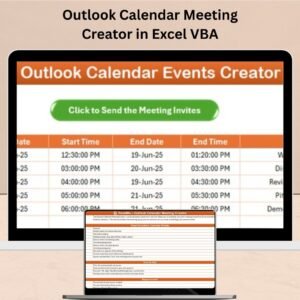
- Outlook Calendar Meeting Creator in Excel VBA: to send meeting invites from Excel
- Email Reminder Scheduler in Excel: for scheduled reminder emails
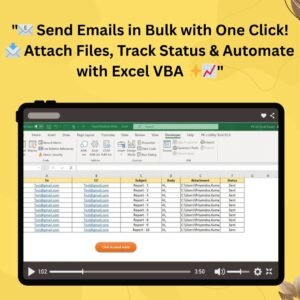
- Send Bulk Emails Using VBA and Outlook: to email a list from Excel
- Send Email with Outlook Mail Body Snapshot: to email a sheet range as a picture
- Corporate Meetings Calendar in Excel: to plan meetings on a calendar
Browse all Excel VBA tools or the Excel calendars.



























Reviews
There are no reviews yet.