

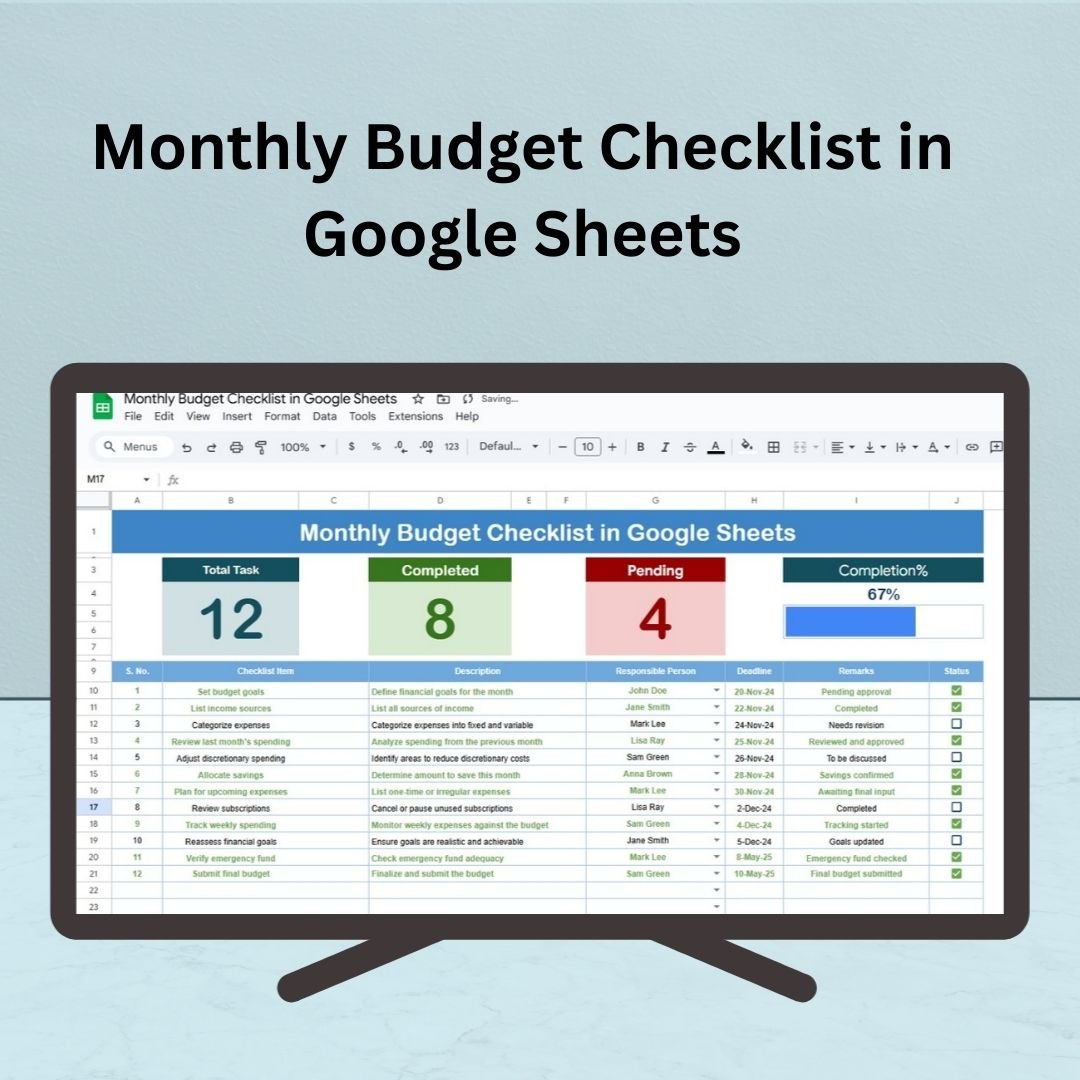

The Monthly Budget Checklist in Google Sheets is the ultimate tool to help you manage your finances with ease. Whether you’re a business owner, student, or professional, this ready-to-use template helps you stay on track with your monthly income, expenses, and savings goals. By breaking down your financial tasks into manageable steps, this checklist ensures that you stay organized and efficient in tracking your spending.
This fully customizable tool makes managing your monthly budget simple, clear, and efficient. With its cloud-based accessibility, real-time updates, and user-friendly interface, the Monthly Budget Checklist in Google Sheets provides everything you need to manage your financial goals effortlessly.
📊 What’s Inside the Monthly Budget Checklist 📊
The Monthly Budget Checklist consists of two essential worksheets to streamline your budgeting process:
Monthly Budget Checklist Sheet Tab
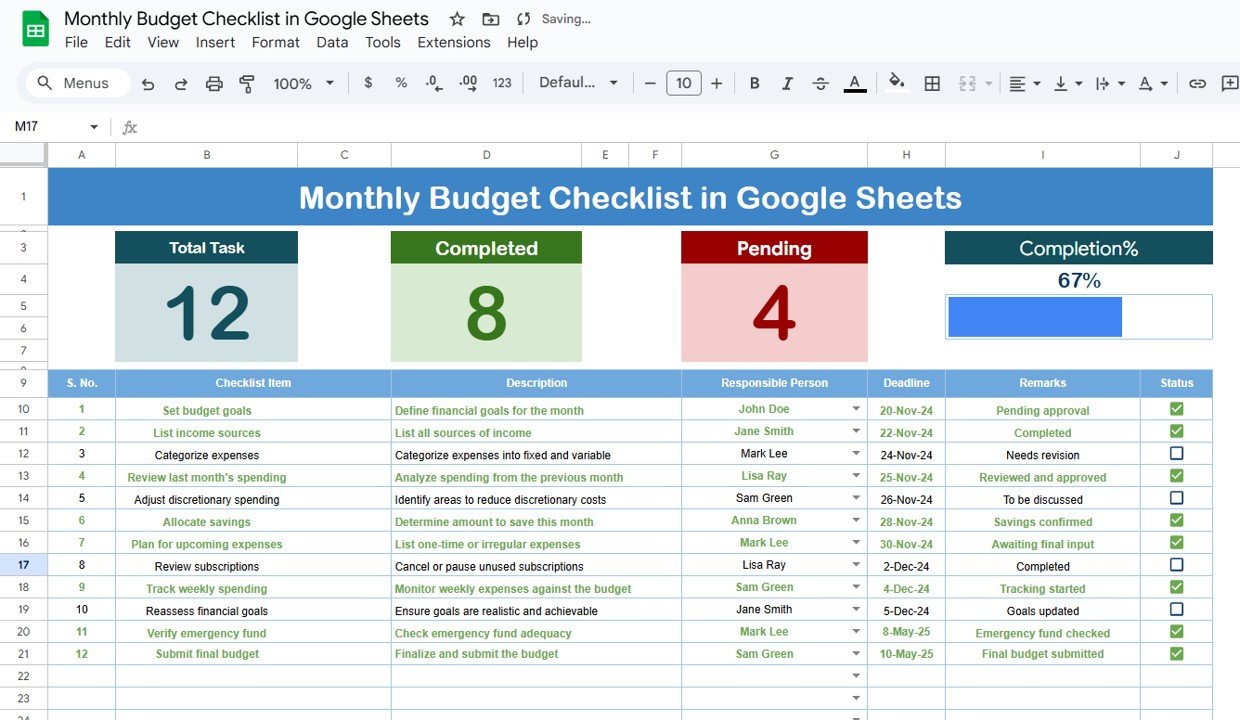
Comprehensive Overview: The main sheet displays all your budget tasks and categories in one organized table.
Top Section: Provides a quick summary with key features:
Total Count: Displays the total number of tasks in your checklist.
Completed Count: Tracks the tasks that have been completed.
Pending Count: Shows the remaining tasks that need to be completed.
Progress Bar: A visual representation of the percentage of tasks completed.
Checklist Table: The core of the template, which includes the following columns:
Serial No.: Sequential number for each task.
Checklist Item: The financial category or task (e.g., “Track spending on groceries,” “Set savings target”).
Description: Additional details about each item (e.g., “Keep a record of all expenses,” “Set aside 10% of monthly income”).
Responsible Person: Assign tasks to individuals if applicable.
Deadline: Specify when each task should be completed.
Remarks: Additional notes or observations regarding the task.
Status: Mark tasks as ✔ (completed) or ✘ (pending).
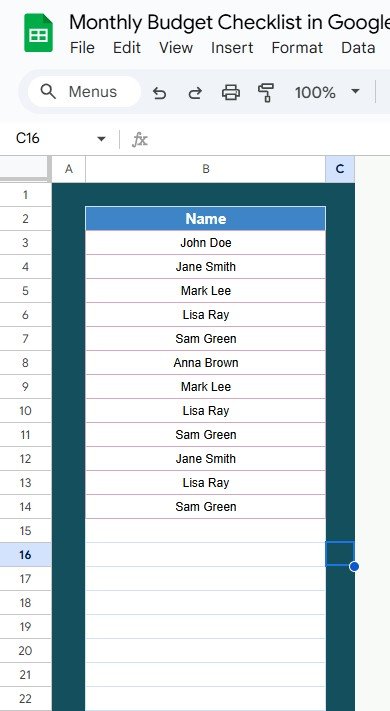
List Sheet Tab
Task Assignment: This tab lets you capture a list of responsible individuals and assign tasks accordingly. Use this sheet to create a drop-down menu in the checklist for easy selection of responsible persons.
Customization: You can modify this sheet to include specific team members or family members involved in the budgeting process.
💡 How to Use the Monthly Budget Checklist 💡
Add Your Budget Items: Start by filling in all your budgeting tasks and categories, such as monthly income, fixed expenses, savings, and miscellaneous spending.
Assign Responsibilities: If you are managing a joint budget, assign each task to an individual using the drop-down list for Responsible Person.
Set Deadlines: Add deadlines to ensure that each task is completed on time.
Track Progress: As you or your team completes tasks, mark them as ✔ in the Status column. The Progress Bar will update automatically.
Review Regularly: Update your checklist regularly to stay on top of your financial goals and make any adjustments as needed.
💸 Who Can Benefit from This Monthly Budget Checklist 💸
Individuals: Track your personal finances, monitor expenses, and save for goals with ease.
Families: Share the checklist with family members, assign tasks, and ensure everyone is aligned on spending and savings.
Small Business Owners: Manage your business’s monthly budget, including operational expenses, employee salaries, and profit goals.
Students: Track monthly spending and savings to stay within budget and avoid overspending.
Households: Keep track of utility bills, groceries, and savings to maintain financial stability.
💯 Benefits of Using the Monthly Budget Checklist 💯
Organized Financial Planning: Keep all your financial tasks in one place, preventing overlooked bills and expenses.
Increased Accountability: Assign responsibilities to specific individuals to keep everyone accountable for their part of the budget.
Efficient Tracking: Quickly see what’s been completed and what still needs attention using the Progress Bar and Count Columns.
Customization: Fully customizable to fit your unique financial situation, whether it’s tracking monthly expenses or managing a business budget.
Real-Time Updates: Since the template is cloud-based, any updates made will be reflected in real-time, ensuring your budget is always up-to-date.
Cost-Effective: Google Sheets is free to use, providing an affordable solution to managing your finances.
Click here to read the detailed blog post
Watch the step-by-step video Demo:
Visit our YouTube channel to learn step-by-step video tutorials
Compatibility and Requirements
- Works in Google Sheets. You need a free Google account and a web browser.
- The Responsible Person column uses a dropdown built from the List sheet. Google explains dropdowns in Create an in-cell dropdown list.
Frequently Asked Questions
What does the checklist track?
Each budget task has a serial number, checklist item, description, responsible person, deadline, remarks and a status of completed (✔) or pending (✘).
How do I see my progress?
The top section shows the total count, completed count and pending count, plus a progress bar for the share of tasks done.
Can I share the budget with my family or team?
Yes. Add names to the List sheet and assign each task with the Responsible Person dropdown.
What kind of items can I add?
Any budget task or category, such as monthly income, fixed expenses, savings and miscellaneous spending.
Related Budget Templates
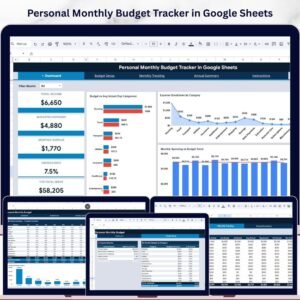
- Personal Monthly Budget Tracker in Google Sheets: track income and spending by month
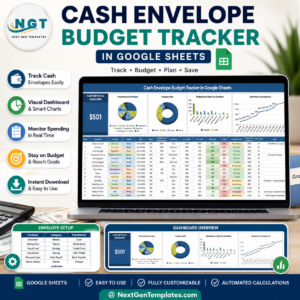
- Cash Envelope Budget Tracker in Google Sheets: set spending limits by envelope
- Budget Approval Checklist in Google Sheets: steps for approving a budget
- Monthly Budget Tracker in Microsoft Excel: a monthly budget tracker in Excel
- Checklist & SOP Pack: 12 checklist templates in one download
Browse all Google Sheets checklists.












Reviews
There are no reviews yet.