


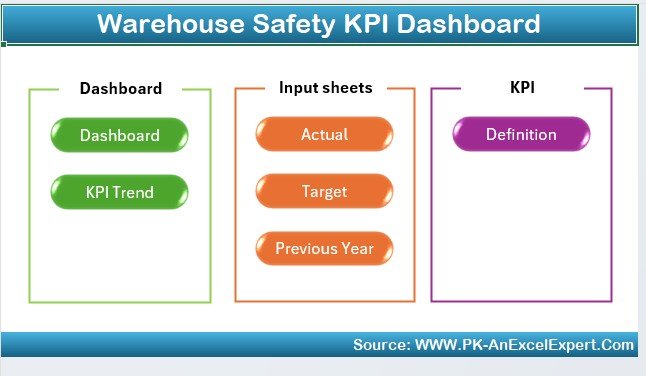

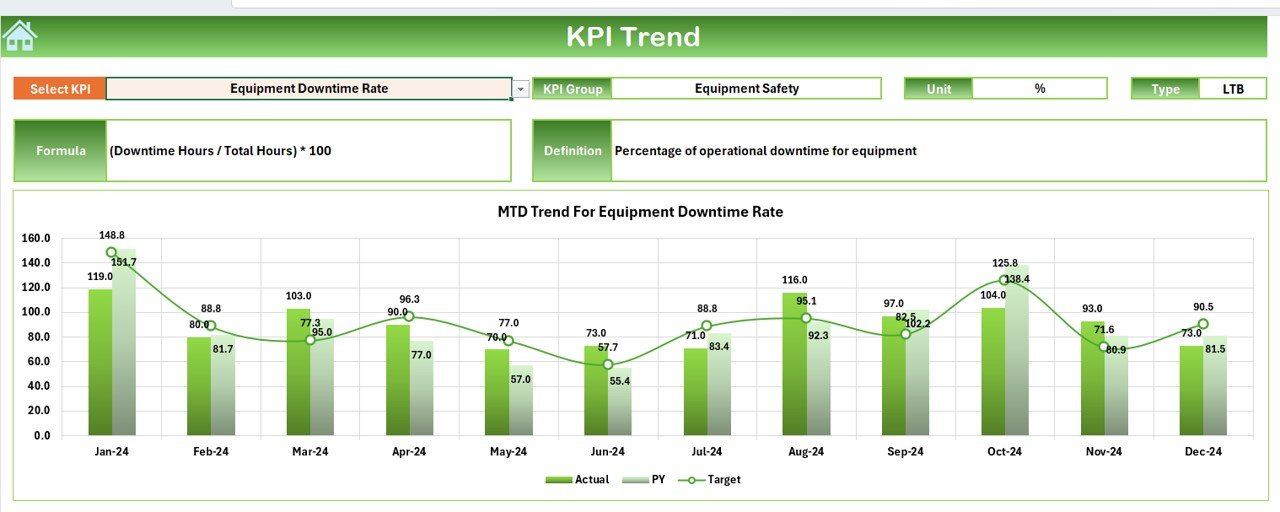
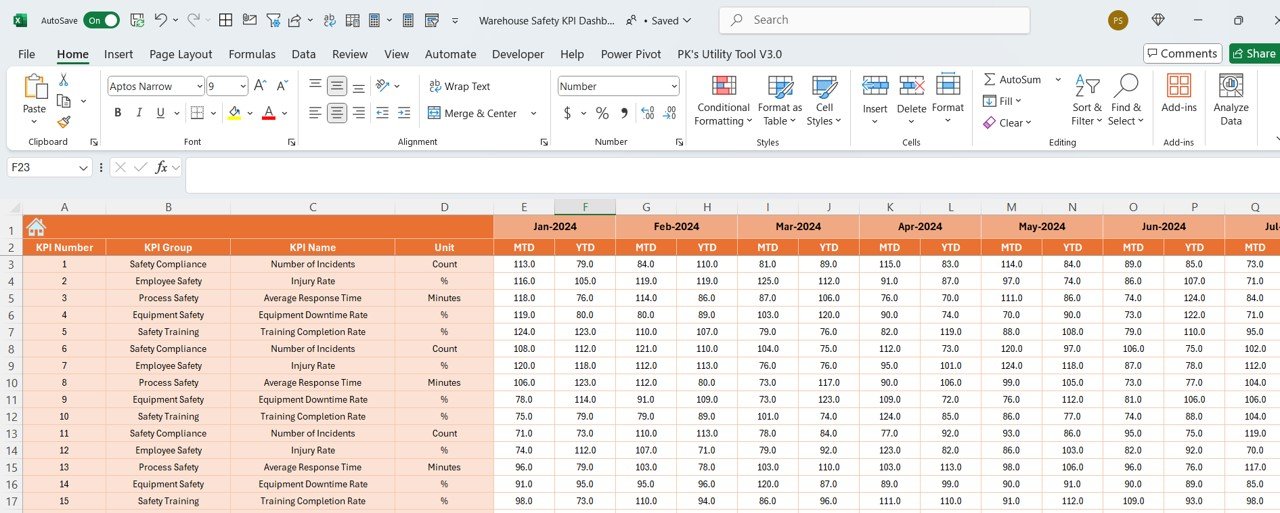

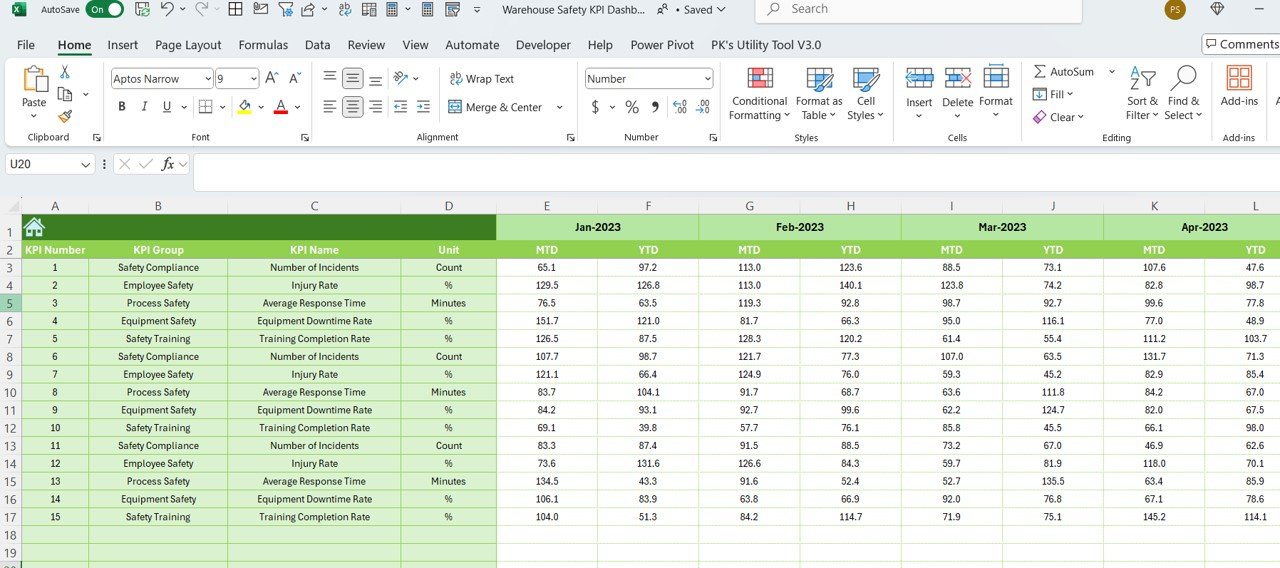
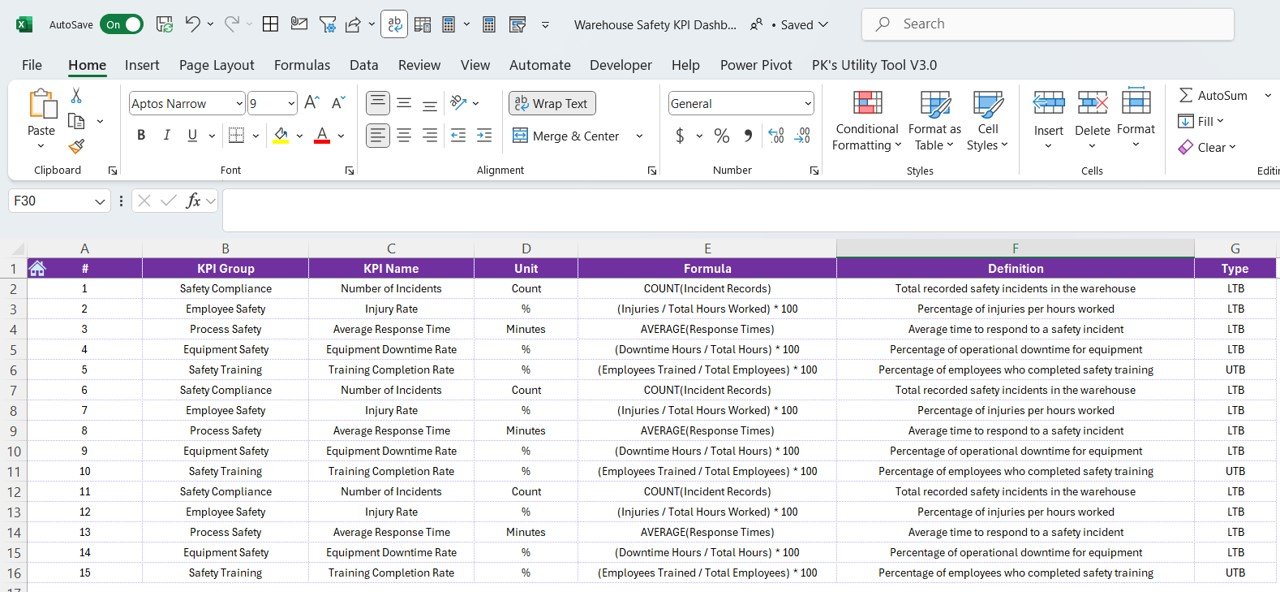

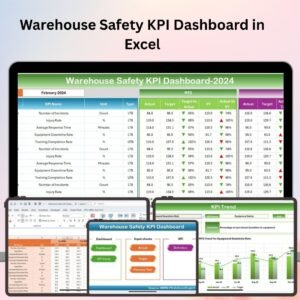
The Warehouse Safety KPI Dashboard in Excel is an essential tool for warehouse managers, safety officers, and operations teams to track and monitor key safety performance indicators (KPIs). This Excel-based dashboard allows you to effectively measure and manage workplace safety metrics, including accident rates, safety training compliance, equipment maintenance, and hazard identification.
With real-time tracking, customizable features, and an easy-to-use interface, this dashboard helps ensure that your warehouse maintains a safe working environment, reduces the risk of accidents, and adheres to industry safety standards.
Key Features of the Warehouse Safety KPI Dashboard in Excel:
⚠️ Accident and Incident Tracking
Monitor the number of accidents, near misses, and injuries in the warehouse, allowing you to identify safety trends and implement preventative measures.
🛠️ Safety Training Compliance
Track employee participation in safety training programs, ensuring that your workforce is up-to-date on safety protocols and practices.
⚙️ Equipment Maintenance and Safety Checks
Monitor equipment safety checks and maintenance schedules to ensure that machinery and equipment are properly maintained and safe to use.
📊 Safety Audit and Inspection Tracking
Track the frequency and results of safety audits and inspections to ensure compliance with safety regulations and improve safety standards.
📅 Hazard Identification and Risk Assessment
Identify and track workplace hazards, as well as assess their risk levels, to proactively address safety concerns before they escalate.
🚀 Why You’ll Love the Warehouse Safety KPI Dashboard in Excel:
✅ Ensure Workplace Safety – Track safety performance metrics such as accidents, training, and inspections to maintain a safe working environment.
✅ Monitor Compliance – Ensure that employees are completing required safety training and that your warehouse is compliant with safety regulations.
✅ Prevent Accidents – Identify trends in accidents and near misses to take preventive actions and improve overall safety protocols.
✅ Track Equipment Safety – Monitor equipment safety checks and maintenance schedules to minimize the risk of equipment failure or accidents.
✅ Data-Driven Decisions – Make informed decisions on improving warehouse safety by analyzing real-time safety data and KPIs.
✅ Customizable and Easy-to-Use – Fully customizable to fit your warehouse’s specific needs, with an intuitive design that’s easy to navigate.
What’s Inside the Warehouse Safety KPI Dashboard in Excel:
Accident and Incident Tracking: Track the number and types of accidents and incidents in the warehouse, including injuries, near misses, and safety violations.
Safety Training Monitoring: Monitor employee safety training participation, ensuring that your workforce is well-trained in safety protocols.
Equipment Maintenance Tracking: Track scheduled and unscheduled maintenance for warehouse equipment, ensuring that machinery remains safe and operational.
Safety Audits and Inspections: Track the frequency and outcomes of safety audits and inspections, helping you stay compliant with safety regulations.
Hazard Identification: Identify hazards in the workplace, assess their risk levels, and track any corrective actions taken to mitigate those hazards.
Custom Reports: Generate detailed reports summarizing safety KPIs, trends, and performance to present to management and ensure continuous safety improvements.
How to Use the Warehouse Safety KPI Dashboard in Excel:
1️⃣ Download the Template – Instantly access your Excel file upon purchase.
2️⃣ Input Warehouse Safety Data – Add data for accidents, safety training, inspections, equipment maintenance, and hazards to track safety metrics.
3️⃣ Monitor Key Safety Metrics – Use the dashboard to monitor accidents, training compliance, and maintenance schedules in real-time.
4️⃣ Identify Safety Trends – Analyze the data to identify trends in accidents, near misses, and equipment issues, allowing you to take proactive safety measures.
5️⃣ Generate Reports – Create detailed reports summarizing your safety KPIs and compliance status for management review.
Who Can Benefit from the Warehouse Safety KPI Dashboard in Excel:
Warehouse Managers
Safety Officers
Operations Managers
Health and Safety Compliance Teams
Facility Managers
Small to Medium-Sized Warehouse Owners
Large Warehousing Companies
Logistics and Distribution Centers
The Warehouse Safety KPI Dashboard in Excel is an essential tool for any warehouse looking to improve safety standards, track key safety metrics, and prevent accidents. With real-time tracking and customizable reporting, you can maintain a safe working environment, improve safety compliance, and optimize operational efficiency.
Click here to read the Detailed blog post
https://www.pk-anexcelexpert.com/warehouse-safety-kpi-dashboard-in-excel/
Visit our YouTube channel to learn step-by-step video tutorials
Youtube.com/@PKAnExcelExpert












Reviews
There are no reviews yet.