


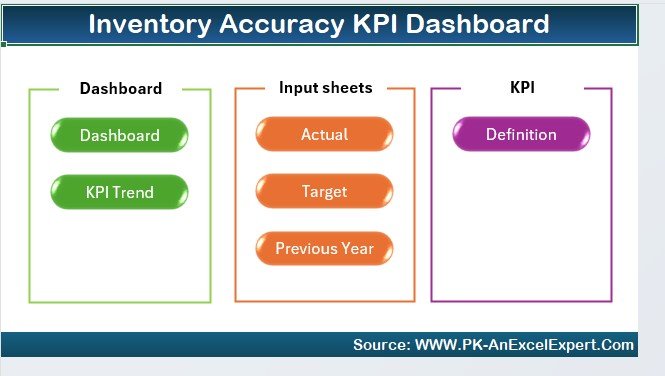
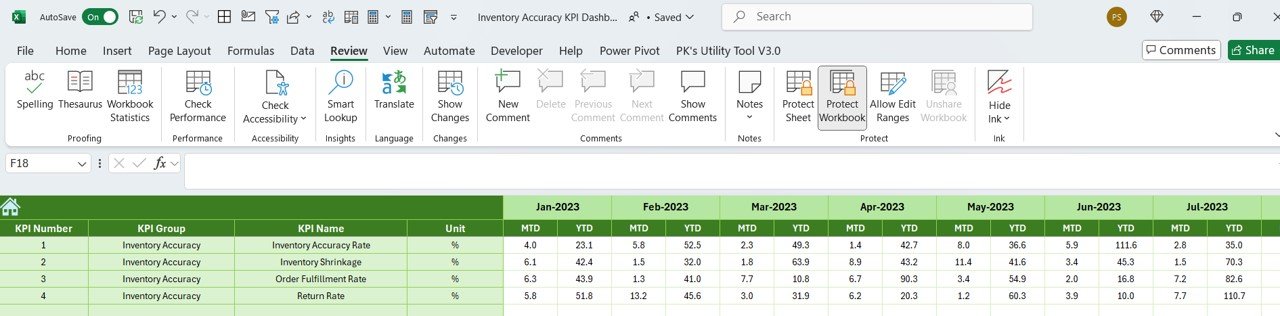
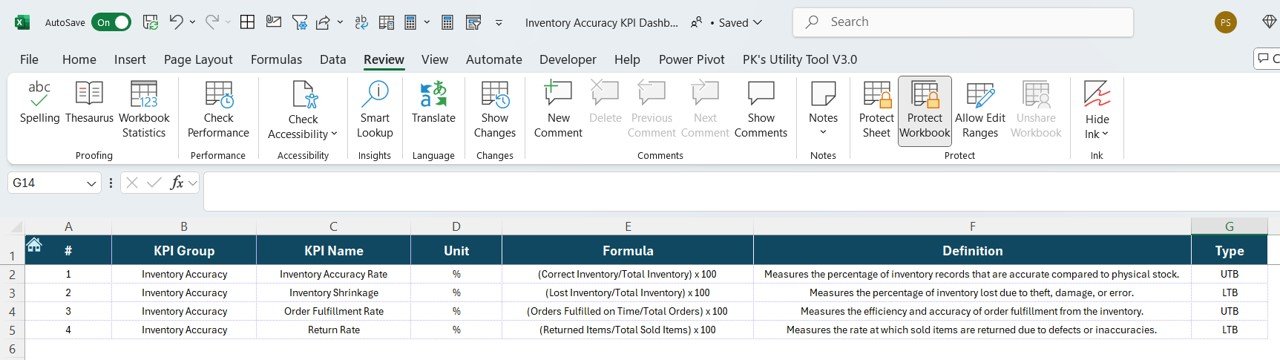

The Inventory Accuracy KPI Dashboard in Excel is an essential tool for inventory managers, supply chain professionals, and business owners looking to monitor and improve the accuracy of their inventory management. This Excel-based dashboard helps track key performance indicators (KPIs) such as stock levels, order fulfillment accuracy, inventory discrepancies, and stock movement, ensuring that your inventory management process runs smoothly and efficiently.
With real-time tracking, interactive visualizations, and customizable reports, this dashboard provides the insights you need to reduce inventory errors, optimize stock levels, and enhance operational efficiency.

Key Features of the Inventory Accuracy KPI Dashboard in Excel:
📦 Stock Level Monitoring
Track current stock levels across different product categories, ensuring that you never overstock or run out of essential inventory.
📊 Order Fulfillment Accuracy
Monitor the accuracy of order fulfillment by tracking discrepancies between ordered and shipped items, ensuring that customers receive the correct products on time.
🔄 Inventory Movement Tracking
Track inventory movements, such as stock transfers, returns, and sales, to ensure accurate records of stock changes in real-time.
💡 Inventory Discrepancy Analysis
Identify inventory discrepancies by comparing physical stock counts with system records, allowing you to quickly address stockouts, overstocking, or shrinkage.
⚙️ Replenishment and Stock Optimization
Monitor stock levels and order frequency to optimize replenishment processes, reducing the risk of stockouts while maintaining efficient inventory turnover.
🚀 Why You’ll Love the Inventory Accuracy KPI Dashboard in Excel:
✅ Track Stock Levels – Monitor your inventory in real-time to ensure you have the right amount of stock on hand without overstocking.
✅ Improve Order Fulfillment – Track order fulfillment accuracy and reduce errors in order picking and shipping to increase customer satisfaction.
✅ Reduce Inventory Discrepancies – Use the discrepancy analysis to identify and correct errors in stock counts, ensuring more accurate inventory records.
✅ Optimize Inventory Movement – Keep track of inventory movement such as transfers, returns, and sales to ensure accurate stock tracking at all times.
✅ Customizable and Easy-to-Use – This Excel dashboard is user-friendly and customizable, making it easy to adapt to your specific inventory management needs.
✅ Data-Driven Decision Making – Use real-time data to make informed decisions about stock replenishment, order accuracy, and inventory turnover.
What’s Inside the Inventory Accuracy KPI Dashboard in Excel:
- Stock Level Tracking: Monitor current inventory levels across various categories to prevent overstocking and understocking.
- Order Fulfillment Accuracy: Track discrepancies between ordered and shipped items to ensure accurate order fulfillment and improve customer satisfaction.
- Inventory Movement Tracking: Track the movement of stock, including stock transfers, sales, and returns, ensuring accurate inventory records.
- Discrepancy Analysis: Identify inventory discrepancies by comparing physical stock counts with system records, allowing for quick resolution of issues.
- Stock Replenishment and Optimization: Track stock replenishment rates and optimize stock orders to maintain efficient inventory turnover.
- Custom Reports: Generate reports to share with stakeholders, providing insights into inventory performance, accuracy, and optimization.
How to Use the Inventory Accuracy KPI Dashboard in Excel:
1️⃣ Download the Template – Instantly access your Excel file upon purchase.
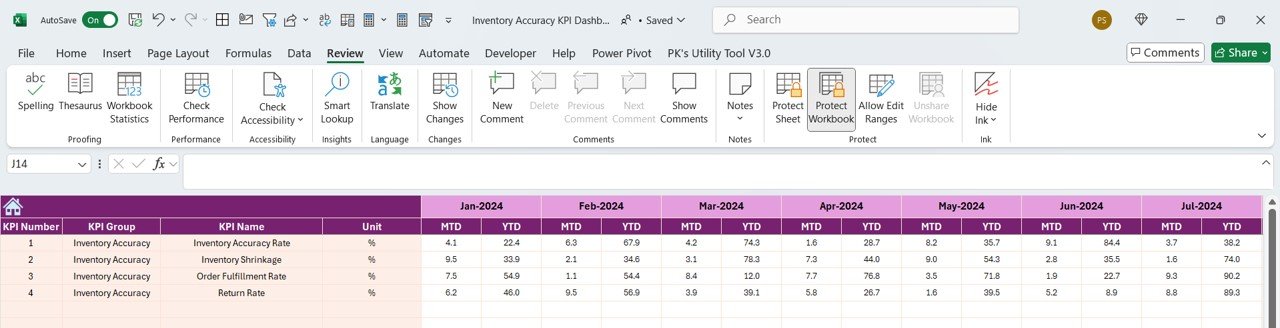
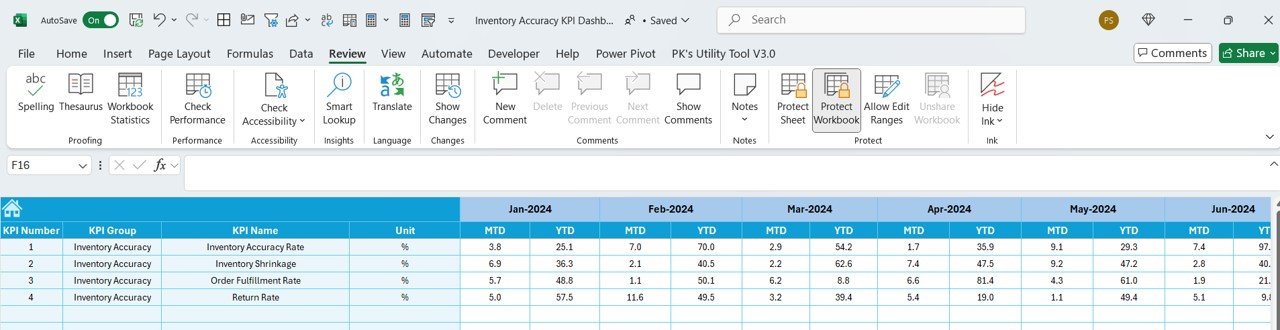
2️⃣ Enter Inventory Data – Input data on stock levels, orders, inventory movements, and discrepancies into the dashboard.
3️⃣ Track Key Metrics – Monitor KPIs such as stock levels, order accuracy, inventory movement, and discrepancies in real-time.
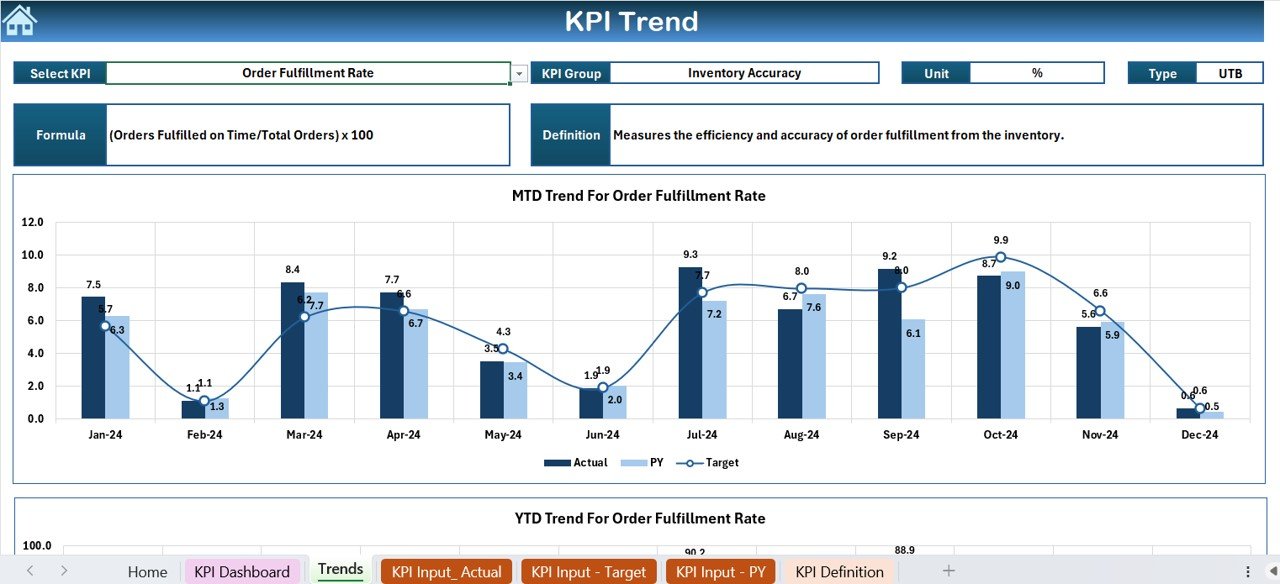
4️⃣ Analyze Trends – Use interactive charts to analyze trends in stock movement, order fulfillment accuracy, and inventory discrepancies.
5️⃣ Generate Reports – Create custom reports to track inventory performance and make data-driven decisions for stock replenishment.
Who Can Benefit from the Inventory Accuracy KPI Dashboard in Excel:
- Inventory Managers
- Supply Chain Professionals
- Warehouse Operations Managers
- E-commerce Businesses
- Retailers and Wholesalers
- Business Owners in Retail or Wholesale
- Data Analysts in Supply Chain
- Operations Managers
The Inventory Accuracy KPI Dashboard in Excel is the perfect tool for businesses looking to improve their inventory management processes. It helps you track stock levels, ensure order accuracy, reduce discrepancies, and optimize inventory replenishment, ensuring efficient operations and financial savings.
Click here to read the Detailed blog post
https://www.pk-anexcelexpert.com/inventory-accuracy-kpi-dashboard-in-excel/
Visit our YouTube channel to learn step-by-step video tutorials
Youtube.com/@PKAnExcelExpert
Compatibility and Requirements
- Works in Microsoft Excel desktop (Excel 2016 or later, or Microsoft 365).
- Charts and KPI views are built into the workbook, so there is nothing else to install.
- New to Excel charts? Microsoft explains the basics in Create a chart from start to finish.
Frequently Asked Questions
Which KPIs does the Inventory Accuracy KPI Dashboard track?
Stock levels, order fulfillment accuracy, inventory movement (transfers, returns and sales), inventory discrepancies and stock replenishment.
How does it find inventory discrepancies?
It compares physical stock counts with system records, so you can spot stockouts, overstock and shrinkage.
What data do I need to enter?
Stock levels, orders, inventory movements and discrepancy counts. The charts then show trends for each KPI.
Is there a Google Sheets or Power BI version?
Yes. See the Google Sheets edition and the Power BI edition.
Related Inventory Templates
- Inventory Accuracy KPI Dashboard in Google Sheets: the same KPIs in a shared online sheet
- Inventory Accuracy KPI Dashboard in Power BI: for Power BI reporting
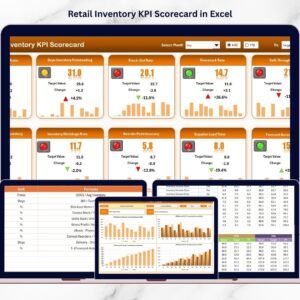
- Retail Inventory KPI Dashboard in Excel: inventory KPIs for retail stores
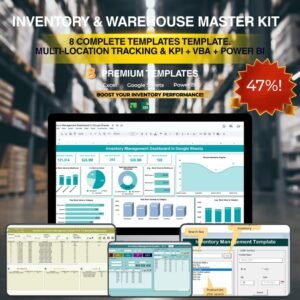
- Inventory & Warehouse Master Kit: 8 inventory and warehouse templates in one download
Browse all Excel inventory management templates or the Excel KPI dashboards.











Reviews
There are no reviews yet.