

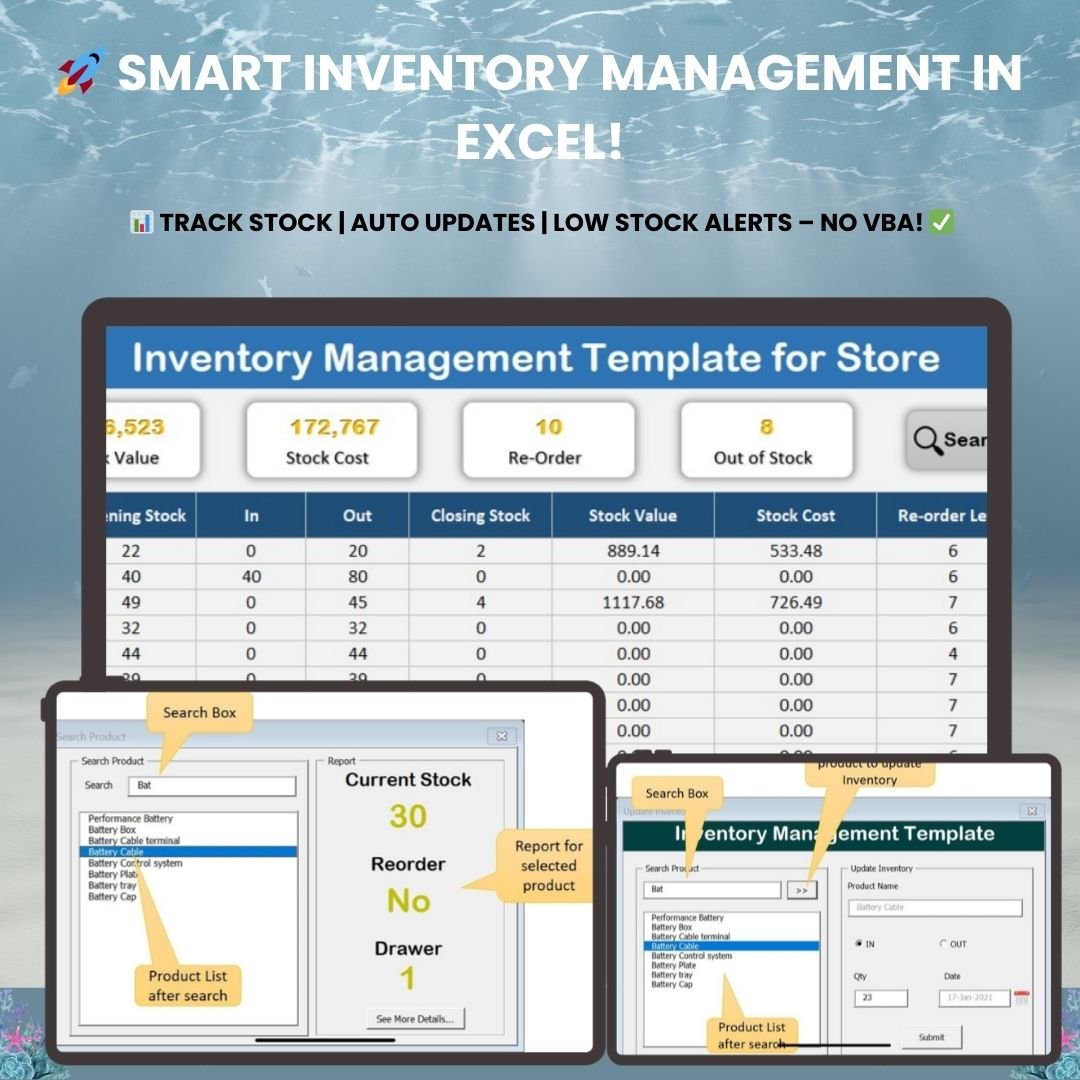



The Inventory Management Template for Store is a user-friendly, Excel-based VBA tool for tracking stock levels, monitoring stock value, automating reorder alerts, and keeping product details accurate. It is built for retail stores, e-commerce sellers, warehouses, manufacturing units, and small businesses that want reliable stock control without expensive software or advanced Excel knowledge.

Key Features of the Inventory Management Template for Store
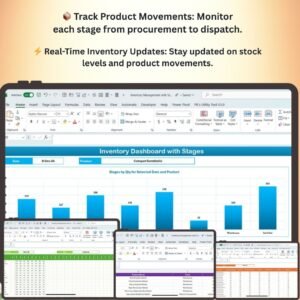
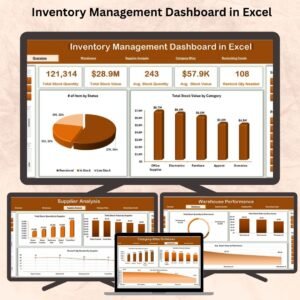
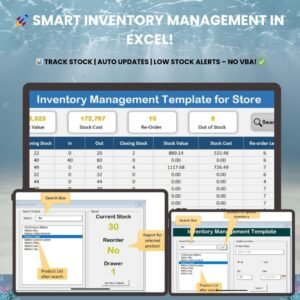
Real-Time Inventory Dashboard
- See your inventory at a glance on a visually appealing dashboard.
- Shows current stock levels, stock value, stock cost, and alerts for low-stock or out-of-stock items.
- Customizable report cards and quick-action buttons make stock tracking fast and simple.
Automated Inventory Tracking Worksheet
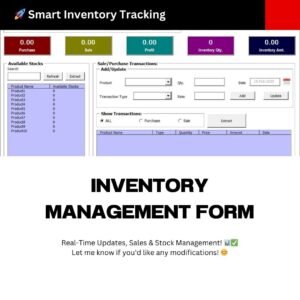
- Tracks product movements in and out of stock through an easy-to-use interface.
- Uses automated formulas to update inventory details without manual entry.
- Reduces errors and keeps your stock information accurate in real time.
Stock In-Out Worksheet
- The stock in-out worksheet updates automatically whenever inventory movements are recorded.
- Cuts manual tracking effort and keeps your inventory data up to date.
- Simplifies inventory audits with an easy-to-follow history of stock transactions.
Product Master Database
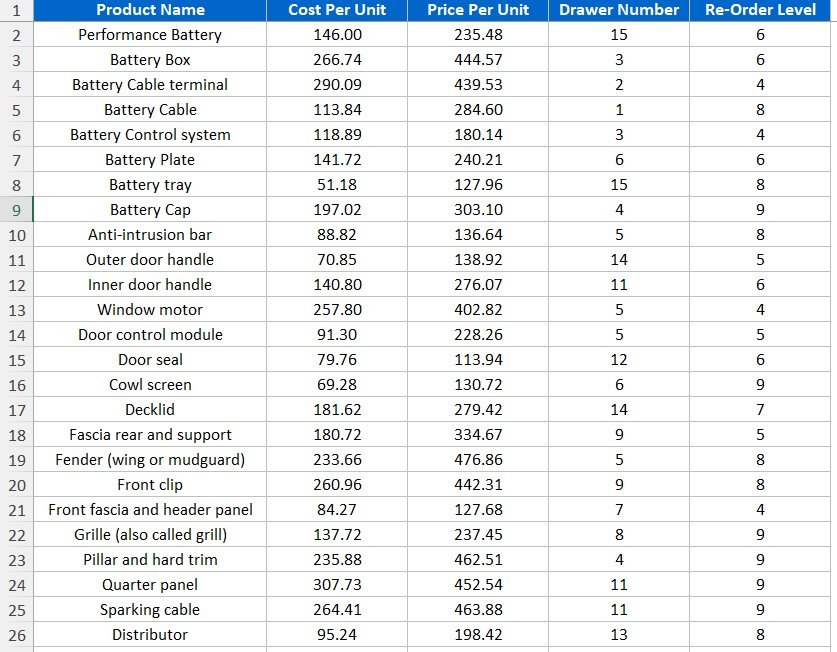
- The product master database stores essential product details, including product name, cost per unit, stock location (drawer number), and reorder level.
- Lets you set customized reorder thresholds for each product to prevent stockouts.
- Helps you keep a well-organized, efficient inventory system.
Advanced Search and Filter Options
- Find specific products quickly with smart search functionality.
- Retrieve stock quantity, reorder status, and storage location in seconds.
- Makes day-to-day inventory management faster and more efficient.
Low Stock Alerts and Reorder Alerts
- Get automatic low stock alerts when an item reaches its reorder level.
- Helps prevent shortages and keeps business operations running smoothly.
- Set custom reorder thresholds based on your business needs.
Data-Driven Reports
- Clear, insightful reports help you make informed inventory decisions.
- Track stock movement trends so you can optimize purchasing and reduce unnecessary inventory costs.
Export and Backup Options
- Export inventory data to Excel reports for sharing and analysis.
- Maintain historical data records for audits and business growth insights.
What’s Inside the Template
| Sheet / Module | What It Does |
|---|---|
| Dashboard | Displays current stock levels, stock value, stock cost, and low-stock or out-of-stock alerts with report cards and quick-action buttons. |
| Inventory Tracking Worksheet | Tracks product movements and updates inventory details with automated formulas. |
| Stock In-Out Worksheet | Records stock movements and keeps a history of transactions for easy audits. |
| Product Master Database | Holds product name, cost per unit, stock location (drawer number), and reorder levels. |
| Search and Filters | Quickly finds products and shows quantity, reorder status, and location. |
| Reports and Export | Provides insightful reports and exports data to Excel for sharing and backup. |
Who Is This Excel Inventory Tracker For?
This Excel inventory tracker is a practical fit for:
- Retail stores – manage product stock efficiently.
- Manufacturing units – track raw materials and finished goods.
- E-commerce businesses – keep accurate inventory for online sales.
- Warehouses – maintain optimal stock levels.
- Small businesses – automate inventory tracking without expensive software.
Why Choose This Inventory Template?
- Easy to use – no Excel expertise required.
- Automated tracking – no manual updates needed.
- Time-saving – view stock reports instantly.
- Cost-effective – manage inventory without costly software.
How to Use the Template
- Download and unzip the file.
- Open the workbook in Excel and make sure macros are enabled (see the tutorial link below).
- Add your products, cost per unit, drawer location, and reorder levels in the Product Master Database.
- Record stock receipts and issues in the Stock In-Out Worksheet.
- Monitor stock levels, value, and low stock alerts on the dashboard, and export reports when needed.
After downloading and unzipping this file, ensure that macros are enabled before use. Refer to our tutorial for step-by-step instructions on enabling macros in Excel: https://www.pk-anexcelexpert.com/4-easy-ways-to-enable-macros-in-excel-vba/
Click here to read the detailed blog post on inventory management
Watch the Step-by-Step Video Tutorial: Inventory Management
Visit our YouTube channel to learn from step-by-step video tutorials: Youtube.com/@PKAnExcelExpert
Frequently Asked Questions
Do I need advanced Excel skills to use this template?
No. The Inventory Management Template for Store is designed to be easy to use and requires no Excel expertise. Automated formulas and VBA handle the updates for you.
Why do I need to enable macros?
This is a VBA tool, so macros must be enabled for its automated features to work. Follow the macro-enabling tutorial linked above after unzipping the file.
How do the low stock alerts work?
You set a reorder level for each product in the product master database. When stock reaches that level, the template shows an automatic alert so you can replenish in time.
Can I see where an item is stored?
Yes. The product master database records the stock location (drawer number), and the search feature retrieves the location, quantity, and reorder status in seconds.
Can I export or back up my inventory data?
Yes. You can export inventory data to Excel reports for sharing and analysis and keep historical records for audits.
Is it suitable for warehouses and manufacturing?
Yes. Along with retail and e-commerce, it suits warehouses maintaining stock levels and manufacturing units tracking raw materials and finished goods.
Also check our Download Attachments from Multiple Emails Automatically using VBA
Last updated: October 2026
Compatibility and Requirements
- Made for Microsoft Excel desktop on Windows (Excel 2016 or later, or Microsoft 365).
- Macros must be enabled, because the automated tracking, search and quick-action buttons run on VBA. Microsoft explains how in Enable or disable macros in Microsoft 365 files.
- Excel for the web, Google Sheets and the Excel mobile apps can’t run VBA, so use the Excel desktop app. For a browser-based option, see Multi-Location Inventory Management in Google Sheets.
Related Inventory Templates
- Inventory Management Template for Multiple Locations: track stock across several stores or warehouses.
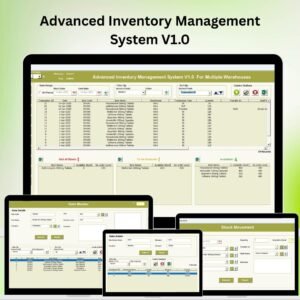
- Inventory Management System V3.0: a fuller inventory system in Excel VBA.
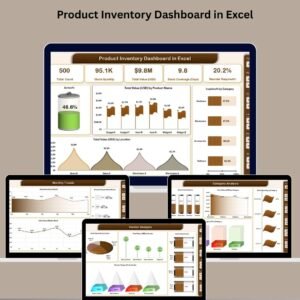
- Inventory Management Dashboard in Excel: a dashboard view of stock levels and value.
- Multi-Location Inventory Management in Google Sheets: the browser-based option.
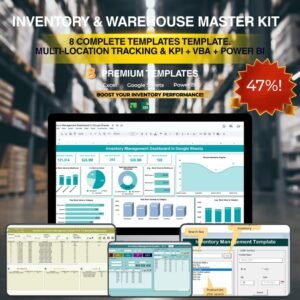
- Inventory & Warehouse Master Kit: 8 Excel, Google Sheets and VBA inventory templates.
Browse all Excel inventory management templates or the Excel VBA tools.










Reviews
There are no reviews yet.