Supply chains move fast. Documents move even faster. Contracts get revised. Invoices change. Shipping documents expire. Compliance rules evolve. Therefore, businesses must manage documentation carefully and systematically.
Supply Chain Documentation Checklist in Excel However, many companies still store documents in scattered folders, emails, or shared drives. As a result, teams waste time searching for files. Audits become stressful. Compliance risks increase.
That is exactly where the Supply Chain Documentation Checklist in Excel becomes a powerful and practical solution.
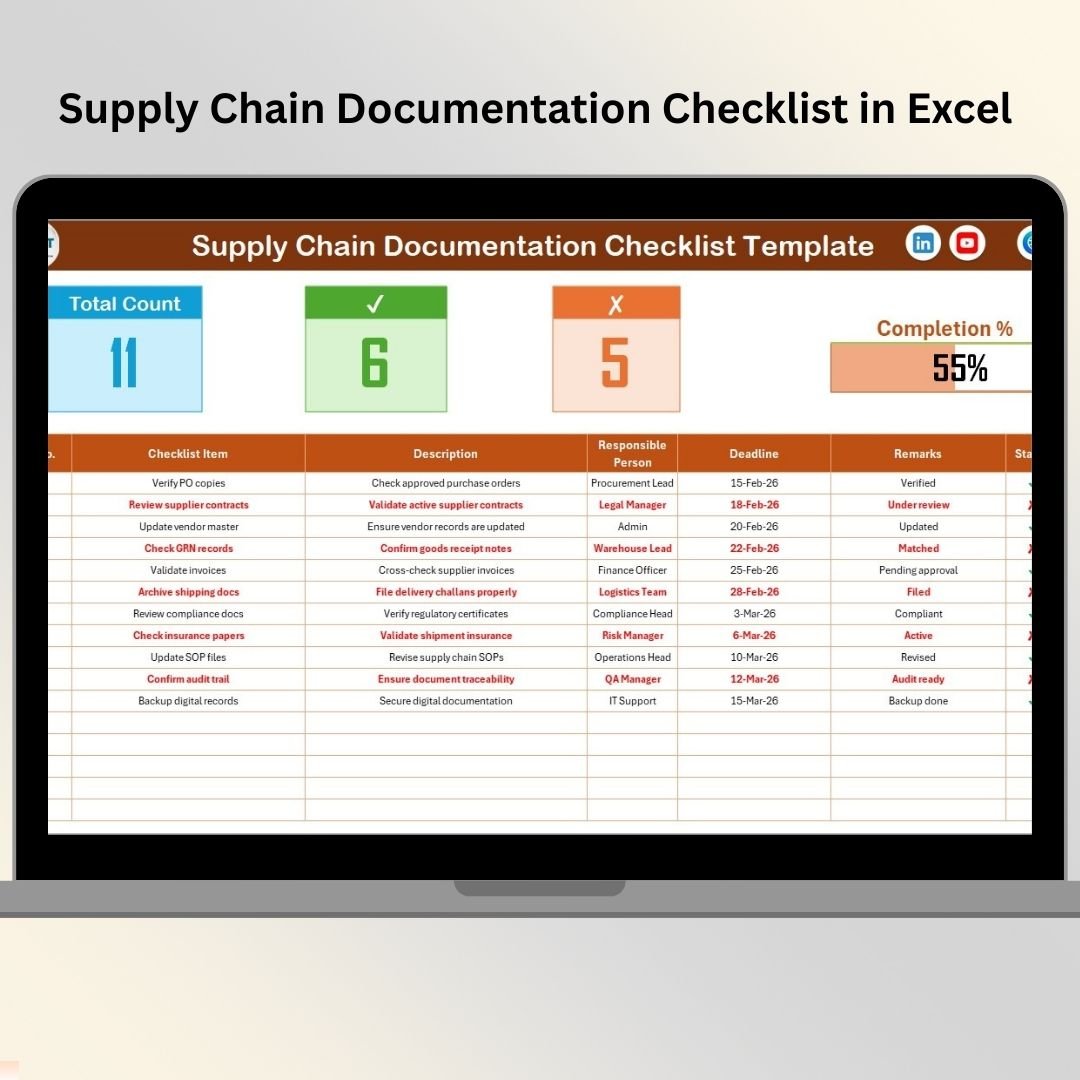
The Supply Chain Documentation Checklist in Excel is a ready-to-use, structured Excel template designed to help businesses track, monitor, and control critical supply chain documents in one centralized system.
Instead of guessing which documents are available or expired, you follow a defined checklist. Consequently, you ensure documentation remains complete, updated, and audit ready.
Because it runs entirely in Excel, you can implement it immediately without expensive document management software.
✅ Key Features of Supply Chain Documentation Checklist in Excel
This template transforms scattered documentation into a clear, trackable system.
📊 Documentation Summary Dashboard – Instant visibility into documentation health
✔ Completed Document Tracking – Monitor verified records
✘ Pending / Missing Tracking – Identify documentation gaps
📈 Automatic Progress Bar – Visual completion percentage
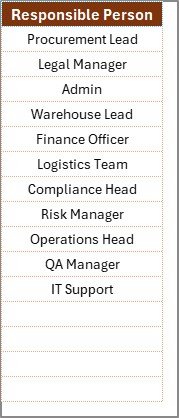
👤 Responsible Person Drop-Down – Assign clear ownership
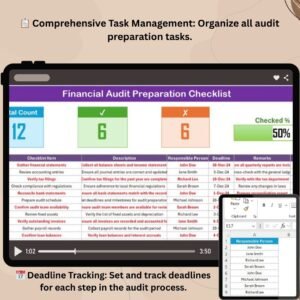
📅 Deadline Monitoring – Track submission & renewal dates
📝 Remarks Section – Capture important notes
⚡ Automatic Summary Updates – Dashboard updates instantly
Because calculations update automatically, management gains real-time documentation visibility.
📦 What’s Included in the Template?
This ready-to-use system contains 2 structured worksheets designed for simplicity and control.
🗂️ 1️⃣ Supply Chain Documentation Checklist Sheet (Main Sheet)
This sheet acts as the monitoring center of the system.
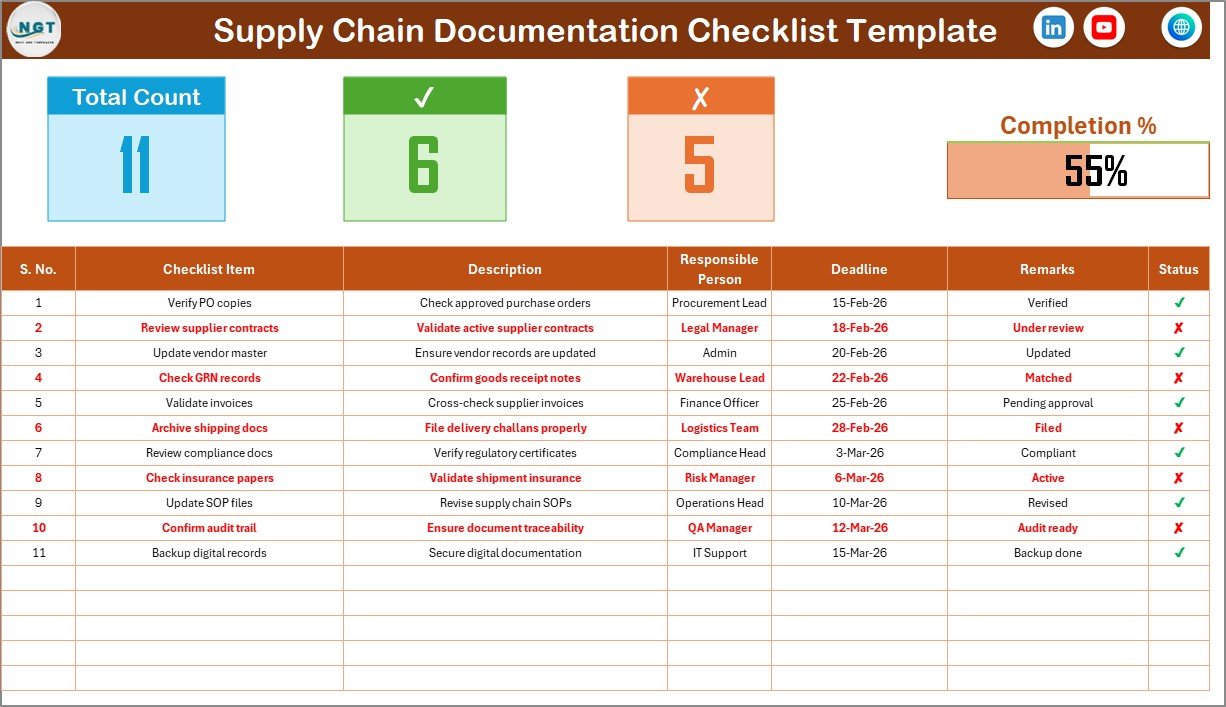
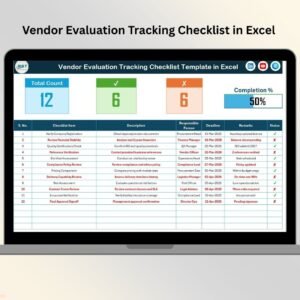
🔹 Top Section – Documentation Summary Dashboard
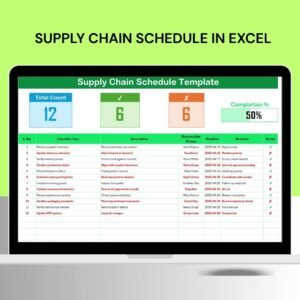
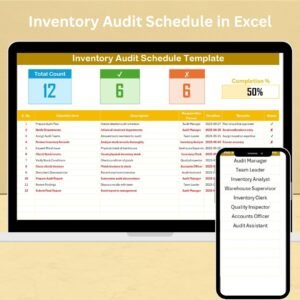
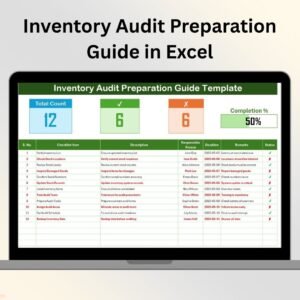
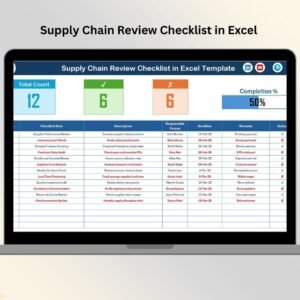
At the top, you get instant visibility:
Total Count – Total documentation items
Checked Count (✔) – Verified documents
Crossed Count (✘) – Missing or pending documents
Progress Bar – Visual documentation completion percentage
As soon as you update the Status column, the summary updates automatically. Therefore, you instantly understand documentation health.
📋 2️⃣ List Sheet Tab (Support Sheet)
The List Sheet ensures data consistency.
Here, you maintain:
Unique list of Responsible Persons
The main sheet uses this list to create drop-down selections.
As a result:
You avoid spelling errors
You maintain standardized names
You ensure clean reporting
📑 What Documents Should You Track?
A strong documentation checklist should cover all critical categories.
Supplier Documents
Supplier contracts
Non-disclosure agreements
Compliance certificates
Insurance certificates
Vendor registration documents
Procurement Documents
Purchase orders
Quotations
Approval forms
Budget approvals
Cost comparison sheets
Logistics Documents
Bill of lading
Shipping invoices
Delivery challans
Packing lists
Customs clearance documents
Inventory & Warehouse Documents
Stock reconciliation reports
Inventory audit records
Safety certificates
Storage compliance reports
Compliance & Regulatory Documents
Tax registration certificates
Import/export licenses
Environmental compliance documents
Audit reports
Quality certifications
Because documentation spans multiple departments, this checklist keeps everything aligned.
🚀 How the Checklist Works
Using the template is simple:
List required documents.
Assign responsible person from drop-down.
Enter deadline or renewal date.
Mark ✔ when verified or ✘ when pending.
Monitor progress bar and summary section.
Since Excel updates automatically, you focus on control instead of calculations.
🎯 Advantages of Supply Chain Documentation Checklist in Excel
1️⃣ Improves Audit Readiness
Stay prepared instead of scrambling during inspections.
2️⃣ Reduces Compliance Risk
Avoid expired certificates and missing paperwork.
3️⃣ Enhances Accountability
Assigned ownership ensures action.
4️⃣ Saves Time
Centralized documentation tracking reduces searching effort.
5️⃣ Increases Transparency
Management sees completion percentage instantly.
6️⃣ Easy Customization
Add priority levels, document categories, or filters.
7️⃣ Cost-Effective Solution
No expensive document management system required.
👥 Who Should Use This Template?
This checklist is ideal for:
📦 Supply Chain Managers
🛒 Procurement Officers
⚖ Compliance Managers
🏭 Warehouse Supervisors
🚚 Logistics Coordinators
🏢 Operations Managers
💼 Business Owners
Whether small or large organization, structured documentation improves efficiency.
🛠️ Best Practices for Implementation
✔ Review documentation monthly
✔ Update status immediately
✔ Track renewal dates carefully
✔ Assign clear responsibility
✔ Analyze recurring pending items
✔ Present summary in management meetings
✔ Maintain secure document backups
Because consistency ensures control, disciplined usage is essential.
🔗 Click here to read the Detailed blog post
🎥 Visit our YouTube channel to learn step-by-step video tutorials
👉 https://www.youtube.com/@PKAnExcelExpert