

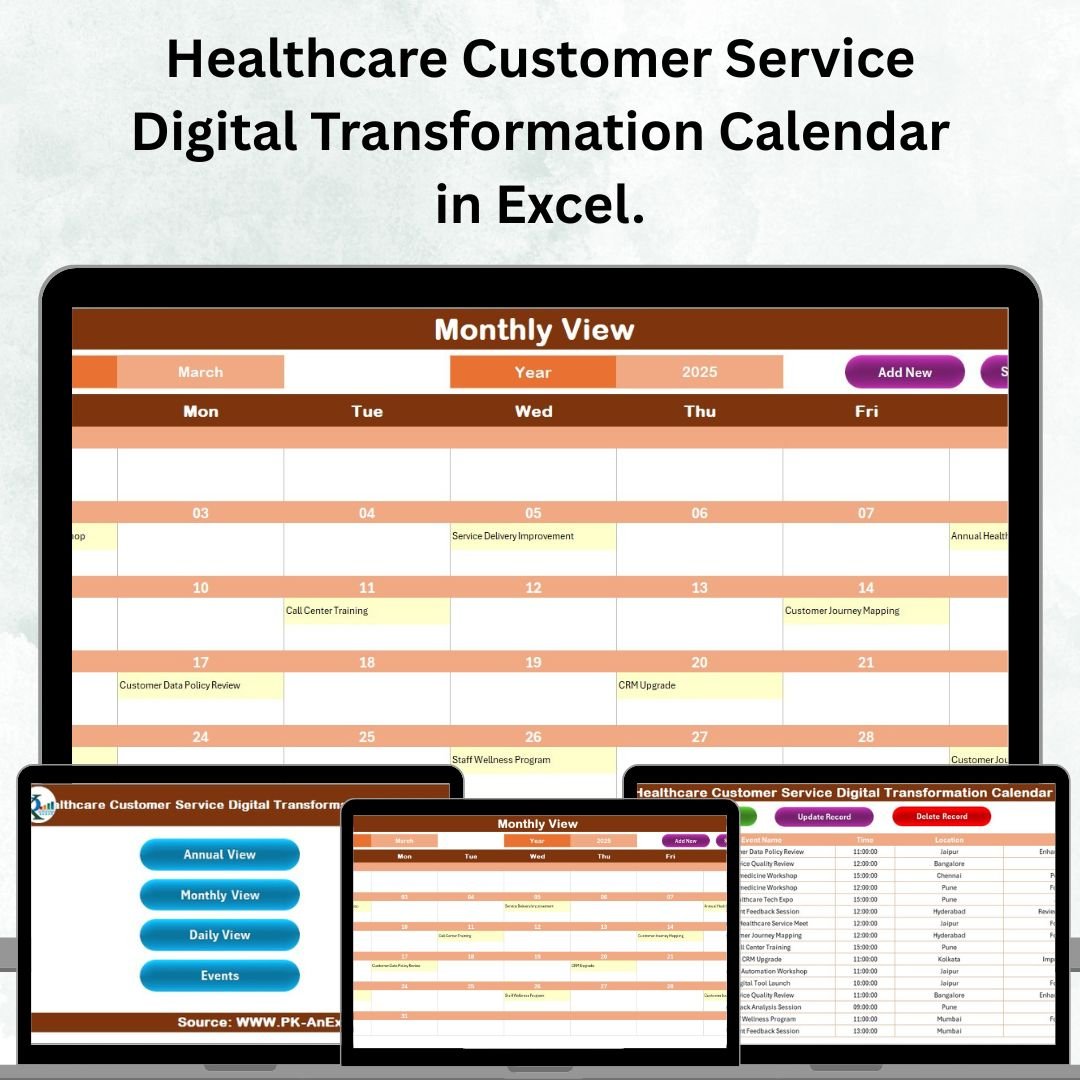



Healthcare organizations are under constant pressure to deliver exceptional service while adapting to rapid digital transformation. Patients expect faster responses, smoother interactions, and more personalized care—and without the right tools, managing these demands can feel overwhelming. That’s where the Healthcare Customer Service Digital Transformation Calendar in Excel comes in
This ready-to-use Excel template is more than just a calendar—it’s a powerful digital transformation planner designed specifically for healthcare service teams. From annual overviews to daily activity tracking, it centralizes all your events, initiatives, and service milestones into one simple, professional, and highly customizable tool. Whether you’re managing hospital operations, clinic schedules, or service improvement projects, this calendar will help you organize, streamline, and succeed.Healthcare Customer Service Digital Transformation Calendar in Excel.
✨ Key Features of the Healthcare Customer Service Digital Transformation Calendar
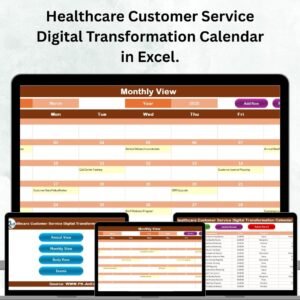
✅ 5 Interactive Sheets – Navigate effortlessly between Home, Annual View, Monthly View, Daily View, and Events.
✅ Dynamic Navigation Buttons – Jump instantly to the right section without wasting time scrolling.
✅ Annual, Monthly & Daily Views – Plan long-term strategies, monthly initiatives, and day-to-day activities.
✅ Event Database – Keep every event, training, or milestone recorded in one structured sheet.
✅ Customization Options – Change color themes, highlight weekends/holidays, and define your preferred calendar format.
✅ Smart Event Management – Add, update, or delete records using simple forms, no advanced skills needed.
✅ User-Friendly Design – Built in Excel with easy dropdowns and forms so even non-technical staff can use it.

📂 What’s Inside the Healthcare Customer Service Digital Transformation Calendar
This product includes five expertly crafted worksheets tailored for healthcare customer service teams:
Home Sheet 🏠 – Your navigation hub with quick buttons to move between different sections.
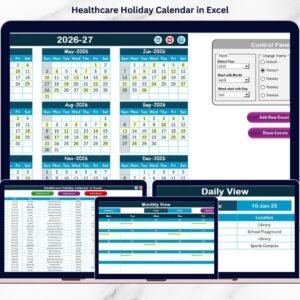
Annual View 📅 – See the full year at a glance, highlight key days, and add events directly.
Monthly View 🗓 – Focus on a single month, view events, and manage initiatives with ease.
Daily View ⏰ – Drill down to specific date ranges to monitor daily workshops, training, or patient service upgrades.
Events Sheet 📋 – A complete database with event IDs, names, times, locations, and descriptions—ensuring nothing gets lost.
🛠 How to Use the Healthcare Customer Service Digital Transformation Calendar
Using this tool is simple and intuitive:
Start with the Home Sheet – Use the buttons to quickly navigate.
Set Up Your Year – Choose your starting month, year, and highlight preferences in the Annual View.
Add Events Easily – Use the Add Event form to record training, rollouts, or customer service activities.
Track Progress Daily – Monitor events with the Daily View to ensure smooth execution.
Analyze & Review – Use the Monthly and Annual Views to evaluate completed initiatives and plan upcoming projects.
Keep Records Safe – Store the calendar on a shared drive like Healthcare Customer Service Digital Transformation Calendar in Excel.
👥 Who Can Benefit from This Healthcare Customer Service Digital Transformation Calendar
This Excel-based calendar is designed for:
🏥 Hospitals & Clinics – Coordinate transformation projects and improve patient experience.
📌 Healthcare Service Managers – Track milestones, initiatives, and training activities with structure.
👩⚕️ Customer Service Teams – Manage daily operations, reduce errors, and enhance accountability.
💼 Healthcare Administrators – Get a big-picture view of digital transformation progress.
🌍 Organizations Going Digital – Perfect for healthcare groups aiming to modernize their customer service processes without investing in expensive software.Healthcare Customer Service Digital Transformation Calendar in Excel.
Click here to read the Detailed blog post
Watch the step-by-step video tutorial:
Visit our YouTube channel to learn step-by-step video tutorials 🎥
Compatibility and Requirements
- Works in Microsoft Excel desktop (Excel 2016 or later, or Microsoft 365).
- The calendar uses dropdowns and forms to set the year, month and highlight options. Microsoft explains how they work in Create a drop-down list.
Frequently Asked Questions
Which sheets are included?
Five sheets: Home, Annual View, Monthly View, Daily View and Events.
How do I add an event?
Use the Add Event form. Each record is stored in the Events sheet with an event ID, name, time, location and description.
Can I change the colors and highlight weekends or holidays?
Yes. You can change the color theme, highlight weekends and holidays, and choose your starting month and year in the Annual View.
Can I view a single day or a date range?
Yes. The Daily View lets you pick a date range to see workshops, training sessions and service upgrades planned for those days.
Is there a version for another healthcare team?
Yes. See the Healthcare Operations Digital Transformation Calendar in Excel and the Healthcare Compliance Digital Transformation Calendar in Excel.
Related Healthcare Templates
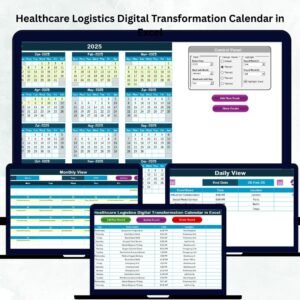
- Healthcare Operations Digital Transformation Calendar in Excel: the same calendar for operations teams
- Healthcare Customer Service Cybersecurity Calendar in Excel: plan cybersecurity activities for the same team
- Healthcare Customer Service Employee Wellness Calendar in Excel: schedule wellness events for service staff
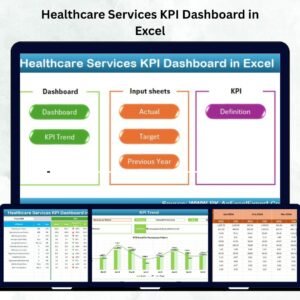
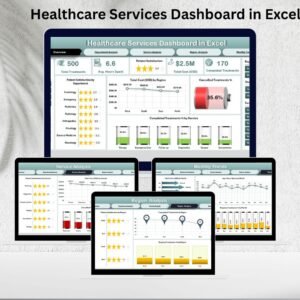
- Healthcare Services Dashboard in Excel: a dashboard view of healthcare services
- Healthcare & Hospital Management Bundle: 8 healthcare templates in one download
Browse all Excel calendar templates.
























Reviews
There are no reviews yet.