

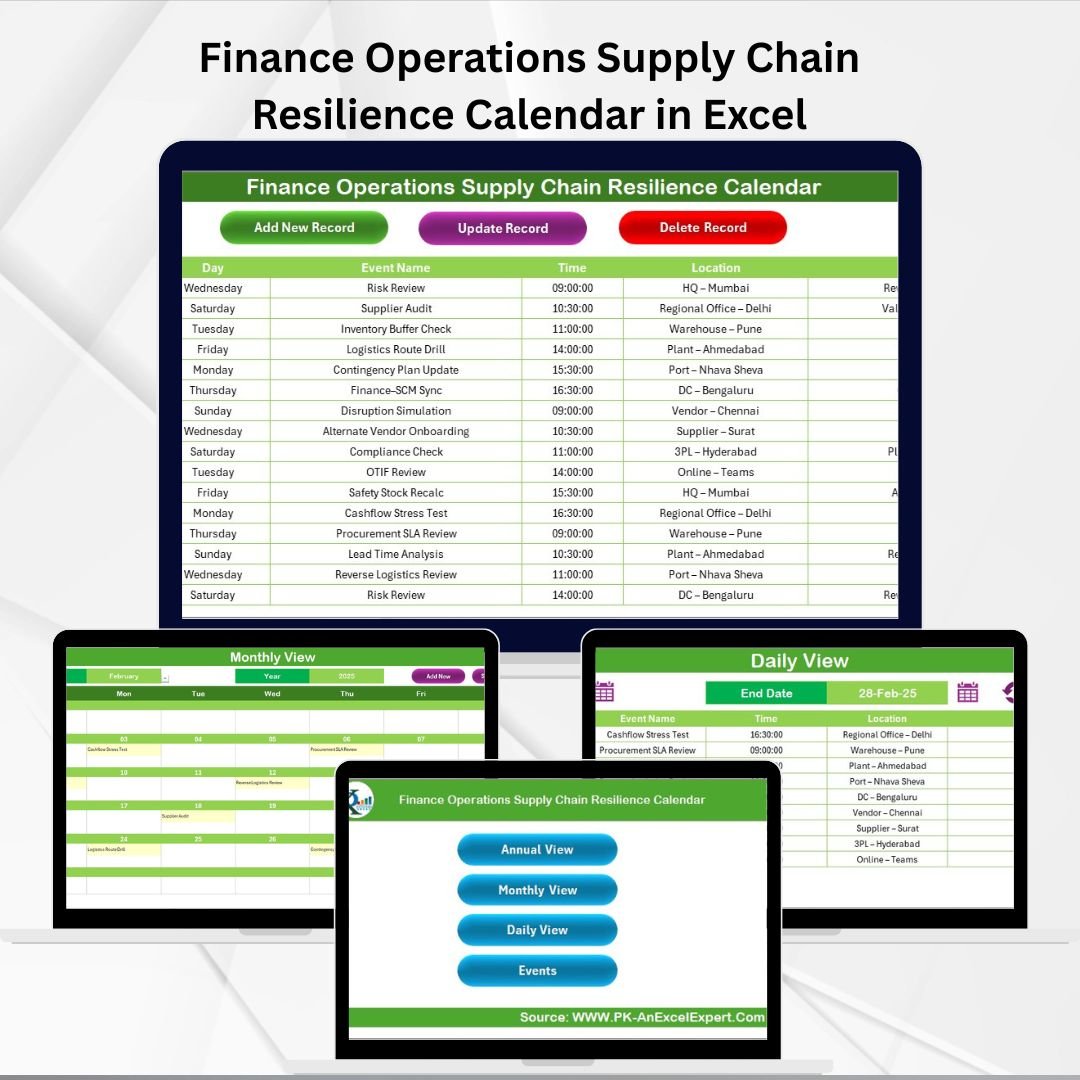

In today’s fast-paced business environment, disruptions in finance operations or supply chains can cause significant setbacks. Missed deadlines, supplier delays, or compliance issues can quickly impact profitability and customer satisfaction. That’s why we created the Finance Operations Supply Chain Resilience Calendar in Excel — a ready-to-use tool designed to keep your financial and supply chain events organized, visible, and under control 📅🚀.
This interactive Excel calendar centralizes all important activities, from audits and supplier reviews to procurement milestones and risk assessments. With built-in automation, multiple views, and simple navigation, it helps finance and supply chain teams plan ahead, stay resilient, and adapt quickly to change.
✨ Key Features of Finance Operations Supply Chain Resilience Calendar
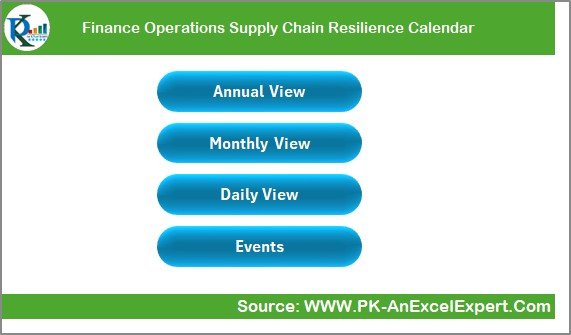
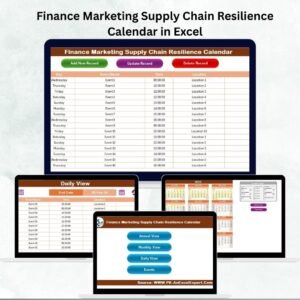
✅ 5 Pre-Built Sheets – Home, Annual View, Monthly View, Daily View, and Events Database.
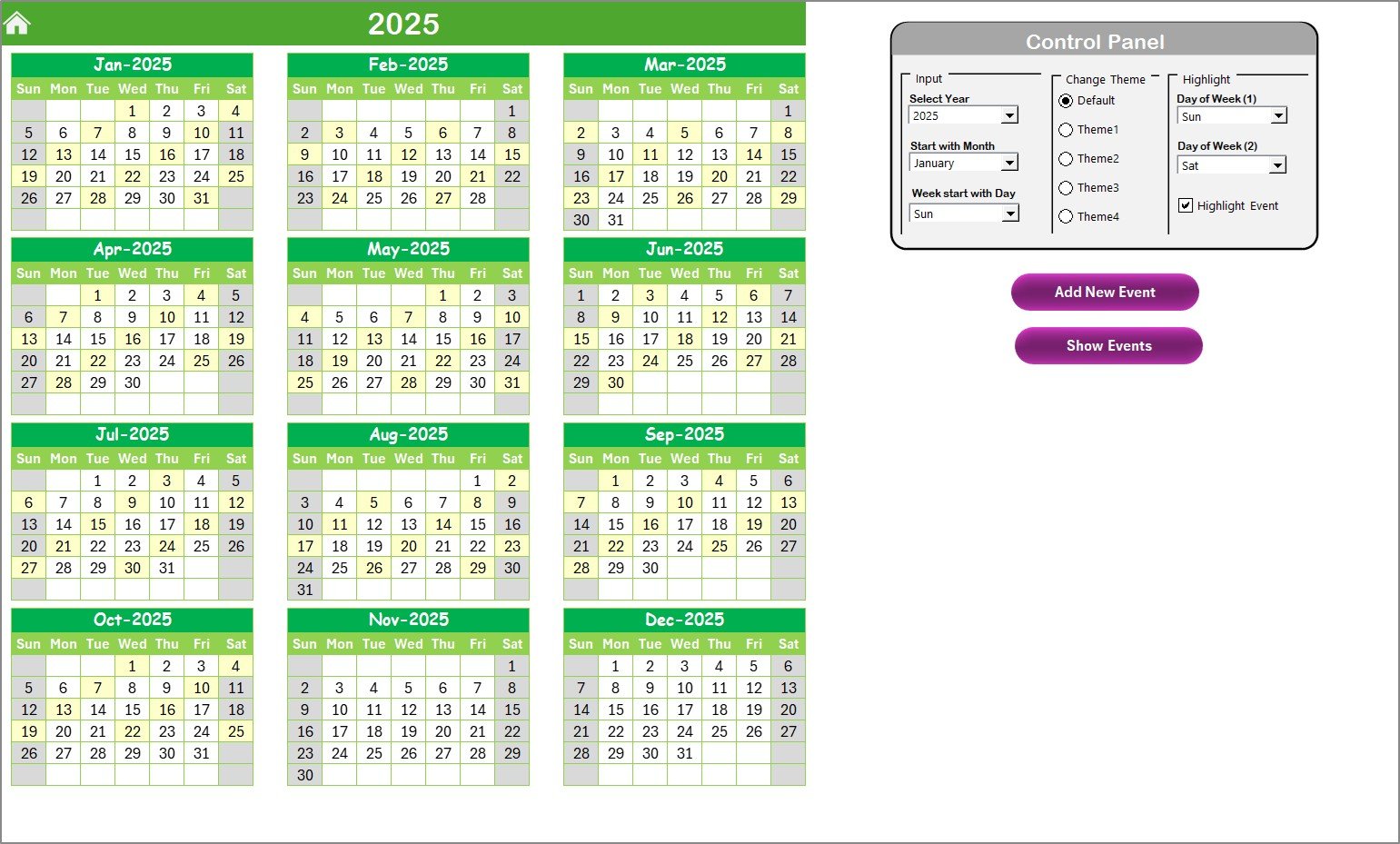
✅ Annual View – Big-picture planning with interactive controls, customizable start month/week, and color themes.
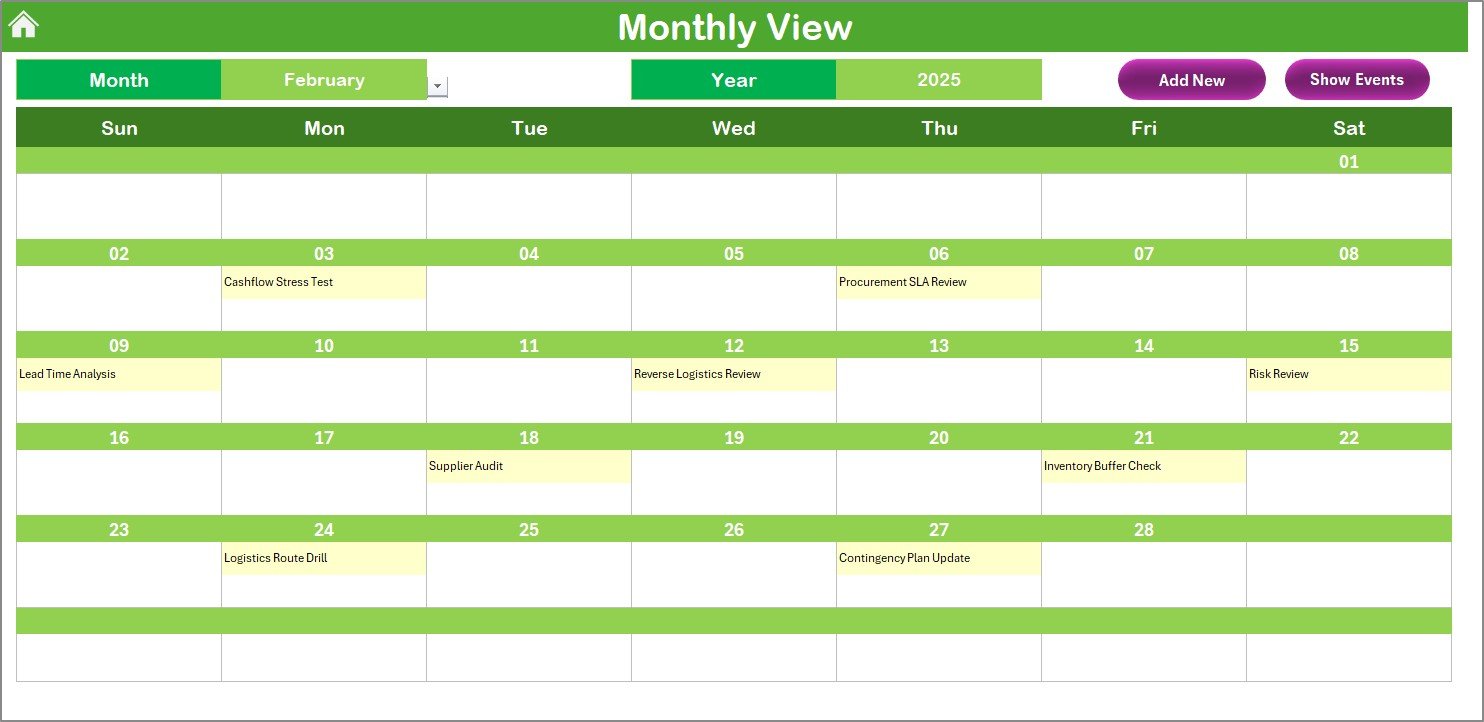
✅ Monthly View – Focused tracking of events for each month, with quick add/view buttons.
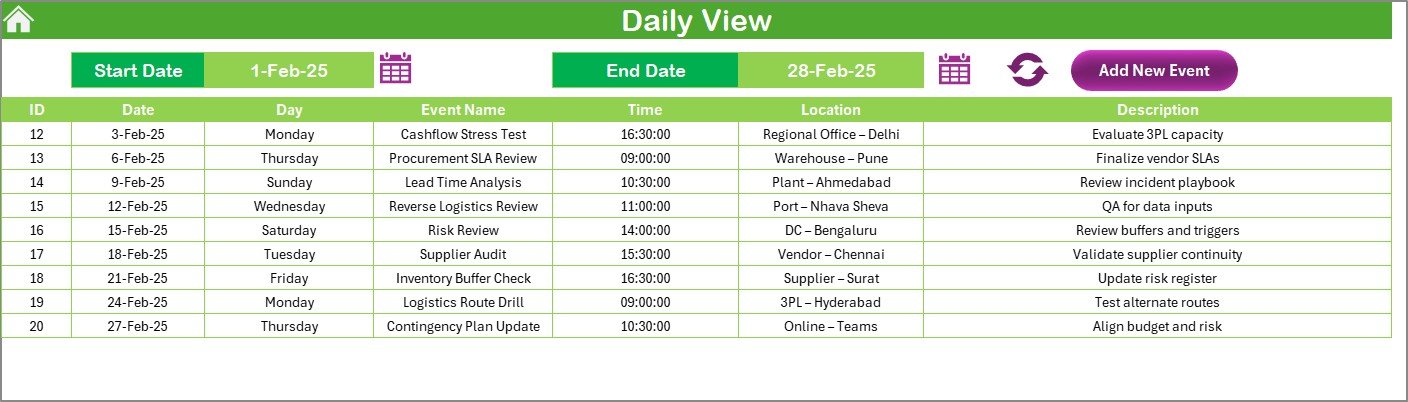
✅ Daily View – Drill down into detailed day-to-day operations and resilience activities.
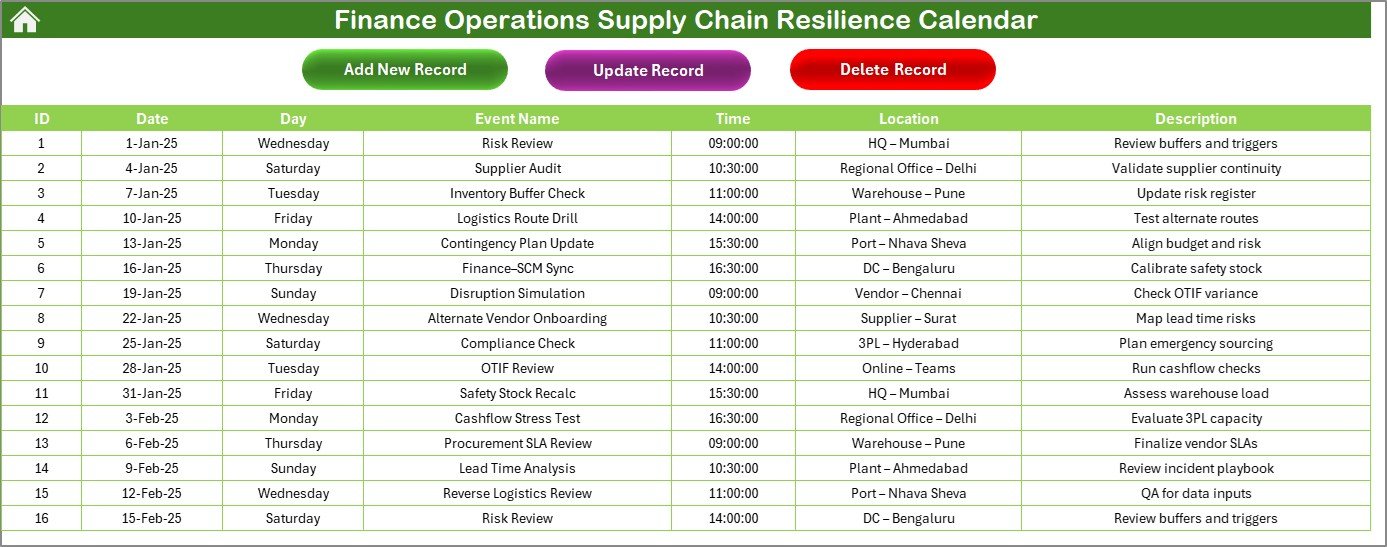
✅ Events Database – Store all events with auto-generated IDs, dates, times, locations, and descriptions.
✅ Interactive Forms – Add, update, and delete records without manual errors.
✅ Custom Themes & Highlighting – Personalize your calendar and mark critical days for better visibility.
✅ Automation Built-In – Smart buttons and calculations reduce manual work.
📊 What’s Inside the Finance Operations Supply Chain Resilience Calendar in Excel
When you download this template, you’ll find a structured Excel system with everything you need:
Home Sheet: Central navigation hub with four quick-access buttons.
Annual View Sheet: Full 12-month calendar layout with event highlighting, theme options, and add/show event features.
Monthly View Sheet: Month-specific planning that flags multiple events on a single date.
Daily View Sheet: Select a start and end date to monitor detailed daily operations.
Events Sheet (Database): Organized storage of all events with Add, Update, and Delete functionality.
This structure ensures every financial deadline, supplier meeting, and resilience initiative is properly tracked and visible to your team.
🛠️ How to Use the Finance Operations Supply Chain Resilience Calendar in Excel
1️⃣ Set Up Your Calendar – Define your fiscal year and starting week.
2️⃣ Add Events – Use the simple form to enter audits, supplier reviews, or risk assessments.
3️⃣ Plan Ahead – Switch between Annual, Monthly, and Daily views for flexibility.
4️⃣ Update Regularly – Modify or delete outdated events from the Events Database.
5️⃣ Highlight Key Dates – Use the highlight tool to mark weekends, deadlines, or training days.
6️⃣ Monitor Progress – Review upcoming activities and ensure nothing is missed.
No advanced Excel knowledge is needed — the template is beginner-friendly and automated ⚡.
👥 Who Can Benefit from This Calendar
🏢 Finance Teams – Stay on top of budgets, audits, and compliance reviews.
📦 Supply Chain Managers – Track procurement deadlines, supplier reviews, and delivery milestones.
📊 Risk & Compliance Officers – Ensure resilience training and assessments are never overlooked.
💼 SMEs & Corporates – Low-cost, powerful alternative to complex project management software.
🤝 Cross-Functional Teams – Improve collaboration between finance, procurement, and logistics.
This calendar is perfect for businesses of all sizes aiming to improve visibility, resilience, and efficiency.
Click here to read the Detailed blog post
Visit our YouTube channel to learn step-by-step video tutorials
👉 PKAnExcelExpert
Watch the step-by-step video tutorial:
Compatibility and Requirements
- Works in Microsoft Excel desktop (Excel 2016 or later, or Microsoft 365).
- The Annual, Monthly and Daily views use buttons and forms to add, update and delete events. Microsoft’s guide to enabling macros explains how to turn macros on.
Frequently Asked Questions
Which sheets are included?
Five sheets: Home, Annual View, Monthly View, Daily View and Events Database.
How do I add an event?
Use the add event form. Each event gets an auto-generated ID and is saved in the Events Database with its date, time, location and description.
Can I change or delete an event later?
Yes. The Events Database has Add, Update and Delete functions, so you can edit or remove outdated events.
Can I set the start month and the colors?
Yes. The Annual View lets you choose the start month and start week, pick a color theme and highlight key dates such as weekends or deadlines.
Is there a version for another team?
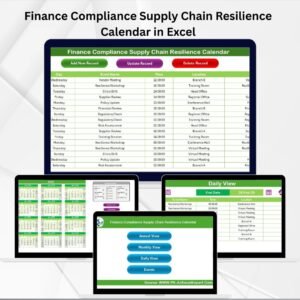
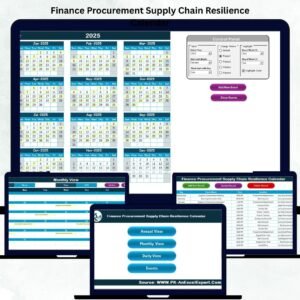
Yes. For example, the Finance Procurement Supply Chain Resilience Calendar in Excel and the Finance Compliance Supply Chain Resilience Calendar in Excel.
Related Supply Chain Resilience Calendars
- Finance Procurement Supply Chain Resilience Calendar in Excel: for procurement deadlines alongside finance events
- Finance Compliance Supply Chain Resilience Calendar in Excel: for audits and compliance reviews
- Operations Supply Chain Resilience Calendar in Excel: the same calendar for operations teams
- Logistics Supply Chain Resilience Calendar in Excel: for delivery and logistics milestones
- Calendar & Planner Pack: 12 Excel and Google Sheets calendar templates in one download
Browse all Excel calendar templates.






























Reviews
There are no reviews yet.