Employee referrals are one of the most effective ways to attract high-quality candidates. They help reduce hiring costs, shorten recruitment cycles, and improve employee retention. But managing referrals manually can become messy and error-prone. That’s why we’ve built the Employee Referral Tracker in Google Sheets — a structured, ready-to-use tool designed to simplify and organize your referral program. 🚀
This tracker helps HR teams and managers monitor referral activities, visualize key metrics with interactive charts, and track candidate status in real time. Whether you’re a startup or a large enterprise, this template ensures complete visibility into referral programs, making hiring decisions easier and smarter.
🔑 Key Features of Employee Referral Tracker
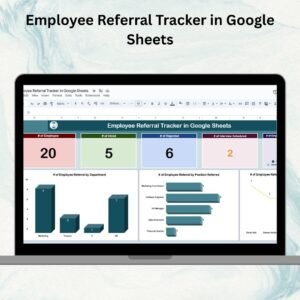
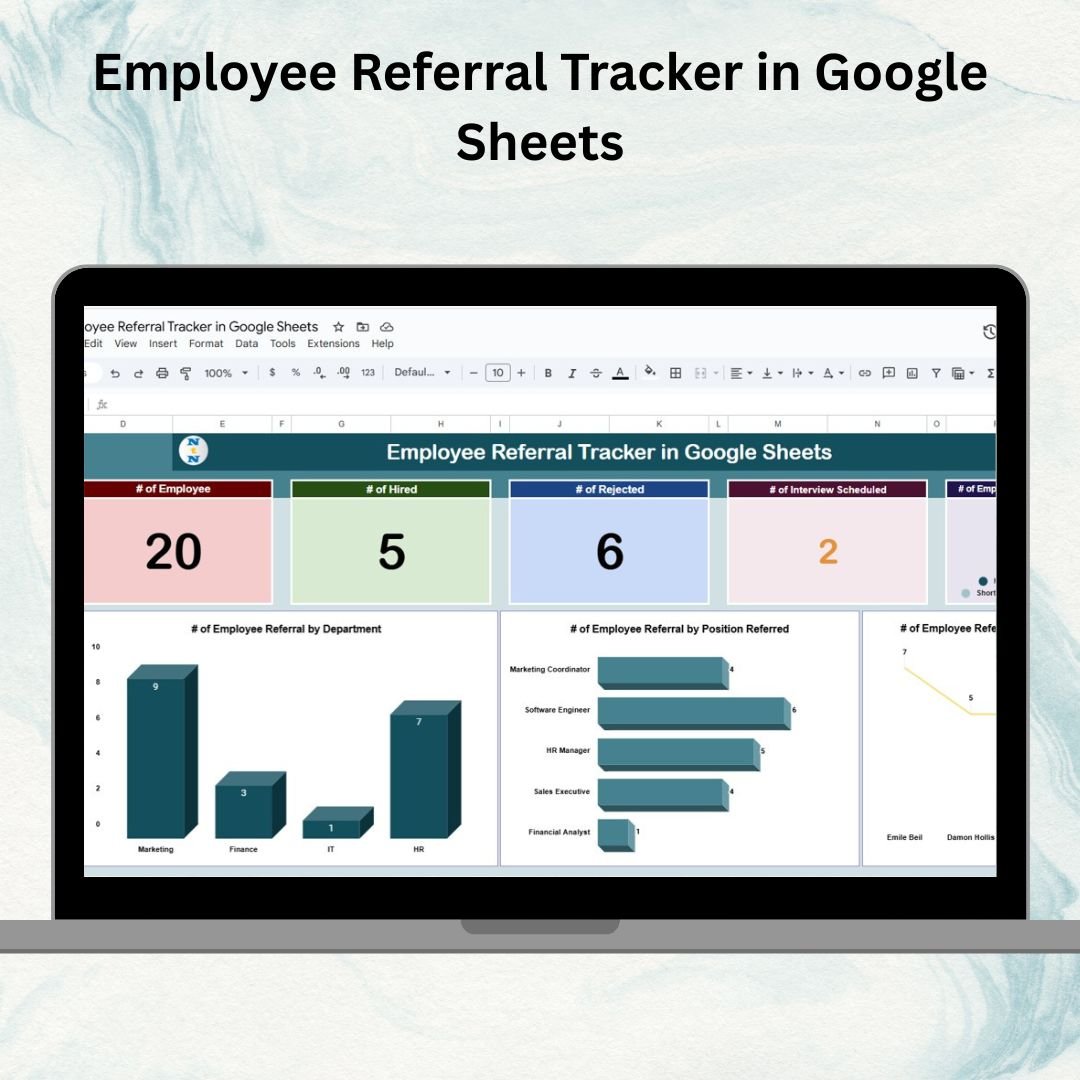
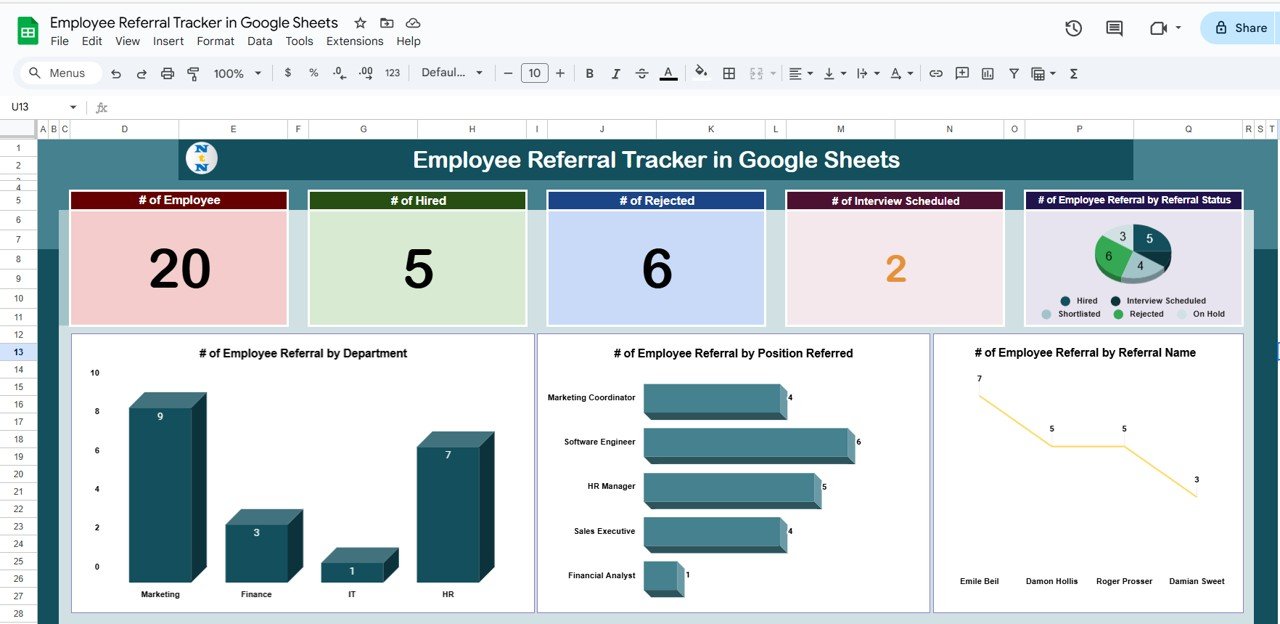
📊 Tracker Sheet Tab – Dashboard View
Dynamic Cards for quick insights:
of Employees (who made referrals)
of Hired candidates
of Rejected candidates
of Interview Scheduled
Interactive Charts to visualize:
Referrals by Status (Pending, Interview Scheduled, Hired, Rejected)
Referrals by Department
Referrals by Position
Referrals by Referral Name (employee performance in referrals)
This sheet gives HR managers a bird’s-eye view of the referral process and highlights patterns that matter.
🔍 Search Sheet Tab – Quick Access
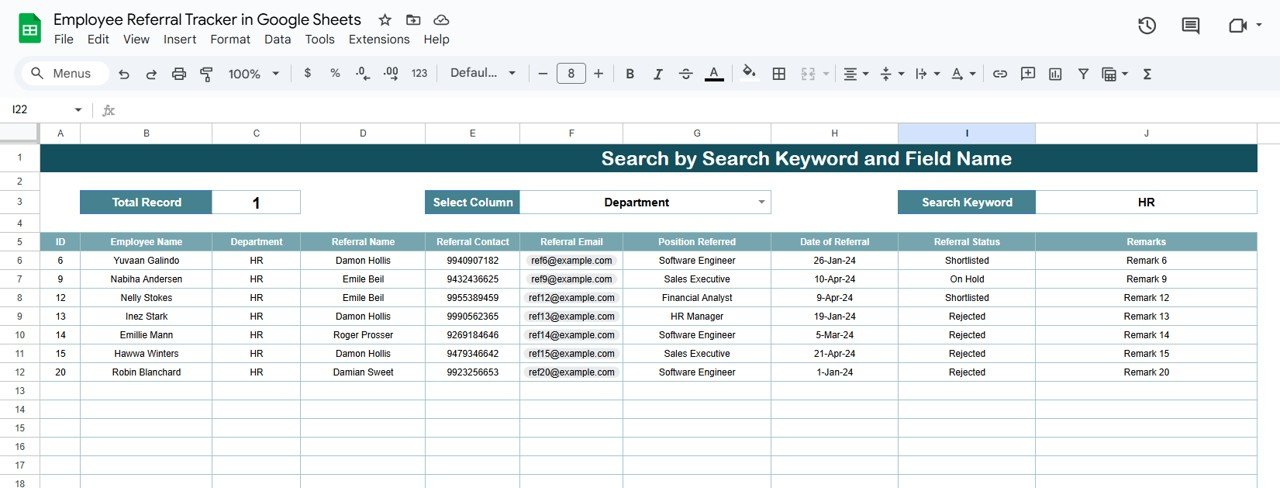
Search by Employee Name, Referral Name, or Position Referred
Filter instantly to locate specific records without scrolling endlessly
Saves time and simplifies follow-ups
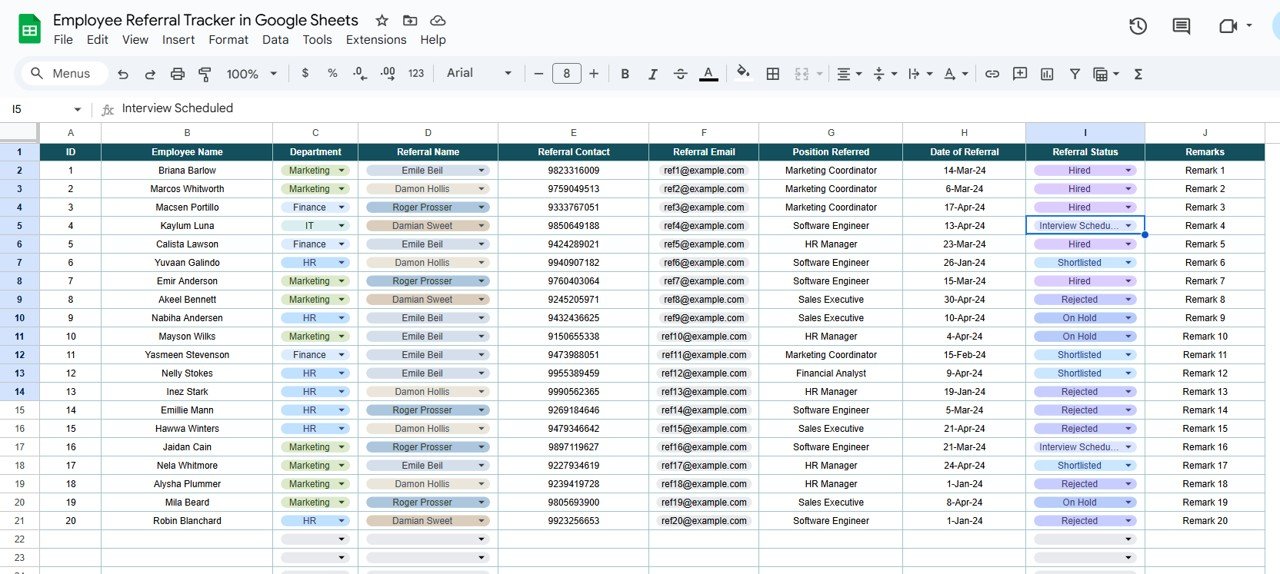
📋 Data Sheet Tab – Centralized Input
Capture all referral details including:
Referral ID
Employee Name & Department
Candidate (Referral) Name + Contact Info
Position Referred
Date of Referral
Referral Status (Pending / Interview Scheduled / Hired / Rejected)
Remarks
This structured database ensures accuracy and drives the dashboard.
📦 What’s Inside the Employee Referral Tracker?
When you download this Google Sheets tracker, you’ll get:
✅ Tracker Sheet Tab – Summary cards + interactive charts
✅ Search Sheet Tab – Instant search functionality
✅ Data Sheet Tab – Input all candidate details
✅ Pre-Filled Sample Data – For easy understanding
✅ Customizable Layout – Adapt to your company’s referral process
✅ Automated Insights – Real-time charts and cards update as you enter data
🧠 How to Use the Employee Referral Tracker
Add Referrals – Enter new referral details in the Data Sheet Tab
Track Status – Update statuses (Pending, Interview Scheduled, Hired, Rejected)
Search Quickly – Use the Search Tab to find specific employees or candidates
Monitor Insights – Review the Tracker Tab for visual analytics
Promote Engagement – Encourage employees by showcasing top contributors
Archive Past Referrals – Keep historical records for reporting and analysis
👥 Who Can Benefit from This Tracker?
HR Teams – Streamline and centralize referral programs
Recruitment Managers – Track performance of departments and employees
Executives – Gain visibility into referral-driven hiring success
Startups & SMEs – Improve hiring efficiency without costly tools
Large Enterprises – Manage hundreds of referrals across teams seamlessly
⭐ Advantages of Using the Employee Referral Tracker
📑 Centralized Records – All referrals in one place
⏱ Real-Time Updates – Track candidate progress instantly
📊 Visual Insights – Charts show status, positions, departments, and more
🧑🤝🧑 Accountability – Identify top contributors to referral programs
🛠 Customizable – Adapt to suit your organization’s needs
🤝 Collaboration-Friendly – Multiple HR members can update simultaneously
💡 Data-Driven Decisions – Improve hiring strategies with referral trends
🔗 Click here to read the Detailed blog post
Watch the step-by-step video Demo: