

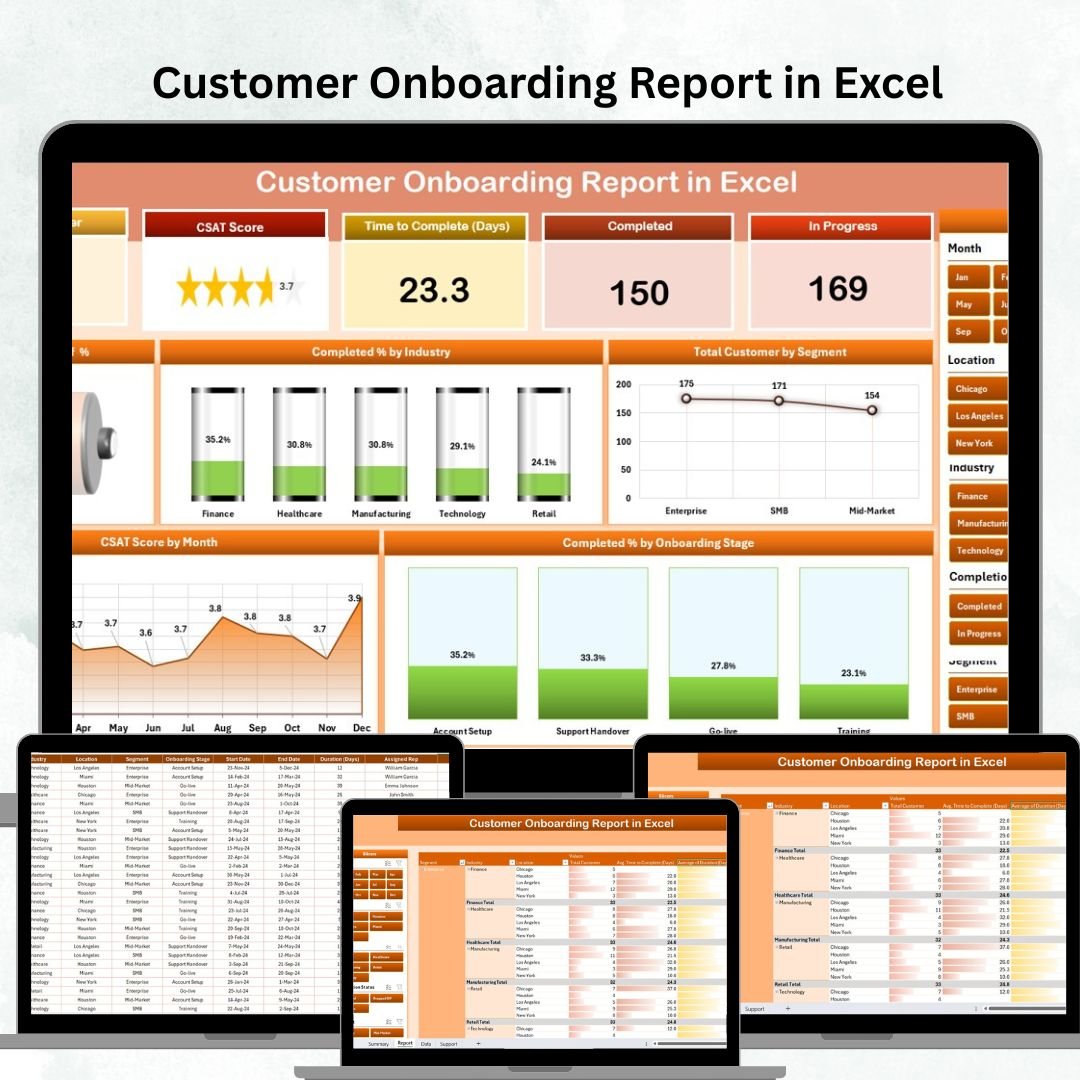


Customer onboarding is one of the most crucial steps in building long-term client relationships. A poor onboarding process leads to frustration, higher churn, and lost revenue. On the other hand, a structured, data-driven onboarding process ensures customers quickly understand your value, stay engaged, and become loyal advocates.
That’s why we created the Customer Onboarding Report in Excel — a ready-to-use, interactive template that allows you to track every step of the onboarding journey. From monitoring registrations to analyzing completion rates, this tool makes onboarding management faster, smarter, and more effective.
Instead of relying on scattered notes or endless spreadsheets, you’ll get a centralized dashboard with clear KPIs, slicers, and charts. Whether you’re a SaaS company, a consulting firm, or an education provider, this Excel report helps you boost retention, improve customer experience, and optimize resources.
✨ Key Features of the Customer Onboarding Report in Excel
✅ Summary Page (Dashboard View)
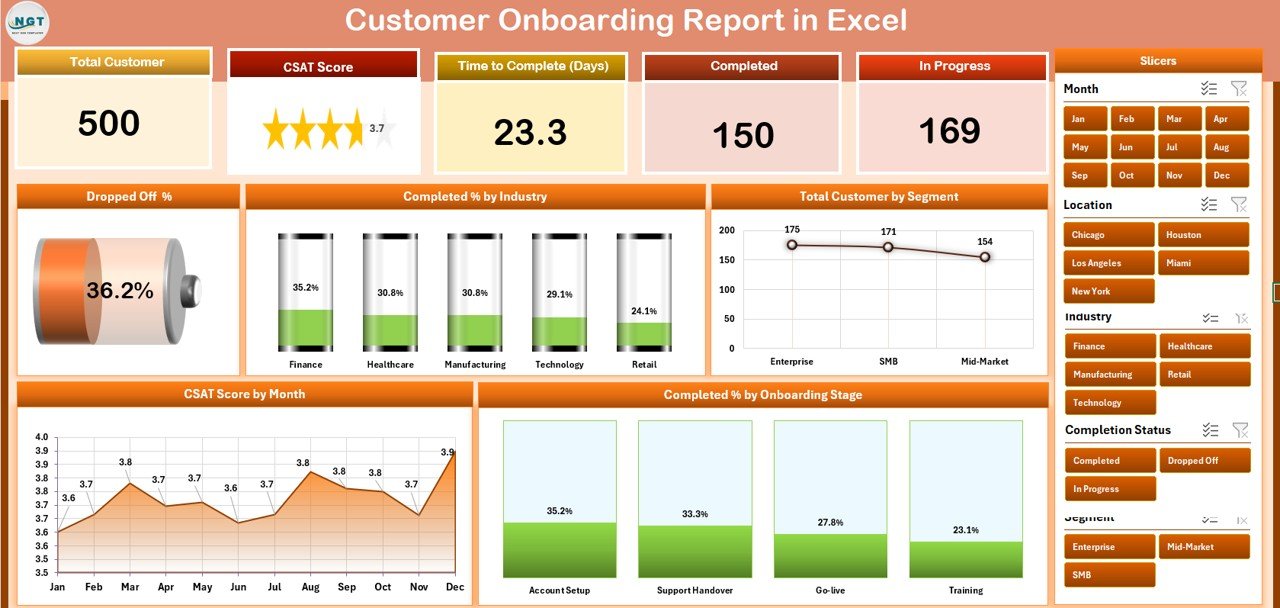
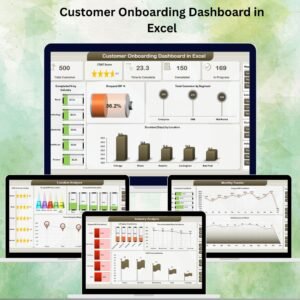
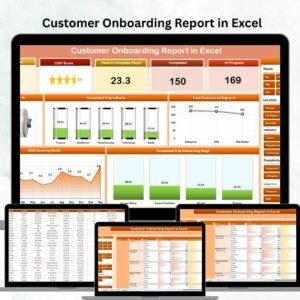
Top 5 KPI Cards: Track metrics like Total Customers, Drop-Off Rate, Completion %, CSAT Score, and Active Onboarding Customers.
Interactive Slicers: Filter by date, industry, or customer segment.
Visual Charts: Analyze trends with Drop-Off %, Completed % by Industry, Total Customers by Segment, CSAT by Month, and Stage Completion %.
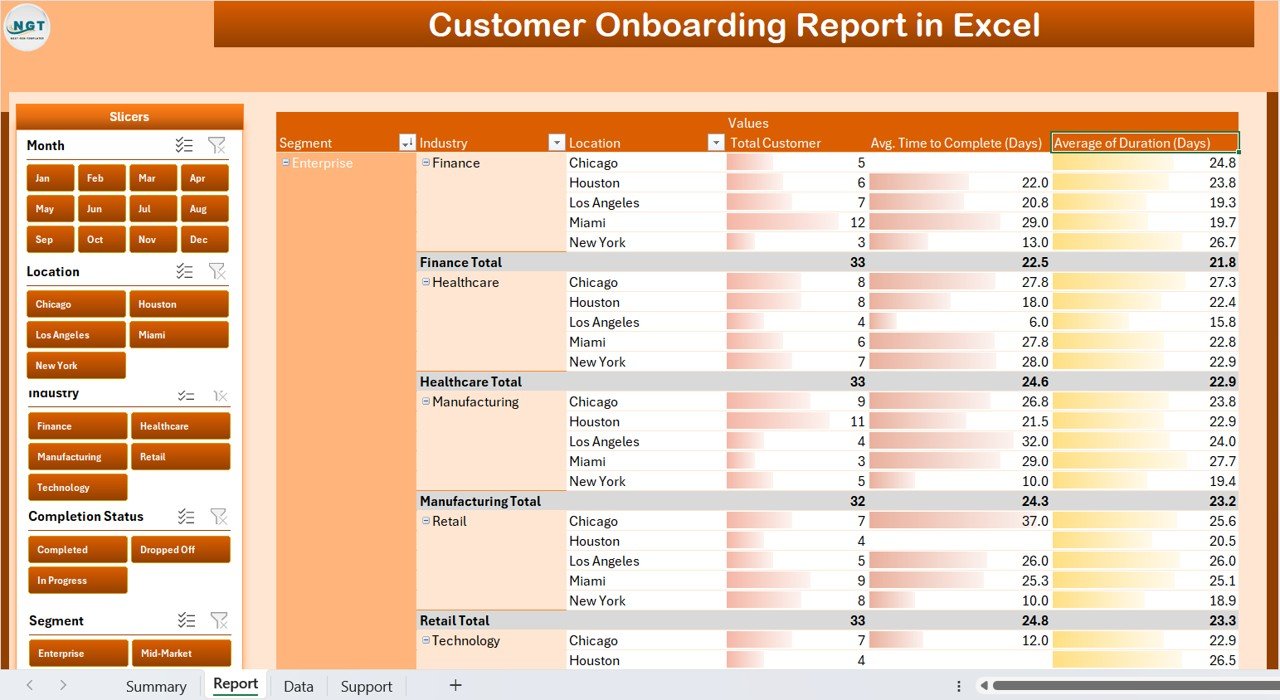
✅ Report Page (Detailed View)
Left-side slicers for filtering by segment, industry, or onboarding stage.
Customer-level data tables with fields like Name, Current Stage, Completion %, Assigned Manager, and Remarks.
Enables deeper analysis to identify at-risk customers quickly.
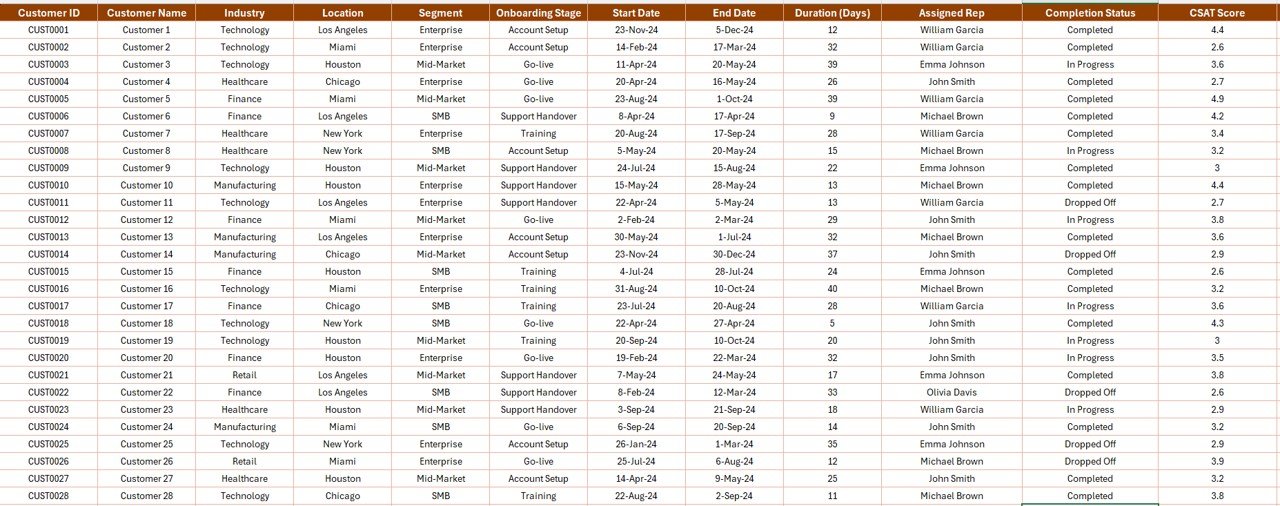
✅ Data Sheet (Input Section)
Stores all raw data: Customer ID, Name, Segment, Industry, Start Date, Stage, Completion %, and CSAT score.
Centralized structure ensures accurate dashboards and automated reporting.
✅ Support Sheet (Reference Values)
Predefined onboarding stages, segment values, and industry codes.
Lookup lists for dropdowns and standardized formulas.
Keeps reporting consistent and eliminates manual errors.
📂 What’s Inside the Customer Onboarding Report in Excel
When you download the template, you’ll receive:
4 Worksheets: Summary Dashboard, Report Page, Data Sheet, Support Sheet.
Dynamic Slicers to filter by industry, segment, or stage.
KPI Cards & Charts for instant visualization.
Customizable fields to adjust KPIs and stages for your business needs.
Prebuilt formulas & references to minimize manual setup.
⚡ How to Use the Customer Onboarding Report
1️⃣ Enter Data – Add customer onboarding information in the Data Sheet.
2️⃣ Review Summary Dashboard – Track KPIs like Drop-Off Rate, Completion %, and CSAT.
3️⃣ Drill Down with Report Page – Use slicers to filter by customer segment or industry.
4️⃣ Spot Issues – Identify bottlenecks in onboarding stages or customers with low CSAT scores.
5️⃣ Take Action – Intervene early with at-risk customers to reduce churn.
6️⃣ Customize – Add industry-specific KPIs like Time-to-First-Value or Net Promoter Score (NPS).
🎯 Who Can Benefit from the Customer Onboarding Report?
💻 SaaS Companies – Track how quickly users reach their first success.
🏦 Banks & Financial Services – Monitor account opening and KYC stages.
🏥 Healthcare Providers – Onboard patients into digital health systems.
🎓 Education Platforms – Measure course registrations, access, and completion.
🏢 Consulting Firms – Manage enterprise client onboarding projects.
📊 Customer Success Teams – Improve client retention with real-time insights.
✅ Why Choose This Report?
📊 Clear Visibility – One-stop view of onboarding performance.
⏳ Time-Saving – Automated dashboards cut down manual reporting.
💰 Cost-Effective – Excel-based, no extra software required.
🛠 Customizable – Modify KPIs, stages, and dashboards to fit your workflow.
✔ Accurate & Reliable – Standardized metrics reduce confusion.
💡 Better Decisions – Identify drop-offs and act quickly.
🤝 Improved Customer Experience – Proactive support reduces churn.
📖 Click here to read the Detailed blog post
📺 Visit our YouTube channel to learn step-by-step video tutorials
Watch the step-by-step video tutorial:
Compatibility and Requirements
- Works in Microsoft Excel desktop (Excel 2016 or later, or Microsoft 365).
- The Summary and Report pages use slicers to filter the data. Microsoft explains slicers in Use slicers to filter data.
Frequently Asked Questions
Which KPIs are on the Summary page?
Total customers, drop-off rate, completion percentage, CSAT score and active onboarding customers.
What fields does the Data Sheet hold?
Customer ID, name, segment, industry, start date, stage, completion percentage and CSAT score.
Can I filter the report?
Yes. Slicers filter by date, industry, customer segment or onboarding stage.
Can I change the onboarding stages?
Yes. Stages, segments and industry codes live on the Support sheet, and you can adjust KPIs and stages for your business.
Related Customer Onboarding Templates
- Customer Onboarding Dashboard in Excel: a full onboarding dashboard
- Customer Onboarding Dashboard in Google Sheets: the online option
- Customer Onboarding Dashboard in Power BI: the Power BI option
- Customer Onboarding Effectiveness Dashboard in Google Sheets: measure how well onboarding works
- SaaS Customer Success Dashboard in Excel: customer health after onboarding
Browse all Excel reports or the Excel sales and marketing templates.




Reviews
There are no reviews yet.