

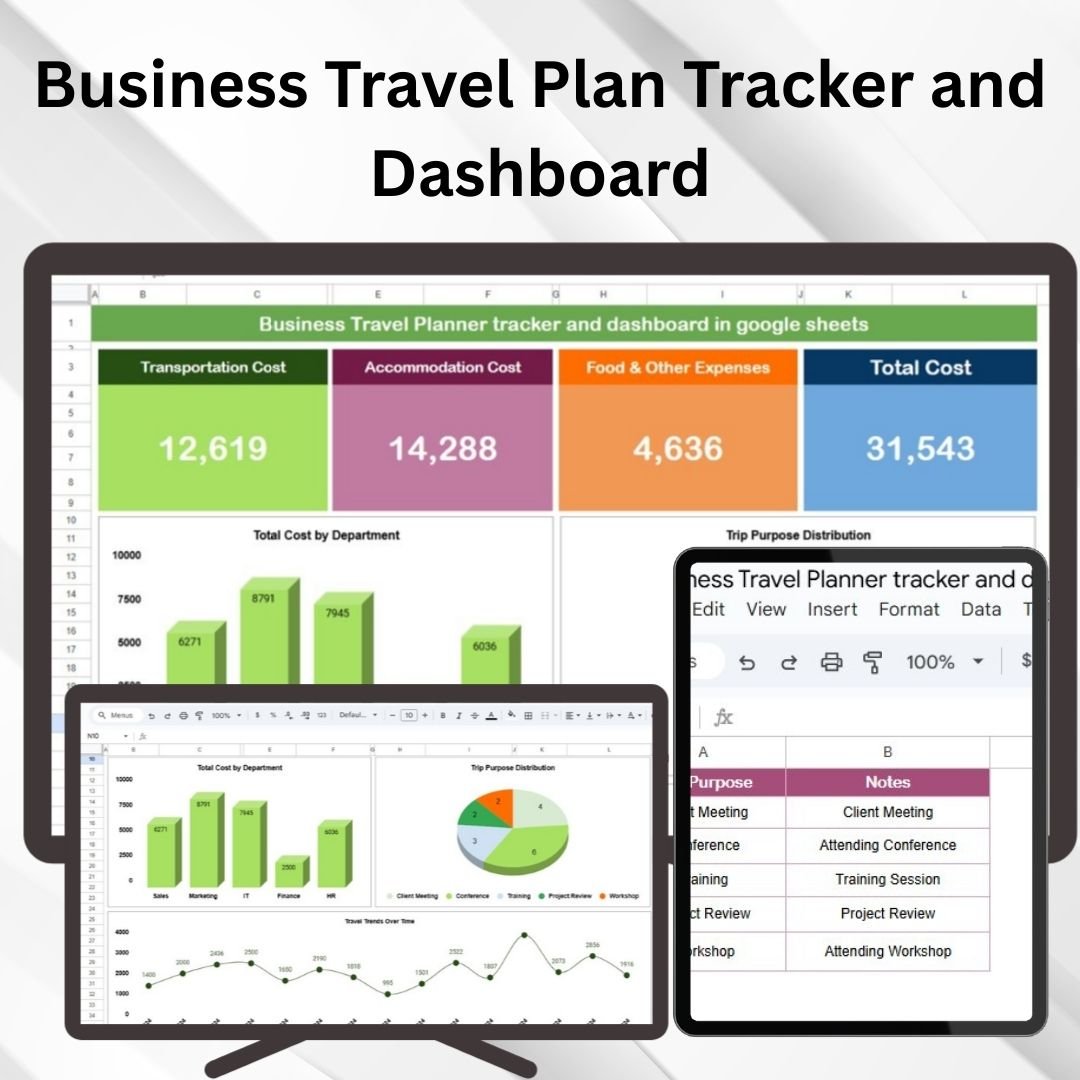

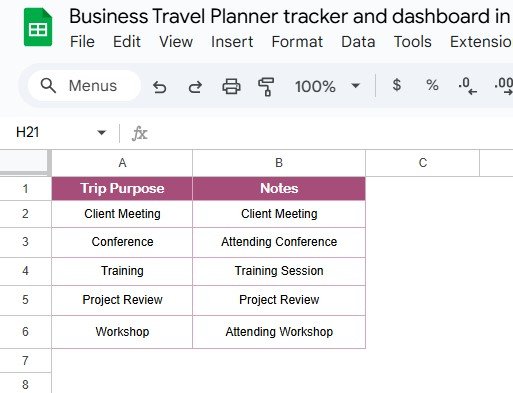



The Business Travel Plan Tracker and Dashboard is a must-have tool for professionals and business owners who need to organize and manage business trips efficiently. This all-in-one template allows you to plan, track, and monitor travel details, including flights, accommodation, transportation, and expenses. It’s perfect for employees traveling for business or teams managing corporate travel logistics.
With real-time updates and a customizable dashboard, this template simplifies the process of managing multiple travel plans, ensuring that every detail is organized and easy to track. Whether you’re booking multiple trips for a team or managing your own itinerary, this tool helps you stay on top of everything.
Key Features of the Business Travel Planner, Tracker, and Dashboard in Google Sheets
📅 Travel Planning: Organize travel details such as flights, hotels, transportation, and meetings all in one place.
⚙️ Trip Tracking: Track trip status, dates, and associated tasks to ensure smooth execution.
📈 Expense Tracking: Keep a detailed record of travel expenses, including transportation, accommodation, and meals.
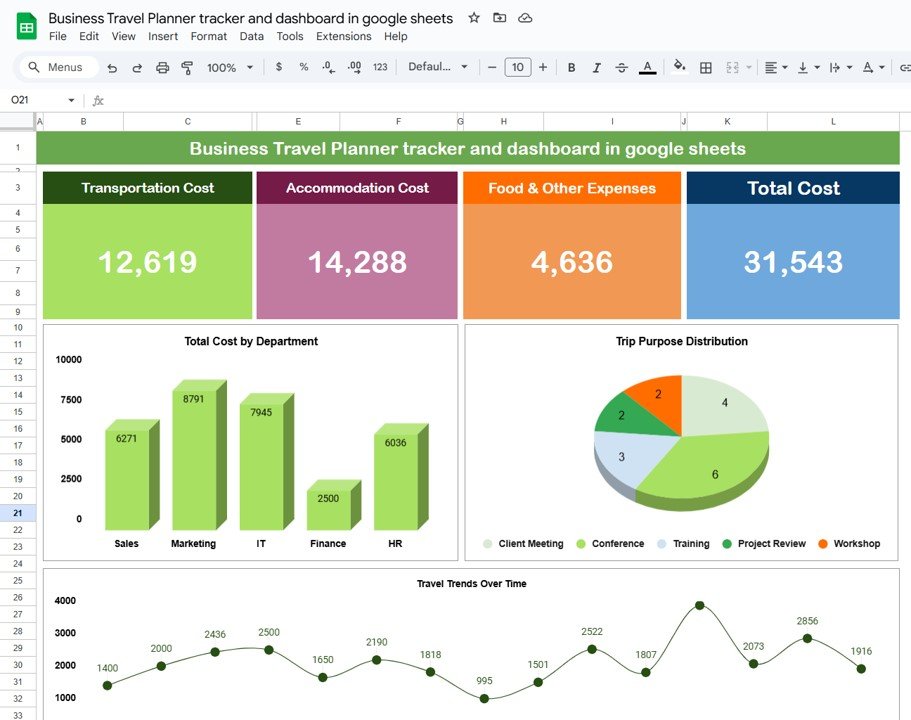
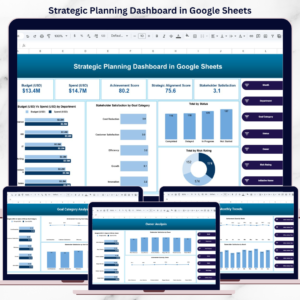
💼 Customizable Dashboard: Visualize trip details, expenses, and travel metrics in an easy-to-understand dashboard.
📊 Real-Time Updates: Get real-time updates on your travel status and expenses to stay on top of the entire trip.
🔄 Collaboration: Share the travel planner with colleagues or assistants to collaborate on booking, planning, and organizing.
Why You’ll Love the Business Travel Plan Tracker and Dashboard
✅ Efficient Trip Management: Plan, track, and organize all aspects of your business trips in one centralized location.
✅ Comprehensive Expense Tracking: Monitor all travel-related expenses to stay within budget and ensure accurate reimbursement.
✅ Customizable Dashboard: Personalize the dashboard to meet your travel and business needs, from tracking transportation to monitoring trip goals.
✅ Visual Insights: Use built-in charts and graphs to visualize expenses, travel progress, and trip statuses.
✅ Easy Collaboration: Share the template with colleagues, team members, or assistants for seamless coordination.
What’s Inside the Business Travel Planner, Tracker, and Dashboard in Google Sheets?
📅 Travel Planner: A comprehensive itinerary to manage flights, hotels, meetings, and transportation.
⚙️ Trip Tracker: Track all trips, including travel dates, trip objectives, and trip status (upcoming, in progress, completed).
📈 Expense Tracker: A detailed log to track and categorize travel expenses by type (flights, lodging, meals, etc.).
💼 Travel Dashboard: A visual dashboard to monitor overall trip progress, expenses, and status.
🔄 Real-Time Collaboration: Share and collaborate on trip planning and coordination with your team in real time.
How to Use the Business Travel Planner, Tracker, and Dashboard in Google Sheets
1️⃣ Download the Template – Access the pre-configured travel planner and tracker template.
2️⃣ Enter Travel Details: Input your travel details, including flights, hotel bookings, and transportation info.
3️⃣ Track Expenses: Log travel-related expenses to track and compare against the budget.
4️⃣ Monitor Progress: Use the dashboard to track the status of each trip and ensure all activities are on track.
5️⃣ Collaborate: Share the template with colleagues or team members for seamless planning and real-time updates.
Who Can Benefit from the Business Travel Planner, Tracker, and Dashboard in Google Sheets?
🔹 Business Owners
🔹 Corporate Travel Managers
🔹 Freelancers and Consultants
🔹 Project Managers
🔹 Event Planners
🔹 Marketing Teams
🔹 Administrative Assistants
Stay organized and efficient with the Business Travel Planner, Tracker, and Dashboard in Google Sheets. Manage every detail of your business trips—from planning and scheduling to expense tracking and progress monitoring.
Click here to read the detailed blog post
Visit our YouTube channel to learn step-by-step video tutorials
Watch the step-by-step video tutorial:
Compatibility and Requirements
- Works in Google Sheets with a free Google account and a web browser. Nothing to install.
- Share the file with colleagues or assistants from Google Sheets to plan trips together. Google explains charts in Add & edit a chart or graph.
Frequently Asked Questions
What does the business travel tracker include?
A travel planner for flights, hotels, meetings and transport, a trip tracker, an expense tracker and a travel dashboard.
How are trips tracked?
Each trip has its travel dates, objective and a status of upcoming, in progress or completed.
Can I track travel expenses by type?
Yes. The expense log categorizes costs such as flights, lodging and meals so you can compare spending against the budget.
Can my assistant or team edit it too?
Yes. Share the Google Sheets file and colleagues can update bookings and expenses in real time.
Related Travel Templates
- Corporate Travel Booking Request Tracker in Google Sheets: collect and approve travel booking requests
- Employee Business Travel Expense Tracker in Google Sheets: log each employee’s trip expenses
- Business Travel Services Dashboard in Excel: a travel dashboard for Excel users
- Office Travel and Expense Dashboard in Power BI: travel and expense reporting in Power BI
- Travel Expense Report Tracker in Excel: prepare expense reports for reimbursement
Browse all Google Sheets dashboard templates or the Google Sheets tracker templates.






















Reviews
There are no reviews yet.