

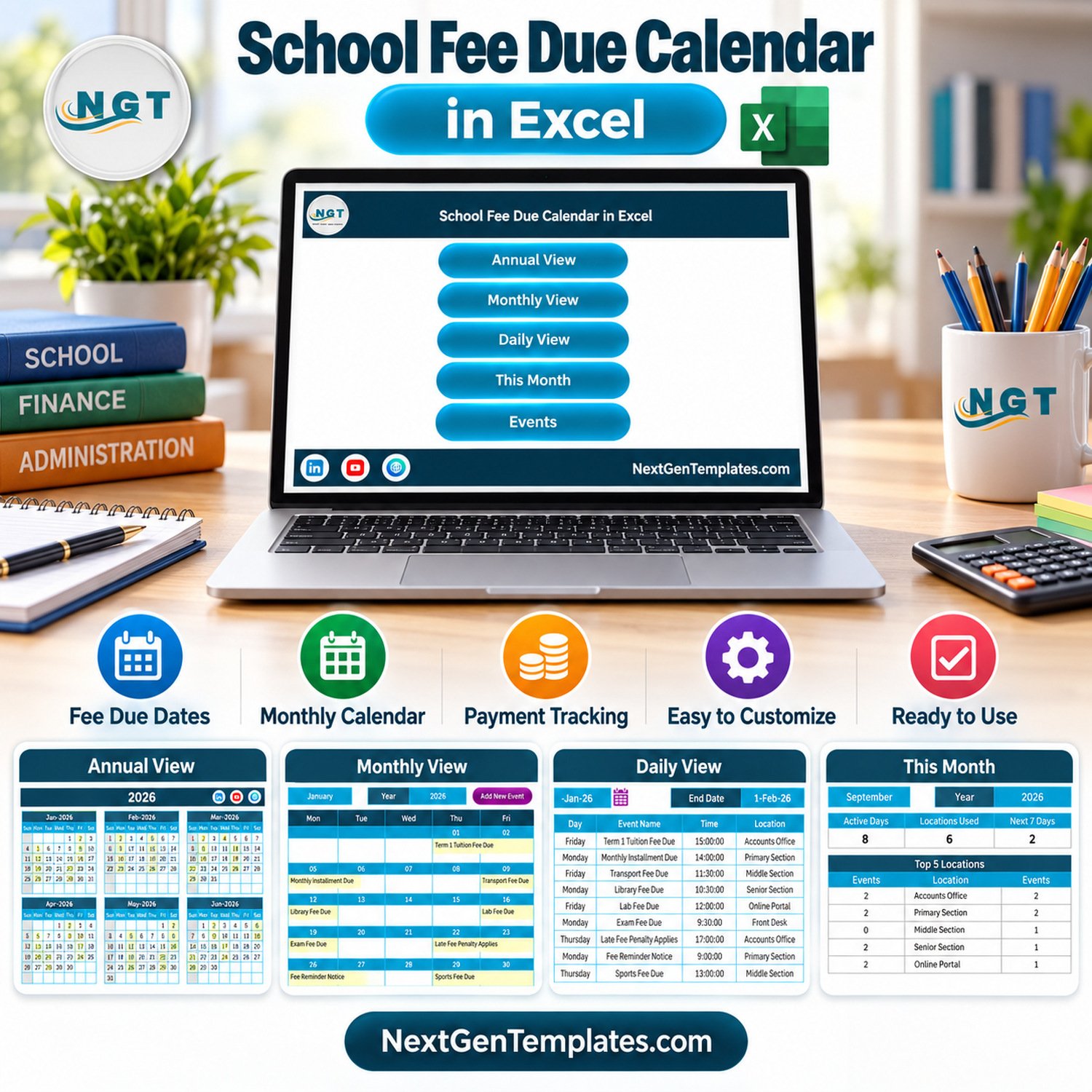

School Fee Due Calendar in Excel is a macro-enabled Excel-for-Windows calendar template for schools, tuition centers, academies, and admin teams that need a clear monthly and annual view of fee due dates. It helps you list tuition fee deadlines, transport fee due dates, library fee dates, lab fee dates, scholarship deadlines, concession application dates, receipt distribution dates, and reminder windows in one editable workbook.
This workbook is built for desktop Microsoft Excel on Windows. It uses macros for the navigation and record-management buttons, so macros must be enabled after opening the file. It is not an online fee collection system, parent portal, automated reminder tool, or accounting ledger. It is a ready-to-customize Excel calendar for planning, reviewing, and updating school fee due events.
For more templates in the same family, browse the Excel calendar templates. If your team needs Microsoft guidance before enabling workbook automation, review Microsoft’s macro security guidance.
What Is Included
- Macro-enabled Excel calendar workbook for Windows desktop Excel.
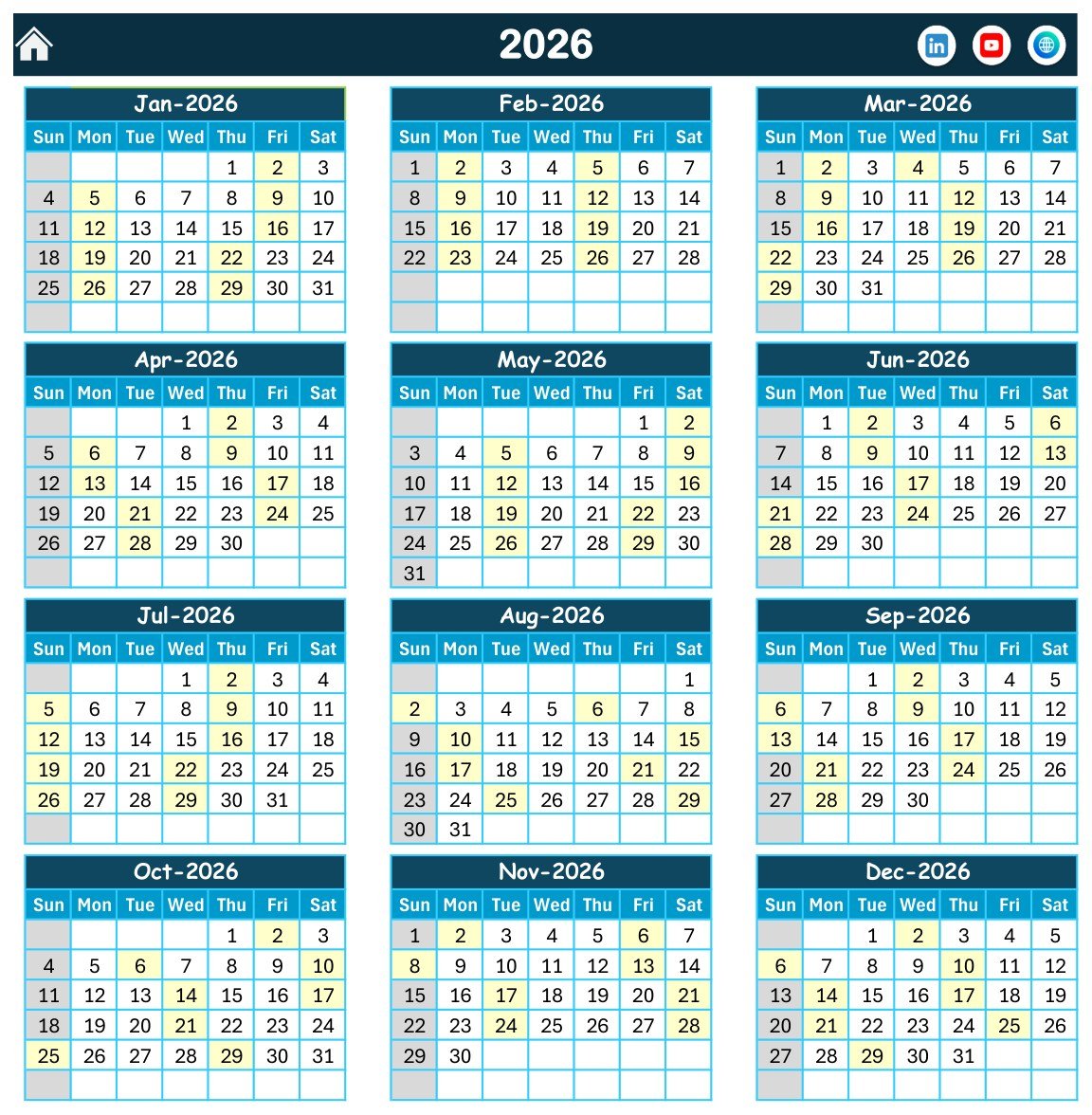
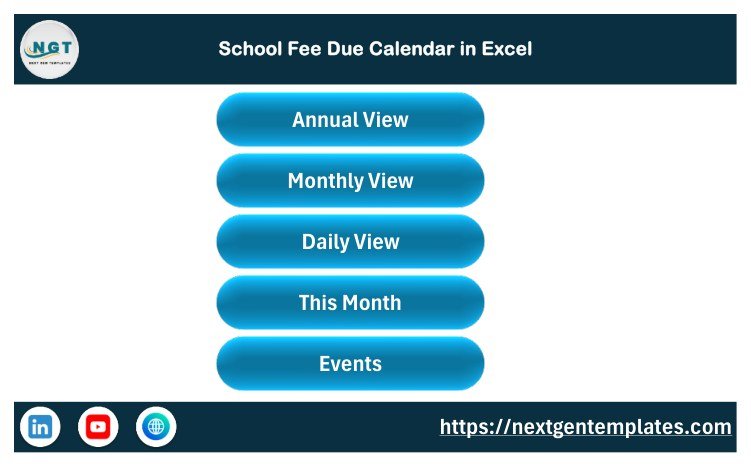
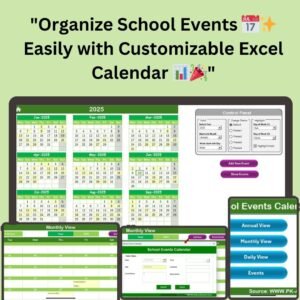
- Annual View for a full-year school fee due date overview.
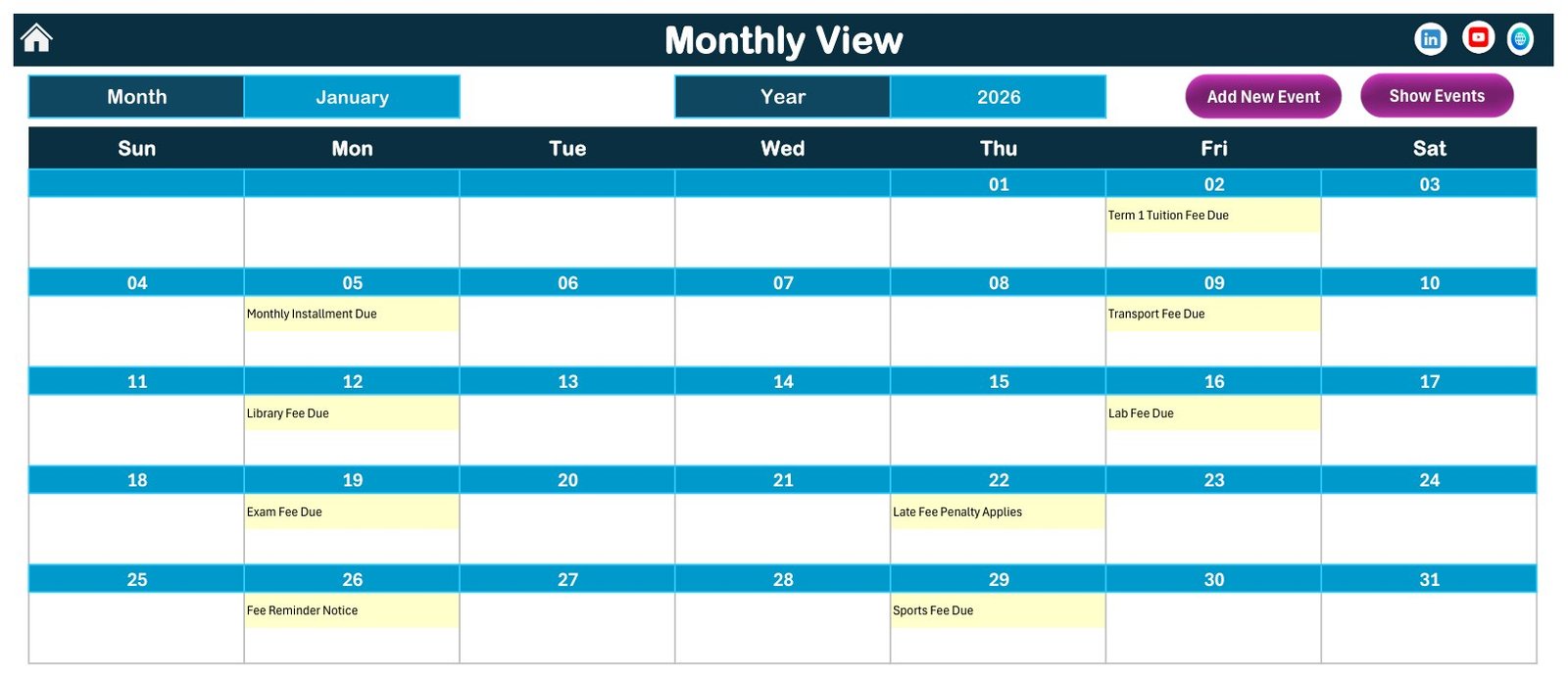
- Monthly View for reviewing due events inside a selected month.
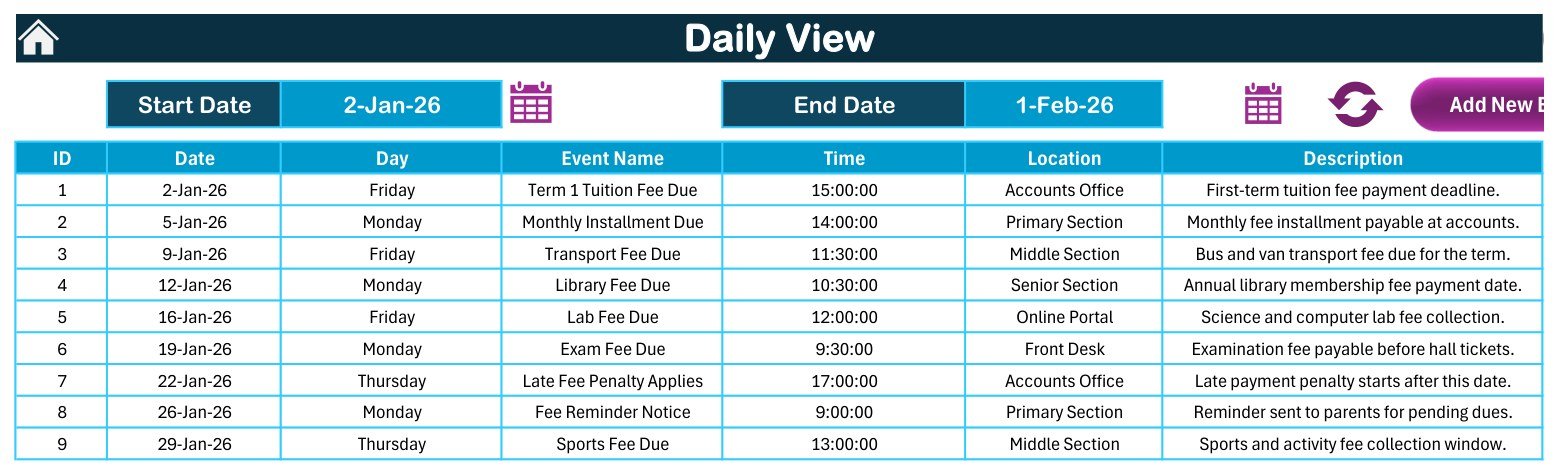
- Daily View for date-wise fee due entries with time, location, and description.
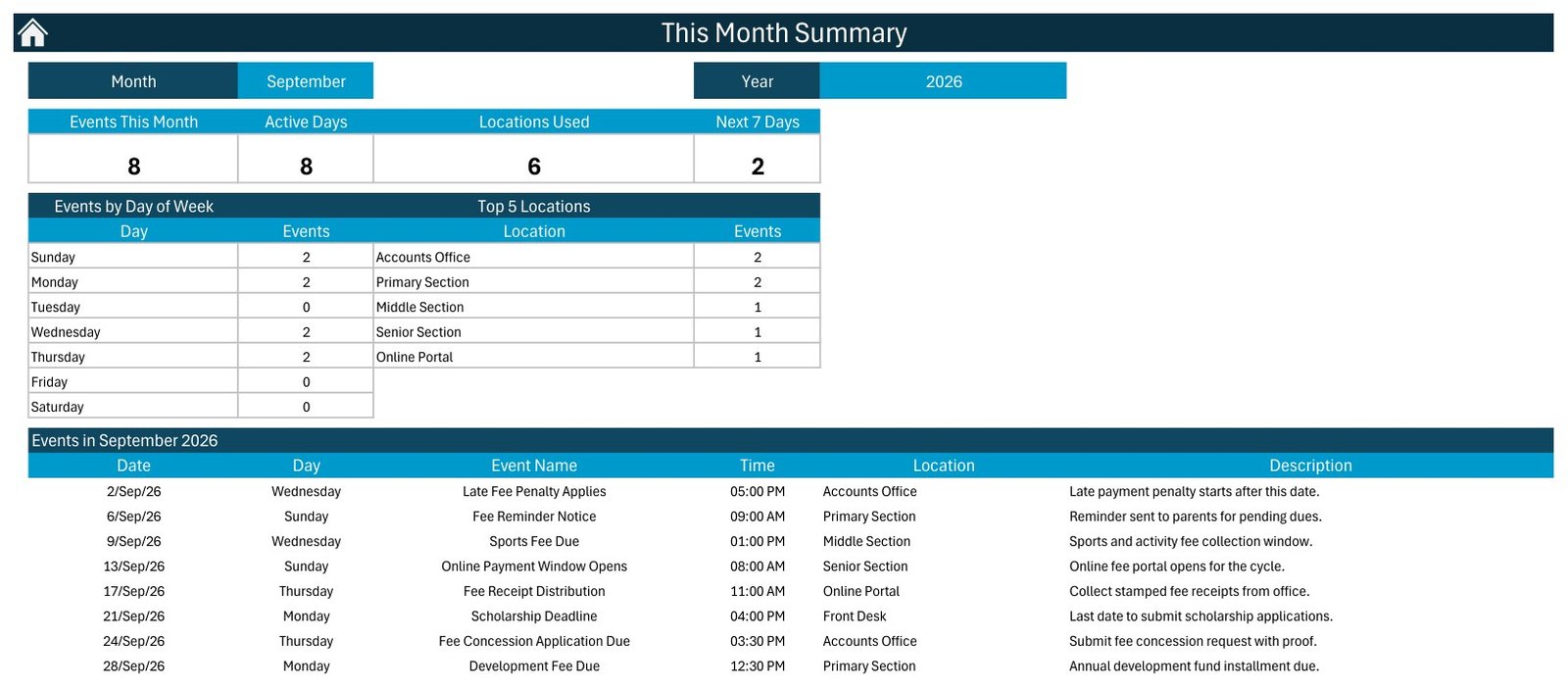
- This Month summary for active days, locations used, upcoming days, and top locations.
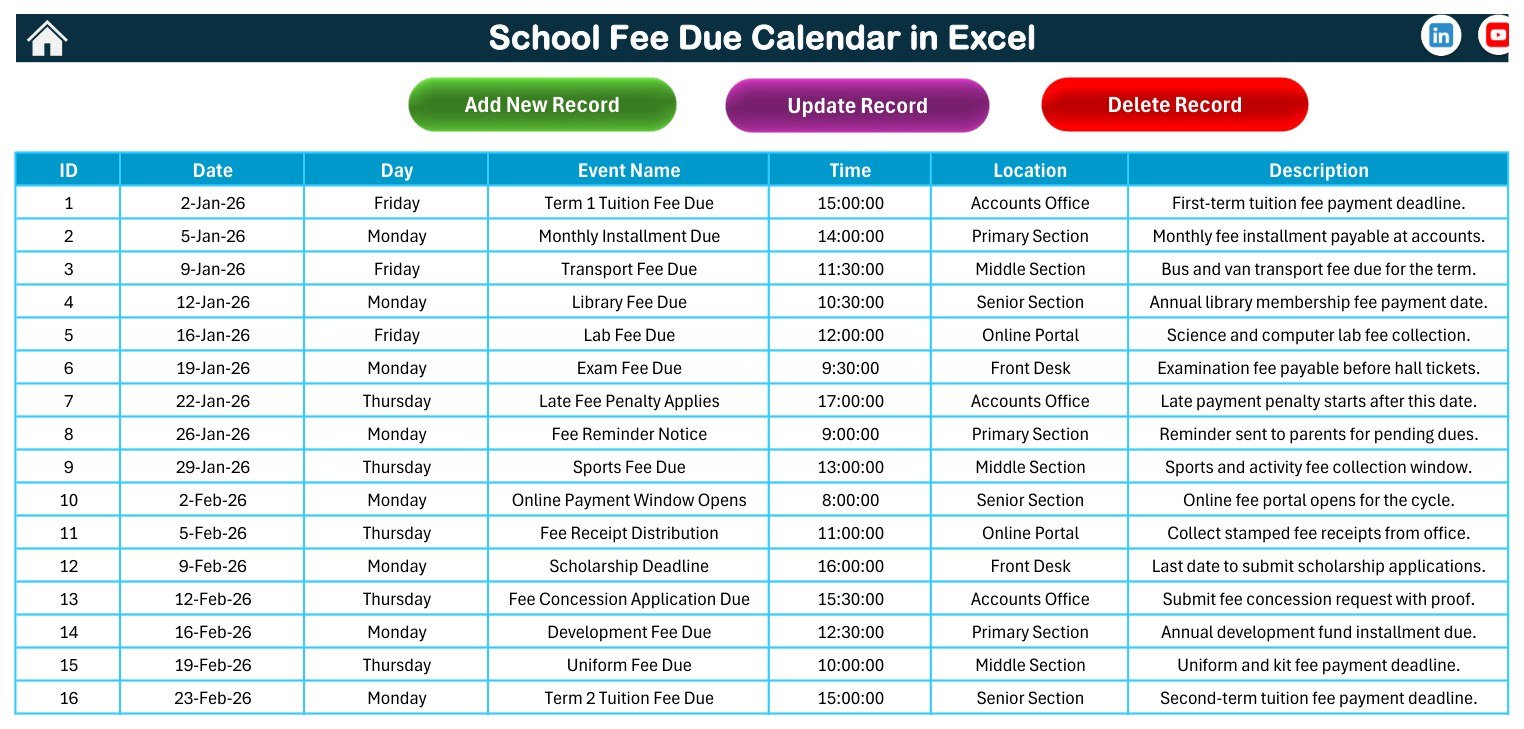
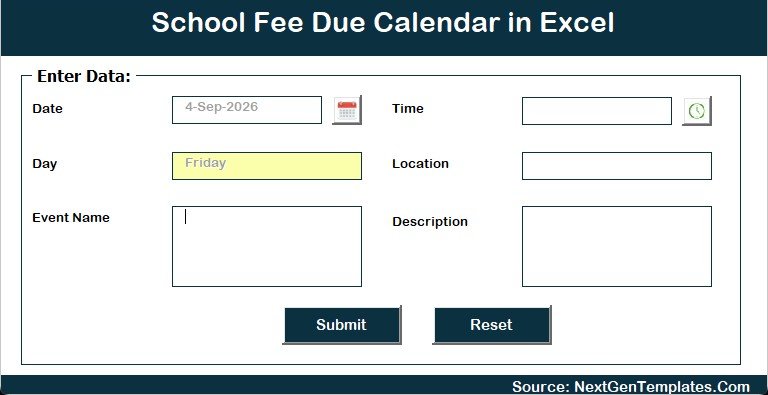
- Events table with add, update, and delete record controls.
- Customer ZIP file containing the workbook and user manual.
Who Can Use This School Fee Due Calendar in Excel
The template is useful for school administrators, accounts-office teams, tuition centers, coaching institutes, education coordinators, and small private academies that want a simple fee deadline calendar without building a workbook from scratch. You can replace the sample events with your own fee cycles, branch locations, collection counters, online portal notes, and internal descriptions.
Key Features
- Annual fee date view: See the school year in one place and identify due-date clusters across months.
- Monthly calendar: Review individual month schedules with fee due events visible on calendar dates.
- Daily event list: Track each fee date with event name, time, location, and description.
- This Month summary: Check active fee days, location usage, upcoming days, and the top locations used by events.
- Events record table: Maintain sample or live fee due entries from a structured event table.
- Macro buttons: Use the workbook’s add, update, and delete record controls after enabling macros in Excel for Windows.
- Editable sample data: Start with school-fee examples, then customize the workbook for your own academic calendar.
How to Use
- Download the ZIP file after purchase and extract it on your Windows computer.
- Open the macro-enabled Excel workbook in Microsoft Excel desktop for Windows.
- Enable macros if Excel asks for permission.
- Open the Events section and replace the sample fee due events with your own records.
- Use the Annual View, Monthly View, Daily View, and This Month view to review the schedule.
- Save a working copy for your school, branch, academic year, or fee cycle.
Important Excel Compatibility Note
This template is designed for Microsoft Excel desktop on Windows. Because the workbook is macro-enabled, the navigation and record buttons require macros. The template is not intended for Excel Online, Google Sheets, Numbers, mobile Excel, or environments where macros are blocked by policy.
What This Template Does Not Do
The workbook does not process payments, send SMS or email reminders, connect to a payment gateway, generate official receipts, calculate late fees automatically, or maintain a student billing database. It is a calendar and scheduling workbook for fee due dates and related administrative notes.
Why This Template Helps
Fee collection dates can become messy when tuition, transport, library, lab, exam, scholarship, concession, and receipt events sit across separate notebooks or chat messages. This workbook gives the accounts team one editable place to map those dates, check the month ahead, and keep location-specific notes visible.
Use it as an internal planning file before the fee cycle begins, then return to the same workbook during the month to review upcoming dates and update changed fee windows. Because the file keeps event names, dates, times, locations, and descriptions together, it can reduce confusion during busy collection periods.
Frequently Asked Questions
Does this Excel calendar collect payments?
No. It is not a payment gateway or fee collection portal. It is an Excel calendar for planning and tracking school fee due dates.
Does it send reminders to parents?
No. The workbook can help you list reminder dates, but it does not send automatic emails, SMS, WhatsApp messages, or app notifications.
Do I need macros?
Yes. This is a macro-enabled Excel workbook for Windows desktop Excel. Enable macros to use the workbook buttons and record controls.
Can I edit the sample fee events?
Yes. The included school-fee examples are editable sample records. Replace them with your own fee names, dates, times, locations, and descriptions.
Is this a student fee database?
No. It does not store student-wise ledgers or individual payment balances. It is focused on fee due date scheduling and calendar review.
Download Package
Your download includes the calendar workbook and the Excel Calendar user manual inside a ZIP file.
Final Note
Use this calendar when you want a practical, editable, Windows Excel workbook for fee deadline planning. It keeps school fee due dates visible across annual, monthly, daily, and current-month views while staying honest and simple: no online payment automation, no reminder engine, and no hidden cloud system.
Watch the demo video:
Related School and Calendar Templates
- School Fee Due Calendar in Google Sheets: the same fee due calendar for Google Sheets
- School Events Calendar in Excel: a calendar for school events in Excel
- Student Fee Record Template in Google Sheets: a record sheet for student fees
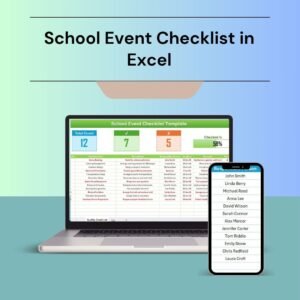
- School Event Checklist in Excel: a checklist for planning school events
- Printable Holiday and Event Calendar in Excel: a free printable event calendar
Browse all Excel education templates and Excel calendars.

































Reviews
There are no reviews yet.