

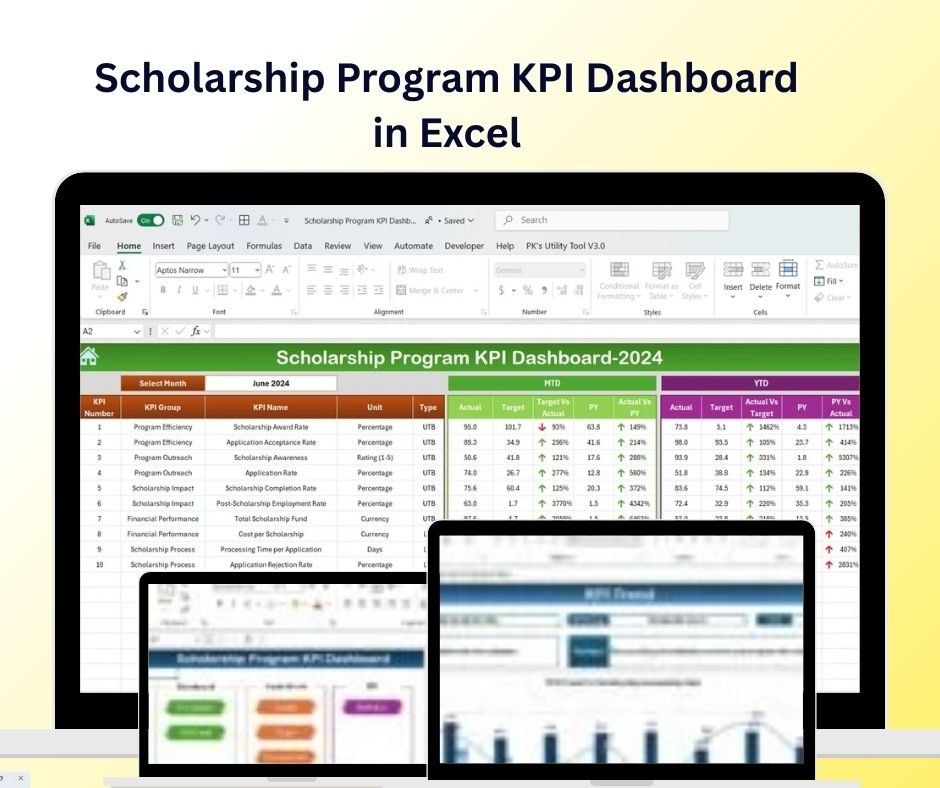
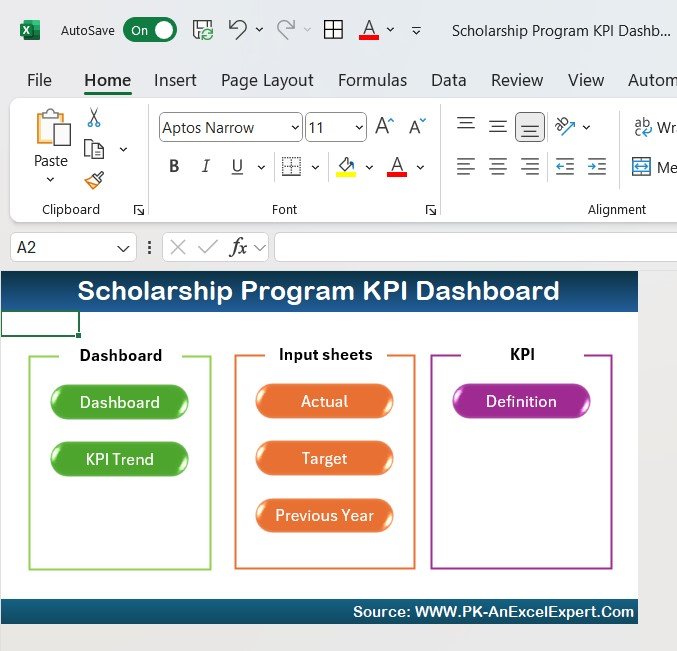
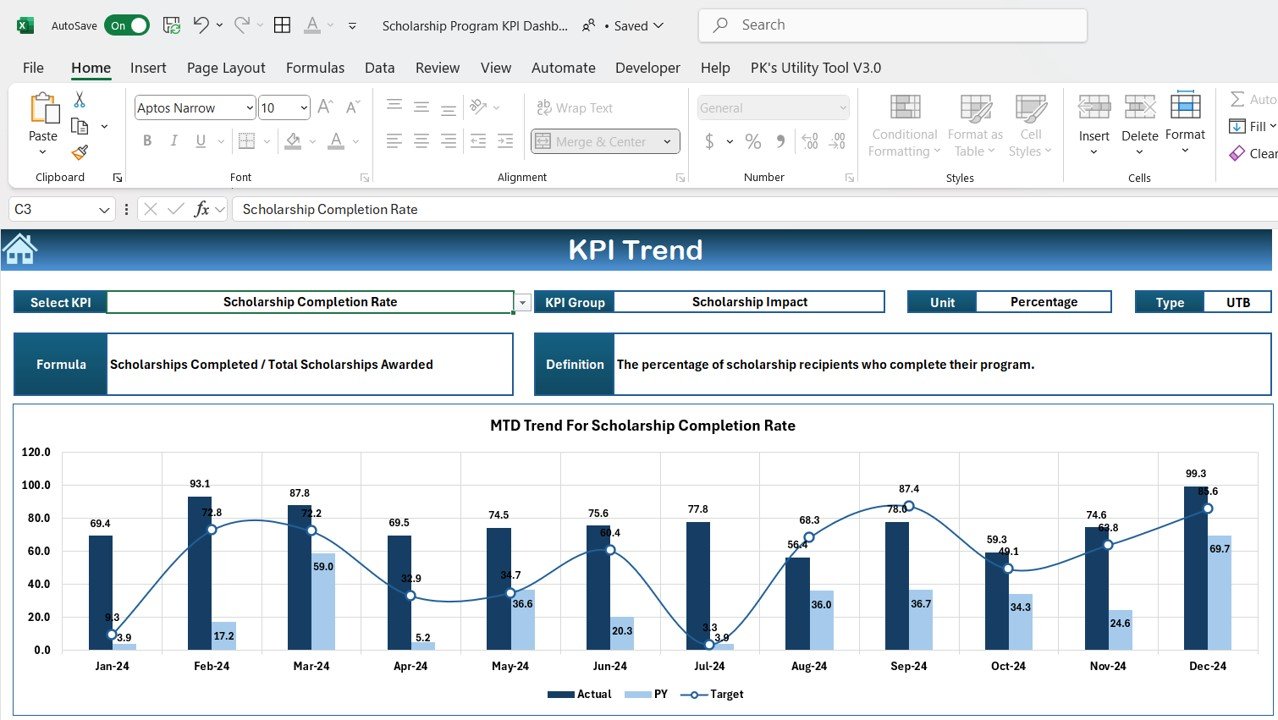
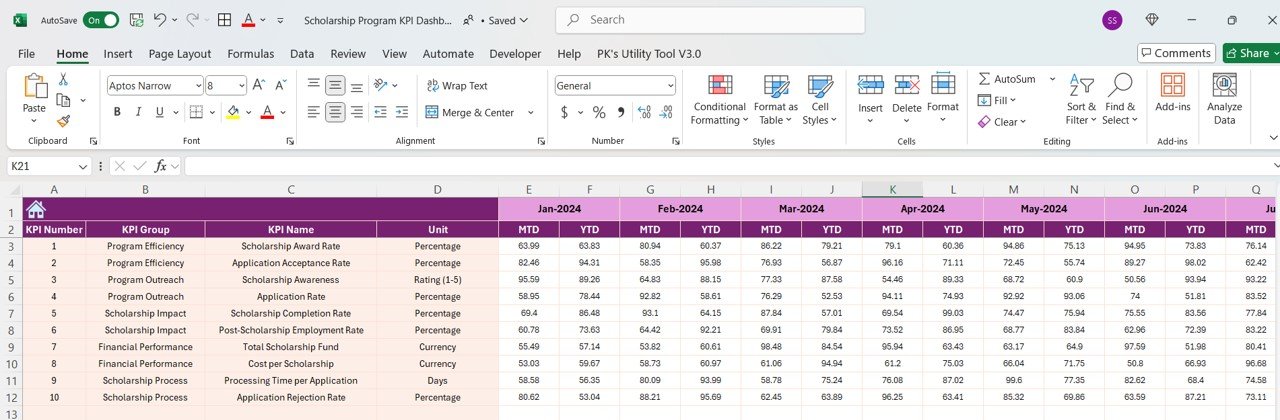
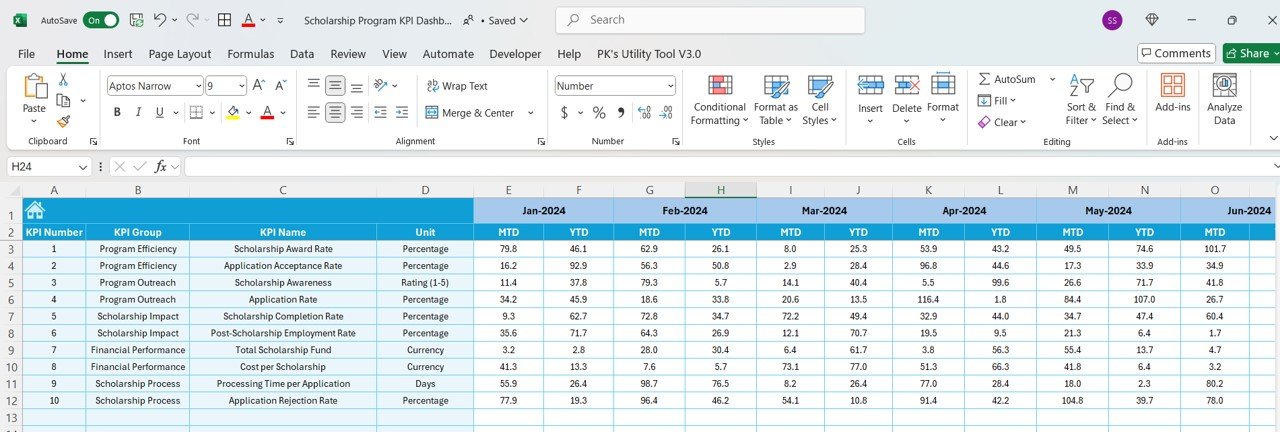
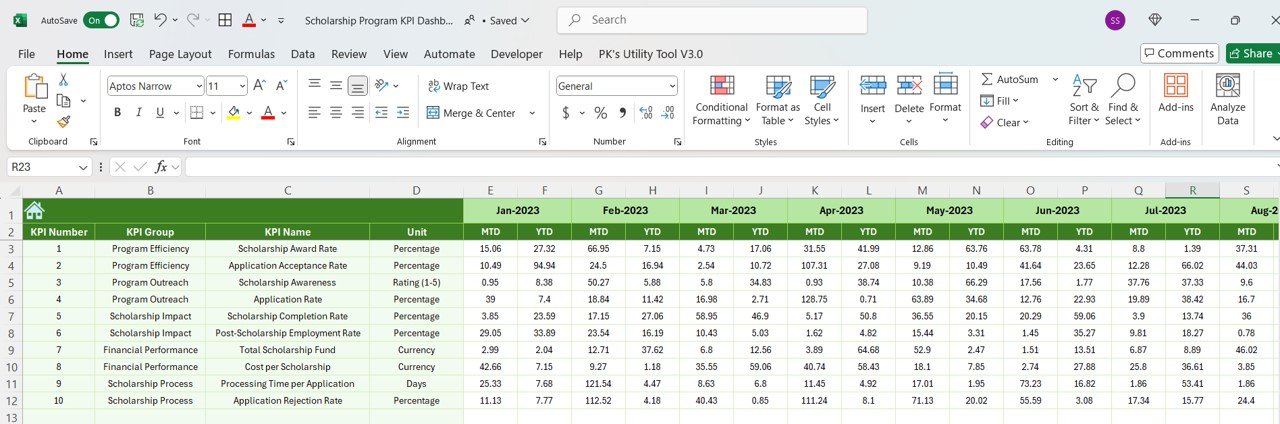


The Scholarship Program KPI Dashboard in Excel is a powerful and efficient tool designed for educational institutions, scholarship program administrators, and non-profit organizations to track and monitor key performance indicators (KPIs) related to scholarship programs. This Excel-based dashboard provides real-time insights into scholarship application processes, recipient data, funding allocation, and program outcomes, helping you optimize the management of your scholarship initiatives.
With customizable visuals, easy-to-use features, and real-time tracking, this dashboard helps you streamline scholarship management, enhance recipient support, and ensure that your program achieves its goals.
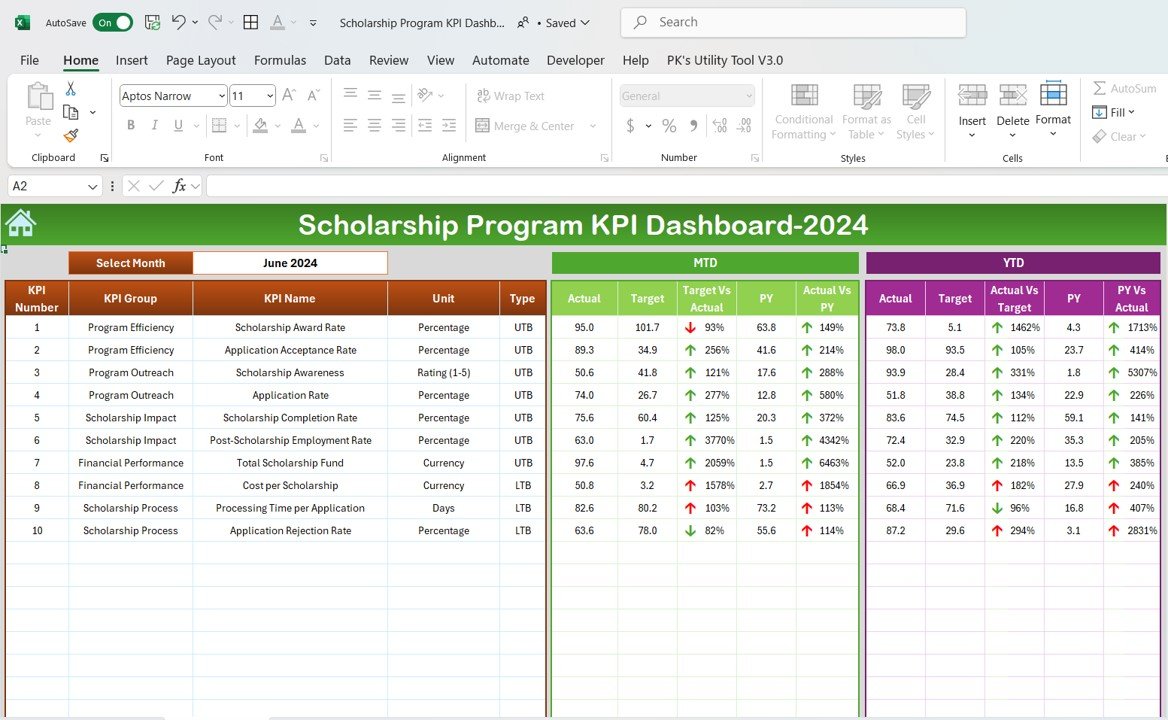
Key Features of the Scholarship Program KPI Dashboard in Excel:
🎓 Scholarship Application Tracking
Monitor the number of applications, eligibility status, and the selection process, ensuring that all applicants are properly evaluated.
💸 Funding and Allocation Tracking
Track the total funds allocated to the scholarship program, including individual award amounts and overall financial distribution.
📊 Recipient Progress Monitoring
Track the academic progress of scholarship recipients, including GPA, course completion rates, and ongoing eligibility criteria.
📈 Diversity and Demographics Analysis
Analyze the demographic data of scholarship recipients, ensuring that the program is reaching a diverse and equitable group of students.
📅 Award Disbursement and Payment Tracking
Monitor the disbursement of scholarship funds, ensuring that payments are made on time and according to program guidelines.
🚀 Why You’ll Love the Scholarship Program KPI Dashboard in Excel:
✅ Streamline Application Management – Track scholarship applications, eligibility, and selection status to ensure efficient processing and decision-making.
✅ Ensure Effective Fund Allocation – Monitor funding levels, award amounts, and financial distributions to ensure proper allocation and transparency.
✅ Track Recipient Progress – Monitor scholarship recipients’ academic progress, including GPA and course completion, to ensure they remain eligible for continued support.
✅ Promote Diversity and Equity – Analyze demographic data to ensure your scholarship program is accessible to a diverse and equitable group of applicants.
✅ Data-Driven Decisions – Use real-time data and visualizations to make informed decisions about the scholarship program and improve its impact.
✅ Customizable and User-Friendly – Fully customizable to fit your scholarship program’s specific needs, with an intuitive interface for seamless tracking and reporting.
What’s Inside the Scholarship Program KPI Dashboard in Excel:
Application and Selection Tracking: Track the status of scholarship applications, from submission to final award decision, ensuring a transparent and efficient process.
Funding Allocation: Monitor the total funds allocated to the scholarship program, as well as the individual amounts awarded to recipients.
Recipient Progress: Track the academic progress of scholarship recipients, including their GPA, course completion rates, and ongoing eligibility for scholarship renewal.
Diversity and Demographics: Analyze the diversity of scholarship recipients to ensure your program is inclusive and accessible to a wide range of students.
Disbursement and Payment Tracking: Track scholarship payments, ensuring funds are disbursed on time and in accordance with program guidelines.
Custom Reports: Generate tailored reports that summarize key metrics, financial data, and recipient performance, providing insights for decision-making and program improvements.
How to Use the Scholarship Program KPI Dashboard in Excel:
1️⃣ Download the Template – Instantly access your Excel file upon purchase.
2️⃣ Input Scholarship Data – Add data for applicants, funding, recipient progress, and disbursement to begin tracking key performance metrics.
3️⃣ Monitor KPIs – Use the dashboard to track the number of applications, funds allocated, recipient progress, and payments in real-time.
4️⃣ Analyze Demographic Data – Track and analyze the diversity and demographics of recipients to ensure equity and inclusion in your program.
5️⃣ Generate Reports – Create detailed reports summarizing scholarship metrics, recipient performance, and financial status for management and stakeholders.
Who Can Benefit from the Scholarship Program KPI Dashboard in Excel:
Scholarship Program Administrators
Educational Institutions (Schools, Colleges, Universities)
Non-Profit Organizations Managing Scholarships
Government Agencies and Foundations Offering Scholarships
HR and Talent Development Teams
Donors and Sponsors of Scholarship Programs
Financial Aid Offices
Small to Large Educational Institutions
The Scholarship Program KPI Dashboard in Excel is a must-have tool for organizations managing scholarship programs. By tracking applications, funding, recipient progress, and diversity, this dashboard helps ensure that your scholarship program is running efficiently, meeting its goals, and making a positive impact on students.
Click here to read the Detailed blog post
https://www.pk-anexcelexpert.com/scholarship-program-kpi-dashboard-in-excel/
Visit our YouTube channel to learn step-by-step video tutorials
Youtube.com/@PKAnExcelExpert
Compatibility and Requirements
- Works in Microsoft Excel desktop (Excel 2016 or later, or Microsoft 365).
- New to Excel? Microsoft has free lessons in Excel for Windows training.
Frequently Asked Questions
What does the dashboard track?
It tracks scholarship applications and selection status, funding allocation and award amounts, recipient academic progress (GPA and course completion), recipient demographics, and payment disbursement.
Can I see how diverse my recipient group is?
Yes. The template analyzes recipient demographics so you can check that the program reaches a diverse group of students.
Can I track whether recipients stay eligible?
Yes. It records GPA, course completion rates and ongoing eligibility, which helps when you decide on scholarship renewals.
Can I create reports for stakeholders?
Yes. The custom reports summarize key metrics, financial data and recipient performance for management, donors and other stakeholders.
Is there a Google Sheets version?
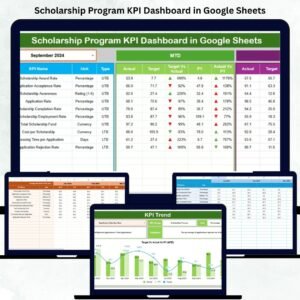
Yes. See the Scholarship Program KPI Dashboard in Google Sheets. A scorecard view is also available as the Scholarship Program KPI Scorecard in Excel.
Related Scholarship Templates
- Scholarship Program KPI Dashboard in Google Sheets: the same dashboard for Google Sheets
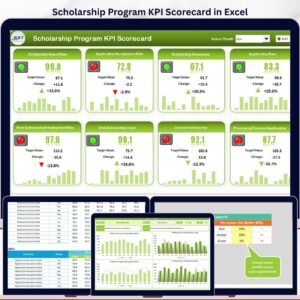
- Scholarship Program KPI Scorecard in Excel: a scorecard view of program metrics
- Scholarship Application Checklist in Excel: a checklist for applicants
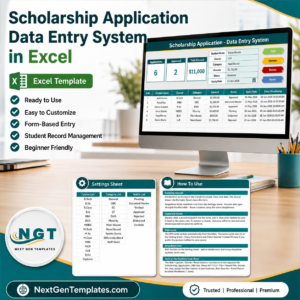
- Scholarship Application Data Entry System in Excel: a place to enter application records
- Scholarship Deadline Calendar in Excel: keeps program deadlines in one view
Browse all Excel education templates and Excel KPI dashboards.






















Reviews
There are no reviews yet.