


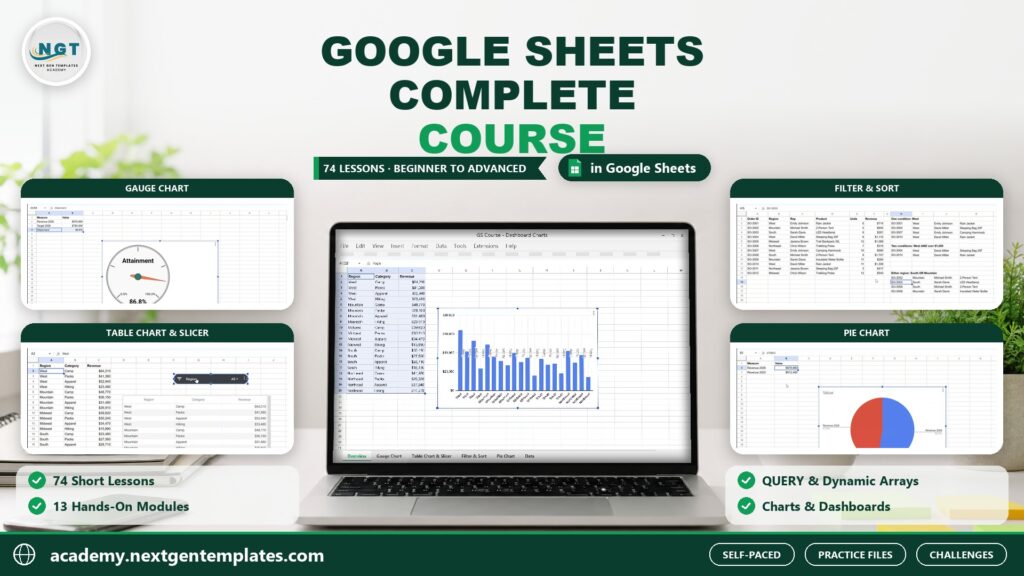
The Student Fee Record Template in Google Sheets is a comprehensive tool designed to help educational institutions, administrators, and teachers manage student fee records efficiently. This Google Sheets template allows you to track student fee payments, monitor progress, and check eligibility for various academic activities or benefits, all in one place.
With automated calculations, real-time updates, and a user-friendly interface, this template ensures you never lose track of student payments or eligibility status. Whether you’re managing fees for a single course or an entire institution, this tool streamlines fee tracking and helps ensure that all students are on track with their financial obligations.

Key Features of the Student Fee Record Template in Google Sheets
📅 Fee Payment Tracking: Easily track fee payments for each student, including due dates, payment status, and outstanding balances.
⚙️ Automated Eligibility Status: Automatically calculate eligibility based on fee payments and track whether students qualify for activities, exams, or other benefits.
📈 Progress Tracking: Monitor students’ progress toward fee completion and visualize payment statuses with color-coded indicators.
💼 Customizable: Modify categories to suit your institution’s specific needs, such as different fee types, payment plans, and payment methods.
📊 Visual Reports: Use charts and graphs to visualize fee collection trends, student payment progress, and overall financial health.
🔄 Real-Time Collaboration: Share the document with other team members to allow real-time updates and data entry.
Why You’ll Love the Student Fee Record with Automated Progress and Eligibility Status in Google Sheets
✅ Streamlined Fee Management: Easily track fee payments, balances, and due dates for every student.
✅ Accurate Eligibility Tracking: Automatically determine student eligibility for activities based on their fee payment progress.
✅ Real-Time Updates: Share and update the tracker in real-time with your team or department, ensuring accurate and up-to-date information.
✅ Time-Saving Automation: The template automatically calculates payments, balances, and eligibility, saving you time and reducing errors.
✅ Customizable for Your Institution: Tailor the template to meet the unique needs of your institution, whether you’re tracking fees for a school, college, or university.
What’s Inside the Student Fee Record with Automated Progress and Eligibility Status in Google Sheets?
📅 Fee Tracker: A section to track each student’s fee payments, due dates, and remaining balances.
⚙️ Automated Eligibility Calculations: Automatically determine if students are eligible for various benefits or activities based on their payment history.
📈 Progress Dashboard: A visual dashboard showing fee payment progress for all students, with automatic updates based on data entered.
💼 Customizable Fields: Modify categories such as fee types, student categories, and payment methods to suit your institution’s structure.
📊 Financial Overview: Use visual reports and charts to analyze payment trends, outstanding balances, and financial health.
How to Use the Student Fee Record with Automated Progress and Eligibility Status in Google Sheets
1️⃣ Download the Template – Get instant access to the pre-configured student fee record template in Google Sheets.
2️⃣ Input Student Details: Add student names, fees, due dates, and payment data into the tracker.
3️⃣ Track Payments: Update the payment status and monitor students’ progress toward fee completion.
4️⃣ Monitor Eligibility: Automatically calculate eligibility based on fee payments and track whether students qualify for various activities.
5️⃣ Share and Collaborate: Share the template with your team to allow real-time updates and ensure accurate tracking.
Who Can Benefit from the Student Fee Record with Automated Progress and Eligibility Status in Google Sheets?
🔹 School Administrators
🔹 College and University Administrators
🔹 Accountants and Financial Officers
🔹 Admission Officers
🔹 Course Coordinators
🔹 Students and Parents (for personal tracking)
Streamline fee management, monitor student progress, and ensure accurate eligibility tracking with the Student Fee Record with Automated Progress and Eligibility Status in Google Sheets. The perfect tool for educational institutions to manage fee payments and student eligibility efficiently.
Click here to read the detailed blog post Student Fee Record Template in Google Sheets
Visit our YouTube channel to learn step-by-step video tutorials
Watch the step-by-step video tutorial: Student Fee Record Template in Google Sheets
Also check our Attendance Template in Google Sheet
Compatibility and Requirements
- Works in Google Sheets with a free Google account and a web browser. Nothing to install.
- Share the sheet with colleagues so several people can enter payments at the same time. Google explains the basics in How to use Google Sheets.
Frequently Asked Questions
What does the Student Fee Record Template track?
Each student’s fee payments, due dates, payment status and outstanding balance, with a progress dashboard and charts for fee collection.
How is the eligibility status worked out?
The template calculates it from each student’s fee payments, so you can see who qualifies for exams, activities or other benefits without checking by hand.
Can I change the fee types and payment methods?
Yes. Fee types, student categories, payment plans and payment methods can be edited to match your school, college or university.
Can more than one staff member use it?
Yes. Share the Google Sheet with your team and everyone works on the same live file.
Related School Fee and Student Templates
- Student Fee Collection System in Excel: the Excel option for fee collection
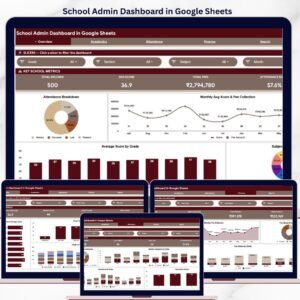
- School Admin Dashboard in Google Sheets: a wider view of school administration
- Student Assignment Tracker in Google Sheets: track assignments next to fees
- Student Progress Tracker Checklist in Google Sheets: follow academic progress during the term
- Education & School Management Bundle: 8 Excel and Google Sheets templates for schools
Browse all Google Sheets tracker templates or the education templates.





















Reviews
There are no reviews yet.