

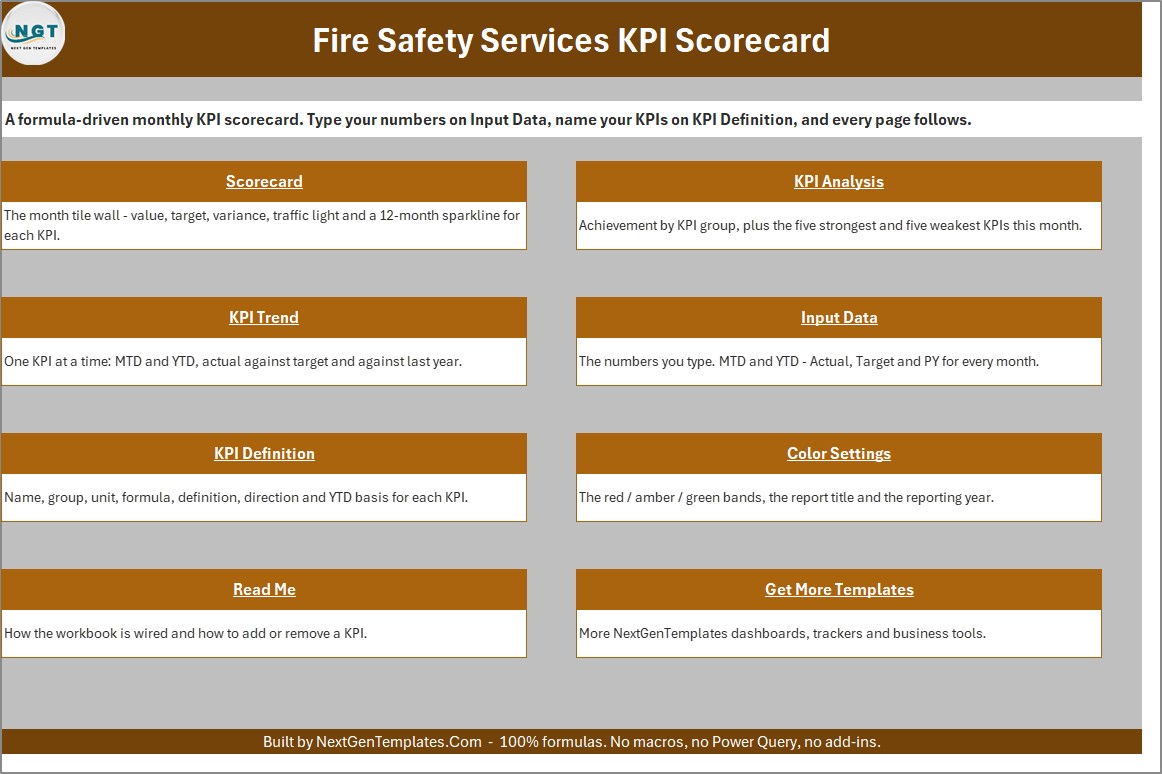


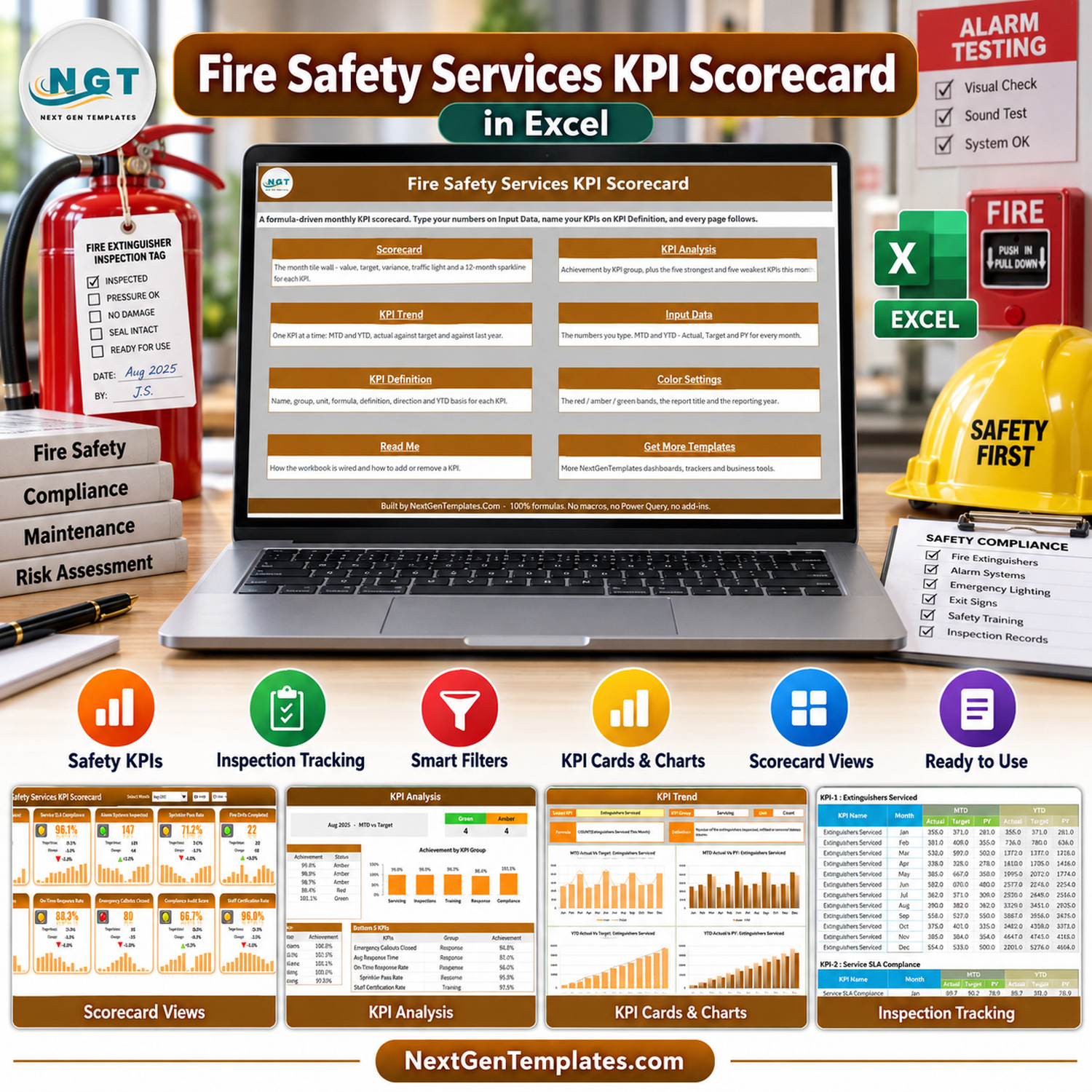
The Fire Safety Services KPI Scorecard in Excel is a formula-driven monthly KPI workbook for fire-protection service managers and operational reporting teams. It turns user-entered figures into a 10-card scorecard, KPI-group analysis, and MTD/YTD trend views.
This fire safety performance tracker uses editable definitions and thresholds. Sample metrics and values are fictional; validate all reporting logic against your own records.
What This Fire Safety Services KPI Scorecard in Excel Includes
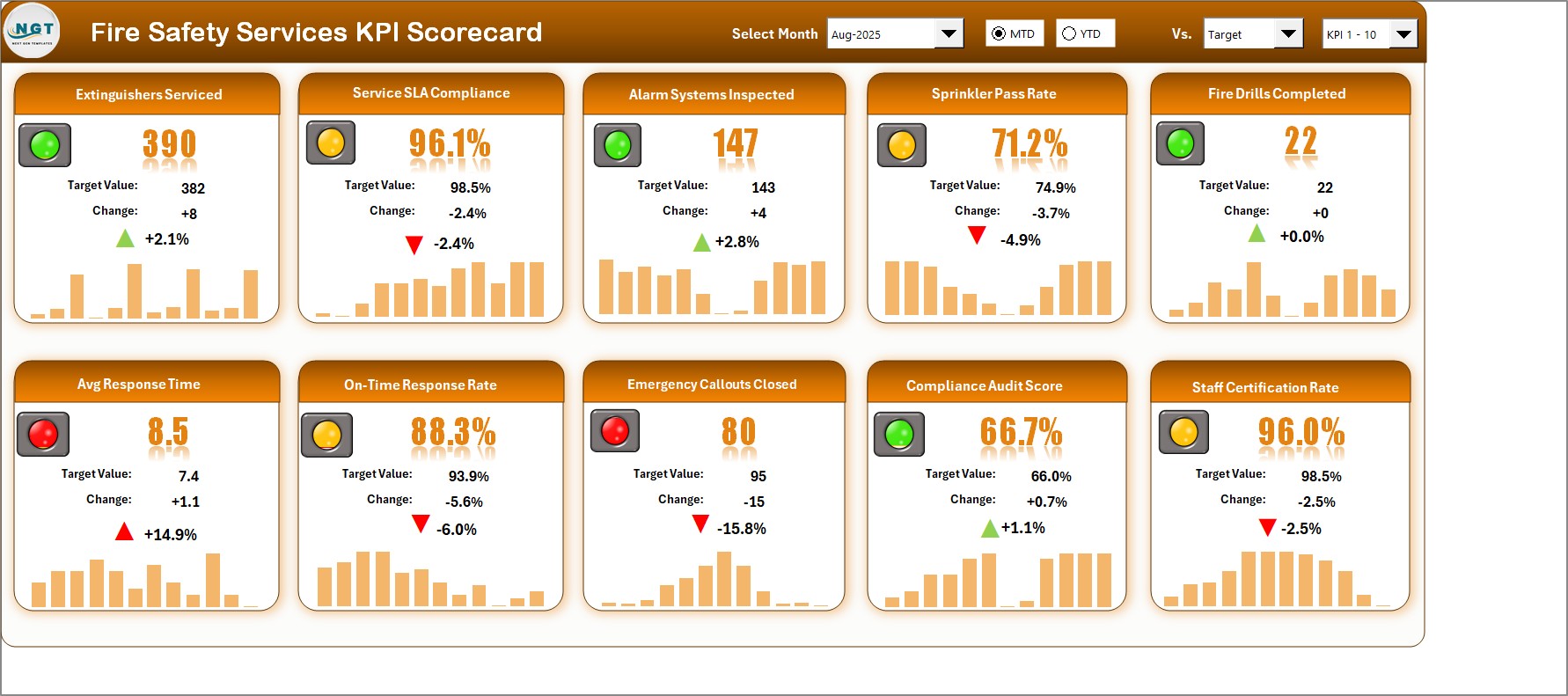
- Monthly scorecard for 10 visible KPIs with actual, target, prior-year, variance, status lights, arrows, and 12-month sparklines.
- MTD and YTD selectors plus Target and Prior Year comparison choices.
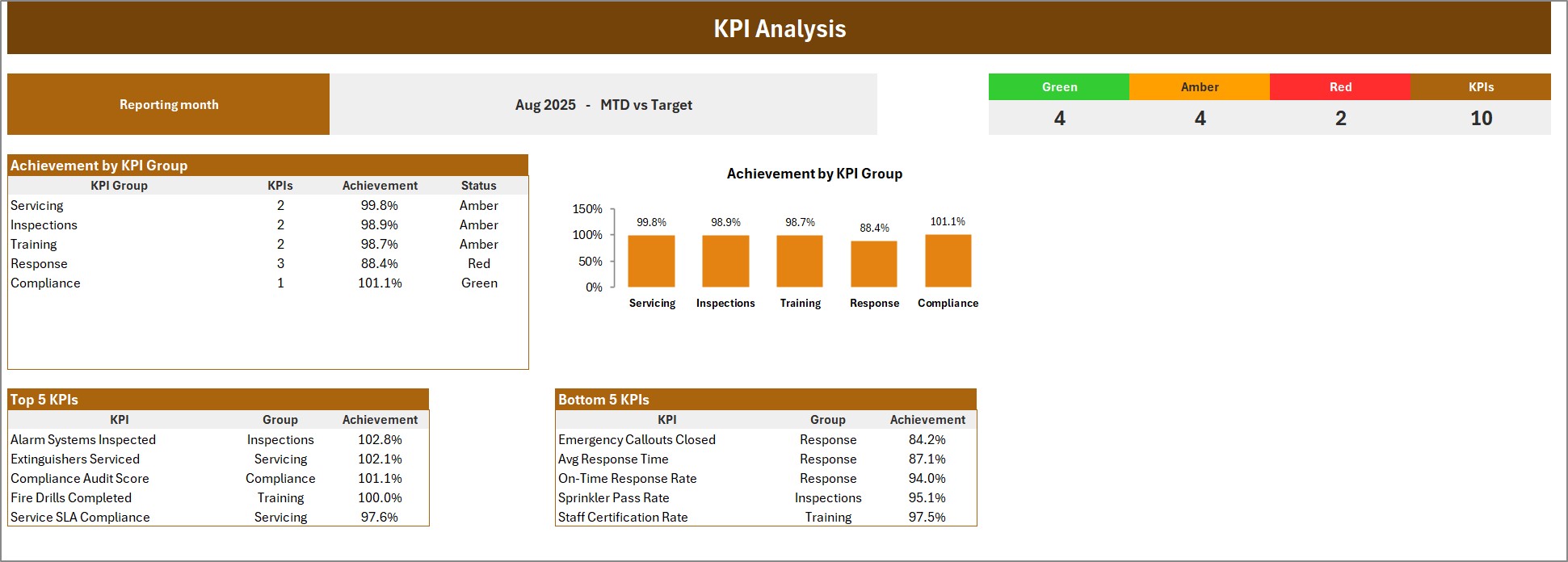
- KPI Analysis by group with achievement chart and top-five and bottom-five tables.
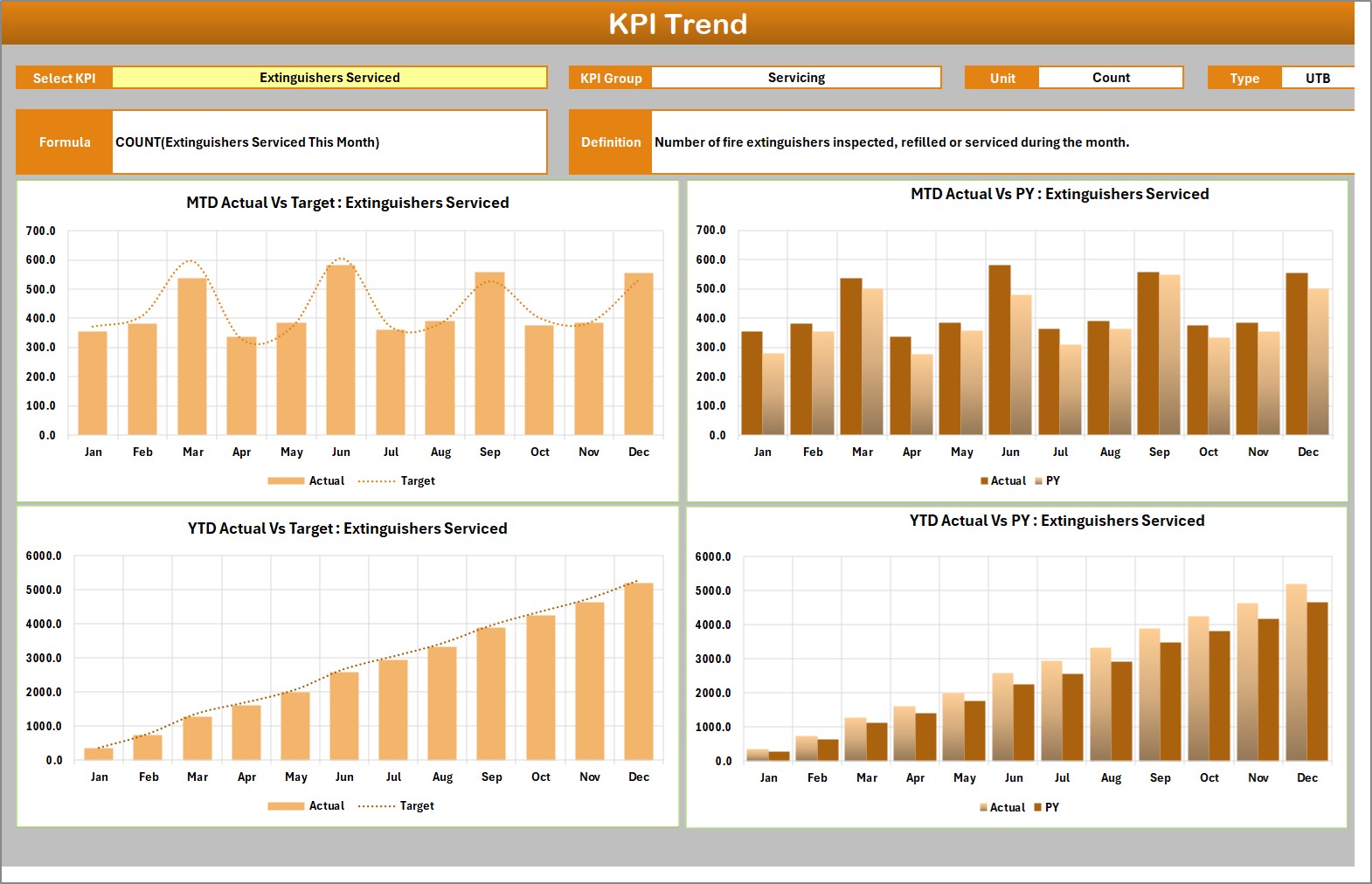
- KPI Trend page with four charts for actual versus target and prior year.
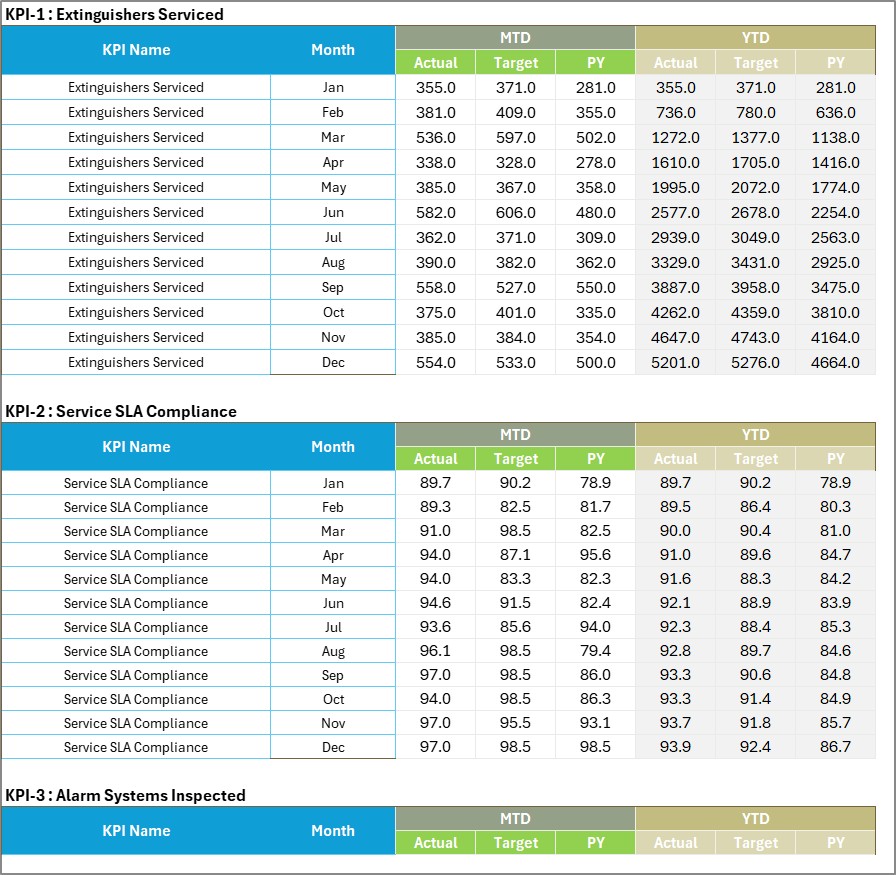
- Input Data table for monthly MTD and YTD actual, target, and prior-year values.
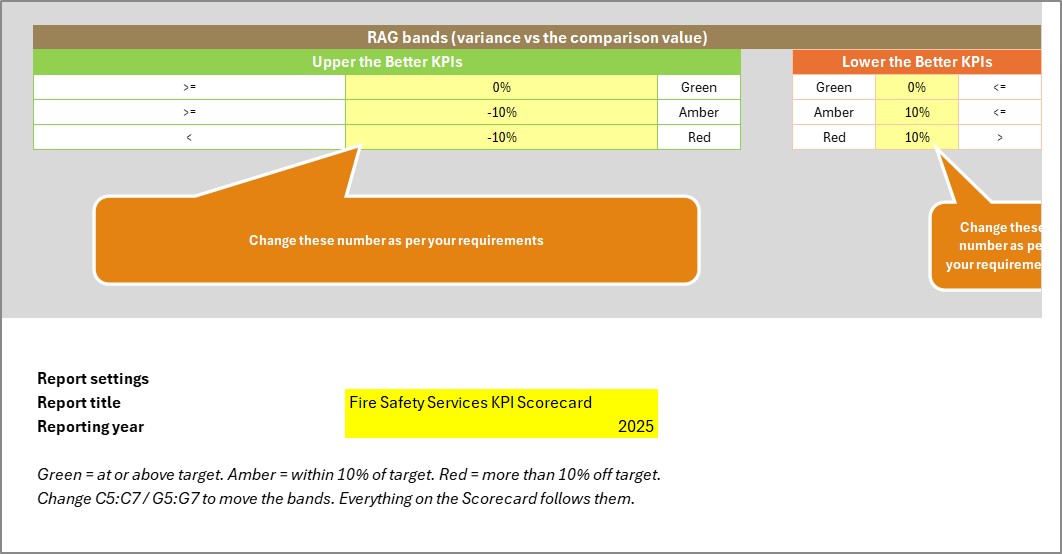
- KPI Definition and Color Settings pages for names, groups, units, direction, YTD basis, thresholds, report title, and year.
How to Use the fire safety KPI Excel template
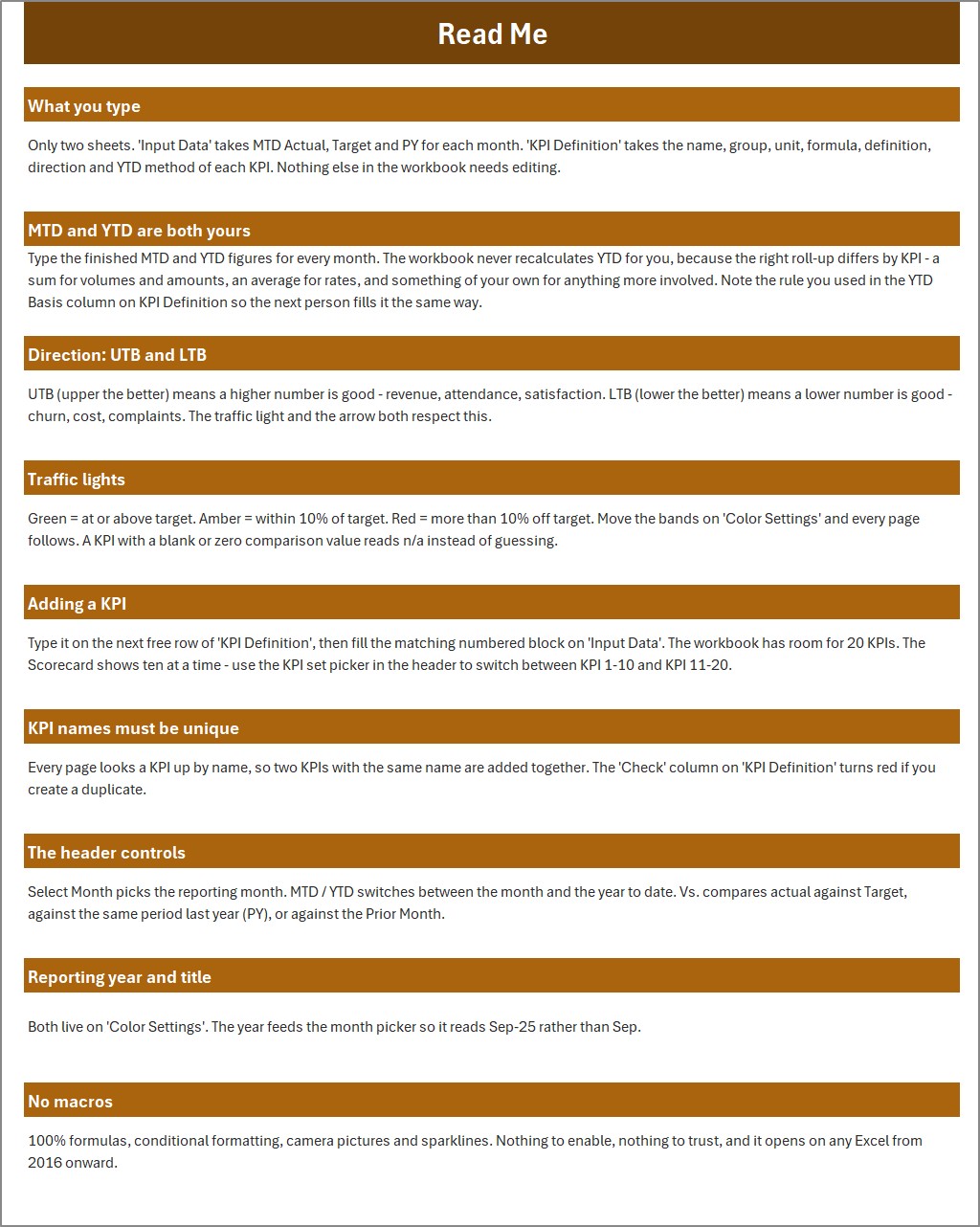
- Open the template and read the included guidance.
- Replace fictional sample values on Input Data.
- Review KPI definitions, units, direction, formulas, and YTD basis.
- Select a reporting month, MTD or YTD, and the comparison basis.
- Review scorecard lights, KPI groups, and trend charts.
- Validate every result against source records before decisions.
Practical KPI Uses
The fire protection service scorecard supports extinguisher servicing, SLA compliance, alarm inspections, sprinkler pass rates, drills, response measures, callout closure, audit scores, and staff certification. The 10 supplied metrics are examples and can be adapted carefully. This is a reporting workbook, not a source inspection, compliance, safety, finance, or project-management system.
The fire inspection KPI dashboard Excel does not collect operational records, certify compliance, perform inspections, predict outcomes, or replace professional judgment. Users supply finished monthly figures and remain responsible for definitions, targets, calculations, and validation.
Why Choose This Scorecard
One structured input area drives the scorecard, analysis, and trend pages. Traffic-light thresholds distinguish upper-the-better and lower-the-better measures. The workbook uses formulas, conditional formatting, camera pictures, and sparklines with no macros, Power Query, or add-ins; the Read Me states compatibility with Excel 2016 onward.
What You Receive
One ZIP containing the editable XLSX workbook and Excel KPI Scorecard user manual.
Important Limitations
Demonstration figures are fictional. Do not treat sample values as benchmarks. The file does not import data automatically, calculate every organization’s correct YTD logic, or guarantee regulatory outcomes. Keep an untouched backup and test changes.
Browse all templates, Excel templates, and NextGenTemplates. See Microsoft Excel support.
Frequently Asked Questions
How many KPIs are displayed?
The supplied scorecard shows 10 KPIs at a time.
Can I edit KPI names?
Yes. Keep names unique and update matching input blocks.
Are macros required?
No. The workbook states that it uses formulas and no macros.
Does it import data?
No. Users enter finished monthly figures.
Can thresholds be changed?
Yes. Review Color Settings and test the results.
Is the sample data authoritative?
No. All sample figures are fictional.
Related Templates
Explore the linked Excel and shop collections for more KPI tools.
Prepared by PK, Founder of NextGenTemplates.
Monthly Review Workflow
Agree on ownership and definitions before entering data. At month end, reconcile actual, target, and prior-year figures with approved sources, then enter finished MTD and YTD values. Review red and amber results with context rather than treating color as a conclusion. Document changes to definitions, targets, and thresholds so later reviewers understand the comparison. Compare group achievement with individual trends, investigate unusual movements, and confirm lower-the-better measures use the correct direction. Save a dated review copy and retain supporting evidence according to organizational policy.
Quality Checks Before Sharing
Confirm the reporting month, MTD or YTD mode, comparison basis, KPI range, year, and title. Spot-check cards against Input Data, verify a trend chart, and ensure every KPI name is unique. Review units, rounding, blank cells, and prior-year comparisons before presenting the monthly result to stakeholders.
Watch the demo video:
Compatibility and Requirements
- Works in Microsoft Excel desktop (Excel 2016 or later, or Microsoft 365).
- The workbook uses formulas, conditional formatting, camera pictures and sparklines. Microsoft explains how colors and icons respond to values in Use conditional formatting to highlight information in Excel.
More Questions About This Template
Does this scorecard collect inspection records?
No. You enter finished monthly figures on the Input Data sheet, and the scorecard, analysis and trend pages read from them.
Which pages does the workbook have?
It has a 10-card scorecard, KPI Analysis by group, a KPI Trend page with four charts, Input Data, KPI Definition and Color Settings.
Can I change the status colors?
Yes. The Color Settings page holds the thresholds, and upper-the-better and lower-the-better measures are treated separately.
Is there a Google Sheets or Power BI version?
Yes. See the Fire Safety Services KPI Scorecard in Google Sheets and the Fire Safety Services KPI Dashboard in Power BI.
Related Fire and Safety Templates
- Fire Safety Services KPI Dashboard in Excel: a dashboard view of the same service area
- Fire Safety Services KPI Scorecard in Google Sheets: the scorecard for Google Sheets
- Fire Safety Equipment Checklist in Excel: a checklist for equipment checks
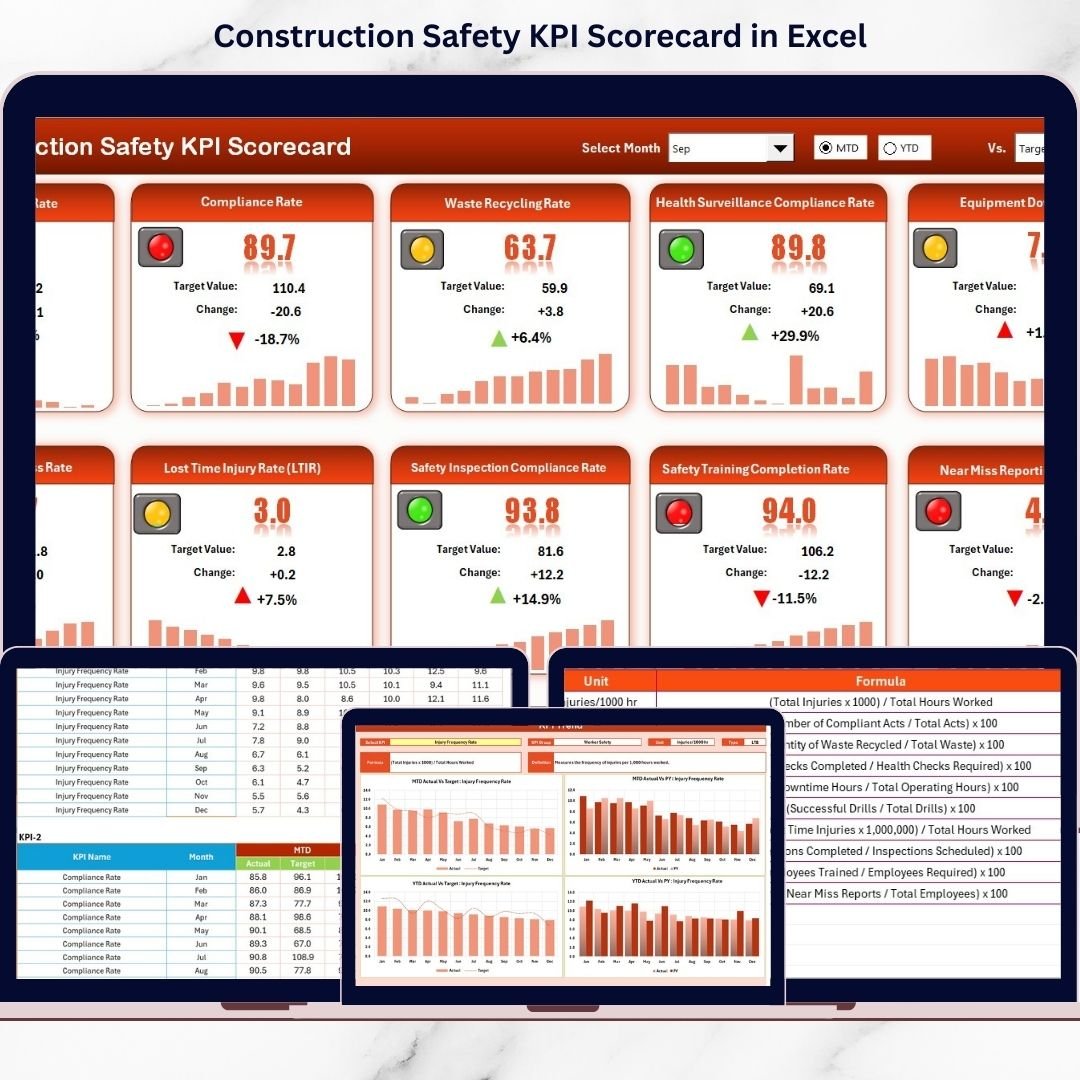
- Construction Safety KPI Scorecard in Excel: a safety scorecard for construction teams
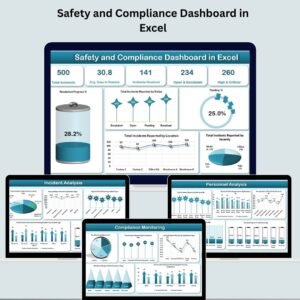
- Safety and Compliance Dashboard in Excel: a wider safety and compliance view
Browse all Health and Safety templates.
























Reviews
There are no reviews yet.